 ProMapRanker
Best Systems to Scale HR for Mid-Sized Companies in 2026

Key takeaways
- Published entry pricing in this group starts at $8 per user per month, while several larger suites are quote only.
- Payroll, benefits and hiring rarely sit in one base plan, so check which modules carry an extra charge.
- Automation around onboarding, time off and approvals saves the most time once headcount passes 100.
- A system that fits at 150 people can feel tight at 500, so ask about permission levels, reporting and multi-location support before signing.
Quick comparison
| Pick | Great for | Pricing starts at | Free tier | |
|---|---|---|---|---|
 Rippling | Unified HR, IT and payroll | $8 per month | Free trial | Visit |
 BambooHR | Simple core HR records | $10 per month | Free trial | Visit |
 Gusto | US payroll first | $49 per month | Free trial | Visit |
 ADP Workforce Now | Larger mid-market payroll and HR | See website | No | Visit |
 Paychex Flex | Payroll plus HR services | See website | No | Visit |
 HiBob | People planning and culture | See website | No | Visit |
 Paylocity | All-in-one workforce suite | See website | No | Visit |
 Workday HCM | Enterprise-grade HR planning | See website | No | Visit |
 UKG Pro | Workforce management at scale | See website | No | Visit |
The best systems to scale HR for mid-sized companies
We compared official feature pages, pricing pages, app store listings, privacy policies and public reviews for systems that serve companies moving past small-team tools. The list below covers payroll depth, hiring, benefits and reporting, and notes where pricing is public and where it is quote only.
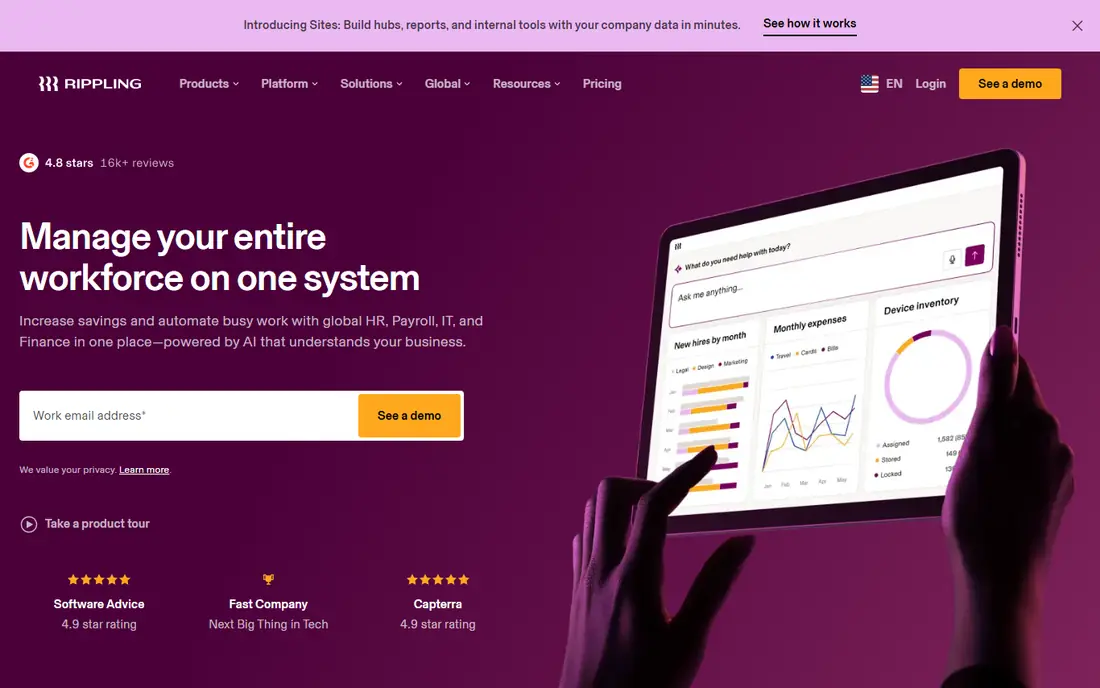
Rippling starts from a single employee record, so a hire, a role change or a departure can update payroll, benefits, device access and app permissions without retyping the same facts in four places. That design matters most for mid-sized firms where HR, IT and finance all touch the same change and errors tend to surface at payday. Its published starting point is $8 per user per month, with modules priced on top, so buyers should price the full bundle they will actually use. The trade-off is cost control. Teams that add time tracking, benefits, performance and IT management one module at a time can see the monthly total climb well past the headline rate. Implementation is usually measured in weeks rather than months, but a lean HR team should still assign one owner for permissions, workflows and reporting, or the automation can grow messy as headcount grows.
- One employee record drives HR, payroll and IT tasks
- Strong automation for onboarding and offboarding
- Scales from small teams to thousands of staff
- Module pricing can add up quickly
- Some newer modules feel less mature than core HR
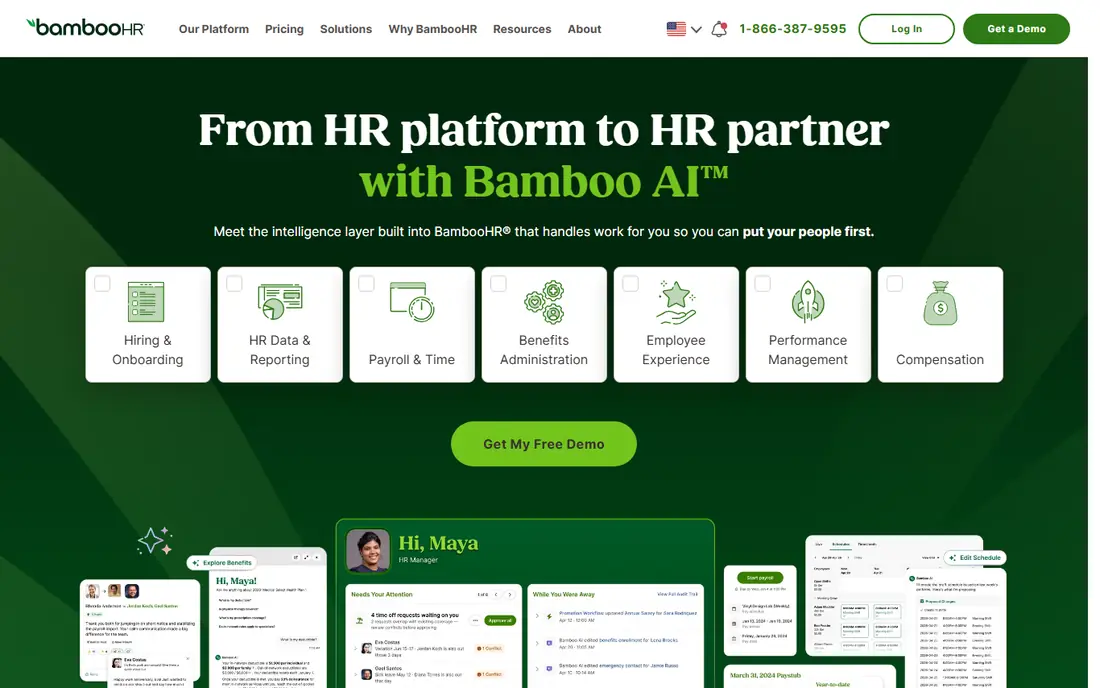
BambooHR suits mid-sized companies that want clean employee records, time off tracking, onboarding and basic performance tools without a long setup project. Managers can approve time off, view org charts and pull headcount reports without asking HR for a spreadsheet each time. Its Core plan starts at $10 per employee per month, which makes budgeting more direct than quote-only rivals. Payroll and benefits are not always included in that base price, so US firms should confirm whether payroll is bundled or added separately for their states. Companies hiring heavily outside the US will also need a separate global payroll route. For a domestic team that values clarity over breadth, that narrower scope is a fair trade.
- Clear interface that new HR staff learn fast
- Solid time off, onboarding and reporting
- Published per-employee starting price
- Payroll is a separate add-on in many cases
- Global payroll coverage is limited
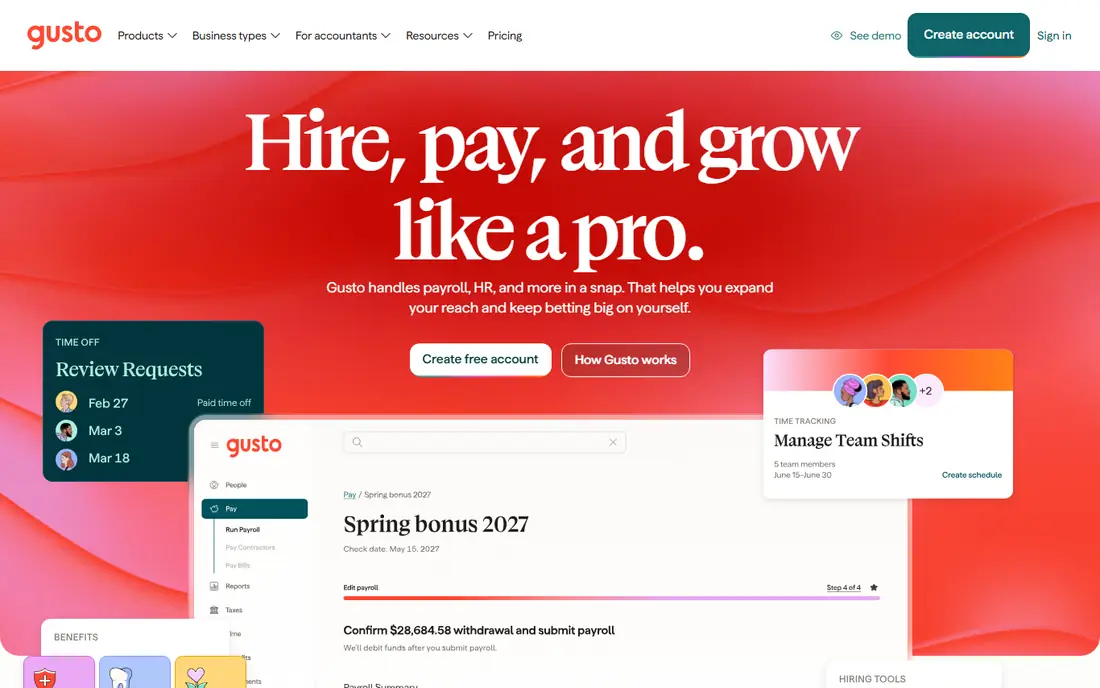
Gusto began as a payroll-first product, and that focus still shows in how fast a small or mid-sized US team can run its first pay cycle. Tax filings, direct deposit, benefits enrolment and contractor payments sit in the same account, which reduces the number of vendors a finance lead must chase. Published pricing starts at $49 per month plus $6 per person on its entry plan, with higher tiers adding multi-state payroll and deeper HR support. The limit is scale and geography. Firms with complex multi-entity structures, heavy international hiring or advanced workforce planning may find the reporting and permissions thinner than enterprise suites. For a US-based company between 50 and 300 people that wants payroll done well first, Gusto is a practical shortlist entry.
- Simple payroll setup for US teams
- Published pricing from $49 per month plus $6 per person
- Benefits and hiring tools in one account
- Best suited to US payroll
- Larger mid-market reporting needs may outgrow it
ADP Workforce Now is built for companies in the 50 to 1,000-plus range that need payroll, time, benefits and talent tools under one vendor. Its strength is depth rather than novelty: state tax handling, garnishments, benefits administration and compliance workflows have been refined over many years of serving large employers. Managers get dashboards for headcount, turnover and labour cost that suit a finance review. That depth comes with a heavier setup and a quote-only price, so buyers should ask for the full per-employee cost, implementation fees and contract length up front. Smaller HR teams may need more training time than with a simpler tool. For a growing firm that already feels payroll risk and compliance pressure, that trade is often worth it.
- Deep payroll and tax experience across US states
- Broad benefits and compliance support
- Strong reporting for larger teams
- Pricing is quote only
- The suite can feel complex for smaller HR teams
Paychex Flex pairs payroll software with optional HR services, so a company can buy software alone or add hands-on help as it grows. That flexibility helps mid-sized firms that are not ready for a full outsourced HR service but want an expert to call on for benefits, compliance or hiring questions. Retirement plan administration is also available in the same relationship, which simplifies vendor management. Because pricing is quote based, two similar companies can receive different proposals depending on modules and service level, so a written quote with every module listed is essential. The platform itself is broad rather than flashy, and teams that want a modern, consumer-style interface may prefer a newer rival. For payroll reliability with a service safety net, Paychex Flex remains a solid pick.
- Payroll, HR and retirement services from one provider
- Flexible service levels
- US and some international coverage
- Pricing is quote only
- The range of options can make comparisons slow
HiBob, often called Bob, focuses on the people side of scaling: headcount planning, org design, performance cycles, engagement surveys and compensation reviews. HR teams can model a future org, track attrition risk by team and run reviews without stitching reports together from several tools. Managers tend to adopt it quickly because the interface reads more like a modern workplace app than a back-office system. US payroll is not its core strength, so American firms usually pair HiBob with a payroll provider or use an integration. That adds a vendor to manage, but it also lets a company pick best-in-class payroll separately. Mid-sized firms that already have payroll settled and want better planning and culture tools will get more from HiBob than firms looking for one payroll-led suite.
- Clear people analytics and org planning
- Strong onboarding and performance workflows
- Modern interface for managers
- Pricing is quote only
- US payroll requires a partner or separate tool
Paylocity covers the full mid-market checklist in one platform: payroll, time and labour, benefits, recruiting, onboarding, learning and performance. Staff can check pay, request time off and complete tasks from a mobile app, which helps firms with shift workers, retail staff or distributed teams. HR leaders get reporting on turnover, overtime and pay equity inputs without exporting data to another tool. Quote-only pricing means buyers should compare total cost across payroll, time and talent modules rather than a single headline figure. Implementation also rewards a clear scope, since turning on every module at once can overwhelm a small HR team. Rolled out in phases, Paylocity gives a growing company one system to carry it from 100 toward 1,000 staff.
- Payroll, time, benefits and talent in one suite
- Strong mobile app for staff
- Good reporting for mid-market teams
- Pricing is quote only
- Implementation scope needs careful scoping
Workday HCM is the choice for mid-sized companies that already operate like a larger enterprise, with multiple entities, complex approval chains and detailed workforce planning needs. Its planning tools let finance and HR model headcount cost, skills gaps and hiring scenarios in the same system that holds employee records. Security and permission controls are also built for large, regulated organisations. The cost and timeline reflect that scope. Pricing is quote only and implementation is a project, not a quick signup, so firms below about 500 staff should weigh whether they need that depth now or can grow into it later. For a company planning acquisitions, international expansion or detailed skills planning, Workday HCM gives headroom that simpler tools cannot match.
- Strong workforce planning and analytics
- Handles complex org structures
- Regular cloud updates
- Pricing and implementation cost suit larger budgets
- Setup takes longer than simpler tools
UKG Pro combines HR, payroll and workforce management, with particular strength in time tracking, scheduling and labour forecasting. That matters for mid-sized firms with hourly staff, multiple sites or variable shifts, where a scheduling error quickly becomes an overtime cost. Managers can build schedules, approve time and review labour cost in one place, while HR keeps core records and benefits alongside. Office-only teams may find parts of the suite more than they need, and pricing is quote only, so a clear module list matters. For healthcare, retail, manufacturing or hospitality firms scaling past 200 staff, UKG Pro offers workforce controls that a pure HR record system does not. It is a practical pick when time and scheduling drive as much cost as hiring itself.
- Strong time, scheduling and workforce management
- Good for shift-based teams
- Solid analytics
- Pricing is quote only
- The suite can feel broad for office-only teams
How we picked these
We started from vendor feature and pricing pages, then checked app store listings, privacy policies and public reviews for signs of real mid-market use. A system made this list only if it is sold today, serves companies in the roughly 100 to 1,000 employee range, and covers core HR records plus at least two of payroll, benefits, hiring or workforce planning. Where a vendor does not publish a price, we wrote See website rather than repeating an estimate from a third party. We did not test these systems hands-on as an employer, and we did not rank them on review scores alone, since scores vary by company size and module mix. Instead we weighed published pricing transparency, payroll depth, reporting, permission controls and how cleanly a system handles growth in headcount, locations and managers.
What to check before you buy
Mid-sized buyers should start with payroll and compliance, not with the prettiest dashboard. Confirm which states and countries are covered, who files taxes, how corrections are handled, and what happens when an employee moves state or country. A system that handles those cases cleanly will save more time than a slick onboarding flow.
Map your modules and total cost
List every module you need in year one and year three, then ask for a written quote for that exact bundle. Include implementation, training, integrations and renewal terms, since module-by-module pricing can rise faster than headcount.
Test manager workflows
Ask managers to approve time off, complete a review and change a direct report during a trial or demo. If those tasks need HR help every time, the system will not scale, no matter how strong the admin view looks.
Plan data migration early
Clean job titles, locations, pay bands and manager hierarchies before migration. A messy import will haunt reporting for years, while a clean import makes every later report more trusted.
Frequently asked questions
How many employees make a company mid-sized for HR software?
Most vendors treat roughly 100 to 1,000 employees as mid-market, though some start at 50. The useful test is complexity, not headcount alone: multiple locations, managers, pay bands and compliance duties point to a mid-market system even at a lower headcount.
Should payroll and HR live in one system?
One system reduces duplicate entry and payday errors, and it is the simpler choice for most mid-sized firms. A separate payroll tool can still work if the integration is reliable and one team owns the data flow, but it adds a vendor and a failure point to manage.
Is quote-only pricing a warning sign?
Not by itself. Larger suites price by headcount, modules and service level, so a quote is normal. It becomes a problem only when a vendor will not put modules, fees and renewal terms in writing, so always ask for that breakdown before signing.
How long does implementation take?
Simpler tools can go live in one to four weeks, while larger suites often take two to six months depending on payroll complexity and data cleanup. Budget time for testing a full pay cycle, not just for importing employee names.
Can we switch later if we outgrow a system?
Yes, but switching payroll mid-year is harder than switching a record system, so plan the timing around tax year boundaries where possible. Keep an export of core records, pay history and time data in a format you control.
Do these systems handle remote and international staff?
Many handle remote US staff well, while international payroll often needs a separate employer-of-record service or a global payroll module. Confirm country coverage, local compliance support and currency handling for each location you plan to hire in.
Sources
See where you really rank - block by block
ProMapRanker scans Google Maps across a grid of your service area. Simple monthly plans from $19, white-label on every plan.
Start freeKeep reading
 worlds best local seo company
8 Worlds Best Local SEO Companies for Map Pack Growth in 2026
Compare the worlds best local seo company options for Google Business Profile work, citations, reviews, and multi-location rankings and reporting in 2026.
Read → world's best web hosting company
World's Best Web Hosting Company in 2026
Searching for the world's best web hosting company? We compared 10 hosts on price, renewal rates, speed, and support to help you choose well today in 2026.
Read → who's got the best nanny tax services
Who's Got the Best Nanny Tax Services in 2026
We answer who's got the best nanny tax services, comparing full filing, back taxes, software, and pricing so families can handle nanny taxes correctly.
Read →