 ProMapRanker
Best Survey Tools for Business in 2026

Key takeaways
- SurveyMonkey and Qualtrics suit formal research and enterprise feedback, while Typeform suits customer facing surveys that need high completion.
- Google Forms and Microsoft Forms cover simple internal surveys for free, with no need for a paid plan in many cases.
- The best free online survey tools are strong for small volumes, but response limits and branding rules matter at scale.
- Check response limits, logic, reporting, and data export before choosing, because those limits decide the real cost.
- For business use, pick a tool your respondents will finish, not just a tool with the longest question list.
Quick comparison
| Pick | Great for | Pricing starts at | Free tier | |
|---|---|---|---|---|
 SurveyMonkey | General business surveys | See website | Yes | Visit |
 Qualtrics | Enterprise research | See website | Free trial | Visit |
 Typeform | Conversational surveys | $25 per month | Yes | Visit |
 Google Forms | Free internal surveys | Free | Yes | Visit |
 Microsoft Forms | Microsoft 365 teams | Free | Yes | Visit |
 SurveySparrow | Conversational business feedback | $19 per month | Yes | Visit |
 Jotform | Forms plus surveys | Free | Yes | Visit |
 Zoho Survey | Budget business surveys | See website | Yes | Visit |
 QuestionPro | Research and CX surveys | Free | Yes | Visit |
The best survey tools for business
Business surveys fail for simple reasons: too many questions, a confusing layout, or a tool that caps responses just when a campaign takes off. The tools below handle customer feedback, employee feedback, market research, and simple internal polls in different ways. We compared official pricing and feature pages, and we focused on response limits, logic, reporting, and ease of use for respondents as well as survey creators.
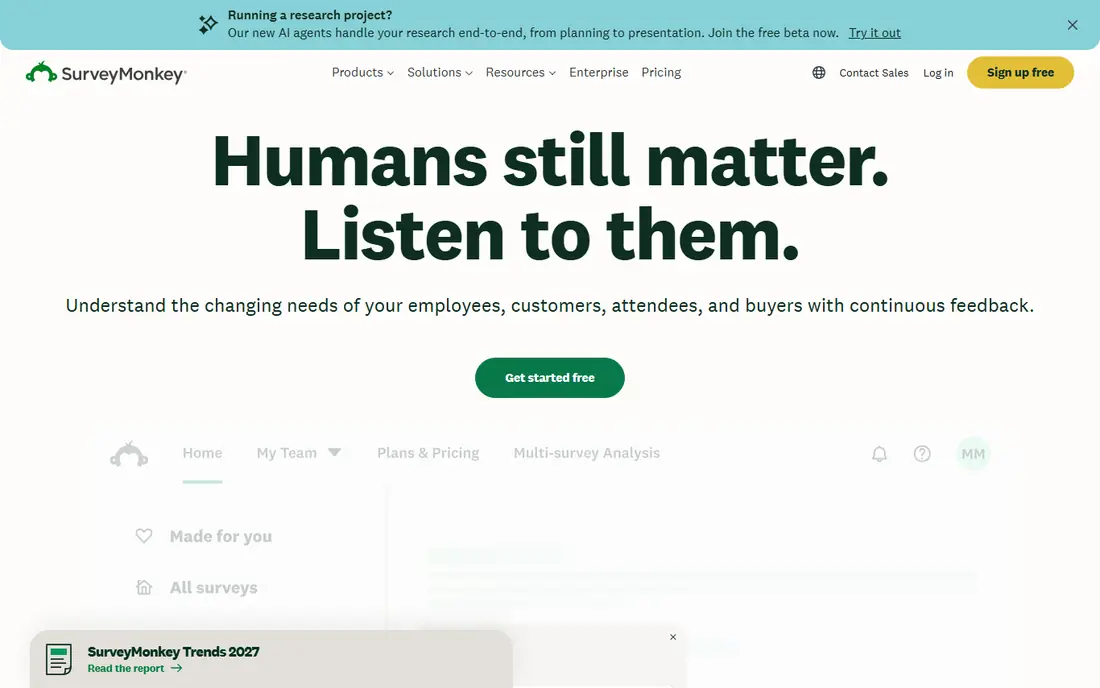
SurveyMonkey remains a safe default for business surveys because most respondents already know how it looks. Templates cover customer satisfaction, employee engagement, market research, and event feedback, and question types include rating scales, ranking, matrix, and open text. Paid plans add logic, branding control, and deeper analysis.
The free plan is limited, with caps on questions and responses per survey, so it suits a quick test rather than a full campaign. Paid pricing also varies by individual or team plan, so a team should compare total cost for all seats, not just the headline plan. For a business that runs surveys often and needs reliable reporting, SurveyMonkey is a solid, familiar choice.
- Large template library
- Many question types and logic options
- Strong reporting and cross tabulation on paid plans
- Free plan limits questions and responses
- Paid plans can be costly for small teams
- Overage charges can apply on some plans
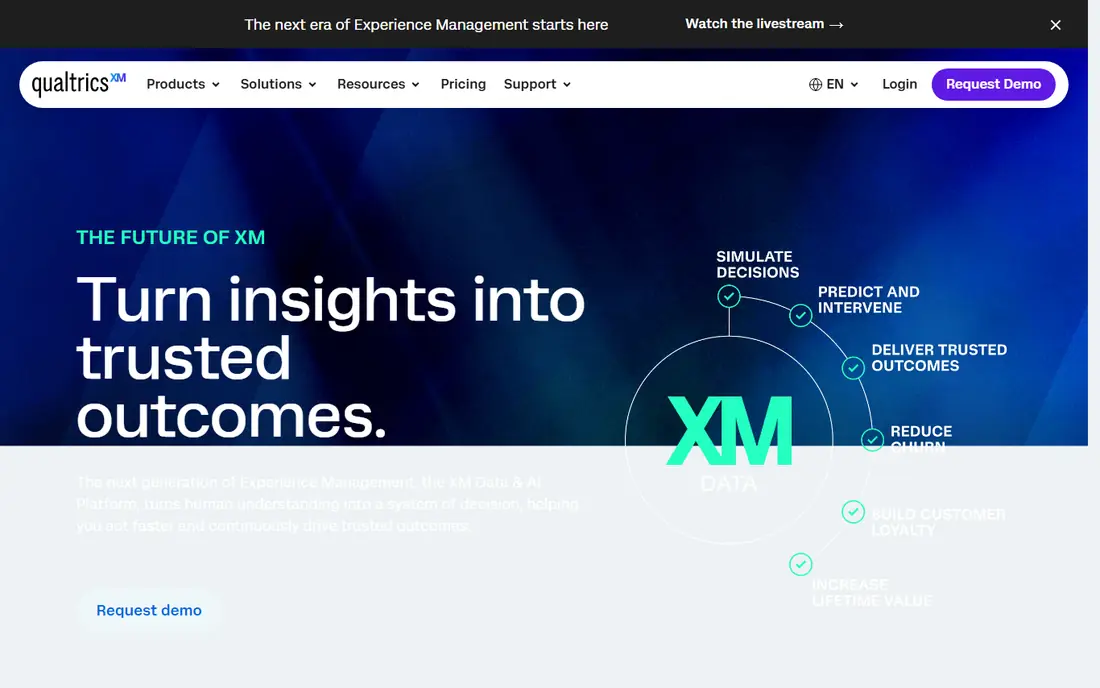
Qualtrics suits organizations that run serious research programs, not just occasional polls. It handles complex logic, randomization, conjoint style research, and large customer and employee experience programs. Reporting and dashboard tools help large teams track trends over time and across segments.
Small businesses should think twice. Pricing is quoted rather than listed for most business use, and the platform takes longer to learn than simpler tools. If you need one simple feedback form, Google Forms or SurveyMonkey will be faster and cheaper. If you need research grade surveys across a large organization, Qualtrics is one of the strongest platforms available.
- Advanced research, logic, and analytics
- Strong enterprise controls and integrations
- Suitable for large CX and EX programs
- Quote based pricing for most business plans
- Learning curve for new users
- Overkill for simple surveys
Typeform is built around a simple idea: show one question at a time, make it look good, and more people will finish. That approach works well for customer feedback, lead capture, and brand surveys where completion matters more than complex research design. Logic can route respondents based on earlier answers, and integrations connect results to common business tools.
The limit is volume. Free and entry plans cap monthly responses, so a popular survey can hit the limit quickly. Typeform is also less suited to long matrix surveys or dense research questionnaires. For customer facing surveys where experience drives response rates, Typeform is often worth the price.
- One question at a time layout that improves completion
- Attractive design for customer facing surveys
- Logic and integrations
- Free plan limits monthly responses
- Paid plans charge by responses and seats
- Traditional matrix surveys are less natural
Google Forms is the best free online survey tool for simple internal use. It is free, easy to share, and results flow into Google Sheets for basic analysis. For team polls, training feedback, event signups, and quick internal checks, it covers the job without a subscription or a learning curve.
Business users who need branded surveys, advanced logic, or customer experience workflows will outgrow it. Design options are limited, and reporting lacks the cross tabulation and trend tools of SurveyMonkey or Qualtrics. For a small business that needs a fast, free survey today, Google Forms is the obvious starting point.
- Free with a Google account
- Unlimited responses on the free tier in practice
- Simple logic and Sheets integration
- Limited design and branding control
- Reporting is basic compared with paid tools
- No advanced CX workflows
Microsoft Forms suits teams already using Microsoft 365, because it fits naturally with Outlook, Teams, and Excel. Staff can create a survey, share it in Teams, and review results in Excel without learning a new platform. It also handles quizzes and quick polls for training and internal feedback.
It is not a research platform. Logic, branching, and reporting are simpler than in SurveyMonkey, Typeform, or Qualtrics, and branding options are limited. For internal surveys inside a Microsoft workplace, that simplicity is a benefit. For customer research or large CX programs, a dedicated survey tool will be a better fit.
- Included for many Microsoft 365 users
- Simple surveys, quizzes, and polls
- Results in Excel and Teams integration
- Question types and logic are basic
- Design control is limited
- Best value only inside Microsoft 365
SurveySparrow combines conversational surveys with business feedback features such as NPS tracking, ticket creation for detractors, and offline collection. That mix suits customer experience teams that want to collect feedback and act on it, not just read a report. Distribution across email, web, SMS, and QR codes helps reach customers who do not live in email.
The free plan is limited, and the platform offers many features that simple users may never need. Teams should test the conversational format with real customers, because it works best for short feedback surveys rather than long research questionnaires. For CX teams that value completion and follow up, SurveySparrow is a strong mid priced option.
- Conversational and chat style surveys
- NPS, CSAT, and offline survey options
- Multi channel distribution
- Free plan is limited
- Pricing varies by plan and responses
- Interface can feel busy for simple surveys
Jotform suits businesses that need surveys plus other forms, such as registrations, orders, and applications. One builder can handle a customer survey, a booking form, and a payment form, which reduces the number of tools a small business must learn. Templates cover many common business uses, and integrations connect to spreadsheets, email, and CRM tools.
Survey reporting is not as deep as in SurveyMonkey or Qualtrics, and free submissions are capped monthly. Businesses that run large research programs should choose a dedicated survey platform. Businesses that need flexible forms with survey features included will find Jotform efficient and affordable.
- Large form and survey template library
- Drag and drop builder
- Payments, approvals, and integrations available
- Free plan limits monthly submissions
- Survey reporting is lighter than dedicated research tools
- Some features need higher tiers
Zoho Survey suits small businesses that already use Zoho for CRM, email, or finance and want a low cost survey tool in the same family. It covers standard question types, logic, branching, and reporting, and it handles customer and employee feedback well. Pricing is generally lower than enterprise survey platforms.
The trade off is polish and scale. Zoho Survey does not match Qualtrics for research depth or Typeform for conversational design. For a small team that runs regular but not complex surveys, that is an acceptable compromise. Check the current plan limits for responses and users before committing to a large campaign.
- Low cost plans for small businesses
- Logic, branching, and reporting
- Integration with other Zoho apps
- Template and design range is smaller than leading rivals
- Advanced analytics need higher tiers
- Smaller community
QuestionPro suits teams that need research features without enterprise pricing. It offers a free plan for basic surveys, plus paid plans for customer experience, employee experience, and market research. Question types, logic, and reporting go beyond simple form tools, which helps teams that run recurring feedback programs.
New users may find the interface busier than Google Forms or Typeform, and some advanced tools sit on higher tiers. Teams should start with a real survey in the free plan to test whether the workflow fits. For research minded small and mid size businesses, QuestionPro offers strong value.
- Free plan for basic surveys
- Research focused question types and logic
- CX and employee experience features on paid plans
- Interface can feel dense for new users
- Advanced features need paid tiers
- Pricing varies by plan
How we picked these
We compared official pricing and feature pages for tools that businesses use for customer, employee, and market surveys. We looked for response limits, question types, logic, reporting, branding, and data export, plus a current free plan or trial where offered. We favored tools with clear business use cases over generic form builders with no survey reporting. Prices are starting prices checked in October 2026, and where pricing is quoted or varies by plan we wrote See website rather than guessing.
What to check before you buy
A survey tool should help you get honest, complete answers, not just collect data that looks tidy in a dashboard.
Check response limits first
Free plans cap questions, responses, or both. Estimate your expected responses, including repeat campaigns, before choosing. A tool that stops collecting responses mid campaign is worse than a slightly pricier tool with a higher cap.
Keep surveys short and test them on a phone
Most respondents will answer on a phone. Test your survey on a small screen, count the minutes it takes, and cut questions that do not lead to a decision. A ten minute survey with a low completion rate gives worse data than a three minute survey that people finish.
Test logic with real answers
Branching and skip logic can break in ways that are hard to see in a preview. Run test responses for each main path, including edge cases such as a respondent who skips an optional question. Fix logic errors before launch, because you cannot repair missing data after a campaign ends.
Plan what happens after the survey
Decide who owns the results, how detractor feedback will be followed up, and how results will be shared. Tools with ticketing, alerts, and dashboards help here, but only if someone is assigned to act. A survey with no follow up teaches customers that feedback does not matter.
Frequently asked questions
What are the best free online survey tools?
Google Forms and Microsoft Forms are the strongest free options for simple surveys, with no tight response cap for most internal use. SurveyMonkey, Typeform, Jotform, and QuestionPro offer free plans too, but they limit questions, responses, or branding. For a small business survey with limited volume, start free and upgrade only when limits bite.
What is the best survey tool for customer feedback?
Typeform and SurveySparrow suit customer facing feedback because their conversational formats tend to improve completion. SurveyMonkey suits general customer surveys with strong reporting, while Qualtrics suits large customer experience programs. Choose based on survey length, volume, and whether you need follow up workflows.
How much do business survey tools cost?
Free plans cover simple use, while paid entry plans on this list start around $19 to $25 per month for tools that publish prices. Enterprise tools such as Qualtrics use quoted pricing that can be much higher. Always check response limits and per user costs, because those decide the total bill.
Do survey tools support NPS and CSAT?
Yes, most business survey tools on this list support Net Promoter Score and customer satisfaction questions, either as built in question types or templates. SurveySparrow, SurveyMonkey, Qualtrics, and QuestionPro offer dedicated NPS and CSAT reporting. Check whether that reporting sits on your chosen plan.
Can I export survey data?
Yes, most paid survey tools allow export to spreadsheets or CSV, and many connect to analytics and CRM tools. Free plans sometimes limit export or branding removal, so check export options before running a large campaign. Google Forms exports to Sheets by design, which suits simple analysis.
Sources
See where you really rank - block by block
ProMapRanker scans Google Maps across a grid of your service area. Simple monthly plans from $19, white-label on every plan.
Start freeKeep reading
 zoro.to alternatives
Best Zoro.to Alternatives in 2026
We compare the best zoro.to alternatives in 2026, listing only legal licensed anime streaming services, from Crunchyroll to free options for fans today.
Read → zip alternatives
Best Zip Alternatives in 2026
We compare the best zip alternatives for buy now, pay later in 2026, covering pay-in-4 plans, fees, spending limits, and credit reporting options today.
Read → yesware alternatives
Best Yesware Alternatives in 2026
Compare the best yesware alternatives for sales email tracking, templates, and sequences, with current pricing and honest tradeoffs for small sales teams.
Read →