 ProMapRanker
Best Support Ticket Systems for SaaS Companies in 2026


Large teams with many channels · Pricing starts at: $55 per agent per month
Key takeaways
- SaaS support needs plan, billing and product context beside each ticket, not just an inbox.
- Entry prices vary widely, and AI help is often billed separately, so check the full bill before you commit.
- Small teams tend to do well with a simple shared inbox, while larger teams need routing, service levels and reporting.
- A free plan can be a good start, but limits on users, channels and automation often decide the upgrade point.
- Our pick for most growing SaaS teams is Freshdesk for value, with Zendesk as the stronger choice at larger scale.
Quick comparison
| Pick | Great for | Pricing starts at | Free tier | |
|---|---|---|---|---|
| Zendesk | Large teams with many channels | $55 per agent per month | Free trial | Visit |
 Freshdesk | Growing teams that want value | $19 per agent per month | Free trial | Visit |
 Intercom | In-product chat and AI answers | $29 per seat per month | Free trial | Visit |
 Help Scout | Email-first small teams | $25 per user per month | Yes | Visit |
 Zoho Desk | Budget teams in the Zoho suite | $7 per agent per month | Yes | Visit |
 HubSpot Service Hub | Teams already using HubSpot CRM | $20 per seat per month | Yes | Visit |
 Jira Service Management | Teams tied to Jira and engineering | $20 per agent per month | Yes | Visit |
 Salesforce Service Cloud | Enterprises already on Salesforce | See website | Free trial | Visit |
 Front | Shared inboxes across teams | $25 per seat per month | Free trial | Visit |
 LiveAgent | Small teams that want chat and calls | $15 per agent per month | Free trial | Visit |
The best support ticket systems for SaaS companies
A SaaS ticket is rarely just a question. It often involves a plan, a billing event, a bug report or a feature request, and the agent needs that context fast. The systems below handle that work in different ways, from a plain shared inbox to a full omnichannel platform with automation and AI replies.
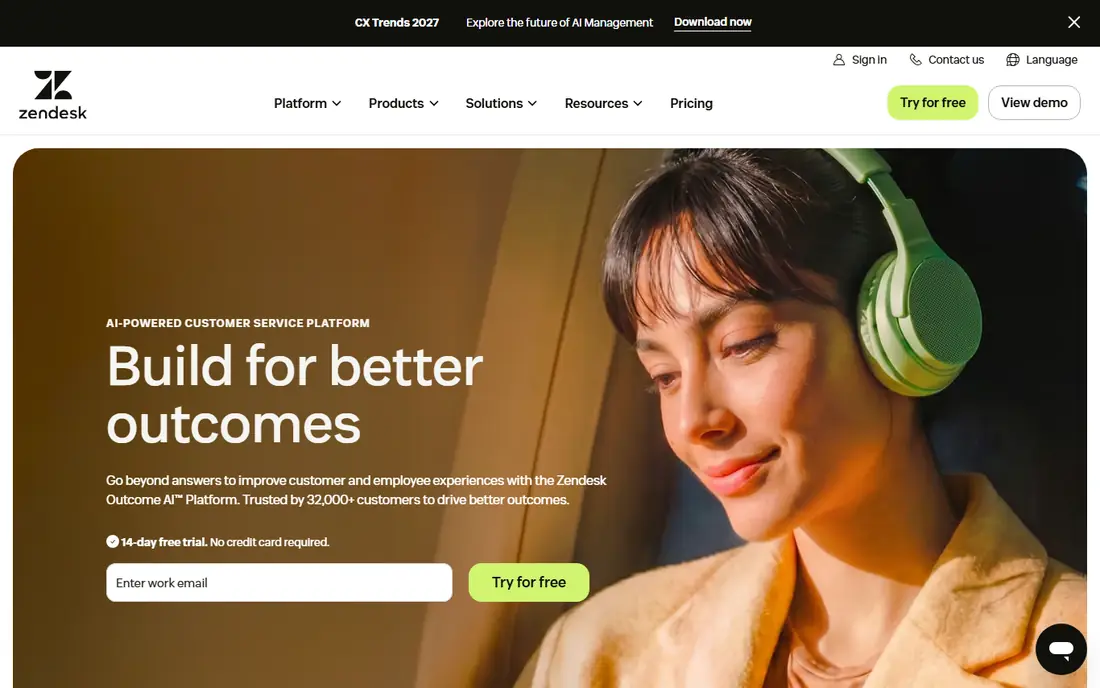
Zendesk suits a SaaS company that has outgrown a basic inbox and now needs clear routing, service level rules and reporting across email, chat, phone and social channels. Tickets can be grouped, prioritised and routed by plan, product area or language, which helps a larger team stay consistent when volume grows. The marketplace also makes it easier to connect billing, product analytics and customer data tools that agents check every day.
The catch is price and complexity. The headline seat price is only part of the bill once AI help, advanced reporting or phone support is added, so finance should model the full stack. Smaller teams may also find the admin settings heavy for what they need. For a company with several support tiers and a need for strict service levels, that depth is the point, and it is why Zendesk remains a common enterprise choice.
- Wide channel coverage
- Deep automation and reporting
- Large app marketplace
- Costs rise fast with add-ons
- Setup can take time for small teams
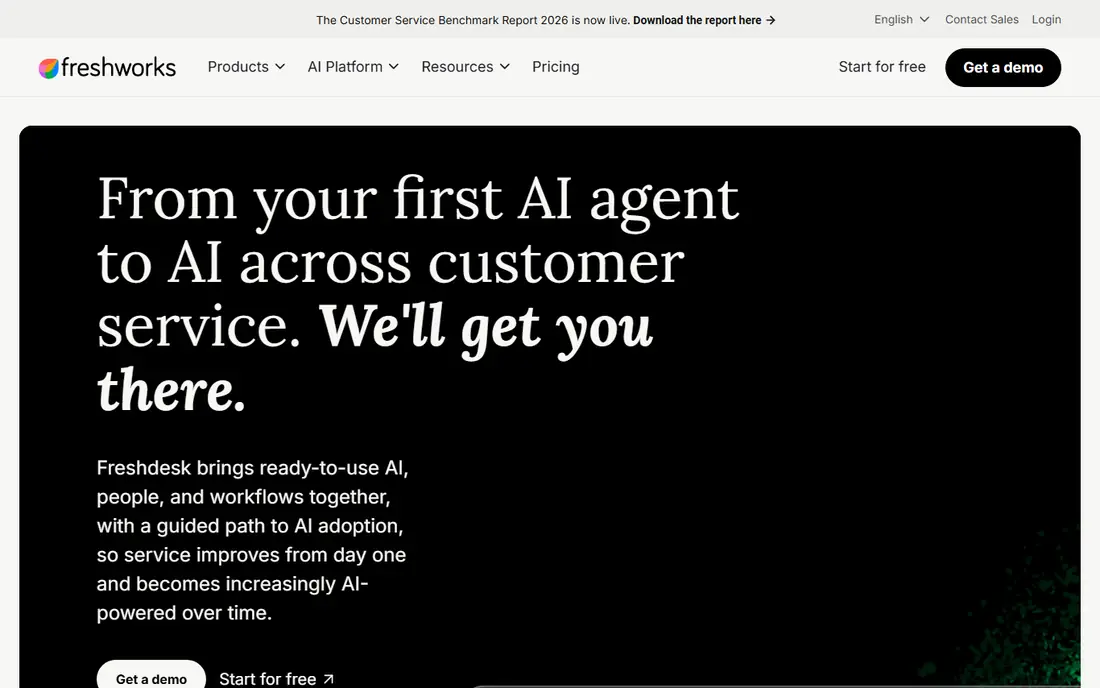
Freshdesk gives a growing SaaS team a familiar help desk without the enterprise price tag. Email, chat, phone and social tickets land in one queue, and agents can use canned replies, ticket templates and basic automation to cut repeat work. For a team moving from a shared mailbox, that structure alone can shorten response times and make handoffs clearer.
Pricing stays the main attraction, but buyers should still read the plan limits. Round robin assignment and multiple service level policies sit on higher tiers, and the AI copilot is a paid add-on. Even with those limits, Freshdesk covers the core job well for many mid-sized SaaS firms, and it is our value pick in this guide.
- Low entry price for a full help desk
- Clear ticketing and automation
- AI sessions included on some plans
- Some automation needs a higher plan
- AI copilot costs extra
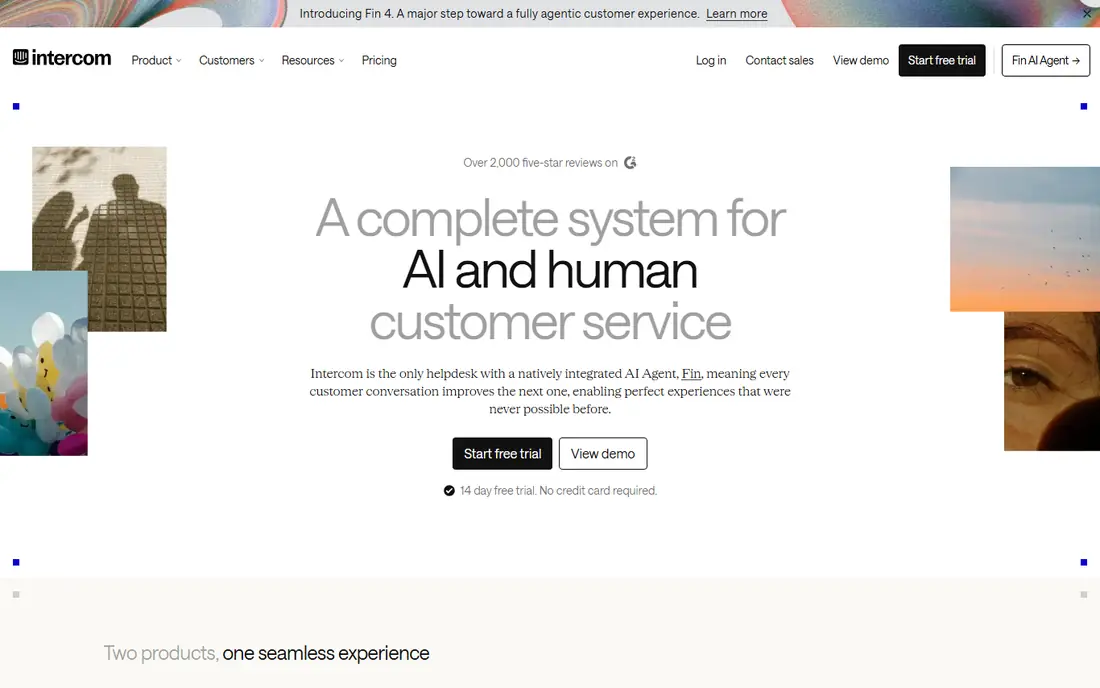
Intercom fits SaaS products where support happens inside the app, not only by email. Customers can start a chat from the product, get an instant AI answer from help docs, and reach a human when the question needs judgment. That flow suits product-led companies with many self-serve users and a smaller support team handling the harder cases.
The billing model needs care. Seats are one cost, and Fin AI resolutions add another, so a team with high chat volume should forecast both. Teams that mainly work by email may also prefer a traditional ticket queue. For chat-first SaaS products, though, Intercom remains one of the most polished options.
- Strong in-product messenger
- Fin AI agent for instant answers
- Good for product-led teams
- AI answers are billed per outcome
- Costs can climb with volume
Help Scout is built for teams that live in email and want that work to feel personal, not ticket-like. Conversations stay threaded, teammates can leave internal notes, and collision detection helps stop two agents replying to the same customer. The docs site and Beacon widget also let customers find answers before they write in, which can trim routine volume.
Larger SaaS teams with strict service levels, many queues or heavy automation may hit limits sooner here. Round robin assignment sits on a higher plan, and AI answers carry a per-resolution charge. For a small team that values clarity over complexity, Help Scout is a calm and capable choice.
- Clean shared inbox
- Simple setup
- Helpful docs and Beacon widget
- Less depth for complex routing
- AI answers billed per resolution
Zoho Desk appeals first on price, and that matters for an early-stage SaaS company watching every seat cost. The free edition covers up to three agents, and paid plans add automation, service levels and AI help at prices below most rivals. If the company already uses Zoho CRM or other Zoho apps, customer records and tickets sit close together.
Outside the Zoho suite, the advantage narrows. The interface packs in many options, and new agents may need time to learn where settings live. Teams that want a single-vendor stack will get the most from it, while others should compare the paid tiers on features, not just the low starting price.
- Very low entry price
- Free plan for up to 3 agents
- Wide Zoho integrations
- Interface can feel busy
- Best value sits inside the Zoho suite
HubSpot Service Hub makes sense when support, sales and marketing already share HubSpot. A ticket opens beside the contact, company, deal and past conversation history, so agents do not need to hunt across tools for context. Free service tools cover basic ticketing for up to two users, which is enough for a very small team to start.
The trade-off appears on higher plans, where onboarding fees can add a large one-time cost. Teams outside HubSpot also gain less, since much of the value comes from that shared CRM record. For a SaaS firm already committed to HubSpot, the fit is hard to beat.
- Tickets tied to CRM records
- Free tools for small teams
- Good reporting on higher plans
- Higher plans add onboarding fees
- Strongest for HubSpot users
Jira Service Management bridges customer requests and engineering work better than most tools here. A bug report can move from a support queue to a development issue without losing context, and service requests can follow approval steps that IT and operations teams expect. That link is valuable for SaaS firms where support and product teams work closely.
For a purely customer-facing team, the same depth can feel heavy. The interface and concepts come from IT service management, so a small support team may prefer a simpler inbox. Atlassian shops, on the other hand, will find the shared workflow a real advantage.
- Close link to engineering work
- Clear request types and approvals
- Free for up to 3 agents
- Can feel heavy for simple customer support
- Setup needs Atlassian knowledge
Salesforce Service Cloud fits an enterprise SaaS company that already runs on Salesforce. Cases, accounts, entitlements and knowledge articles share one platform, and automation can route work by contract, product or customer tier. That single record helps large teams enforce service rules and report on performance across regions.
Buyers should expect a longer setup and edition-based pricing that needs a direct quote for many teams. Smaller firms will likely find a lighter tool faster and cheaper. For a Salesforce-centred organisation, the depth and control justify the effort.
- Deep Salesforce CRM integration
- Strong case automation
- Broad enterprise controls
- Pricing varies by edition
- Implementation can be long
Front suits SaaS teams where support, success and operations share the same inboxes. Messages from email, SMS and social channels sit together, teammates can comment internally, and managers can see who owns each conversation. That shared view helps when a customer question crosses team lines, as many SaaS questions do.
Front is less of a traditional ticket platform than Zendesk or Freshdesk, so teams that need strict service level reporting may need to check plan details closely. AI automation is also billed separately in many cases. For collaboration-first teams, Front keeps work visible and avoids inbox chaos.
- Email, SMS and social in one inbox
- Strong collaboration tools
- Clear assignment
- AI features cost extra
- Less of a classic ticket system
LiveAgent packs a lot into a low-priced plan, which is why small SaaS teams keep choosing it. Tickets, live chat and a built-in call centre come together, so a team does not need three separate tools to cover basic channels. The 30-day trial also gives enough time to test real volume before paying.
The interface is less polished than newer rivals, and reporting depth improves only on higher tiers. Teams that care most about a modern chat experience may prefer Intercom, while teams that want broad channel coverage on a tight budget will find LiveAgent practical and direct.
- Ticketing, live chat and call centre in one tool
- Low entry price
- Long trial
- Interface feels dated in places
- Advanced reporting needs higher plans
How we picked these
We compared official pricing pages, feature pages and app store listings, plus public reviews, for tools that serve SaaS support teams in October 2026. We favoured systems that handle tickets across more than one channel, show customer context beside the ticket, and offer automation or AI help without forcing an enterprise contract. We left out tools built only for internal IT desks, event ticketing or a single social channel, since they do not fit the SaaS support job described here.
What to check before you buy
Start with volume and channels, not features alone. Count tickets per week, note which channels customers actually use, and check how often a ticket needs billing or product data to resolve. A team with 50 tickets a week and mostly email needs a different tool from a team with 5,000 chats a month and a need for instant AI answers.
Next, model the total monthly bill for your team size. Add seats, AI resolutions or sessions, phone minutes and any onboarding fee, then compare that total across two or three finalists. Run a trial with real tickets, not sample data, and test routing, service level alerts and reporting. Ask how data exports work, what happens to tickets if you leave, and how support for the tool itself responds. A short pilot with the agents who will use it daily will reveal more than a sales demo.
Frequently asked questions
Which support ticket system is best for a small SaaS company?
Freshdesk, Help Scout and Zoho Desk are strong starting points, because they cover email and chat at a lower price and set up quickly. Pick Freshdesk for a full help desk feel, Help Scout for email-first work, and Zoho Desk when budget is the main limit. Test each with your real ticket types before you commit.
Do I need AI help in a ticket system?
AI help is useful when many questions repeat, such as password resets, billing questions and setup steps. It can answer instantly from docs and draft replies for agents, but it adds cost per resolution or per seat on several platforms. Start with a strong knowledge base, then add AI where repeat volume is clear.
How much should a SaaS team budget per agent?
Entry prices in this guide run from $7 to $55 per agent or seat per month on annual billing, before AI add-ons and phone costs. A realistic budget should include those extras and any onboarding fee. Always get a quote for your exact team size and channel mix.
Can a ticket system connect to our CRM and billing tools?
Most systems here connect to common CRMs, billing tools and product analytics through native integrations or an app marketplace. Zendesk, Salesforce Service Cloud and HubSpot Service Hub have the deepest CRM links, while Freshdesk and Zoho Desk cover the common tools well. Check the exact integration for your stack during a trial.
Is a shared inbox enough for SaaS support?
A shared inbox works for a very small team with low volume and simple questions. Once tickets need routing, service level tracking, reporting or links to bugs, a ticket system saves time and prevents dropped requests. Move when handoffs start to fail or reporting becomes guesswork.
Sources
- https://www.zendesk.com/pricing
- https://www.freshworks.com/freshdesk/pricing/
- https://www.intercom.com/pricing
- https://www.helpscout.com/pricing/
- https://www.zoho.com/desk/pricing.html
- https://www.hubspot.com/pricing/service
- https://www.atlassian.com/software/jira/service-management/pricing
- https://www.salesforce.com/service/pricing/
- https://www.frontapp.com/pricing
- https://www.liveagent.com/pricing/
See where you really rank - block by block
ProMapRanker scans Google Maps across a grid of your service area. Simple monthly plans from $19, white-label on every plan.
Start freeKeep reading
 zoro.to alternatives
Best Zoro.to Alternatives in 2026
We compare the best zoro.to alternatives in 2026, listing only legal licensed anime streaming services, from Crunchyroll to free options for fans today.
Read → zip alternatives
Best Zip Alternatives in 2026
We compare the best zip alternatives for buy now, pay later in 2026, covering pay-in-4 plans, fees, spending limits, and credit reporting options today.
Read → yesware alternatives
Best Yesware Alternatives in 2026
Compare the best yesware alternatives for sales email tracking, templates, and sequences, with current pricing and honest tradeoffs for small sales teams.
Read →