 ProMapRanker
Best Subscription Tracking App in 2026


Finding and cancelling subscriptions · Pricing starts at: See website
Key takeaways
- Rocket Money is our pick for most people because its free tier finds recurring charges from linked accounts and shows a clear monthly total.
- Manual apps such as Bobby and Subby suit readers who do not want to link a bank account and prefer to enter subscriptions by hand.
- Full finance apps such as Monarch Money and Quicken Simplifi make more sense when subscription tracking is one part of a wider budget.
- Automatic detection still misses some charges, so a monthly check of bank statements remains a useful habit.
- This is not financial advice. Treat any saving or cancellation claim as a starting point, and check the terms before you pay for a premium plan.
Quick comparison
| Pick | Great for | Pricing starts at | Free tier | |
|---|---|---|---|---|
| Rocket Money | Finding and cancelling subscriptions | See website | Yes | Visit |
 Monarch Money | Couples and households tracking together | See website | Free trial | Visit |
 Quicken Simplifi | Subscriptions inside a full budget | See website | Free trial | Visit |
 Bobby | Simple manual tracking on iPhone | Free | Yes | Visit |
 Subby | Simple manual reminders on Android | Free | Yes | Visit |
 TrackMySubs | Small business and team subscriptions | See website | Yes | Visit |
 PocketGuard | Seeing what is left after bills | See website | Yes | Visit |
 Copilot Money | iPhone users who want smart categories | See website | Free trial | Visit |
 OneMain MyMoney | Free tracking after Trim changed hands | Free | Yes | Visit |
The best subscription tracking apps
We compared apps that find recurring charges, remind you before renewals, and help you act on what you find. Some link to bank accounts, and some rely on manual entry. Both approaches can work, and the right choice depends on how much access you are willing to give an app.
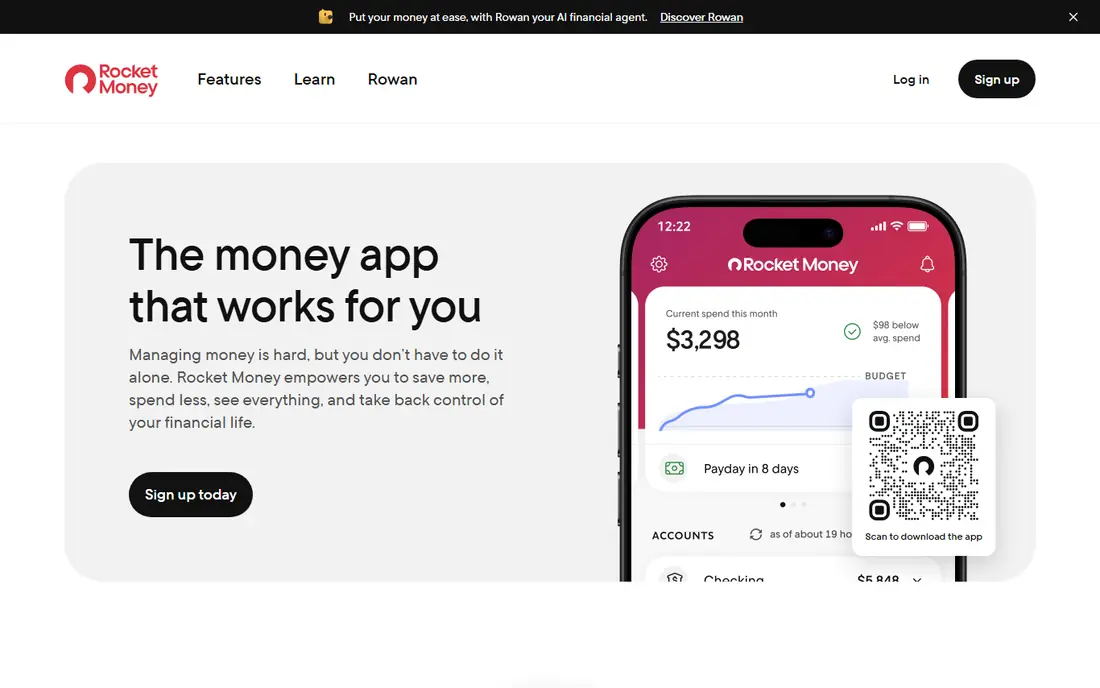
Rocket Money, formerly Truebill, is the best-known subscription tracker in this list, and for most readers it is the simplest place to start. Once you link bank and card accounts, it scans transactions for recurring charges and groups them into one subscription view. That view makes it easy to see the total you pay each month, which is often higher than people expect.
The free tier covers tracking and alerts, which is enough for a first audit. Paid plans add cancellation help and bill negotiation, where the service contacts providers on your behalf for certain bills. The trade-off is access: automatic detection needs a bank connection, and some readers will prefer a manual app instead. If you are comfortable linking accounts, this is our pick for most people.
- Automatic detection from linked accounts
- Clear monthly subscription total
- Cancellation help on paid plans
- Cancellation and bill negotiation sit behind a paid plan
- Pricing can change, so check the current page
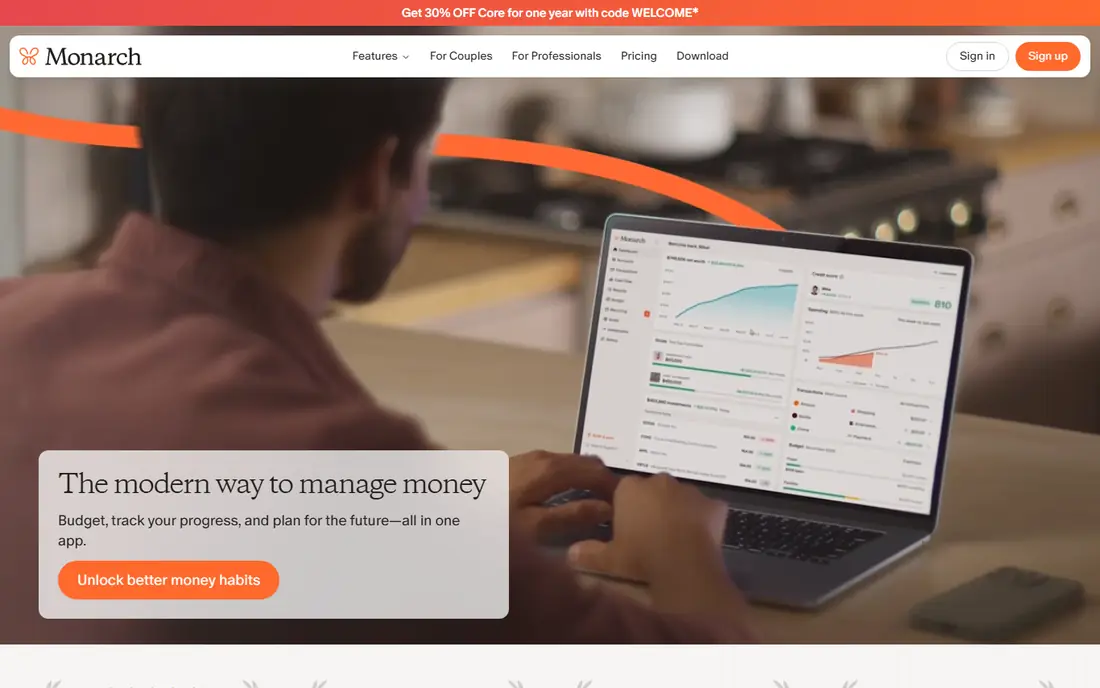
Monarch Money is a full personal finance app, not a single-purpose tracker, and that is its main appeal here. It pulls transactions from linked accounts, flags recurring charges, and places them beside budgets, cash flow, and goals. For a couple or household sharing costs, one shared dashboard avoids duplicate spreadsheets and guesswork.
The catch is cost. Monarch Money is a paid service after its trial, so it only makes sense if you will also use its budgeting and planning tools. Readers who only want a subscription list can get that free elsewhere. If you already want a household finance hub, the subscription view is a strong bonus rather than the whole reason to subscribe.
- Shared household view
- Recurring transaction tracking
- Budgeting and goals in one place
- No lasting free plan
- Subscription tracking is part of a wider paid product
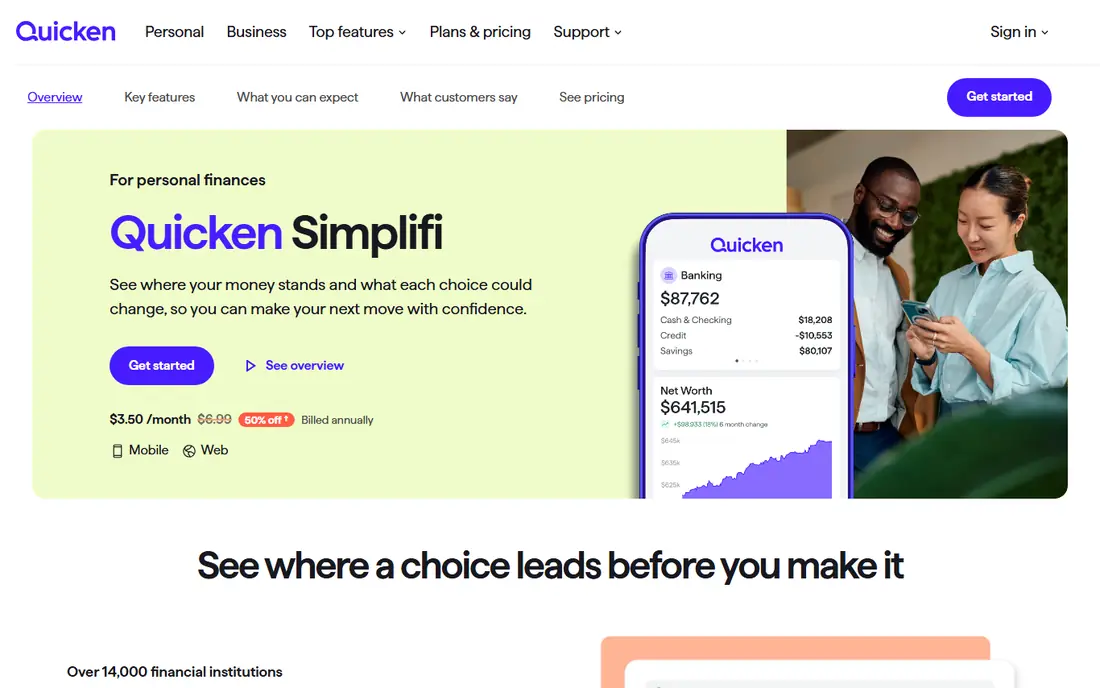
Quicken Simplifi sits in the same full-finance group as Monarch Money, with a different feel. It tracks recurring bills and subscriptions from linked accounts, shows upcoming payments, and lets you build a spending plan around them. That context helps when a subscription is not just a line item, but part of a monthly cash flow question.
Simplifi is less suited to readers who want a quick, free audit. It is a paid product after a trial, and its wider toolset can feel heavy if you only check subscriptions once a month. For readers who already budget in detail, or who want one app for bills, spending, and savings goals, it is a solid choice.
- Recurring transaction tracking
- Spending plan and watchlists
- Long history in personal finance software
- Paid after trial
- Interface has more features than a casual tracker needs
Bobby takes the opposite approach to Rocket Money. You add each subscription by hand, set its price and renewal date, and the app totals your monthly and yearly costs. There is no bank connection, no transaction scanning, and no data sharing beyond what you type in. For privacy-minded readers, that simplicity is the point.
The limit is maintenance. Annual charges, price rises, and free trials only appear if you enter them, so Bobby works best for people with a short, stable list. It also suits readers who want a quick total without handing over account access. If your list is long or changes often, an automatic tool will save more time.
- No bank linking required
- Fast manual entry
- Clean subscription list with totals
- IPhone focused
- Manual entry means you must add every change yourself
Subby is a lightweight manual tracker that does one job well: it reminds you before a subscription renews. You enter the service, cost, and billing cycle, and the app keeps a running list with upcoming dates. That makes it useful for free trials, where the danger is forgetting the end date rather than missing a charge.
Like Bobby, Subby cannot find charges you forgot to enter. It also lacks the budgeting depth of Monarch Money or Simplifi. What it offers instead is speed and privacy. If you want a simple reminder app and you are willing to type in your own list, Subby is a good low-friction option.
- Lightweight manual tracking
- Renewal reminders
- No bank connection needed
- Android focused
- Relies on manual entry for accuracy
TrackMySubs is a web based tracker that suits people with many subscriptions, including small business owners tracking software tools. You add subscriptions manually, set renewal dates, and get alerts before charges arrive. The web view makes it easy to review a long list on a larger screen.
For a single household, TrackMySubs can feel more businesslike than needed. It does not link to bank accounts in the same way Rocket Money does, so accuracy depends on your entries. Where it earns its place is scale: teams and freelancers with dozens of tools benefit from a central list that everyone can check.
- Web based tracking for many subscriptions
- Renewal alerts
- Useful for business software costs
- Less consumer focused than other apps here
- Paid tiers needed for larger lists
PocketGuard frames subscriptions as part of a simple question: after bills, savings, and goals, what is safe to spend? It tracks recurring charges from linked accounts and folds them into that answer. That framing helps readers who do not want a detailed budget, but do want to avoid spending money already spoken for.
It is not the strongest choice if your main goal is cancelling subscriptions one by one. PocketGuard tracks and shows them, but its strength is the overall spending picture. For readers who want a gentle daily guide rather than a deep audit tool, that simpler view is a real advantage.
- Shows money left after bills and goals
- Recurring bill tracking
- Simple spending view
- Subscription cancellation is not its main focus
- Some features need a paid plan
Copilot Money is an iPhone and Mac finance app that categorises transactions automatically and surfaces recurring charges in a clean feed. It suits readers who already live in the Apple system and want subscription tracking inside a wider money app. The design is clear, and recurring items are easy to spot without digging through menus.
The limits are platform and price. Copilot Money is built for Apple devices, so Android and Windows readers should look elsewhere. It is also a paid app after a trial. If you are an iPhone user who wants a polished finance app and will use its budgeting tools too, it is worth trying.
- Automatic categorisation
- Recurring transaction view
- Polished iPhone and Mac apps
- Apple focused
- Paid after trial
OneMain MyMoney is the current form of the former Trim app, which joined OneMain Financial. Its core features, including subscription tracking, transaction alerts, and a budget tool, are listed as free. That makes it a useful free alternative for readers who want automatic detection without a monthly fee.
Readers should check the current terms carefully. Bill negotiation and done-for-you cancellation are available to certain OneMain and Brightway customers, while other users get tracking plus guidance to cancel themselves. That split is the main catch. If you only need to see and track subscriptions, the free tier still covers the core job.
- Free subscription tracking and alerts
- Budget tools included
- No subscription fee for core features
- Bill negotiation and done-for-you cancellation are limited to certain customers
- History as Trim can confuse
How we picked these
We compared official feature pages, pricing pages, and app store listings, plus public reviews that described how each app finds subscriptions. We kept apps that exist and work in October 2026, that clearly track recurring charges, and that fit ordinary consumers or small households. We left out tools that only budget without a subscription view, and we did not include Trim as a separate product because it now runs as OneMain MyMoney.
How to choose a subscription tracking app
Start with one question: do you want automatic detection or manual control? Automatic apps save time and catch charges you forgot, but they need a bank connection. Manual apps protect privacy and keep you in control, but they only work if you keep the list current. Most readers should try the automatic route first, then switch to manual if linking accounts feels wrong.
Next, check what happens after the app finds a subscription. A list alone is useful, but cancellation help, renewal alerts, and price-change alerts turn a list into savings. Free trials deserve special attention: set a reminder a few days before the trial ends, not on the day itself, so you have time to cancel. Finally, review your list once a month. Cancel one unused service at a time, check that the charge stops, and keep the app that you actually open.
Frequently asked questions
What is the best app for tracking subscriptions?
For most people, Rocket Money is the strongest starting point because its free tier finds recurring charges automatically and shows a monthly total. Readers who do not want to link a bank account should try Bobby on iPhone or Subby on Android instead. The best app is the one you will check each month.
Are subscription tracking apps safe to link to a bank account?
Reputable apps use read-only connections and encryption, and they should explain their security practice on their own site. No app should need your bank password directly if it uses a secure connection service. If you are unsure, use a manual app and enter subscriptions by hand.
Can a subscription tracker cancel subscriptions for me?
Some paid plans offer cancellation help, while free tiers usually show you how to cancel yourself. Rocket Money and OneMain MyMoney differ here, so check the current plan terms before you rely on done-for-you cancellation. Always confirm the charge has stopped after you cancel.
What is the best free app for tracking subscriptions?
Rocket Money has the strongest free automatic tier, while Bobby and Subby offer strong free manual tracking. OneMain MyMoney also lists core tracking as free. Pick automatic tracking if you have many subscriptions, and manual tracking if privacy matters most.
How often should I review my subscriptions?
Once a month is enough for most households, with a quick check before annual renewals. Look for duplicates, unused services, and price rises. A short monthly review prevents small charges from turning into a large yearly total.
Sources
See where you really rank - block by block
ProMapRanker scans Google Maps across a grid of your service area. Simple monthly plans from $19, white-label on every plan.
Start freeKeep reading
 zscaler alternatives
Best Zscaler Alternatives in 2026
Looking for zscaler alternatives? We compare 9 SASE and zero trust platforms on architecture, data protection, pricing, and fit for your network and team.
Read → zapier alternatives free
Best Zapier Alternatives Free in 2026
Nine automation tools for zapier alternatives free in 2026, all with genuinely free tiers, plus free plan limits, starting prices and upgrade paths explained.
Read → which platform is best for online reputation
Which Platform Is Best for Online Reputation in 2026
Wondering which platform is best for online reputation? We compare 8 review, listing, and response tools for small and multi-location businesses and agencies.
Read →