 ProMapRanker
Best Subscription and SaaS Accounting Software in 2026


SaaS teams already on Stripe · Pricing starts at: 0.7% of billing volume
Key takeaways
- Subscription accounting has two jobs: billing customers correctly, and recognising revenue in the right period.
- Stripe Billing and Chargebee suit teams that bill inside a payments stack, while Maxio and Zuora suit finance led teams with complex contracts.
- QuickBooks Online, Xero, and Sage Intacct remain the ledger, and billing tools should sync to them rather than replace them.
- This article is general information only, not accounting or tax advice, and revenue recognition rules vary by contract.
Quick comparison
| Pick | Great for | Pricing starts at | Free tier | |
|---|---|---|---|---|
| Stripe Billing | SaaS teams already on Stripe | 0.7% of billing volume | No | Visit |
 Chargebee | Flexible subscription billing and revenue recognition | $99 per month plus 0.65% | No | Visit |
 Maxio | B2B SaaS finance teams | $599 per month | No | Visit |
 Recurly | Subscriber retention and dunning | $249 per month plus 0.9% | No | Visit |
 Zuora | Enterprise subscription complexity | See website | No | Visit |
 Zoho Billing | Early stage SaaS on a budget | $39 per month | No | Visit |
 ChargeOver | Accounting sync for growing subscriptions | $229 per month | No | Visit |
 QuickBooks Online | Small SaaS ledger and invoicing | See website | No | Visit |
 Xero | Small SaaS ledger with strong integrations | See website | No | Visit |
 Sage Intacct | Multi entity SaaS accounting | See website | No | Visit |
The best subscription and saas accounting software
We compared official pricing pages and product documentation for tools that handle recurring billing, deferred revenue, and ledger sync. The list mixes billing platforms with accounting ledgers, because most SaaS companies need both, and the fit depends on contract complexity and team size.
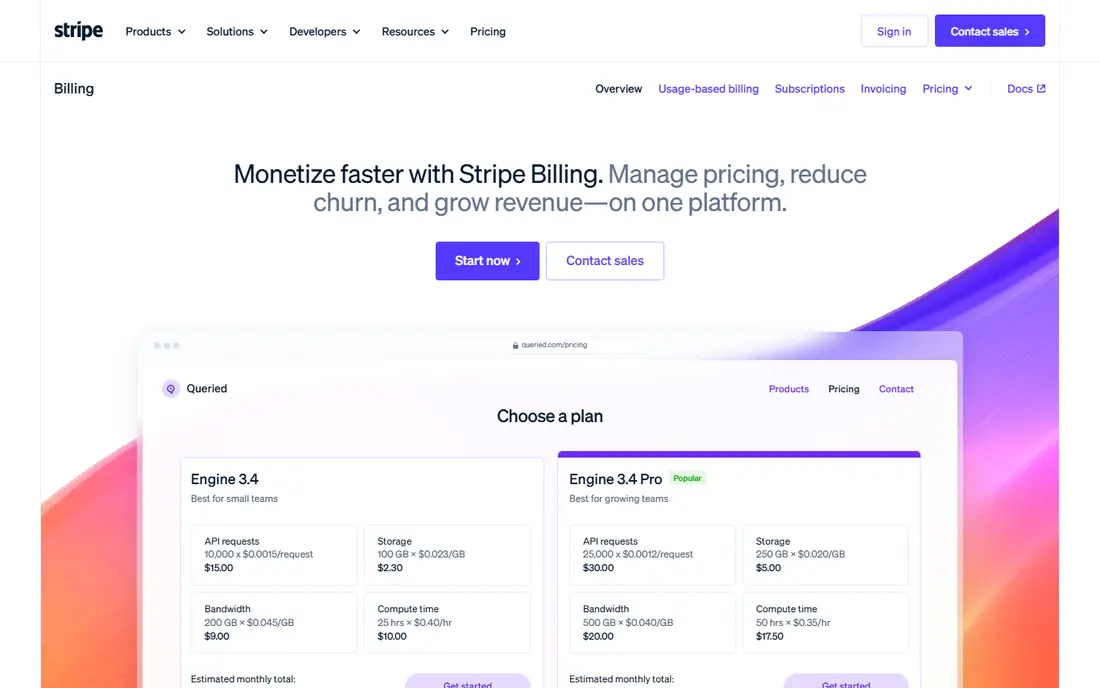
Stripe Billing is the natural first look for a SaaS team that already takes payments through Stripe. Subscriptions, invoices, usage charges, and revenue recognition reports live in the same system as payments, which removes one reconciliation step at month end. Automated retries and dunning tools also help recover failed card payments without manual chasing.
The limit is lock in. If you later want to move processors, billing history, subscription records, and integrations move with difficulty. Model the percentage fee at next year revenue, not just today, because a volume based fee grows with the business even when the workload does not.
- Billing, payments, and revenue recognition in one Stripe stack
- Usage based billing support
- Automated retries for failed payments
- Ties billing closely to Stripe as processor
- Advanced plans start at higher monthly volumes
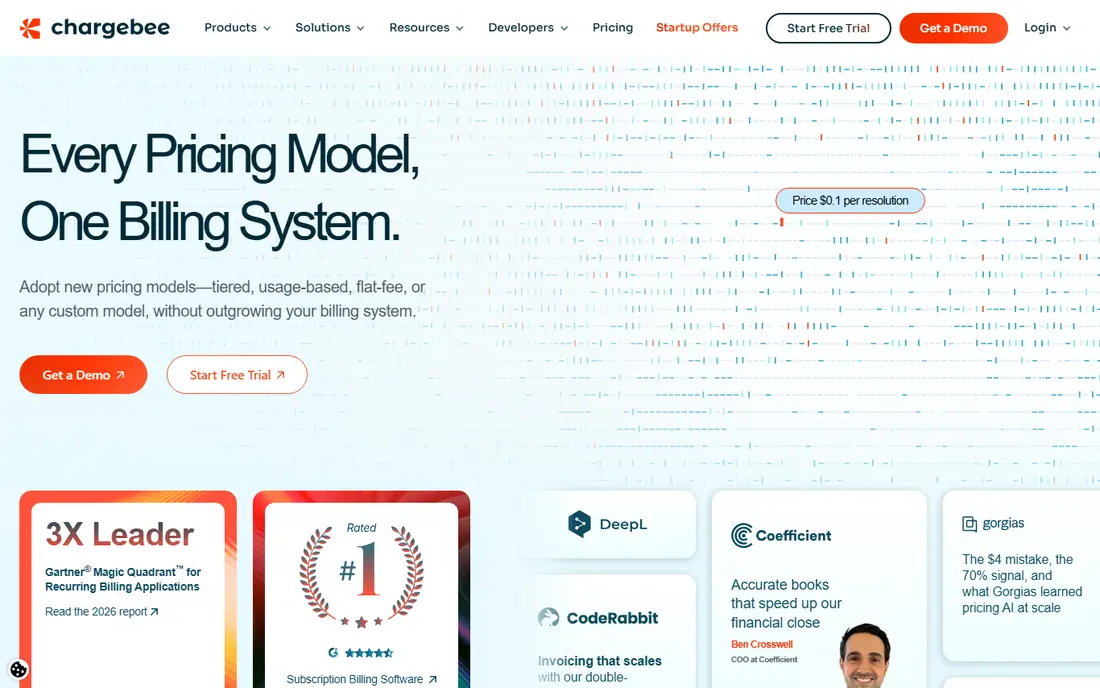
Chargebee suits SaaS teams whose pricing is not a single flat monthly fee. It handles seat based plans, usage charges, trials, coupons, and hybrid models, and it connects to many payment gateways rather than forcing one processor. Its revenue recognition product can spread subscription revenue across service periods, which matters for annual prepayments.
Pricing needs a spreadsheet before a decision. The Flow option can be charged as a share of invoicing volume, or as a monthly fee plus a smaller share, and the cheaper option depends on volume. Check which gateway, tax, and revenue recognition features are included at the tier you choose.
- Multi model billing across seats, usage, and hybrid plans
- Many payment gateway options
- Separate revenue recognition product
- Percentage pricing grows with invoicing volume
- Advanced ledger and multi entity features sit in higher plans

Maxio, formed from SaaSOptics and Chargify, is built for finance teams rather than for a founder setting up a first pricing page. It ties billing to revenue recognition and to metrics such as monthly recurring revenue, churn, and deferred revenue, so the numbers finance reports match the numbers billing produces. Contract led B2B SaaS, with negotiated terms and amendments, fits this design well.
The price sets the audience. At $599 per month for its Grow plan, it is a poor fit for a pre revenue product, and setup still needs careful contract mapping. For a team that already closes monthly books with manual spreadsheets, that cost can be justified by fewer errors and faster closes.
- Billing, revenue recognition, and SaaS metrics in one finance focused product
- Contract based billing support
- Strong reporting for finance teams
- Starting price is high for early stage teams
- Implementation needs finance time to set up contracts correctly
Recurly focuses on keeping subscribers paying, which is where many SaaS companies lose revenue quietly. Its dunning, retry, and subscriber management tools work on failed payments and plan changes, and it supports usage based billing alongside flat subscriptions. For consumer or high volume SaaS, that retention work often matters more than a new pricing model.
The pricing structure deserves attention. A monthly platform fee plus a percentage of billing volume means total cost rises with revenue, and revenue recognition is an add on rather than part of the base plan. Ask for a total cost at your current and next year volume, including the add on, before comparing it with Stripe Billing or Chargebee.
- Subscriber lifecycle and dunning tools
- Usage billing support
- Revenue recognition as an add on
- Revenue recognition is a separate paid add on
- Platform fee plus percentage can add up at scale
Zuora is the enterprise end of this list, built for companies with many entities, currencies, pricing models, and approval steps. Its order, billing, and revenue products handle amendments, renewals, and complex contracts that simpler tools force into workarounds. Large SaaS companies with global operations are its core audience.
Small teams should not start here. Pricing is quoted, implementation takes planning and internal resources, and the depth that helps an enterprise can slow a ten person team. Shortlist Zuora only when your contract complexity, entity count, or audit needs already exceed what Maxio or Chargebee handle cleanly.
- Order to revenue controls for complex global subscriptions
- Multi entity and hybrid model support
- Separate revenue module for recognition rules
- Quote based enterprise pricing
- Implementation is a scoped project, not a quick setup
Zoho Billing gives an early stage SaaS team published pricing and a workable subscription system without an enterprise contract. At $39 per month for its Standard plan on annual billing, it covers recurring billing, invoicing, and a customer portal, and it connects to Zoho Books for the ledger. That combination suits a small team that needs to bill now and keep books tidy.
The ceiling appears as contracts grow complex. Advanced revenue recognition and usage billing depth sit in higher editions, and multi entity or highly negotiated B2B contracts may need a stronger finance tool. Start here if your plans are simple, and plan a migration point for when annual contracts and amendments become routine.
- Low published starting price
- Subscription billing with customer portal
- Links to Zoho Books and other Zoho apps
- Revenue recognition depth is limited to higher editions
- Less suited to complex enterprise contracts
ChargeOver earns its place through accounting sync. Every invoice and payment can land in your accounting system as it happens, which reduces month end catch up and duplicate entry. Pricing by active customer count also makes the cost easy to model: the Growth plan starts at $229 per month for up to 200 active customers, with a per customer charge beyond that.
The trade off is scale and ecosystem depth. It does not carry the same marketplace of integrations as Stripe or Chargebee, so check its connectors for your CRM, payment gateway, and ledger before committing. For a team whose main pain is reconciliation, that sync may matter more than a larger feature list.
- Automatic sync of invoices and payments to accounting software
- Pricing by active customer count
- Dunning and recurring billing tools
- Less brand recognition than larger billing platforms
- Enterprise features are in higher tiers
QuickBooks Online is the ledger most small SaaS accountants already know, and that familiarity has real value at tax time and during an audit. It handles recurring invoices, expenses, bank feeds, and reports, and most billing platforms on this list sync to it. For a small SaaS company with simple monthly plans, it can be enough on its own.
Do not mistake it for a subscription engine. Proration, usage metering, complex trials, and deferred revenue schedules for annual contracts need care, add ons, or a billing tool in front of it. Use QuickBooks as the book of record, and pair it with Stripe Billing, Chargebee, or Zoho Billing when subscription logic grows beyond simple recurring invoices.
- Widely used ledger with accountant familiarity
- Recurring invoices and payment links
- Many billing tool integrations
- Not a dedicated subscription billing engine
- Revenue recognition for complex contracts needs add ons or manual work
Xero suits a small SaaS team that wants a clean ledger and a wide integration shelf. Recurring invoices, bank reconciliation, and multi currency billing cover many early stage needs, and billing tools can sync subscription activity into it. Its interface is straightforward, which helps founders who also do the books.
The same limit as QuickBooks applies, with a US caveat. Complex subscription logic and revenue recognition need a billing platform or add on, and US payroll and sales tax handling may need separate tools. Choose Xero when your accountant and your billing stack already work well with it, not as a replacement for a billing engine.
- Clean ledger with strong third party integrations
- Recurring invoicing and bank feeds
- Multi currency support
- Subscription billing depth is limited without a billing add on
- US payroll and tax features are thinner than some rivals
Sage Intacct is the ledger for SaaS companies that have outgrown a small business accounting tool. Multi entity consolidation, dimension based reporting, and recurring revenue workflows help finance teams close books across subsidiaries and currencies. Audit trails and role based controls also suit companies preparing for investor or auditor scrutiny.
It is not a quick purchase. Pricing is quoted, setup needs finance involvement, and small teams will find the depth unnecessary. Shortlist it when you run several entities, need consolidated reporting, or when your auditor asks for controls that a simpler ledger cannot provide.
- Multi entity and multi currency accounting
- Recurring revenue workflows
- Strong reporting and audit trails
- Quote based pricing
- Implementation and training take finance resources
How we picked these
We compared official pricing pages, product documentation, and public reviews for tools that exist and work in October 2026. We favoured tools that handle recurring billing, deferred revenue, or ledger sync for subscription businesses, and we noted where revenue recognition is a separate product or add on. Prices we could verify from vendor pages or reliable October 2026 pricing summaries are shown; where a vendor does not publish a price, we wrote See website rather than guessing.
What to check before you buy
Map one full customer journey before you buy: trial, paid plan, upgrade, downgrade, pause, failed payment, and cancellation. Check how each step creates an invoice, recognises revenue, and lands in the ledger, because a tool that bills well but posts poorly will cost finance hours every month. Confirm tax handling, multi currency support, and gateway options for the countries you actually sell in.
Also confirm who owns revenue recognition. Some tools include it, some sell it separately, and some leave it to the ledger or a spreadsheet. This article is general information only, not accounting or tax advice, and recognition timing depends on contract terms, so have your accountant review the setup for annual prepayments, usage charges, and refunds before you go live.
Frequently asked questions
Do I need both a billing tool and accounting software?
Often yes. A billing tool manages subscriptions, proration, and dunning, while accounting software holds the ledger, bank reconciliation, and tax reports. The two should sync automatically so invoices and payments do not need manual re-entry.
How does revenue recognition work for annual subscriptions?
Annual prepayments are usually recognised over the service period rather than all at once, with the unrecognised balance held as deferred revenue. Your billing tool or ledger should create that schedule automatically, and your accountant should confirm the treatment for your contracts.
Is Stripe Billing enough on its own for SaaS accounting?
It can be enough for simple SaaS billing plus basic revenue reports, especially inside the Stripe stack. Complex contracts, multi entity reporting, and full ledger accounting usually still need QuickBooks, Xero, or Sage Intacct alongside it.
What is the difference between billing and revenue recognition?
Billing is when you charge the customer and issue an invoice. Revenue recognition is when you record that amount as earned, based on the service delivered in that period. The two dates often differ for annual or usage based plans.
When should a SaaS company move from Zoho Billing to Maxio or Zuora?
Move when contract amendments, multi entity billing, usage metering, or audit ready revenue schedules become regular work rather than exceptions. If finance spends days each month reconciling billing to the ledger, the upgrade usually pays for itself in time saved.
Sources
See where you really rank - block by block
ProMapRanker scans Google Maps across a grid of your service area. Simple monthly plans from $19, white-label on every plan.
Start freeKeep reading
 what’s the best risk software for enterprises
What Is the Best Risk Software for Enterprises in 2026
We compared what’s the best risk software for enterprises on risk registers, controls, third-party risk, and reporting, with pricing notes for large teams.
Read → what's the best pam software for enterprises
What is the Best PAM Software for Enterprises in 2026
Find what's the best pam software for enterprises, with vaulting, session recording, just in time access and pricing compared for large enterprise IT teams.
Read → what’s the best grc software
What Is the Best GRC Software in 2026
We compared what’s the best grc software on risk, compliance, audit and vendor risk, so teams can pick a platform that fits their frameworks and budget.
Read →