 ProMapRanker
Subcontractor Software


Bigger subcontractors working on commercial projects · Pricing starts at: See website
Key takeaways
- Procore is the opening pick, best for larger subcontractors working on commercial projects.
- The main caution on Procore: quote-only pricing geared toward bigger businesses.
- STACK stands alone as the one tool in this list with a free plan.
- Knowify fits trade contractors who live in QuickBooks.
Direct answer
If you need bigger subcontractors working on commercial projects, Procore is the first tool to look at here. Look at STACK for subcontractors who win work through sharper bidding, and at Buildertrend for residential specialty contractors and remodelers. The other 5 tools in the list cover narrower or pricier cases.
Quick comparison
| Pick | Great for | Pricing starts at | Free tier | |
|---|---|---|---|---|
| Procore | Bigger subcontractors working on commercial projects | See website | No | Visit |
 STACK | Subcontractors who win work through sharper bidding | See website | Yes | Visit |
 Buildertrend | Residential specialty contractors and remodelers | See website | No | Visit |
 Raken | Daily reports, time tracking, and safety documentation | See website | No | Visit |
 Contractor Foreman | Small contractors who want everything for $49/month | $49/month | No | Visit |
 eSUB | Trade contractors who want software made for subs, not GCs | See website | No | Visit |
 Buildxact | Small builders and subs who want estimate-to-invoice in one place | See website | No | Visit |
 Knowify | Trade contractors who live in QuickBooks | $99/month | No | Visit |
Our 8 picks for subcontractor software
This ProMapRanker guide covers 8 options for subcontractor software. Each profile lists a starting price, free plan details, strengths and drawbacks, so you can drop poor fits quickly.

For bigger subcontractors working on commercial projects, Procore is a natural candidate. The reality check is cost and complexity. From a buyer's view, subcontractors can handle drawings, RFIs, submittals, daily logs, change orders, and punch lists in the same system, and Procore's volume-based pricing means unlimited users instead of per-seat fees.
On top of that, pricing is tailored to annual construction volume and pitched at businesses with serious revenue. Small shops will find it pricey and heavy. As for the details, for a subcontractor, being fluent in Procore matters since your GC customers likely run it. Procore is the 800-pound gorilla of construction software: over three million projects across 150+ countries, public company. The product most large GCs standardize on. This comparison lists no price for Procore; ask the vendor. No free plan comes with Procore.
Trade-offs to know: Implementation takes real effort.
- Unlimited users on volume-based pricing
- Deep financial and BIM tools
- Quote-only pricing pitched at bigger businesses
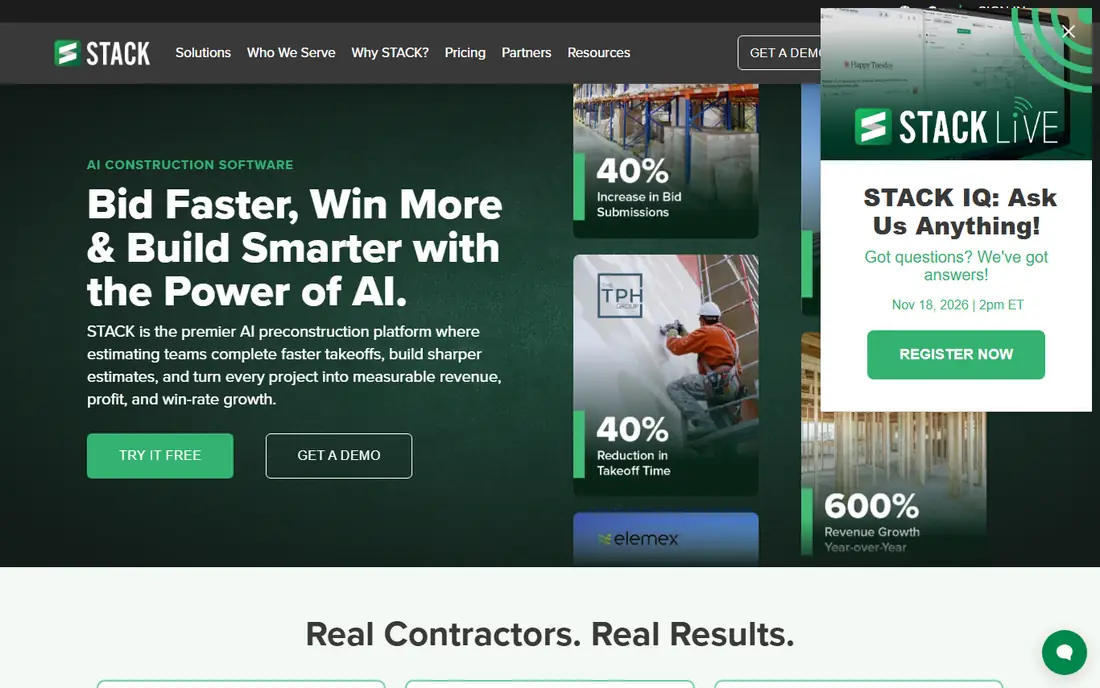
Think of STACK for subcontractors who win work through sharper bidding. STACK is a cloud-based preconstruction product: upload plans, and its AI reads sheets, auto-names pages, and flags revisions; measure linear, area, count, and volume with AI auto-counting; and flow quantities into live estimates with trade-specific item libraries. The newer STACK IQ brings conversational AI for generating estimates and proposals from prompts.
In daily use, if your bottleneck is bidding speed and accuracy, start here. More specifically, for bidding-focused subs, this is the most modern takeoff workflow available, and the free level lets small shops try it on real projects. STACK does not show a starting price in this comparison, so check the vendor site for current pricing. You can start on STACK without paying.
Where it falls short: premium levels are per user.
- Free level for light use
- Solid trade-specific workflows
- Free level has project limits
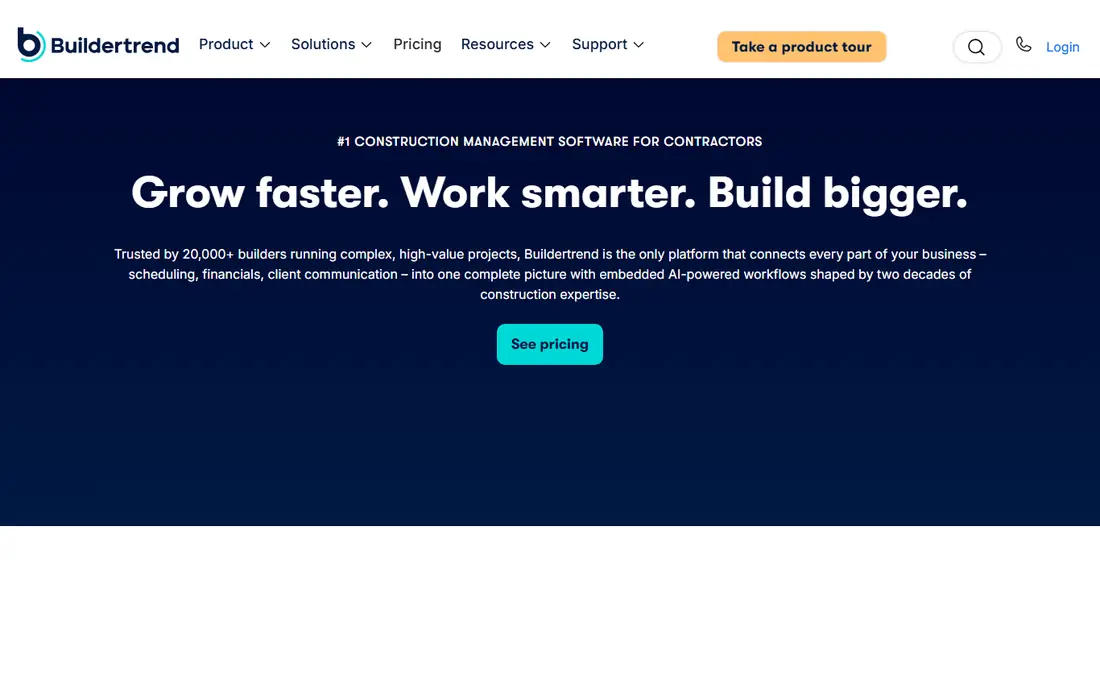
Where Buildertrend fits: residential specialty contractors and remodelers. For a subcontractor in residential work, the client portal, change order management, and daily logs include the core workflows.
But in its lane, Buildertrend's combination of project management and customer-facing polish is the reason it dominates residential construction software. Buildertrend does not show a starting price in this comparison, so check the vendor site for current pricing. No free plan comes with Buildertrend.
Watch-outs: Residential focus limits commercial fit.
- Client communication
- Solid scheduling, budgeting
- Subscription fees can be high for small businesses
In short, Raken is for daily reports, time tracking, and safety documentation. Raken is a mobile-first field management app built around one insight: daily reports are the paperwork subs hate most, so make them the easiest part of the day. As for the details, thousands of subs and GCs use it, and field adoption is famously quick.
In daily use, Raken's per-user pricing scales steeply as crews grow. It is a field tool instead of a full business suite: you will still need accounting and estimating elsewhere. Raken does not show a starting price in this comparison, so check the vendor site for current pricing. There is no free plan with Raken.
Where it is weaker: Quote-based pricing with per-user levels.
- Fastest daily reporting workflow in the category
- Crews adopt it rapidly
- Demo required to start
Contractor Foreman
Great for: Small contractors who want everything for $49/month
Contractor Foreman serves small contractors who want everything for $49/month. For a small sub that wants one subscription rather than five, the value math is hard to beat.
What to check first: No free plan (30-day trial instead).
Contractor Foreman pricing: $49/month. There is no free plan with Contractor Foreman.
- 35+ modules for one flat price
- No per-user fees on higher plans
- Interface is functional instead of refined
eSUB serves trade contractors who want software built for subs, not GCs. The cloud software includes the documents subs live on, including daily reports, time and material tickets, change orders, purchase orders, submittals, and correspondence, with mobile tools foremen can actually use. That specialization displays in workflows like pay application support and labor productivity tracking that GC-centric tools treat as afterthoughts.
Downsides: Narrower feature set than GC products.
But if your pain is documentation, change order disputes, and proving your case to GCs, a tool made for exactly that earns its place. From a buyer's view, integrations with Procore and STACK mean it slots into the ecosystems GCs already use. This comparison lists no price for eSUB; ask the vendor. eSUB does not include a free plan.
- Connects with Procore and STACK
- Solid field-to-office document control
- Pricing is quote-only
Buildxact
Great for: Small builders and subs who want estimate-to-invoice in one place
Pick Buildxact if this describes you: small builders and subs who want estimate-to-invoice in one place. Buildxact takes subcontractors from first estimate to final invoice: upload PDF plans, do digital takeoffs with point-and-click measurements, price from live dealer price lists, and turn estimates into professional quotes.
Drawbacks to consider: Quote-based pricing.
Schedules create from estimates, subcontractors stay coordinated by email and text, and accounting integrations with Xero, QuickBooks, and Deputy close the loop. Buildxact does not show a starting price in this comparison, so check the vendor site for current pricing. No free plan comes with Buildxact.
- Digital takeoffs feed straight into estimates and quotes
- Dealer price lists built in
- Residential and light commercial focus
Knowify is built with trade contractors who live in QuickBooks in mind. The downsides: there is no free plan (a trial is available), and the mobile app does not carry every desktop feature.
Drawbacks to consider: Mobile app is thinner than desktop.
For everyday use, Knowify now links to AI tools like Claude and ChatGPT so you can ask about job margins and billing in plain language, a genuinely handy addition for owners who hate running reports. Knowify starts at: $99/month. Knowify has no free tier.
- Most solid QuickBooks sync in the category
- AIA-style pay applications
- Advanced features need higher levels
How the list was put together
For each of the 8 tools we noted price, free plan or trial, fit for subcontractor software and the main limit, using vendor pages and documentation. Where a price is missing, the vendor does not list one publicly or ties it to a quote. Always confirm before budgeting. The ranking is editorial: typical fit first, then clear pricing, then free access. If your needs are unusual, read the profiles rather than relying on position.
Pre-purchase checklist
- Get a written quote from Procore, STACK, Buildertrend and others; the list shows no starting price for them.
- Test the free plan from STACK against your real workload before relying on it.
- Read the limits listed for Procore first: quote-only pricing pitched at bigger firms.
- Check how data leaves Knowify: formats, limits and whether exports are available on every plan.
- Ask STACK whether prices are locked for the first term and what happens at renewal.
Frequently asked questions
What is the cheapest option for subcontractor software in this list?
On published monthly entry prices, Contractor Foreman is the lowest here at $49/month. Entry price is only part of the cost, because seats, add-ons and billing terms can change the total.
Do I need different software than my general contractor?
Not necessarily, but subs have distinct needs: pay applications, change order documentation, and labor tracking against cost codes. GC-centric tools deal with these less well, which is why sub-focused tools like eSUB and Knowify exist.
Which subcontractor software links up with QuickBooks?
Knowify (the most solid two-way sync), Contractor Foreman, Buildertrend, and Buildxact all connect with QuickBooks. In daily use, confirm the depth of the sync, one-way compared with two-way, before committing.
How are the tools for subcontractor software ordered?
The order follows typical fit for subcontractor software, with Procore first and Knowify last, then price clarity and free access. It is editorial judgement, not a score, so another team could rank the tools differently.
Is Procore the right pick for everyone comparing subcontractor software?
No single tool suits every team. Procore comes first because it fits larger subcontractors working on commercial projects, while STACK suits subcontractors who win work through sharper bidding and Buildertrend suits residential specialty contractors and remodelers. Match the tool to your own size, budget and workflow before deciding.
Which options for subcontractor software have a free plan?
STACK is the only tool in this list with a free plan. Free plans usually cap users, projects or features, so check the limits on the vendor page.
Sources
See where you really rank - block by block
ProMapRanker scans Google Maps across a grid of your service area. Simple monthly plans from $19, white-label on every plan.
Start freeKeep reading
 zoho inventory alternatives
6 Alternatives to Zoho Inventory, Compared on Price and Fit
Zoho Inventory alternatives: 6 tools compared on price, free plans and fit. Katana leads the list for manufacturers. Fit and flaws are laid out for each entry.
Read → zoho crm alternatives
Best Zoho CRM Alternatives (2026)
Need Zoho CRM alternatives? We compare 7 tools on cost, free access and who each suits. Every pick gets a straight assessment. Built for quick decisions.
Read → zelle alternatives
Best Zelle Alternatives in 2026
Compare the best Zelle alternatives for sending money to friends, paying sellers and moving funds abroad, with honest notes on fees, speed and safety in 2026.
Read →