 ProMapRanker
Best Study Apps for College Students Free in 2026

Key takeaways
- Anki suits long-term memorisation with spaced repetition, while Quizlet suits quick sessions and ready-made study sets.
- Khan Academy is fully free for lessons and practice, which makes it the best starting point when a concept itself is unclear.
- Notion, Microsoft OneNote and Microsoft To Do cover planning and notes without a subscription, with student offers on some plans.
- Todoist, My Study Life and Zotero cover deadlines, timetables and research, which are the parts of college life that most often slip.
- Every app here has a genuine free tier, but check limits on projects, storage and study modes before exam season.
Quick comparison
| Pick | Great for | Pricing starts at | Free tier | |
|---|---|---|---|---|
 Anki | Spaced repetition flashcards | Free | Yes | Visit |
 Quizlet | Ready-made study sets | Free | Yes | Visit |
 Khan Academy | Free lessons and practice | Free | Yes | Visit |
 Notion | Notes and study planning | Free | Yes | Visit |
 Microsoft OneNote | Class notebooks | Free | Yes | Visit |
 Todoist | Deadlines and tasks | Free | Yes | Visit |
 My Study Life | Timetables and exams | Free | Yes | Visit |
 Zotero | Research and citations | Free | Yes | Visit |
 Grammarly | Writing checks | Free | Yes | Visit |
 Microsoft To Do | Simple daily lists | Free | Yes | Visit |
The best study apps for college students free
College study needs more than one app. Flashcards help memory, lessons fill gaps, planners hold deadlines, and research tools hold sources. The best free study apps for college students below cover those jobs, and every one offers a genuine free tier you can use without paying.

Anki uses spaced repetition to show each card just before you are likely to forget it. Cards you struggle with return sooner, while cards you know well stay away longer. That method suits vocabulary, anatomy, law, languages and any subject where facts must last beyond one exam.
Setup takes longer than Quizlet, since decks, card types and settings need some learning. The desktop, web and Android versions are free, while the iPhone app is a separate paid purchase. For long-term retention across a semester, Anki remains the strongest free option in this list.
- Powerful spaced repetition
- Free on desktop, web and Android
- Huge shared deck range
- Setup takes time
- IPhone app is a paid one-time purchase
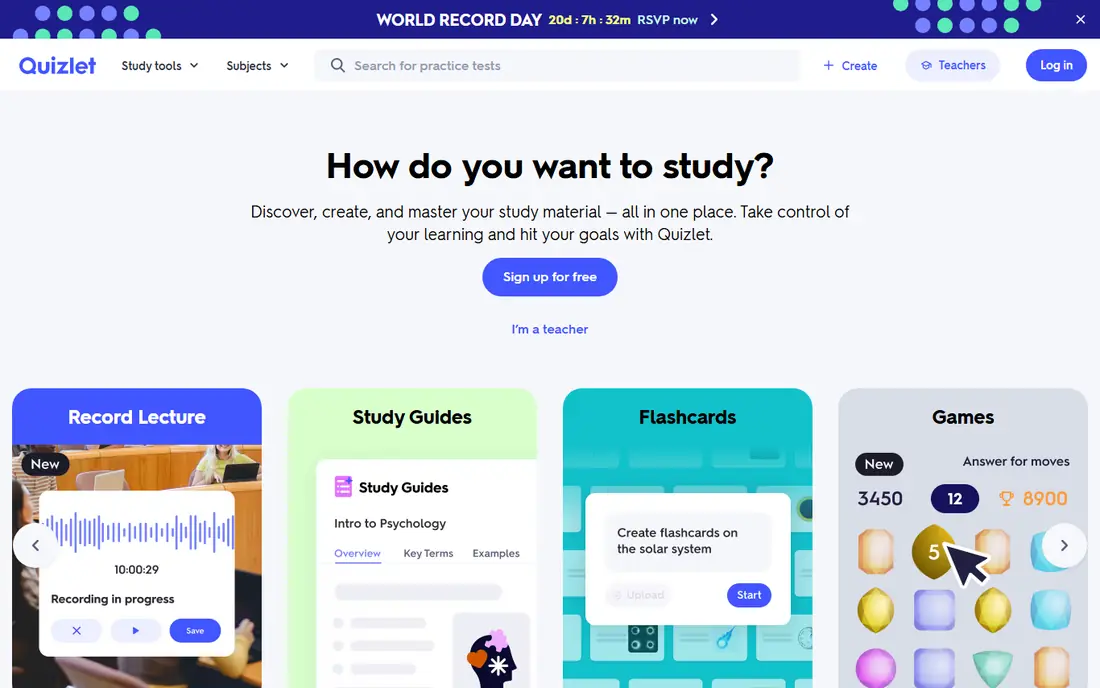
Quizlet is the easiest flashcard app to start with. Students can build sets or search a large shared library, then study with flashcards, matching, practice tests and learn modes. That shared library saves time for popular courses and exams, since someone has often already made a solid deck.
The free plan includes ads and caps on some Learn and Test features, and offline study needs a paid plan. Quizlet suits quick revision and shared sets, while Anki suits deeper, long-term spaced repetition. Many students use both, with Quizlet for a first pass and Anki for facts that must stick.
- Huge shared study sets
- Easy to start
- Several study modes
- Free plan has ads and limits on some study modes
- Offline and expanded tools need Plus
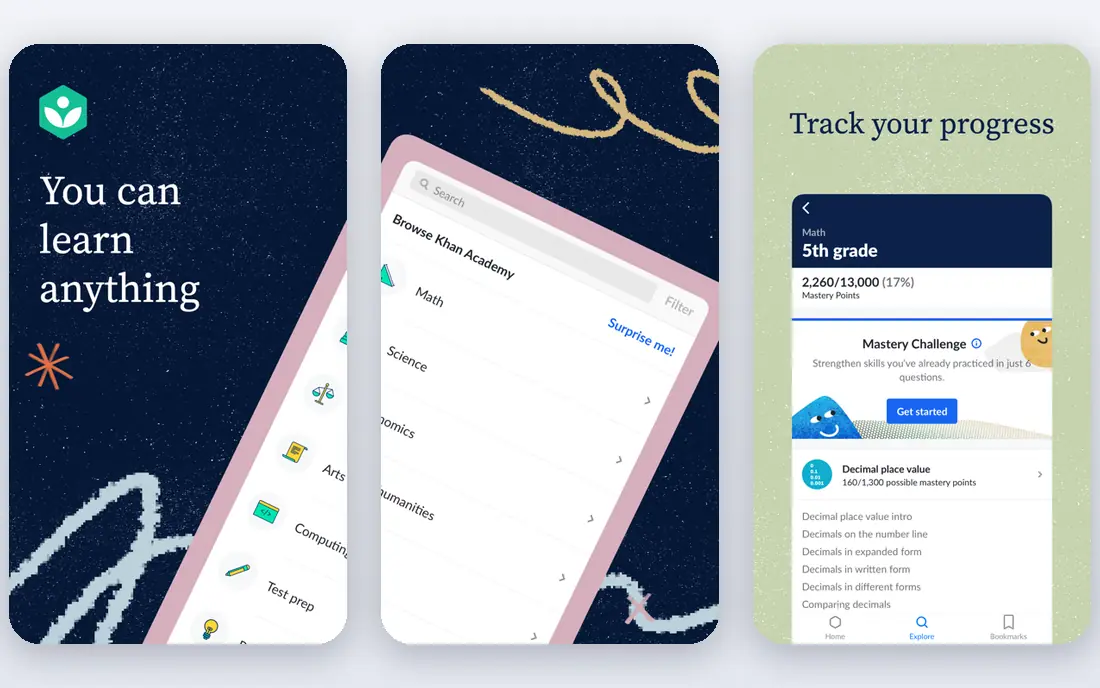
Khan Academy offers free video lessons and practice across maths, science, computing, economics and test preparation, with no ads, purchases or subscriptions for its core library. Short lessons followed by practice with instant feedback help when lecture material moves too fast or a prerequisite gap appears.
College coverage varies by subject, and advanced specialist topics may need course materials instead. Khan Academy still works as a free tutor for foundations, especially in maths, chemistry, physics and statistics. Use it to close gaps, then return to course notes for exam-specific detail.
- Full core library free
- Video lessons plus practice
- No ads or subscriptions
- College coverage varies by subject
- Less suited to advanced specialist topics
Notion combines notes, tasks, calendars and databases in one workspace. A student can hold lecture notes, assignment trackers, reading lists and revision plans in linked pages, with templates for weekly planners and study trackers. The free plan covers most individual student needs, and verified students can claim an education offer with a school email.
Flexibility is also the drawback. A blank workspace can feel overwhelming, and building a good system takes time. Notion suits students who like to organise visually and are willing to set up a simple structure first, then reuse it all semester.
- Flexible notes, tasks and databases
- Free plan for individuals
- Student education offer
- Flexibility can feel overwhelming
- Offline use is limited
Microsoft OneNote offers free notebooks on web, desktop and mobile, with sections, pages, handwriting, audio notes and image capture. Class notebooks let teachers and students share materials, and the free-form page suits handwritten notes, diagrams and pasted slides better than a linear document.
Sync needs a Microsoft account, and a large notebook still needs discipline to stay searchable. OneNote suits students who take mixed notes, with typing, handwriting and images in one place, and who already use Microsoft tools for coursework.
- Free notebooks across devices
- Handwriting and audio notes
- Class notebook structure
- Sync needs a Microsoft account
- Organisation depends on notebook discipline
Todoist turns deadlines into a clear daily list. Natural-language entry lets a student type a task with a date in one line, recurring dates handle weekly readings, and projects separate courses, work and personal tasks. The free plan covers several personal projects, filters and list and board views.
Free limits matter during a busy term. The free plan caps personal projects, and calendar layout needs a paid plan. Todoist suits students who want a fast, reliable task list without building a full workspace in Notion or OneNote.
- Fast natural-language task entry
- Recurring deadlines
- Projects and filters on free plan
- Free plan limits projects and filters
- Calendar layout needs a paid plan
My Study Life is built around academic timetables, including rotations and week patterns that generic calendars handle poorly. Students enter classes, homework and exams once, then get reminders and a clear view of what is due each day. That structure helps in the first weeks of term, when timetables are new.
The free core planner covers classes, homework and exams, while subtasks and advanced grade tracking need a paid tier. My Study Life suits students with complex timetables who want a planner that understands school and college schedules, rather than a generic calendar alone.
- Academic timetables with rotations
- Homework and exam tracking
- Reminders for classes
- Free plan limits some homework and revision tasks
- Grade tracking needs a paid tier
Zotero is a free, open-source reference manager for essays and research papers. A browser button saves journal articles, books and web pages with one click, and citations can be generated in Word, Google Docs and LibreOffice in thousands of styles. PDF annotation, tagging and group libraries help study teams share sources.
Free cloud storage is limited, though local storage and linked files offer workarounds. Zotero suits any student writing researched essays, reports or dissertations, since it prevents the common problem of losing a source the night before a deadline.
- Free and open source
- Browser saving for sources
- Citations in Word and Google Docs
- Free cloud storage is limited
- Learning citations takes a short setup
Grammarly's free plan checks spelling, grammar and basic clarity in browsers, documents and apps. It catches typos, punctuation errors and unclear sentences before submission, which helps when writing under time pressure. The free version is enough for routine proofreading of essays and emails.
Advanced style, tone and plagiarism-related suggestions need a paid plan, and full checks need an internet connection. Grammarly suits students who want a second pass on writing, not a replacement for drafting and revision. Use it to catch errors, then read the work aloud for sense and argument.
- Free spelling and grammar checks
- Works in browser and documents
- Tone and clarity hints
- Advanced suggestions need a paid plan
- Requires an internet connection for full checks
Microsoft To Do is a simple, completely free list app for Windows, Mac, web, iOS and Android. Lists, recurrence, reminders and notes cover daily study tasks, and the My Day view helps a student pick a small set of priorities each morning. It integrates with Outlook tasks and flagged emails for students on Microsoft 365.
It has no academic timetable, no detailed study analytics and no flashcard or lesson features. Microsoft To Do suits students who want the simplest possible daily list, especially if their university already uses Outlook. Pair it with My Study Life or Todoist when timetables and projects grow more complex.
- Completely free
- My Day planning
- Lists, reminders and notes
- No academic timetable
- No built-in study analytics
How we picked these
We compared official pricing pages, free tier terms and student offers for apps that support college study. We favoured apps with a genuine free tier that covers a real study job, rather than a short trial or a free tier that blocks core features. We left out paid-only apps and apps whose free tier is only a demo. We compared feature pages, pricing and public reviews rather than claiming hands-on testing.
Academic integrity note
Use these apps to learn, not to bypass your coursework. Flashcards, planners, lessons and citation tools help you understand and organise material, but submitting work you did not write, copying answers from shared sets without understanding them, or using AI tools against your course rules can breach academic integrity policies. Check your university's rules for each assignment, cite sources properly with a tool such as Zotero, and treat shared study sets as revision aids, not as work to submit as your own.
How to build a free study system
Start with one app per job, not ten apps at once. Use Anki or Quizlet for memory, Khan Academy for gaps, Notion or OneNote for notes, and Todoist, My Study Life or Microsoft To Do for deadlines. Adding every app in this list at once creates more setup work than study time, so pick the smallest set that covers your weakest area first.
Next, build a weekly rhythm. Plan deadlines on Sunday, review flashcards daily in short sessions, and use lessons only for topics that stayed unclear after lectures. Short daily review beats a single long cram session, and a planner only helps if you check it each morning and update it when deadlines move.
Finally, review the system after two weeks. Keep the apps you open daily, drop the ones you ignore, and check free tier limits before exam season, when project caps and storage limits hurt most. A simple system you actually use will outperform a perfect system you abandon by week three.
Frequently asked questions
What are the best free study apps for college students?
Anki and Quizlet suit memorisation, Khan Academy suits free lessons, Notion and OneNote suit notes, and Todoist, My Study Life and Microsoft To Do suit deadlines. Zotero suits research, and Grammarly suits proofreading. The best set depends on whether memory, understanding, planning or writing is your weakest area.
Is Anki really free for college students?
Anki is free on desktop, web and Android, with sync through AnkiWeb. The iPhone app is a separate paid one-time purchase, so iPhone users can still study free on a computer or in a browser. Shared decks are free, though quality varies, so check a deck against your course material before relying on it.
Which free study app is best for memorisation?
Anki suits long-term memorisation with spaced repetition and deep customisation. Quizlet suits quick sessions and ready-made sets with less setup. For facts that must last across a semester, Anki usually wins, while Quizlet wins for a fast first pass before a test.
Can free study apps replace paid tutoring?
Free apps cover lessons, flashcards, planning and proofreading well, but they cannot diagnose your recurring mistakes the way a tutor can. Use Khan Academy and flashcards to close gaps, then ask a tutor, lecturer or study group about problems that keep returning. A mix of free tools and human help works best.
Are free study apps enough for college?
For most needs, yes. Khan Academy, Anki, OneNote, Microsoft To Do and Zotero cover lessons, memory, notes, lists and citations without a subscription. Paid upgrades help only when you rely heavily on a specific feature, such as offline Quizlet study, advanced Grammarly suggestions or larger Zotero storage.
Sources
See where you really rank - block by block
ProMapRanker scans Google Maps across a grid of your service area. Simple monthly plans from $19, white-label on every plan.
Start freeKeep reading
 zscaler alternatives
Best Zscaler Alternatives in 2026
Looking for zscaler alternatives? We compare 9 SASE and zero trust platforms on architecture, data protection, pricing, and fit for your network and team.
Read → zapier alternatives free
Best Zapier Alternatives Free in 2026
Nine automation tools for zapier alternatives free in 2026, all with genuinely free tiers, plus free plan limits, starting prices and upgrade paths explained.
Read → which platform is best for online reputation
Which Platform Is Best for Online Reputation in 2026
Wondering which platform is best for online reputation? We compare 8 review, listing, and response tools for small and multi-location businesses and agencies.
Read →