 ProMapRanker
Best Study Apps in 2026: 9 Apps Compared

Key takeaways
- The best study apps for college students cover different jobs, so a flashcard app, a notes app, and a focus app often work better together than one app alone.
- Anki suits long-term memorization, Quizlet suits quick review from shared sets, and Notion suits organizing notes, tasks, and deadlines in one place.
- Khan Academy, Microsoft OneNote, and Anki on desktop are strong free starting points, while paid plans mainly add sync, offline use, and advanced features.
- Forest helps with phone distraction, but it works best with a planned study session, not as a replacement for a study plan.
- Start with two or three apps, use them for a full week of classes, and keep only the ones that reduce friction instead of adding it.
Quick comparison
| Pick | Great for | Pricing starts at | Free tier | |
|---|---|---|---|---|
 Quizlet Quizlet | Quick flashcards and shared sets | See website | Yes | Visit |
 Anki Anki | Long-term memorization | Free | Yes | Visit |
 Notion Notion | Notes, tasks, and planning | Free | Yes | Visit |
 Forest Forest | Focus and phone control | See website | No | Visit |
 Khan Academy Khan Academy | Free lessons and practice | Free | Yes | Visit |
 Photomath Photomath | Step-by-step math help | See website | Yes | Visit |
 GoodNotes GoodNotes | Handwritten notes and PDFs | See website | Free trial | Visit |
 Microsoft OneNote Microsoft OneNote | Free cross-platform notes | Free | Yes | Visit |
 Todoist Todoist | Assignments and deadlines | See website | Yes | Visit |
The best study apps
We compared official feature pages, pricing, app store listings, privacy policies, and public reviews, focusing on flashcards, notes, focus, practice, and planning for students.
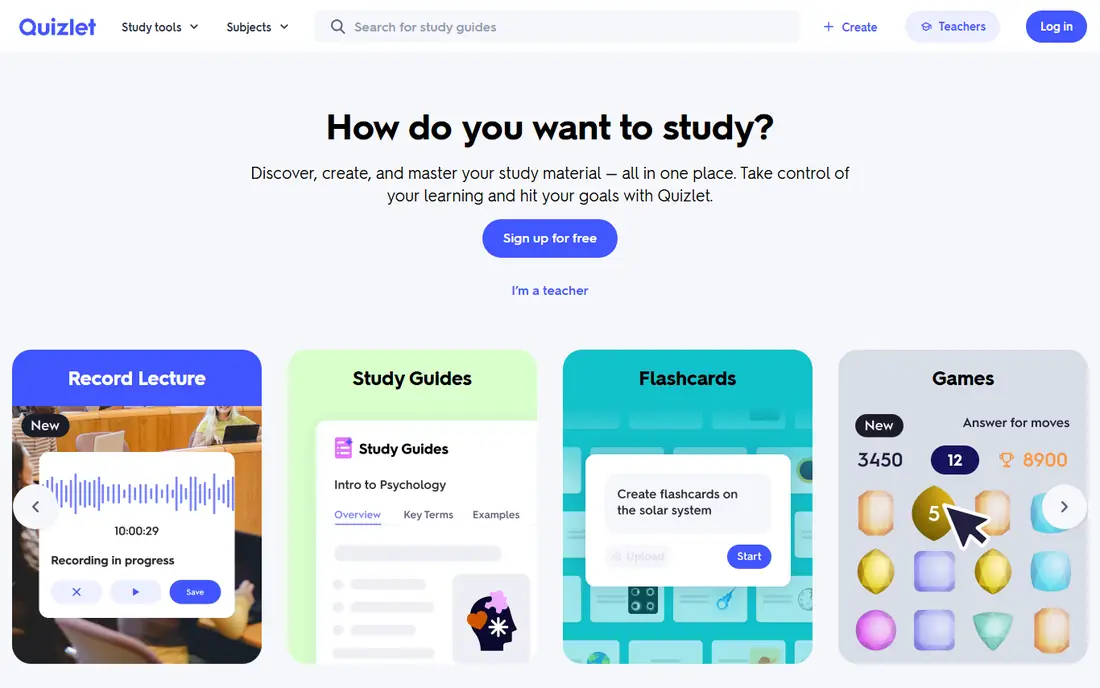
Quizlet is the fastest way to start revising, especially when a classmate or teacher has already made a set. Search for a topic, open a set, and use Learn mode to test yourself, Match to race the clock, or Test to simulate a quiz. That speed matters during a busy semester, when making every set from scratch would take time you could spend studying. The free tier covers flashcards and basic study modes, but with monthly limits on Learn rounds and practice tests, so heavy users will need Plus. Shared sets also vary in accuracy, so check a set against your textbook or lecture notes before trusting it for an exam. Quizlet suits quick review and vocabulary well, while Anki suits material you must retain for months.
- Huge library of shared flashcard sets
- Learn, Match, and Test modes for quick review
- Easy to create sets from notes
- Free Learn rounds and practice tests are limited
- Advanced AI features need a paid plan
- Shared set quality varies
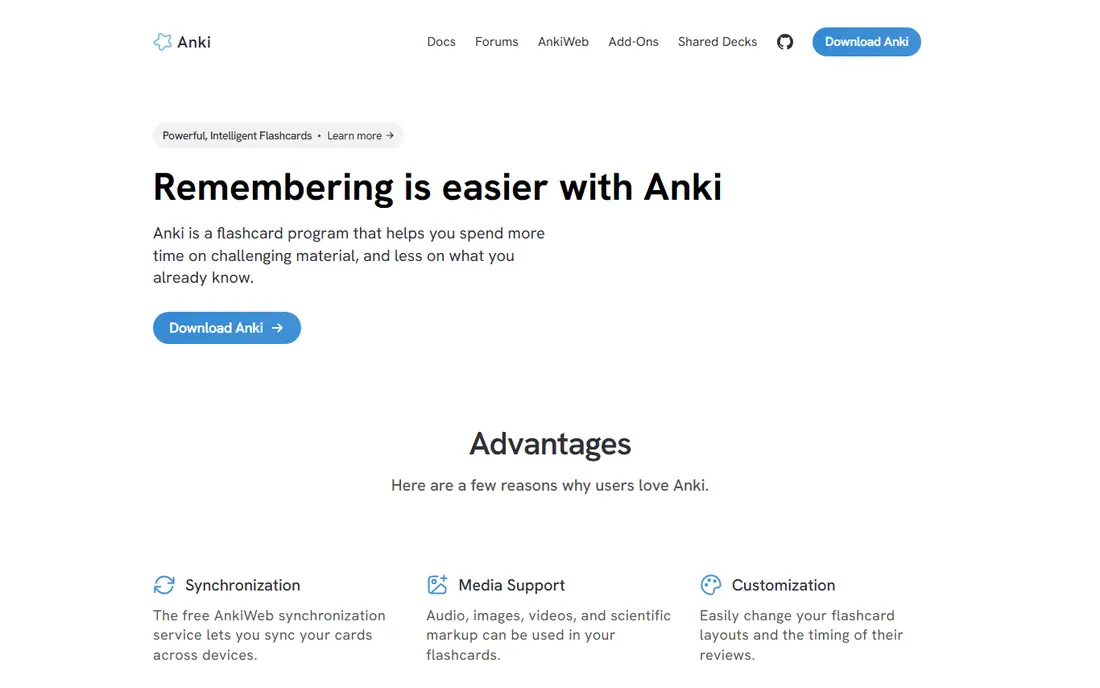
Anki is the tool many medical, law, and language students rely on for long-term retention. Its spaced repetition algorithm shows a card again just before you are likely to forget it, which spreads review over days and weeks instead of cramming everything the night before. You can add images, audio, cloze deletions, and LaTeX for math, and the add-on community extends it further. The cost of that power is setup time. Anki looks plain, card creation takes thought, and the iPhone app costs a one-time purchase, while desktop and Android are free. If you study for a single quiz next week, Quizlet may be faster. If you need to retain anatomy, vocabulary, law, or formulas for months, Anki is worth the learning curve, and a daily review habit matters more than a large deck.
- Powerful spaced repetition scheduling
- Free on desktop and Android
- Huge add-on and shared deck community
- Dated interface and steeper setup
- IPhone app is a one-time purchase
- Making good cards takes practice
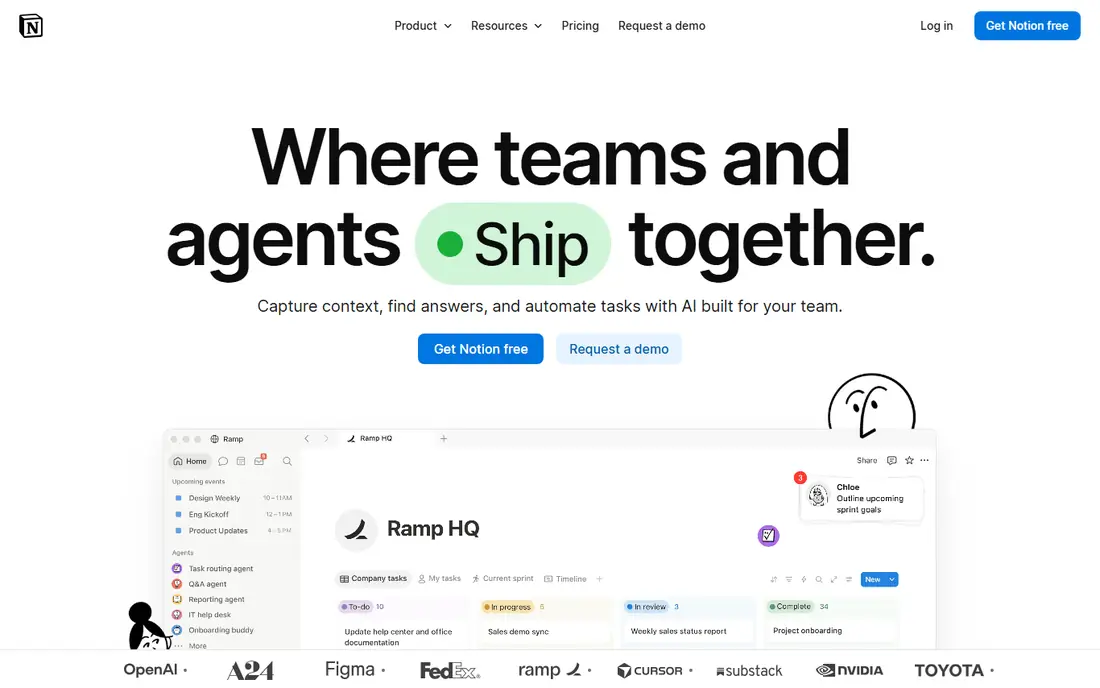
Notion suits students who want notes, assignments, reading lists, and deadlines in one workspace. You can make a page per class, a database for assignments with due dates, and a template for lecture notes, then link them together. That structure helps when you juggle several classes, group projects, and part-time work. The risk is overbuilding. A complex Notion system can become a project of its own, so start with one page per class and one assignment list, and add databases only when a simple list stops working. The free plan covers most student needs, and the education plan can lift limits for students with a college email. Use Notion for organization, and pair it with Anki or Quizlet for memorization, rather than trying to make Notion do everything.
- Flexible pages, databases, and templates for classes
- Free plan for students with a college email in many cases
- Syncs across devices
- Can become complex if you overbuild your system
- Offline use is limited on the free plan
- Paid Plus adds features many students may not need
Forest turns focus into a small, visible reward. Plant a tree, set a timer, and if you leave the app to scroll, the tree dies. That simple consequence helps many students put the phone down for a 25-minute or 50-minute session. Friends mode lets a study group plant trees together, which adds light accountability without a chat distraction. Forest does not tell you what to study, and it does not replace a plan. Use it with a clear session goal, such as finishing ten Anki cards or reading one chapter, and review what you completed when the timer ends. Pricing varies by platform and region, so check the current price in your app store. If the tree metaphor stops motivating you, switch to a plain timer and keep the session goal, which is the part that matters most.
- Plant a virtual tree that grows while you stay focused
- Friends mode adds accountability
- Simple timer for study sessions
- No full free tier in many stores
- Tree metaphor may wear off over time
- Does not plan what you study, only how long you focus
Khan Academy is the best free starting point for students who need to relearn a topic, not only revise it. Its structured lessons in math, science, computing, and test preparation explain concepts step by step, with practice questions and instant feedback. That makes it useful before a college class, when a prerequisite feels shaky, or when a lecture moved too fast. It is not a complete college study system on its own. Coverage for specialized upper-level courses is thinner, and it does not offer spaced repetition flashcards. Pair Khan Academy with a flashcard app for facts and formulas, and use its diagnostic quizzes to find gaps before you spend hours revising material you already know. For students on a tight budget, it is one of the strongest free study tools available.
- Free video lessons and practice for math, science, and test prep
- Structured courses with quizzes
- Useful for filling gaps before college classes
- Less coverage for advanced college majors
- No flashcard system like Anki
- Progress depends on self-direction
Photomath helps when you are stuck on a math problem and need to see the steps, not only the answer. Scan a printed or handwritten problem, and the app shows a worked solution with explanations for each step. That is useful for homework checks, for seeing where a calculation went wrong, and for reviewing methods before a test. The honest catch is misuse. Copying steps without understanding them will not help on an exam, where the app is not available. Use Photomath to check your own working, to learn a method you missed, and to practice similar problems by hand afterward. The free tier covers basic solving, while Photomath Plus adds more detailed explanations and animated tutorials. Teachers and students should also check course rules about app use for graded work.
- Scan a math problem for step-by-step explanations
- Covers arithmetic through calculus topics
- Useful for checking homework
- Can become a shortcut if used to copy answers
- Some advanced explanations need a paid plan
- Not a replacement for learning the method
GoodNotes is the pick for students who learn by writing by hand and annotating PDFs. On an iPad with a stylus, you can take lecture notes, mark up slides, highlight readings, and keep everything in searchable notebooks. That combination suits subjects with diagrams, formulas, and annotated readings, where typed notes feel too rigid. The main limits are platform and price. GoodNotes is strongest on Apple devices, and the free tier limits the number of notebooks, so serious users will need a paid plan. Handwriting recognition also works better with clear writing. If you mainly type notes or use Android and Windows, OneNote or Notion may be a better fit. If you already use an iPad for classes, GoodNotes can become the core of your note system.
- Natural handwriting and PDF annotation on iPad
- Audio notes can sync with handwriting in some versions
- Good organization with notebooks and folders
- Best on Apple devices, with more limited options elsewhere
- Paid app with notebook limits on the free tier
- Handwriting search depends on your writing
Microsoft OneNote is the best free, cross-platform notes app for many students. It works on almost every device, it is free with a Microsoft account, and it lets you mix typed notes, images, web clips, and handwritten notes on the same page. That flexibility suits students who take notes on a laptop in class, review on a phone, and study on a tablet. OneNote is less structured than Notion, so you need your own system for notebooks and sections, such as one notebook per semester and one section per class. It also lacks built-in flashcard scheduling, so pair it with Anki or Quizlet for revision. For a student who wants a free notes app that works everywhere without a subscription, OneNote is a strong, low-risk choice.
- Free on Windows, Mac, iPhone, Android, and web
- Flexible notebooks, sections, and pages
- Good for mixed text, images, and handwriting
- Sync and organization can feel loose next to Notion
- Fewer study-specific templates
- Search and tagging take setup to use well
Todoist suits the planning side of student life, where missed deadlines cost marks. You can create a project per class, add assignments with due dates in plain language, set recurring tasks for weekly readings, and check a daily list each morning. That simple loop, capture, schedule, and review, prevents the common problem of discovering an assignment the night before it is due. The free plan covers basic tasks, but it limits active projects, so students with many classes may need Pro or a careful project setup, such as one project per semester with sections per class. Todoist does not replace a notes app or a flashcard app, and it should not try to. Use it for deadlines and tasks, Notion or OneNote for notes, and Anki or Quizlet for revision, and you have a complete study system.
- Fast task capture with natural date input
- Projects per class and recurring tasks for weekly work
- Syncs across devices
- Free plan limits active projects
- Not a notes or flashcard app
- Paid Pro needed for reminders and filters at scale
How we picked these
We compared official feature pages, pricing, app store listings, privacy policies, and public reviews. We favored apps that are widely used by students, that offer a clear free tier or low-cost entry, and that solve a distinct study job, from memorization to notes to focus to planning. We did not claim hands-on testing, and we did not include apps that only offer general productivity features with no clear study use.
How to build a study system that works
Start with the job that causes the most friction. If you forget facts, start with flashcards. If you lose track of deadlines, start with a task app. If your phone breaks focus, start with a timer. Add one app at a time, and use it for real classes for a week before adding another.
Use spaced repetition for facts
For vocabulary, formulas, anatomy, and law, spaced repetition beats rereading notes. Make short cards with one fact per card, review daily, and keep new cards to a manageable number per day. Quizlet is faster for short-term review, while Anki is stronger for retention over months, so choose based on how long you must remember the material.
Keep notes searchable and short
Long, verbatim lecture notes are hard to revise. Write short summaries in your own words, add diagrams where they help, and link notes to assignments and flashcards. A note you can find in seconds during revision is worth more than a perfect note you never open again.
Plan study in blocks, not marathons
Short, planned blocks with breaks work better than long, unfocused sessions. Set a goal for each block, use Forest or a timer to protect it, and review what you finished before starting the next block. If a block keeps failing, shorten it, change the time of day, or split the task, rather than blaming willpower alone.
Frequently asked questions
What are the best study apps for college students?
The best study apps for college students are Quizlet or Anki for flashcards, Notion or OneNote for notes and planning, Forest for focus, and Todoist for deadlines. Khan Academy is a strong free addition for math and science gaps. Start with two or three apps that solve your biggest problems, rather than installing all of them at once.
What are the best apps for students on a budget?
The best apps for students on a budget include Khan Academy, Microsoft OneNote, and Anki on desktop and Android, all free to start. Quizlet, Notion, and Todoist also offer useful free tiers. Check for student discounts on paid plans, and use free tiers for a full week before paying for any upgrade.
What are the best free study apps?
Khan Academy, Microsoft OneNote, and Anki on desktop are among the best free study apps, because they cover lessons, notes, and spaced repetition without a subscription. Quizlet and Notion offer free tiers with limits, and Todoist offers a free task plan. A free setup can cover most college study needs if you choose apps by job.
What are the best study tools for memorization?
Anki is the best study tool for long-term memorization, because its spaced repetition scheduling is built for retention over months. Quizlet is faster for short-term review and shared sets, while Khan Academy practice helps you understand concepts before memorizing facts. Use Anki for material you must retain for exams months away.
Are the best college apps only for notes?
No, the best college apps cover notes, flashcards, focus, practice, and planning. Notion and OneNote cover notes, Anki and Quizlet cover flashcards, Forest covers focus, Photomath covers math practice, and Todoist covers deadlines. A balanced set usually beats a single app that tries to do everything.
What is the best study app for handwritten notes?
GoodNotes is a strong choice for handwritten notes and PDF annotation, especially on iPad. Microsoft OneNote is a good free alternative for handwriting across Windows, Mac, and mobile devices. Choose GoodNotes if you use an iPad and want polished notebooks, and OneNote if you need free cross-platform notes.
Sources
See where you really rank - block by block
ProMapRanker scans Google Maps across a grid of your service area. Simple monthly plans from $19, white-label on every plan.
Start freeKeep reading
 youtube alternatives
Best YouTube Alternatives in 2026
Looking for youtube alternatives in 2026? We compare Vimeo, Dailymotion, Twitch, Rumble, and more on price, audience, monetization, control and privacy.
Read → what's the best ai tool for photo editing
What Is the Best AI Tool for Photo Editing in 2026
What is the best AI tool for photo editing? We compare ten tools for 2026, from Photoshop and Lightroom to Luminar, Topaz, Canva and mobile editors today.
Read → twitter alternatives
Best Twitter Alternatives in 2026
Compare the best twitter alternatives for 2026, from Bluesky, Threads, and Mastodon to Reddit, Tumblr, and Micro.blog, with free plans and audience notes.
Read →