 ProMapRanker
Best Stud Finder App in 2026: 8 Apps Compared


Simple magnetic scanning with a live map · Pricing starts at: Free
Key takeaways
- The best stud finder app uses your phone magnetometer to find metal fasteners, not wood itself, so results are clues to verify, not proof.
- Stud finder apps work best on standard drywall over wood framing, and poorly on lath and plaster, brick, concrete, tile, and metal-backed walls.
- Stud Finder and the open source Stud Finder app are the cleanest free starting points, while Walabot DIY 2 is the serious upgrade for deeper scanning.
- Always mark a line of fasteners, check spacing, and confirm with a second method before drilling, especially for heavy mounts.
- Before drilling, check for pipes and wires as well as studs, since a magnetometer app cannot reliably rule out hidden hazards.
Quick comparison
| Pick | Great for | Pricing starts at | Free tier | |
|---|---|---|---|---|
| Stud Finder | Simple magnetic scanning with a live map | Free | Yes | Visit |
 Stud Finder Open Source | Privacy-first Android scanning | Free | Yes | Visit |
 Walabot DIY 2 | Visual wall scanning with hardware | See website | No | Visit |
 Toolkit | Stud finder plus level and tape tools | Free | Yes | Visit |
 InsideWall | AR stud mapping on iPhone | Free | Yes | Visit |
 WallSense | Simple Android magnetic scanning | Free | Yes | Visit |
 Stud Finder Pro: Wall Scanner | Wall scanning plus jobsite tools | Free | Yes | Visit |
 Stud Finder: Wall and Metal | Simple iPhone magnetic detection | Free | Yes | Visit |
The best stud finder apps
We compared apps that use a phone magnetometer to find fasteners, plus one hardware-assisted scanner for deeper work. Treat every phone-only result as a clue, and verify before drilling.
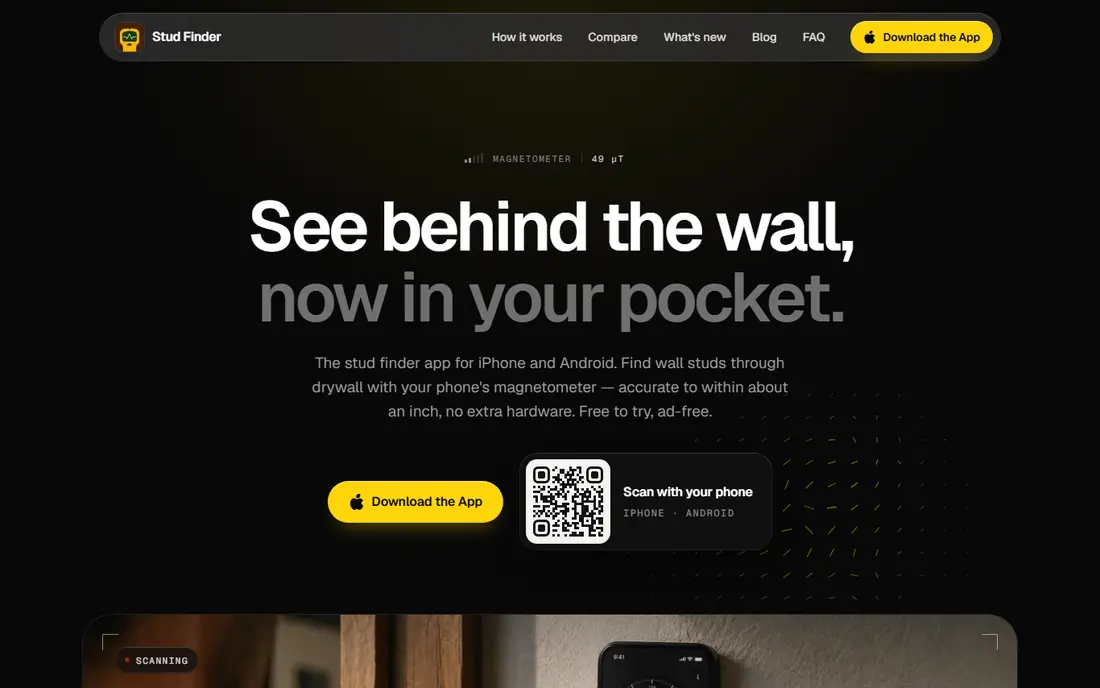
Stud Finder is our first pick for a quick check on standard drywall, because it presents the magnetometer reading as a live signal map rather than a vague beep. Slide the phone slowly across the wall, watch for peaks where screws or nails sit, and use the spacing estimate to check for standard 16-inch or 24-inch framing. The app is free to try, ad-free, and works offline, which keeps a simple job simple.
The limits are built into the method. A phone magnetometer finds metal fasteners, not the wood stud itself, so a single peak could be a pipe strap, a metal plate, or another fitting. Thick cases, magnetic mounts, and metal-backed walls can distort readings. For light mounts on drywall, Stud Finder is a useful start. For heavy mounts, confirm with a hardware finder before drilling.
- Free to try and ad-free
- Live signal map and stud spacing estimate
- Works offline
- Phone-only detection finds fasteners, not wood
- Weak on lath, plaster, and masonry walls

The open source Stud Finder app is the privacy-first choice for Android users. It is free, ad-free, and open source, with code that anyone can inspect, and it is distributed through F-Droid without requiring a Google Play account. It reads the phone magnetometer to find metal fasteners in drywall, which is the same core method as other phone apps, but without ads or tracking.
Its developer is clear about iPhone limits: iOS restricts the magnetometer access that Android stud apps rely on, so there is no reliable free iPhone option from this project. Android users with a magnetic sensor get a clean, simple scanner. iPhone users should skip phone-only scanning and use a dedicated hardware finder.
- Free and open source
- Ad-free with no tracking
- Distributed through F-Droid for Android
- Android-focused
- IPhone users should use a hardware finder instead

Walabot DIY 2 is the serious upgrade when a phone app is not enough. It pairs a dedicated radar scanner with a free phone app over its own Wi-Fi connection, and it shows a visual map of studs, pipes, and wires inside drywall up to 4 inches deep. That visual view helps users tell a stud center from a pipe run, which a magnetometer reading alone cannot do.
Walabot is hardware, so the cost is far higher than a free app, and it works only on drywall and plywood, not on lath and plaster, concrete, tile, brick, or stucco. The premium model adds an Expert mode with raw radar data and motion detection. For frequent DIY work, renovations, or jobs where hitting a pipe would be costly, Walabot DIY 2 is the pick.
- Visual wall imaging, not just beeps
- Finds stud centers, pipes, and wires to 4 inches in drywall
- Free companion app
- Requires buying hardware
- Drywall and plywood only
- Higher cost than any phone-only app
Toolkit bundles a bubble level, an AR tape measure, a decibel meter, and a stud finder in one iPhone app, which suits DIY users who want a small toolbox rather than a single-purpose scanner. The stud finder sweeps the wall and shows a trace of screws and nails the magnetometer finds, and the app states its limits up front rather than promising certainty. The level and tape measure are free in full, and the stud finder is free for three full sessions.
The trade-off is depth. Toolkit is a general toolbox, not a dedicated wall scanner, and keeping measurement history needs a Pro upgrade. For occasional hanging jobs where a level and a tape measure are also needed, Toolkit is convenient. For a dedicated scanning job, a focused app or hardware finder is better.
- Four tools in one app
- Honest limits stated up front
- No account needed
- Stud finder is only one tool in the set
- Full history needs a paid Pro upgrade
InsideWall adds augmented reality mapping to the usual magnetometer method, letting iPhone users see markers overlaid on the wall where fasteners are detected. That visual record helps when marking a full stud line for shelves or cabinets, rather than remembering a single beep. Sensitivity controls let users adjust for deeper fasteners, and premium plans add detection history and export options.
AR does not change the underlying physics. InsideWall still finds metal fasteners, not wood, and its premium AR mode, analytics, and history need a subscription, with weekly and annual options listed in its store listing. For iPhone users who want a visual map and are willing to pay for premium features, InsideWall is a polished option. Verify every marked line before drilling.
- Magnetic detection with AR wall mapping
- Sensitivity controls
- Detection history on premium plans
- Advanced AR and analytics need a subscription
- AR markers still depend on magnetometer readings
WallSense is a simple Android stud scanner that shows live magnetic readings in microtesla as the phone moves across a wall. Peaks in the reading point to metal fasteners driven into studs, and the app instructs users to slide slowly and watch for spikes. Its store listing states no data sharing and no data collection, which is a plus for a simple utility.
WallSense needs a phone with a magnetic sensor, and it offers no visual wall imaging or pipe detection. It is best as a quick, free check on standard drywall. For heavy mounts or walls with unknown plumbing and wiring, pair it with a hardware finder and a second check.
- Simple live microtesla readings
- No data collection stated in its store listing
- Updated in 2026
- Android only
- Needs a phone with a magnetic sensor
- Basic interface
Stud Finder Pro: Wall Scanner combines a magnetic wall scanner with a metal detector, a bubble level, and drill bit and wall anchor guidance. That bundle suits DIY users who want one app for checking a wall, leveling a shelf, and choosing hardware. Live microtesla readings, a visual indicator, and sound feedback help users spot ferromagnetic metal such as nails, screws, steel framing, and rebar.
The extra tools can clutter a simple job, and the core limit remains: results depend on the phone sensor, wall thickness, and surrounding metal. Use the drill guidance as a starting point, and always follow the hardware maker's instructions for anchors and screws. For a multi-tool Android app with scanning at its core, this is a useful option.
- Magnetic wall scanner plus metal detector
- Bubble level and drill guidance included
- Live readings with sound feedback
- Extra tools add clutter for a simple scan
- Accuracy still depends on phone sensor and wall type
Stud Finder: Wall and Metal is a simple iPhone option that turns the phone into a wall scanner and metal detector using the built-in magnetometer. It suits users who want a free, basic scan without subscriptions or extra tools. Its App Store listing dates to May 2022, with updates into 2026, so it remains a live option.
The feature set is basic, and the review base is small, so expectations should stay modest. It finds metal, not wood, and it cannot rule out pipes or wires. Use it for light jobs on standard drywall, mark a full line of fasteners, and confirm heavy mounts with a hardware finder.
- Free
- Simple magnetometer scanning
- Available on the App Store since 2022
- Basic feature set
- Small review base
- Phone-only limits apply
How we picked these
We compared app store listings, developer pages, and October 2026 stud finder guides for apps that use a phone magnetometer or a dedicated scanner to find wall fasteners. We favored live apps with clear descriptions of the magnetometer method, and we included Walabot DIY 2 as the hardware-assisted option for deeper work. Where an app has no standalone homepage, we linked its store or developer listing and flagged that limit in our report.
What to check before you drill
Start by confirming your wall type. Phone apps work best on half-inch drywall over wood studs at 16-inch or 24-inch spacing, and poorly on plaster, brick, concrete, and tile. Remove thick metal cases and magnetic mounts before scanning, slide slowly, and mark every peak, not just the first one.
Next, look for a pattern. A stud should show as a vertical line of fasteners at even spacing, while a single peak could be a plate, strap, or fitting. Check for outlets, switches, and plumbing nearby, since wires and pipes often run vertically or horizontally from fixtures. For anything heavy, confirm with a hardware stud finder, drill a small pilot hole, and stop if you meet unexpected resistance or see wiring.
Frequently asked questions
What is the best stud finder app?
Stud Finder is the best simple pick for standard drywall, thanks to its live signal map and free trial. The open source Stud Finder app suits privacy-focused Android users, while Walabot DIY 2 suits serious DIY work that needs visual wall imaging.
What is the best free stud finder app?
Stud Finder is free to try and ad-free, the open source Stud Finder app is free for Android, and WallSense and Stud Finder: Wall and Metal are free options on Android and iPhone. Free apps still need verification before drilling, especially for heavy mounts.
Do stud finder apps really work?
Phone stud finder apps can work on standard drywall over wood framing, because they detect the metal screws or nails holding drywall to each stud. They do not detect wood directly, and they work poorly on plaster, brick, concrete, and metal-backed walls.
Why do stud finder apps fail on some walls?
They fail when there is no metal fastener pattern to read, when the wall is thick or masonry, or when nearby metal distorts the magnetometer. Lath and plaster, tile, concrete, and metal-backed walls are common failure cases.
Should I trust a stud finder app for a heavy TV mount?
No, not on its own. Use the app to find a likely stud line, confirm with a hardware stud finder, check spacing, and drill a pilot hole first. For mounts above 30 pounds, only drill where two methods agree.
Can a stud finder app find pipes and wires?
Phone magnetometer apps cannot reliably find plastic pipes or de-energized wires, and they cannot rule out hidden hazards. Walabot DIY 2 visualizes pipes and wires in drywall, but even then, check fixture locations and stop if drilling meets unexpected resistance.
Sources
- https://thestudfinder.app
- https://studfinderapp.com
- https://walabot.com
- https://toolkit.slumbiapp.com
- https://www.becomechad.com
- https://play.google.com/store/apps/details?id=com.wagaana.wallsense
- https://www.appbrain.com/app/stud-finder-pro-wall-scanner/stud.finder.pro
- https://www.appbrain.com/appstore/metal-detector-stud-finder/ios-1624934793
See where you really rank - block by block
ProMapRanker scans Google Maps across a grid of your service area. Simple monthly plans from $19, white-label on every plan.
Start freeKeep reading
 zscaler alternatives
Best Zscaler Alternatives in 2026
Looking for zscaler alternatives? We compare 9 SASE and zero trust platforms on architecture, data protection, pricing, and fit for your network and team.
Read → zapier alternatives free
Best Zapier Alternatives Free in 2026
Nine automation tools for zapier alternatives free in 2026, all with genuinely free tiers, plus free plan limits, starting prices and upgrade paths explained.
Read → which platform is best for online reputation
Which Platform Is Best for Online Reputation in 2026
Wondering which platform is best for online reputation? We compare 8 review, listing, and response tools for small and multi-location businesses and agencies.
Read →