 ProMapRanker
Best Stop Motion App in 2026: 9 Apps Compared


All-round mobile and desktop capture · Pricing starts at: Free
Key takeaways
- Stop Motion Studio is the best all-round pick, with phone, tablet, and desktop capture plus a free starting point.
- Dragonframe is the professional standard for studio work, with camera control, lighting control, and motion control support.
- PicPac and Life Lapse are good free starting points on mobile, though higher resolutions and watermark removal need a paid upgrade.
- Beginners should start on a phone with a stable mount, since a steady camera matters more than any paid feature.
Quick comparison
| Pick | Great for | Pricing starts at | Free tier | |
|---|---|---|---|---|
| Stop Motion Studio | All-round mobile and desktop capture | Free | Yes | Visit |
 Dragonframe | Professional studio capture | $195 one-time | Free trial | Visit |
 iStopMotion | Mac and iOS hobby capture | See website | Free trial | Visit |
 PicPac | Android beginners | Free | Yes | Visit |
 Life Lapse | Social stop motion clips | Free | Yes | Visit |
 iMotion | Simple iOS time-lapse and stop motion | See website | Yes | Visit |
 Eclipse Stop Motion Pro | Schools and advanced hobbyists | See website | Free trial | Visit |
 Frames | Education and classroom projects | See website | Free trial | Visit |
 MonkeyJam | Free Windows first steps | Free | Yes | Visit |
The best stop motion apps
Stop motion means shooting one frame at a time, then playing the frames back as video. The best app depends on your camera, your device, and if the project is a short social clip or a longer film. We compared official product pages and app store listings, and we kept only tools that are live in October 2026.
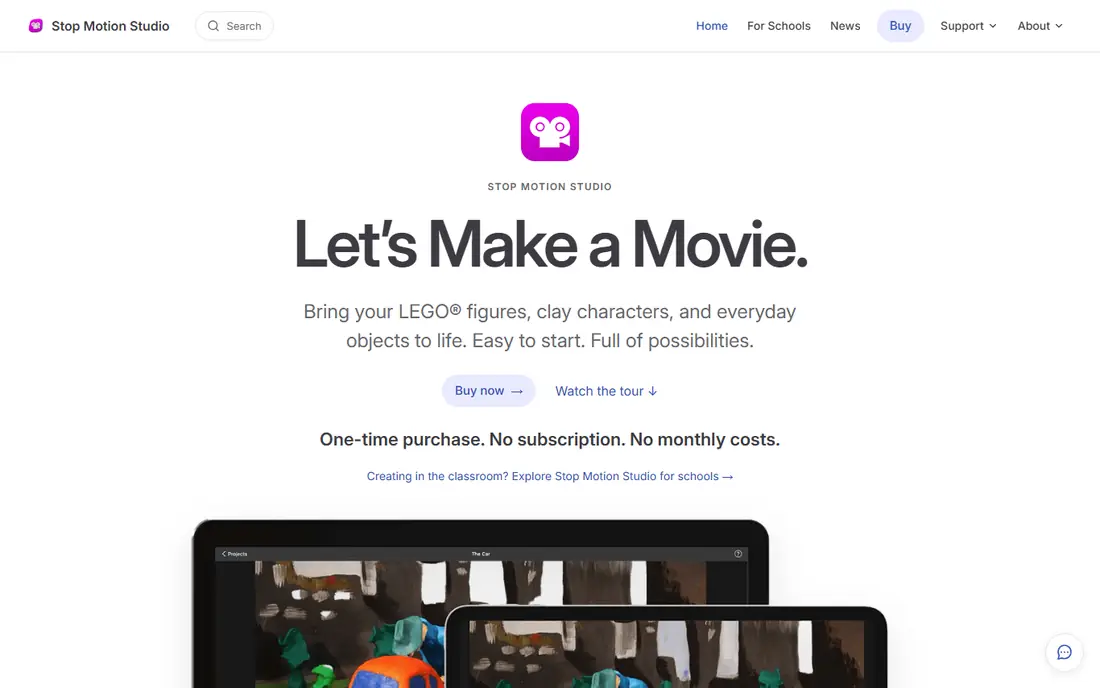
Stop Motion Studio is the app we would suggest to most beginners and to many experienced makers. It runs on iOS, Android, Windows, and macOS, so you can start on a phone and move to a larger screen later. Onion skinning shows a faint image of the last frame, which helps you move objects by small, even steps.
The free version covers capture and basic editing, while paid additions add 4K export, green screen, sound effects, and remote camera control. Prices for those additions vary by store, with reports of around $5.99 per item on Android and $9.99 for Pro on iOS, so check your store listing before you buy. For a first project, the free version is enough to learn the craft.
- Works on phone, tablet, and desktop
- Onion skinning
- Green screen and audio tools
- Some features need in-app purchases
- 4K export is a paid feature
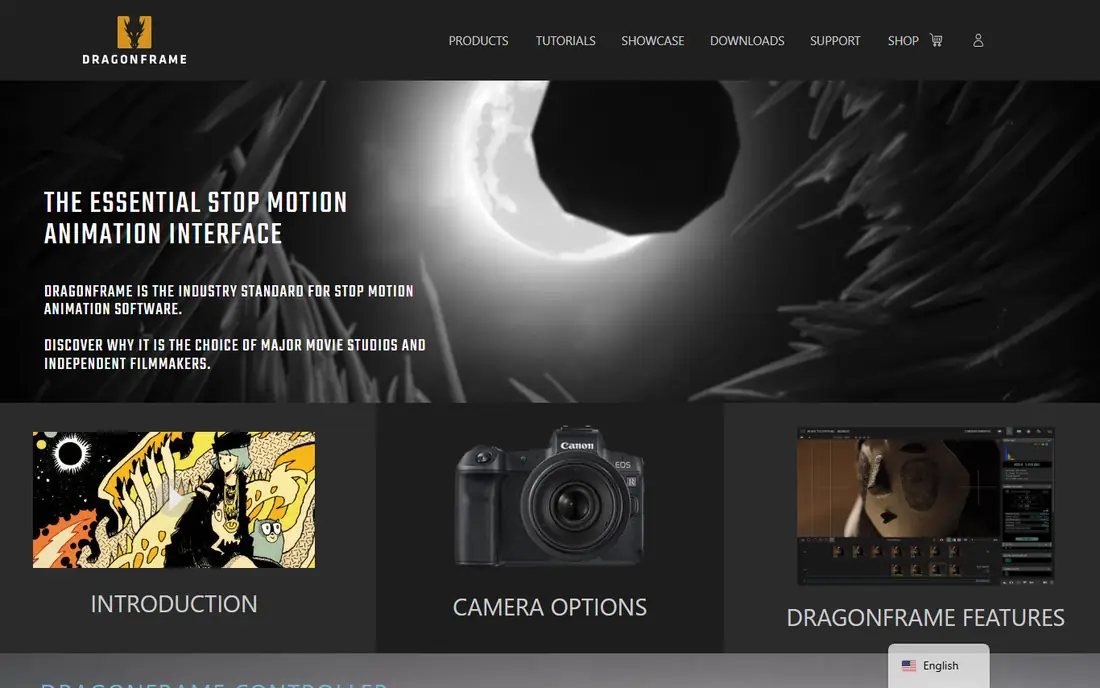
Dragonframe is the professional tool used for studio stop motion films, and its price reflects that role. It gives precise control over camera settings, live view, onion skinning, DMX lighting, and motion control rigs, plus a timeline and exposure sheet for planning complex shots. If you shoot with a DSLR or mirrorless camera and need repeatable, frame-accurate work, this is the standard.
Beginners should not start here unless they already have a studio setup. The cost is $195 as a one-time purchase in recent listings, with a trial available, and the interface assumes you know stop motion basics. For classroom or hobby work, Stop Motion Studio will be faster and cheaper.
- Precise camera and lighting control
- Motion control support
- Professional timeline tools
- High upfront cost
- Steep learning curve for beginners
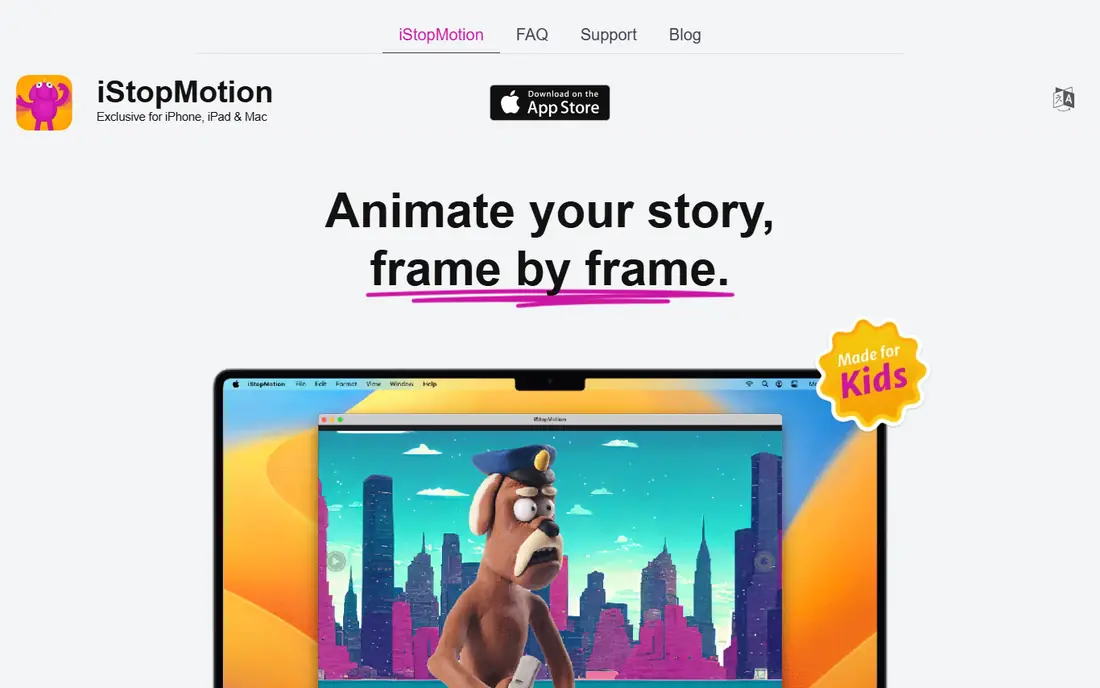
iStopMotion from Boinx is a long-running Mac and iOS tool for hobbyists, teachers, and families. It covers the basics well: capture frames, use onion skinning to check movement, add time-lapse, and export a finished clip. The interface is friendly, which matters when children or students are making their first film.
Editing is more limited than in Dragonframe or Stop Motion Studio, and there is no Windows or Android version. Recent app listings have also noted missing features such as frame reordering in some versions, so test the trial on your own device before you buy. For simple Apple-based projects, it remains a clear, easy option.
- Simple Mac and iOS capture
- Onion skinning
- Time-lapse support
- Limited editing compared with desktop rivals
- Apple devices only
PicPac, also written as PicPac Stop Motion and Time Lapse, is a popular Android starting point. You can shoot frames, import photos, reorder frames, add music, and use time-lapse modes, all from a phone. That makes it a good fit for beginners who want to try stop motion without buying software or a camera.
The free version limits exports to 360p with a watermark in recent listings, and a Pro upgrade is needed for higher resolutions. That limit is fine for learning, but not for a polished final video. If you plan to share finished work widely, budget for Pro or move to Stop Motion Studio for higher quality exports.
- Free to start on Android
- Frame reordering
- Music and time-lapse modes
- Free exports are limited to lower resolution with a watermark
- Pro needed for HD
Life Lapse is aimed at creators who make short stop motion clips for social media. It offers capture, editing, exposure lock, and cropping guides for social formats, plus colour tools for each frame. That focus makes it faster than a studio tool when the goal is a 10 second product clip or a recipe video.
Paid features lock some exposure and cropping tools behind a subscription, with reports of weekly pricing starting around $6.99, so check the current store listing. Life Lapse is also less suited to long, complex films than Dragonframe or Stop Motion Studio. For short, shareable clips, it is one of the most direct tools here.
- Built for short social clips
- Exposure lock and editing tools
- Easy sharing
- Some tools need a paid subscription
- Best for short clips, not long films
iMotion is a simple iOS app for time-lapse and stop motion, and its strength is speed. You can shoot frames, play them back, and export without learning a complex timeline. That makes it a good pick for a quick classroom demo, a garden time-lapse, or a first stop motion test with a child.
The trade is editing depth. iMotion does not match Stop Motion Studio for frame editing, audio, or green screen, and it is iOS only. Use it when you want a fast result on an iPhone or iPad, and move to a fuller tool when a project needs precise editing.
- Simple iOS interface
- Time-lapse and stop motion in one app
- Quick export
- Fewer editing tools than rivals
- IOS only
Eclipse, also called Eclipse Stop Motion Pro, is a Windows tool for schools and advanced hobbyists. It adds lip-sync support, multi-track audio, rig removal, and tools for precise puppet positioning, which help when a project moves beyond simple object animation. Those features place it between phone apps and full studio software.
Windows-only support is the main limit, and the community is smaller than Dragonframe, so tutorials and help are harder to find. Check the vendor pricing page before buying, since education pricing may differ from the standard licence. For a Windows classroom or club, it is a strong middle option.
- Lip-sync tools
- Multi-track audio
- Rig removal
- Precise puppet positioning
- Windows only
- Smaller user community than Dragonframe
Frames from Tech4Learning is an education-focused tool that combines 2D animation with stop motion capture. Teachers can run a classroom project with simple onboarding, and students can animate drawings as well as physical objects. School licensing makes it easier to install across a class than a consumer app.
For professional film work, Frames is not a Dragonframe replacement. Its strength is classroom use, where ease of use and guided projects matter more than motion control or DMX lighting. Schools should ask the vendor for current education pricing and trial terms before buying licences.
- Combines 2D animation and stop motion
- School licensing
- Easy onboarding
- Less powerful for professional film work
- Pricing is aimed at schools
MonkeyJam is a free, lightweight Windows tool for first-time stop motion makers. It captures frames from a webcam, plays them back, and exports a simple video, with no cost and no complex setup. That makes it a useful pick for an older school computer or a first test of the technique.
It is an older tool, so expect a basic interface and fewer features than modern apps. There is no mobile version, no green screen, and no advanced audio editing. Use MonkeyJam to learn the basics for free, then move to Stop Motion Studio or Dragonframe when you need more control.
- Free
- Very simple capture and playback
- Lightweight on older Windows machines
- Older, basic tool
- Windows only
- No modern editing features
How we picked these
We compared official product pages and app store listings for apps and software that capture stop motion frames, not just edit video. We favoured tools with onion skinning, frame control, and a clear export path, and we kept only tools that are live in October 2026. Where prices varied by store or region, we wrote See website rather than publishing a figure we could not confirm.
Choosing a stop motion app
Start with your device and your project length. Phone makers should start with Stop Motion Studio, PicPac on Android, or Life Lapse for short social clips. Studio makers with a DSLR or mirrorless camera should shortlist Dragonframe, with Eclipse as a Windows middle option.
Get the shoot right before you buy software
Fix the camera on a tripod or a stable mount, lock focus and exposure if the app allows it, and use steady, even lighting. Small, even movements look better than large jumps, and a frame rate of 12 frames per second is a good starting point for many projects. These basics matter more than any paid feature.
Check export quality and audio early
Test export resolution, watermark rules, and audio support before you shoot a long project. A free app that only exports at low resolution may be fine for learning, but not for a final film. Also check whether you can add music, voiceover, and sound effects, or whether you will need a separate editor for audio.
Match the tool to the audience
Classroom projects benefit from simple tools with school licensing, such as Frames or Eclipse. Social creators benefit from Life Lapse and Stop Motion Studio, which export quickly for sharing. Film makers benefit from Dragonframe, where camera control and timeline tools justify the higher price.
Frequently asked questions
What is the best stop motion app for beginners?
Stop Motion Studio is the best stop motion app for beginners, because it works on phone, tablet, and desktop, it is free to start, and it includes onion skinning for smooth movement. PicPac is a good free Android alternative for a first project.
What is the best free stop motion app?
Stop Motion Studio and PicPac are the best free stop motion apps to start with. Stop Motion Studio offers a broader feature set, while PicPac is a simple Android option. Both limit some exports or features behind paid upgrades, so check export quality before a final project.
What is the best stop motion software for PC?
Dragonframe is the best stop motion software for professional PC work, with camera control, lighting control, and motion control support. For a free PC starting point, Stop Motion Studio and MonkeyJam are both usable on Windows, with Stop Motion Studio offering far more features.
What is the best app for stop motion on iPhone?
Stop Motion Studio is the best app for stop motion on iPhone for most makers, with capture, editing, and green screen tools. iMotion is a simpler iOS option for quick time-lapse and stop motion tests, while Life Lapse suits short social clips.
How many frames per second should stop motion use?
A rate of 12 frames per second is a good starting point for many stop motion projects, since it balances smooth movement with a manageable number of photos. Slower scenes can use fewer frames, while fast action benefits from more frames. Test a short scene first to see what suits your subject.
Can I make stop motion with just a phone?
Yes, you can make stop motion with just a phone and a free app such as Stop Motion Studio or PicPac. Use a tripod or a stable mount, lock focus and exposure if possible, and shoot in steady light. A phone camera is enough for learning and for many social clips.
Sources
See where you really rank - block by block
ProMapRanker scans Google Maps across a grid of your service area. Simple monthly plans from $19, white-label on every plan.
Start freeKeep reading
 who has the best home internet service
Who Has the Best Home Internet Service in 2026
Who has the best home internet service in 2026? Compare fiber, cable, and 5G providers on speed, price, data caps, and availability at your address today.
Read → visio alternatives
Best Visio Alternatives in 2026
Compare 9 Visio alternatives for flowcharts, org charts, and network diagrams, with free plans, pricing, and the best pick for teams and solo users in 2026.
Read → top 10 logistics software
Top 10 Logistics Software in 2026
We compared the top 10 logistics software tools for transport, warehousing, visibility and shipping, for shippers, carriers and 3PL teams in 2026 today.
Read →