 ProMapRanker
Best Stem Separation Software in 2026

Key takeaways
- LALAL.AI offers the widest stem menu in a browser, while Moises pairs separation with practice tools for musicians.
- Ultimate Vocal Remover is the best free desktop option, with strong quality if you have a capable computer.
- RipX DAW is unique here for editing individual notes inside a separated stem after the split.
- Most paid tools bill by minutes, credits or subscription, so check how a long track or an album affects your balance.
- Use separated stems only on material you own or have rights to use, and get permission before releasing a remix of someone else's work.
Quick comparison
| Pick | Great for | Pricing starts at | Free tier | |
|---|---|---|---|---|
 LALAL.AI | Widest stem menu in a browser | $9.99 per month | Yes | Visit |
 Moises | Practicing musicians | See website | Yes | Visit |
 Ultimate Vocal Remover | Free desktop power | Free | Yes | Visit |
 RipX DAW | Note-level stem editing | $99 one-time | Free trial | Visit |
 Fadr | Remixers wanting MIDI and chords | $10 per month | Yes | Visit |
 BandLab Splitter | Free splits inside BandLab | Free | Yes | Visit |
 PhonicMind | Karaoke and vocal practice | $9.99 per month | Yes | Visit |
 iZotope RX | Professional repair and separation | See website | No | Visit |
 Spleeter | Free scriptable separation | Free | Yes | Visit |
The best stem separation software
Stem separation splits a finished mix into parts such as vocals, drums, bass and other instruments, so you can practise, remix, study a mix or rebuild a track from your own material. The tools below differ in stem count, processing location, price model and editing depth. All of them should be used for legitimate creative work, with rights and consent respected for other people material.
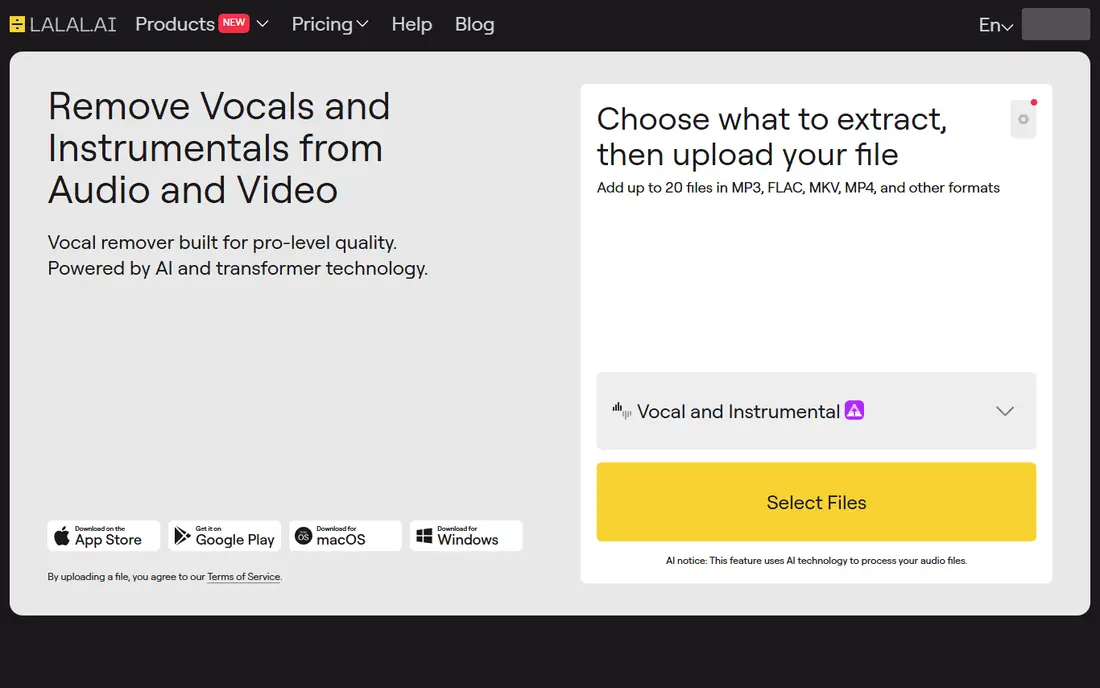
LALAL.AI is the browser pick for producers who want the widest stem menu without installing software. You upload a track, pick a stem pair or type, and preview the result before paying, which matters because separation quality varies by mix. Reported stem types include vocals, drums, bass, electric guitar, acoustic guitar, piano, synth, strings and wind, a broader menu than most rivals.
The billing model needs care. Lite is reported at $9.99 per month, with minutes deducted by file length times stem types, so a five-minute song split three ways costs fifteen minutes. That math can surprise producers working through an album. For a single track or a small batch where vocal clarity matters most, LALAL.AI is a strong first choice, especially with the preview-first flow.
- Up to 10 stem types reported
- Free preview before payment
- Desktop apps and API on higher tiers
- Paid plans are minute based, so long tracks use balance fast
- Cloud processing for standard workflow
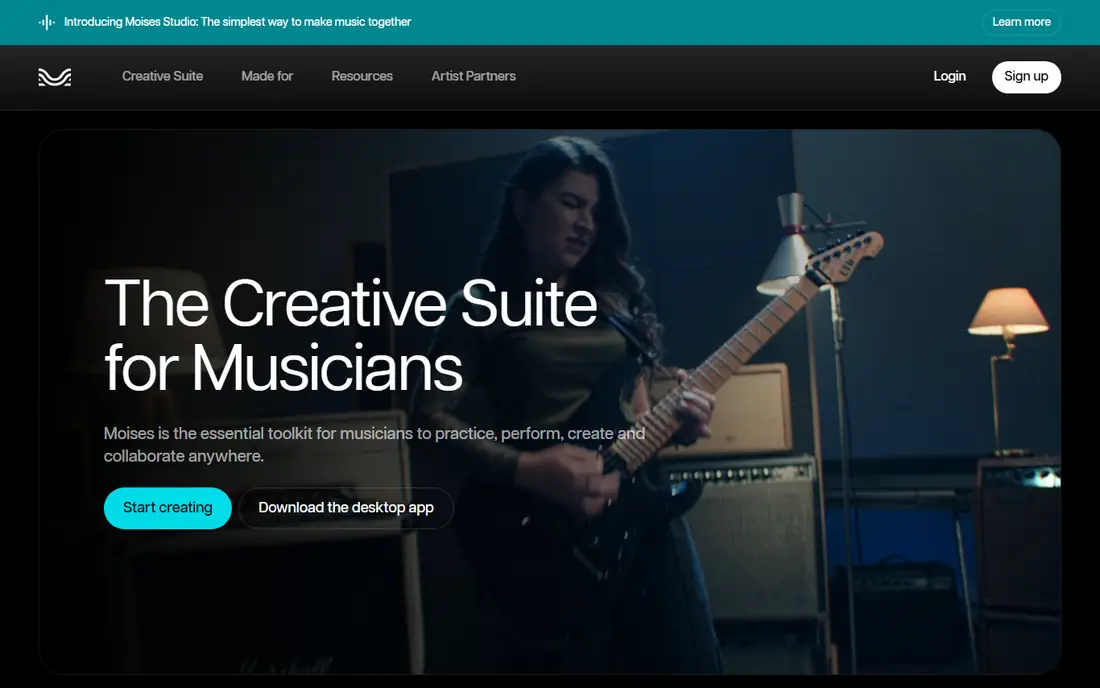
Moises is built for musicians first and producers second. Separation sits next to chord detection, pitch and tempo change, a metronome and practice tools, so a singer can isolate a vocal, slow a tricky section and learn the chords in one app. Mobile apps on iOS and Android make it easy to practise away from a studio computer, which is why teachers and cover bands like it.
The trade-off is that Moises is less of a pure production pipeline than LALAL.AI. Paid pricing is subscription based, with reports of Premium near $3.99 per month and Pro near $9.99 per month, though the vendor site should be checked for current terms. For a musician who practises, learns songs and makes covers from their own licensed material, Moises is the most complete practice package here.
- Separation plus chord detection, pitch and tempo tools
- Strong mobile apps
- Free tier with limited uploads
- Paid pricing shown after login in some reports
- Cloud processing for standard workflow
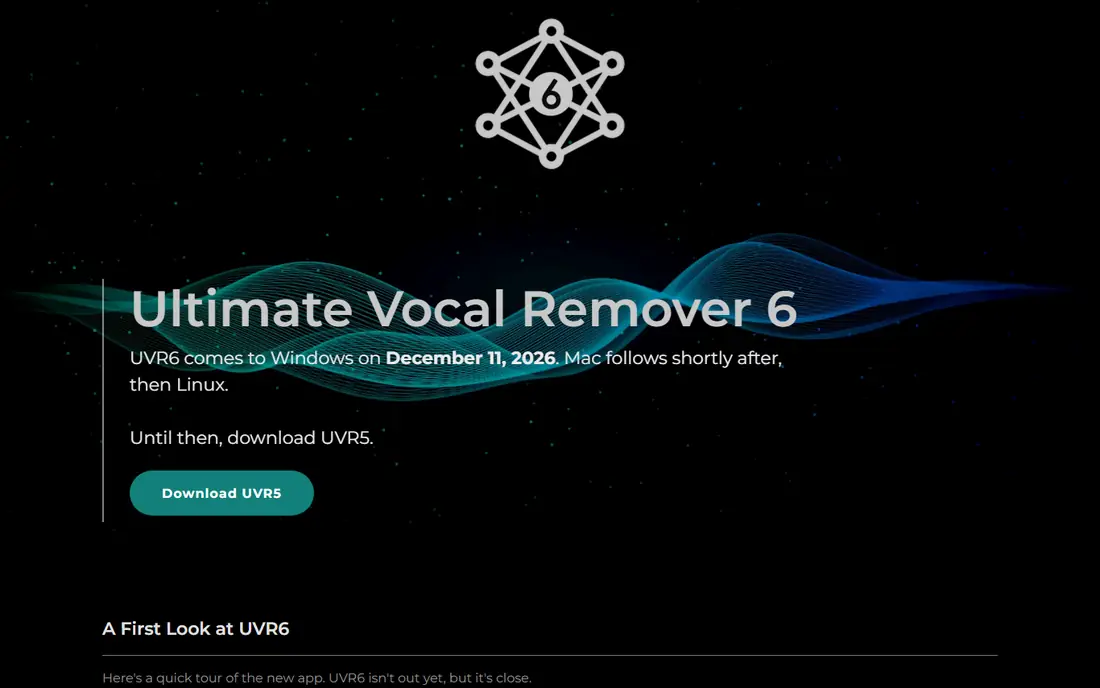
Ultimate Vocal Remover, often called UVR, is the free desktop outlier that can match paid tools on quality. It wraps research models such as Demucs and MDX-Net in a point-and-click app for Windows, Mac and Linux, with no account, no upload and no credit counter. Your files stay on your machine, which matters for unreleased material, and there is no limit on how many tracks you split.
The price is hardware and learning time. A decent GPU makes a large difference to speed, and choosing between models with technical names takes some trial and error at first. Once you find a model that suits your material, UVR is hard to beat for high-volume work. For producers who split tracks often and own a capable computer, start here before paying for a subscription.
- Completely free and open source
- Runs locally, so files never leave your computer
- Strong quality with the right model
- Needs a capable GPU for fast results
- Model choice can confuse first-time users
RipX DAW does something no other tool in this list does: after separation, you can edit individual notes inside a stem, changing pitch, timing and level at note level. That makes it a remixing and remastering tool, not just a splitter. You can clean up a vocal line, fix a wrong note in a separated part, or rebuild a section note by note, which is useful when a simple split leaves bleed or errors.
RipX is sold as a one-time licence, reported at $99 for the standard version and $198 for Pro, with a 21-day free trial of Pro in vendor reports. The desktop-only workflow and the editing learning curve mean it is not a quick web split. For a producer who wants to repair and reshape stems, rather than just export them, RipX is unique in this list.
- Edit individual notes inside a separated stem
- One-time licence, not a subscription
- Desktop workflow for remixers
- Desktop only
- Learning curve for note-level editing
Fadr suits remixers who want more than audio stems from one upload. In a single pass, it can return vocal, drum, bass and other stems alongside key, BPM and MIDI data, which speeds up rebuilding a track in a DAW. The web workflow is fast, and a free tier lets you test quality on your own material before paying.
The stem menu is narrower than LALAL.AI, with four main stems rather than ten types, so producers who need isolated guitar or piano will need another tool. Paid plans are reported at $10 per month for Plus, with higher tiers for more use. For a remixer who values MIDI and chord data next to stems, Fadr packs a lot into one upload.
- Stems plus key, BPM and MIDI in one pass
- Fast web workflow
- Free tier for testing
- Stem count is narrower than LALAL.AI
- Export quality and limits vary by tier
BandLab Splitter is the free baseline every other tool gets measured against. With a free BandLab account, you can split a track into vocals and accompaniment, or into vocals, drums, bass and other, with no credit counter and a 15-minute file limit reported in 2026 guides. The stems open straight into BandLab free cloud DAW, so you can remix on the spot without exporting and re-importing.
The limits are stem count and polish. Guitar, piano and strings need a paid Membership, and the vocal stem can carry a little more room sound than the best paid tools. For a songwriter who already records in BandLab, or a student who wants free daily splits, BandLab Splitter is the easiest place to start, with no payment needed to test separation quality.
- Free with a BandLab account
- Splits into 2 or 4 stems
- Stems open straight into the free BandLab DAW
- Four-stem ceiling on the free tier
- Vocal stem can carry more room sound than paid tools
PhonicMind is a simple web tool for karaoke hosts, singers and vocal practice. You upload a track, the service separates vocals and instrumental, and you download the version you need for practice or performance. That simplicity is the point: no DAW, no model choice, no editing depth, just a clean split for singing along or learning a part.
The trade-off is scope. PhonicMind does not offer the wide stem menu of LALAL.AI or the note editing of RipX, so producers who need drums and bass separately will need another tool. At $9.99 per month in published reports, with a free preview tier, it is priced for regular karaoke and practice use. For a singer who wants a backing track fast, PhonicMind is a straightforward pick.
- Simple upload and download workflow
- Karaoke-ready vocal and instrumental outputs
- Free preview tier
- Narrower stem menu than production tools
- Subscription needed for full use
iZotope RX is the professional pick, because separation is only one part of a much larger repair and mastering toolkit. Music Rebalance splits a mix into vocals, bass, percussion and other, and you can then apply noise reduction, de-reverb and spectral repair to the extracted stems in the same session. That workflow suits audio post-production, restoration and mastering, where a split is the start of a job, not the end.
RX is priced as professional software, with tiers reported from $129 to $799 in 2026 guides, so check the current vendor price for the tier that includes the features you need. The learning curve is also steeper than a web splitter. For a professional who already needs RX for repair work, the separation tools are a strong bonus. For a casual splitter, a web or free tool will be faster and cheaper.
- Separation inside a full audio repair suite
- Music Rebalance for vocals, bass, percussion and other
- Spectral repair tools
- Professional price and learning curve
- Separation is one part of a larger suite, not a standalone splitter
Spleeter, from Deezer research, is the developer pick in this list. It is a free, open-source command-line tool that separates a track into 2, 4 or 5 stems, and it can be scripted for batch processing across many files. That makes it useful for pipelines, research and tools built on top of separation, where a graphical app would slow the workflow down.
The catch is usability. Spleeter is not a point-and-click app, and setup needs command-line comfort plus a machine that can run the models at reasonable speed. For a producer who wants a quick split, UVR or a web tool is easier. For a developer or a team building separation into a larger workflow, Spleeter gives free, scriptable control with no subscription.
- Completely free and open source
- Scriptable for batch work
- 2, 4 or 5 stem models
- Command-line tool, not a friendly app
- Needs technical setup and a capable machine for best results
How we picked these
We compared official vendor pages and published 2026 stem separation comparisons, and we kept only tools that are currently available for legitimate music production, practice, remixing of owned material, and audio repair. We weighted stem count, separation quality reports, price model, processing location and editing depth. We did not claim hands-on testing. Use separated stems only on material you own or have rights to use, and get permission before releasing a remix of someone else's work.
How to choose the right stem separation tool
Start with the job. If you practise songs, choose Moises or BandLab Splitter for the practice tools and free access. If you produce and need the widest stem menu, choose LALAL.AI and preview before paying. If you split often and own a capable computer, choose Ultimate Vocal Remover and spend time finding the model that suits your mixes.
Next, check the price model against your volume. Minute packs punish long albums, subscriptions punish occasional use, and a one-time licence such as RipX suits steady editing work. Finally, test with your own material, not a demo track. Separation quality varies by mix density, reverb and bleed, so run the same track through two tools and compare the vocal and drum stems before committing to a plan.
Frequently asked questions
What is stem separation software?
Stem separation software splits a finished, mixed track into separate parts, such as vocals, drums, bass and other instruments, using trained audio models. The parts are called stems. You can then mute, remix, practise with or study each part separately, which is useful for production, learning and audio repair.
Is stem separation legal?
Separation itself is a technical process, but what you do with the output matters. Use it on your own recordings, on material you have rights to, or for private practice and study where allowed. Releasing a remix, cover or sample built from someone else recording usually needs permission from the rights holders, so check rights before publishing.
Which stem separation tool has the best quality?
Quality depends on the mix, not just the tool. LALAL.AI is often cited for clean vocal extraction, Moises for drum stems, and a well-tuned Ultimate Vocal Remover setup for matching paid tools on many tracks. Test the same track in two tools and listen for bleed, artifacts and lost detail in the vocal and drum stems before choosing.
Can I separate stems for free?
Yes. Ultimate Vocal Remover and Spleeter are free, BandLab Splitter is free with an account, and several paid tools offer a free tier or preview. Free tools often need more setup or have stem limits, while paid tools offer a simpler web workflow and wider stem menus. Start free if you split occasionally, and pay only when volume or stem count justifies it.
How many stems can these tools separate?
It varies. Basic tools split into 2 stems, vocals and accompaniment, while most production tools split into 4 or 5 stems, vocals, drums, bass and other, sometimes plus piano. LALAL.AI reports up to 10 stem types, including guitar, piano, synth, strings and wind. More stems do not always mean cleaner stems, so test quality on your material.
Do I need a powerful computer for stem separation?
It depends on the tool. Web tools such as LALAL.AI, Moises and Fadr process in the cloud, so your computer matters less. Desktop tools such as Ultimate Vocal Remover, RipX and Spleeter run locally, so a capable GPU or CPU makes a large difference to speed. If your computer is older, start with a cloud tool or a short test file.
Sources
- https://www.chartlex.com/blog/marketing/ai-stem-separation-tools-2026
- https://rankite.com/blog/best-stem-separation-software
- https://rankite.com/blog/best-vocal-remover-software
- https://www.lalal.ai
- https://moises.ai
- https://www.ultimatevocalremover.com
- https://hitnmix.com
- https://www.fadr.com
- https://www.bandlab.com
- https://phonicmind.com
- https://www.izotope.com
- https://github.com/deezer/spleeter
See where you really rank - block by block
ProMapRanker scans Google Maps across a grid of your service area. Simple monthly plans from $19, white-label on every plan.
Start freeKeep reading
 zscaler alternatives
Best Zscaler Alternatives in 2026
Looking for zscaler alternatives? We compare 9 SASE and zero trust platforms on architecture, data protection, pricing, and fit for your network and team.
Read → zapier alternatives free
Best Zapier Alternatives Free in 2026
Nine automation tools for zapier alternatives free in 2026, all with genuinely free tiers, plus free plan limits, starting prices and upgrade paths explained.
Read → which platform is best for online reputation
Which Platform Is Best for Online Reputation in 2026
Wondering which platform is best for online reputation? We compare 8 review, listing, and response tools for small and multi-location businesses and agencies.
Read →