 ProMapRanker
Best SSO and SCIM Platform in 2026

Key takeaways
- Okta is the most vendor neutral choice for mixed app estates, while Microsoft Entra ID is the natural pick for teams already on Microsoft 365.
- SCIM provisioning saves real admin time, but only when the apps you use support SCIM and your HR source data is clean.
- JumpCloud and Google Cloud Identity suit smaller teams that want directory, sign-on and provisioning without a large enterprise contract.
- Use these tools only for lawful, authorised administration, with clear consent and privacy handling for employee data.
Quick comparison
| Pick | Great for | Pricing starts at | Free tier | |
|---|---|---|---|---|
 Okta | Vendor neutral SSO and SCIM | $2 per user per month | No | Visit |
 Microsoft Entra ID | Microsoft 365 teams | $6 per user per month | Yes | Visit |
 Auth0 | Customer and workforce sign-on | See website | Yes | Visit |
 OneLogin | Lean teams and fast setup | See website | No | Visit |
 PingOne | Regulated and hybrid estates | See website | No | Visit |
 JumpCloud | Mixed device fleets | $11 per user per month | No | Visit |
 Google Cloud Identity | Google Workspace teams | See website | Yes | Visit |
 Rippling | HR plus identity in one place | $8 per user per month | No | Visit |
 Keycloak | Self-hosted open source control | Free | Yes | Visit |
The best sso and scim platforms
We compared vendor documentation, pricing pages and integration lists, focusing on SAML and OpenID Connect sign-on plus SCIM provisioning for joiner, mover and leaver flows.
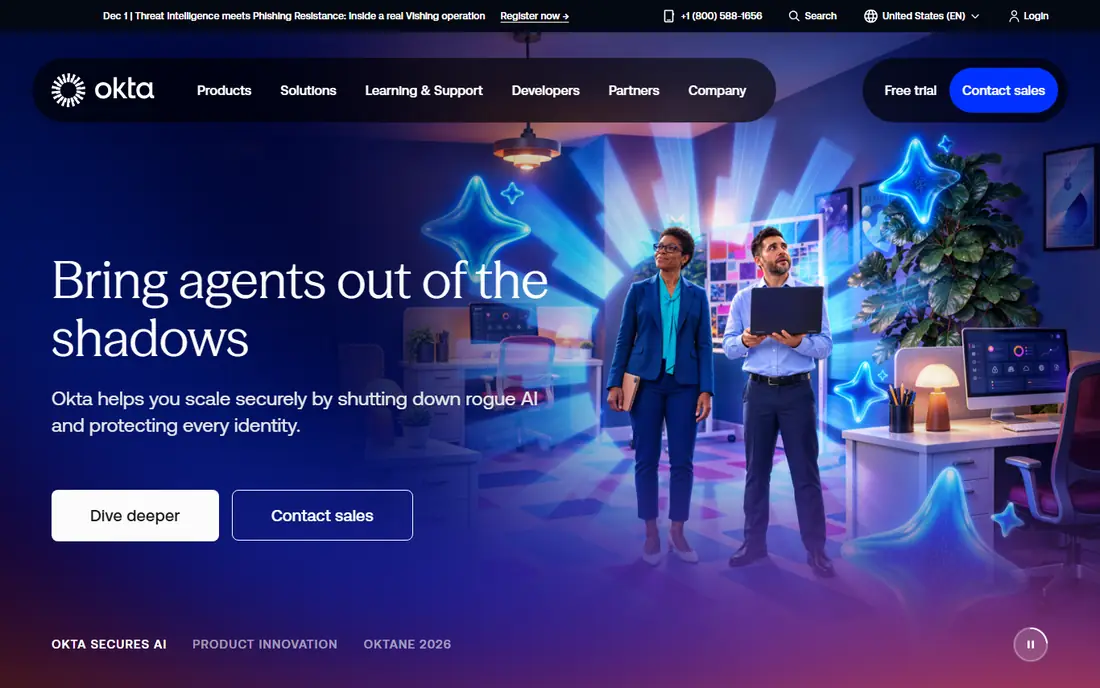
Okta is our pick for teams with a mixed stack, because it does not push you toward one cloud vendor. Its single sign-on covers a wide range of SaaS apps, and its lifecycle tools can create, update and remove accounts through SCIM when the target app supports it. That makes joiner and leaver work far more consistent than manual account handling.
The catch is pricing structure. Basic sign-on is cheaper than full suites, and governance, privileged access and threat features sit in higher tiers or add-ons. Get a quote for the exact bundle you need, check the annual minimum, and test SCIM with your most used apps before you roll it out widely.
- Very large integration catalogue
- Strong SCIM and lifecycle options
- Works across Microsoft, Google and other stacks
- Costs rise with suites and add-ons
- Annual minimums can surprise small teams
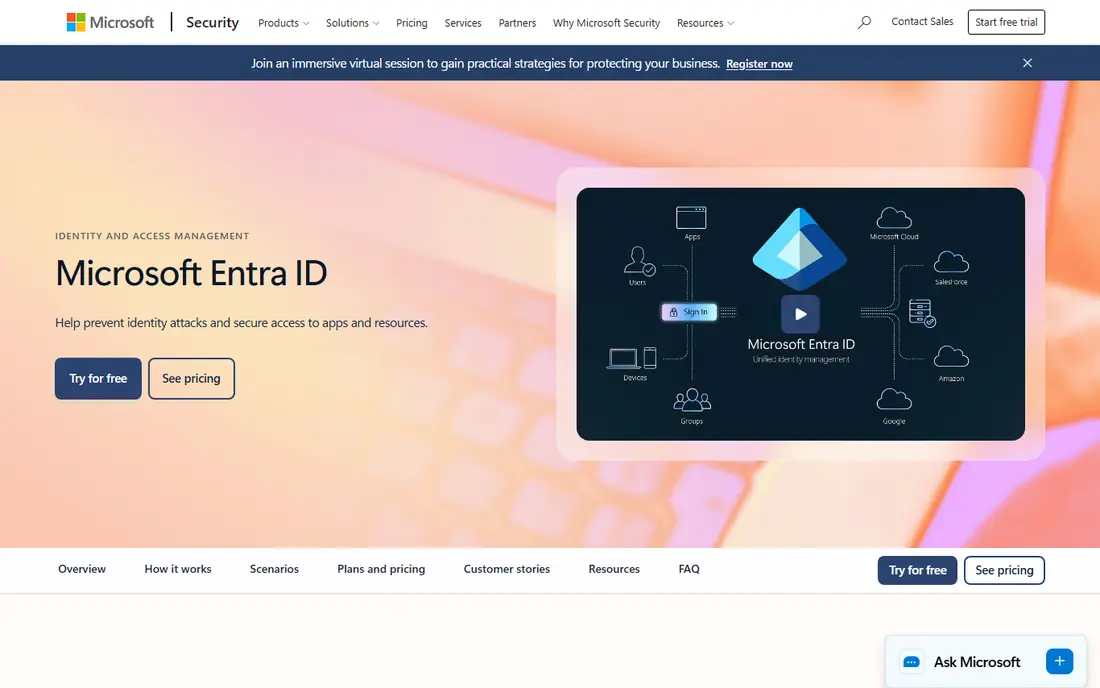
Microsoft Entra ID, formerly Azure Active Directory, is the obvious choice if Microsoft 365 already runs your email, files and collaboration. Sign-on, conditional access and group based provisioning fit naturally into that stack, and many organisations already have a free or included instance. SCIM support covers a broad set of gallery apps, with custom options for others.
The drawback is lock-in by convenience. If your stack is mostly Google, Apple and independent SaaS tools, you may get less value from the Microsoft specific features. Check which premium tier your SCIM and conditional access needs fall into, since the free tier does not cover every advanced control.
- Deep Microsoft 365 and Azure integration
- Conditional access and MFA built in
- Free tier for basic directory use
- Best value is tied to Microsoft licensing
- Outside Microsoft stacks the advantage narrows
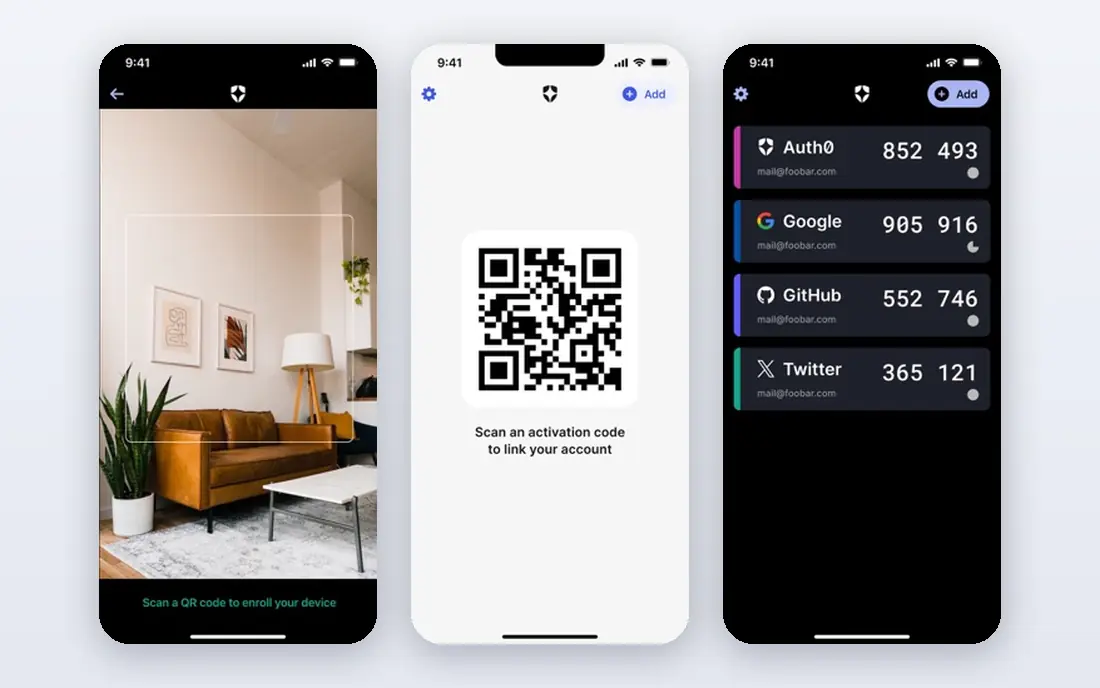
Auth0, now part of Okta, suits teams building sign-on into their own apps as well as managing workforce access. It supports standard protocols, social and enterprise connections, and custom login flows that developers can shape to a product. That flexibility is why many product teams pick it over a pure workforce directory.
For pure workforce SSO and SCIM, Auth0 can feel more developer heavy than Okta Workforce or Entra ID. Confirm SCIM and provisioning support for your exact use case, and check the free plan limits before you build a production flow around it.
- Flexible sign-on for web and mobile apps
- Strong developer tools
- Part of Okta since acquisition
- Pricing and plan limits need a careful read
- Enterprise features are quote based
OneLogin appeals to lean teams that want sign-on and provisioning live without a long project. Its directory, SSO and MFA tools cover the core needs of a growing company, and its admin interface is less daunting than some enterprise platforms. SCIM provisioning helps keep app accounts in step with directory changes.
The trade-off is scale and depth. Very large or highly regulated estates may need deeper governance, reporting or custom integration work than OneLogin offers out of the box. Pilot it with your core apps, and check SCIM coverage for any niche tools before you commit.
- Straightforward SSO and MFA setup
- Unified directory
- Useful for smaller IT teams
- Catalogue depth is smaller than Okta
- Advanced governance needs higher tiers
PingOne, from Ping Identity, fits organisations with hybrid estates that mix cloud apps, older on-premises systems and strict compliance needs. Its federation, SSO and provisioning tools handle complex identity flows, and it is a common choice in finance, health care and government adjacent work. That depth is a real strength when simple cloud only tools fall short.
Complexity is the price. PingOne projects often need more planning, testing and identity expertise than a small team may have in house. Budget for implementation time, and use a proof of concept with your hardest apps, not just the easy ones.
- Strong hybrid and on-premises options
- Good for regulated sectors
- Mature federation features
- Setup can be complex
- Pricing is quote based and needs a sales conversation
JumpCloud is a strong pick for small and mid-size teams with mixed devices and no wish to run Active Directory on site. It combines a cloud directory with SSO, MFA and device management, so one console can handle users, devices and app access. SCIM and directory sync help keep accounts consistent as people join or leave.
Pricing needs care, because SSO, device management and full platform features sit in different tiers. Work out which tier your SCIM, MFA and device needs actually require, and check macOS specific quirks if your fleet is Apple heavy before you migrate.
- Cloud directory across Windows, macOS and Linux
- SSO plus device management
- No on-premises server needed
- SSO tier pricing adds up
- Some features are split across tiers
Google Cloud Identity is the low friction option for teams already on Google Workspace. Sign-on and MFA are included in many Workspace tiers at no extra identity cost, and admin work stays inside the Google console staff already know. That makes it easy to adopt and hard to justify replacing for a Google centric company.
The limit is breadth. SCIM provisioning and advanced lifecycle features vary by target app, and teams with a large Microsoft or mixed estate may need a separate identity platform for full coverage. Check your key apps for SAML and SCIM support, and keep a clear record of who can access what.
- Natural fit for Google Workspace
- SSO included in many Workspace tiers
- Simple admin for Google centric teams
- SCIM depth varies by app
- Less compelling outside Google Workspace
Rippling suits companies that want HR changes to drive IT access automatically. When HR records a hire, role change or departure, Rippling can trigger payroll, benefits, device and app provisioning from the same record. That reduces the gap between an HR decision and an IT action, which is where access risks often creep in.
The catch is that Rippling is a wide platform, so identity pricing sits inside a modular bundle. Get a quote for the Unity base plus the modules you need, and confirm SCIM support for apps outside its main catalogue. It fits best when you already want unified HR and IT, not when you only need sign-on.
- HR, payroll, IT and app provisioning in one system
- Strong automation from HR data
- Large integration set
- Modular pricing grows with add-ons
- Identity is part of a wider platform, not a standalone focus
Keycloak is the choice for engineering led teams that want full control and no per user licence fee. It supports SSO, federation and standard protocols, and you can host it in your own cloud or data centre. That control helps teams with strict data residency or custom login needs.
Self-hosting is also the main cost, in staff time rather than licence fees. You own upgrades, security patching, backups and availability, and SCIM provisioning often needs extra configuration or extensions. Only pick Keycloak if you have the engineering capacity to run it well, and a clear plan for support.
- Free open source software
- Full control over hosting and data
- Strong standards support
- You run and patch it yourself
- SCIM needs extra work or extensions
How we picked these
We compared official pricing and documentation, integration catalogues and SCIM support, and we kept only platforms that offer SSO plus provisioning for workforce use today. We gave weight to standards support, lifecycle automation, and fit for different stack sizes, from Google or Microsoft centric teams to mixed and self-hosted estates. Where pricing was quote based we wrote See website rather than guessing a figure.
How to choose an SSO and SCIM platform
Start with your HR source and your app list, not with a feature table. List the apps that must support SAML or OpenID Connect, then check which of those also support SCIM for automated provisioning. A platform that signs users in but cannot provision accounts still leaves manual work and leaver risk in place.
Privacy, consent and leaver discipline
Use these tools only for lawful, authorised administration. Tell staff what identity data is collected, why it is needed, and how long it is kept, and get the consents your local rules require before you sync HR data to new systems. Set a leaver process that removes access promptly, review privileged accounts often, and keep an audit trail of provisioning changes so mistakes can be found and reversed.
Frequently asked questions
What is the difference between SSO and SCIM?
SSO lets a user sign in once and reach many apps, while SCIM automates account creation, updates and removal across those apps. SSO improves sign-in, SCIM improves lifecycle control, and most teams need both.
Do I need SCIM if I only have a few apps?
For a handful of apps, manual provisioning may be manageable, but SCIM still helps with leavers and role changes. Once you pass roughly twenty apps, manual work and missed removals become a real risk.
Which SSO and SCIM platform is best for small teams?
JumpCloud and Google Cloud Identity suit smaller teams, while Okta and Entra ID suit larger or more complex estates. Pick based on your current stack, not on the largest feature list.
Can SCIM work with apps that do not support it?
No, SCIM needs support on both sides. For apps without SCIM, use API connectors, directory sync or a documented manual process, and record the gap in your access review.
Is employee consent needed for SSO and SCIM?
You need a lawful basis for processing employee identity data, which may include notice and consent depending on your jurisdiction and policies. Talk to your privacy or legal lead before syncing HR data, and keep data collection to what the job requires.
Sources
See where you really rank - block by block
ProMapRanker scans Google Maps across a grid of your service area. Simple monthly plans from $19, white-label on every plan.
Start freeKeep reading
 worlds best local seo company
8 Worlds Best Local SEO Companies for Map Pack Growth in 2026
Compare the worlds best local seo company options for Google Business Profile work, citations, reviews, and multi-location rankings and reporting in 2026.
Read → world's best web hosting company
World's Best Web Hosting Company in 2026
Searching for the world's best web hosting company? We compared 10 hosts on price, renewal rates, speed, and support to help you choose well today in 2026.
Read → who's got the best nanny tax services
Who's Got the Best Nanny Tax Services in 2026
We answer who's got the best nanny tax services, comparing full filing, back taxes, software, and pricing so families can handle nanny taxes correctly.
Read →