 ProMapRanker
Best Split Rent App in 2026: 8 Apps Compared

Key takeaways
- Splitwise is our pick for most long term roommate groups because it keeps a running balance, supports uneven splits, and simplifies debts.
- Tricount is the strongest fully free option for groups that want no daily limits and no account hassle for every member.
- A tracking app and a payment app are two different jobs, so most households pair a ledger app with Venmo, Cash App, or a bank transfer.
- Set the rent split in writing before the first month, including how utilities, parking, and shared purchases are handled.
- Check the free plan limits before you commit, since daily expense limits and ads now affect several popular apps.
Quick comparison
| Pick | Great for | Pricing starts at | Free tier | |
|---|---|---|---|---|
 Splitwise | Long term roommate ledgers | $4.99 per month | Yes | Visit |
 Tricount | Fully free group splits | Free | Yes | Visit |
 Settle Up | Detailed categories and groups | See website | Yes | Visit |
 Splid | Simple offline splits | See website | Yes | Visit |
 SplitEven | Fast receipt splits | See website | Yes | Visit |
 Tab | Item level splits | See website | Yes | Visit |
 Venmo | Paying roommates after the split | Free | Yes | Visit |
 Cash App | Simple payments between roommates | Free | Yes | Visit |
The best split rent apps
Rent is usually the largest shared bill in a household, so a small tracking mistake can turn into a tense conversation. These apps help you record who paid, who owes what, and how the balance changes over time. We focused on tools that handle recurring rent, uneven shares, and a clear record everyone can see.
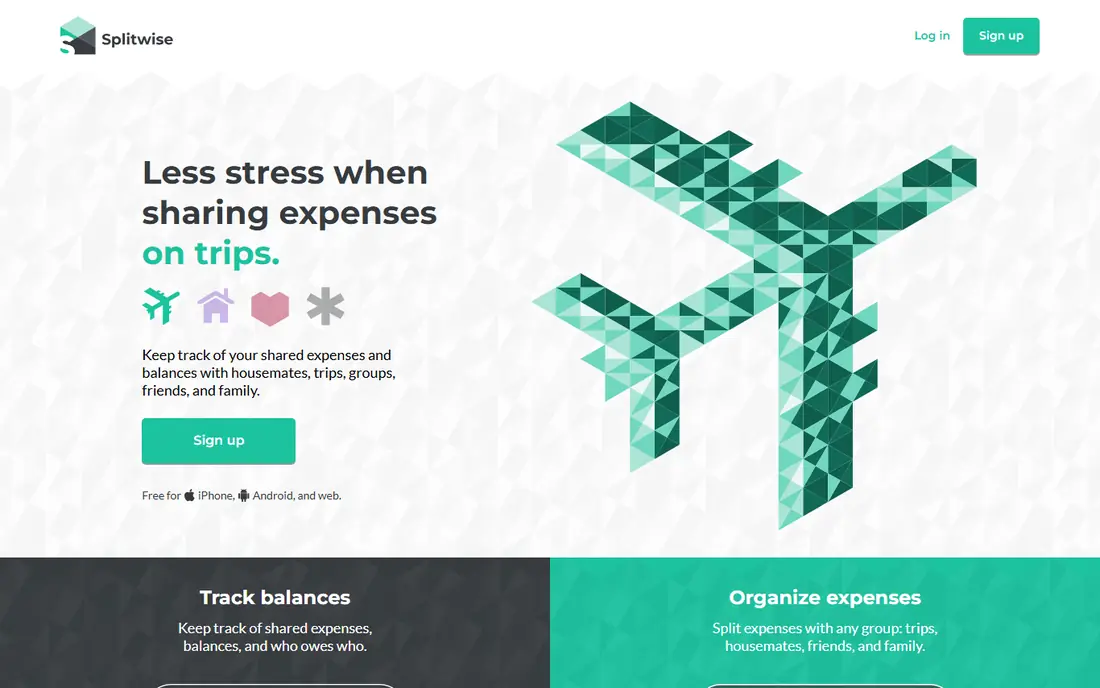
Splitwise works best when the same people share costs month after month. You create a group for the apartment, add rent as a recurring expense, and set each roommate share once. When someone pays the electric bill or buys shared groceries, the balance updates for the whole group. That running record matters more than any single feature, because rent disputes are rarely about one month. They are about a pattern that no one wrote down.
The honest catch is the free plan. Recent versions limit how many expenses you can add each day and show ads between screens. For a household that adds rent plus a few bills each month, the free plan often still works. If you also track trips, meals, and daily purchases in the same group, Splitwise Pro at $4.99 per month removes the cap and adds receipt scanning and charts. We would start free, then pay only if the limit gets in the way.
- Running balances across months
- Uneven splits by amount, percentage, or shares
- Debt simplification reduces the number of payments
- Free plan has daily expense limits and ads
- Receipt scanning is a paid feature

Tricount takes a simpler approach. Each person logs what they paid, and the app works out the fairest settlement at the end, with as few transfers as possible. That makes it a good fit for a household that wants rent and shared bills settled cleanly each month without a subscription. Multi-currency support is included at no cost, which helps if roommates pay in different currencies or travel together.
The trade off is depth. Tricount is less of a long term household ledger than Splitwise, and it does not lean as hard into recurring expenses and detailed reports. If your main need is a clear, free record of who paid what and who owes whom, that simplicity is a strength. If you want charts, receipt scanning, and months of spending history in one place, you may outgrow it.
- Whole feature set is free
- Multi-currency support included
- No account required for some uses
- No recurring expense feature in the same way as Splitwise
- Fewer long term reporting tools
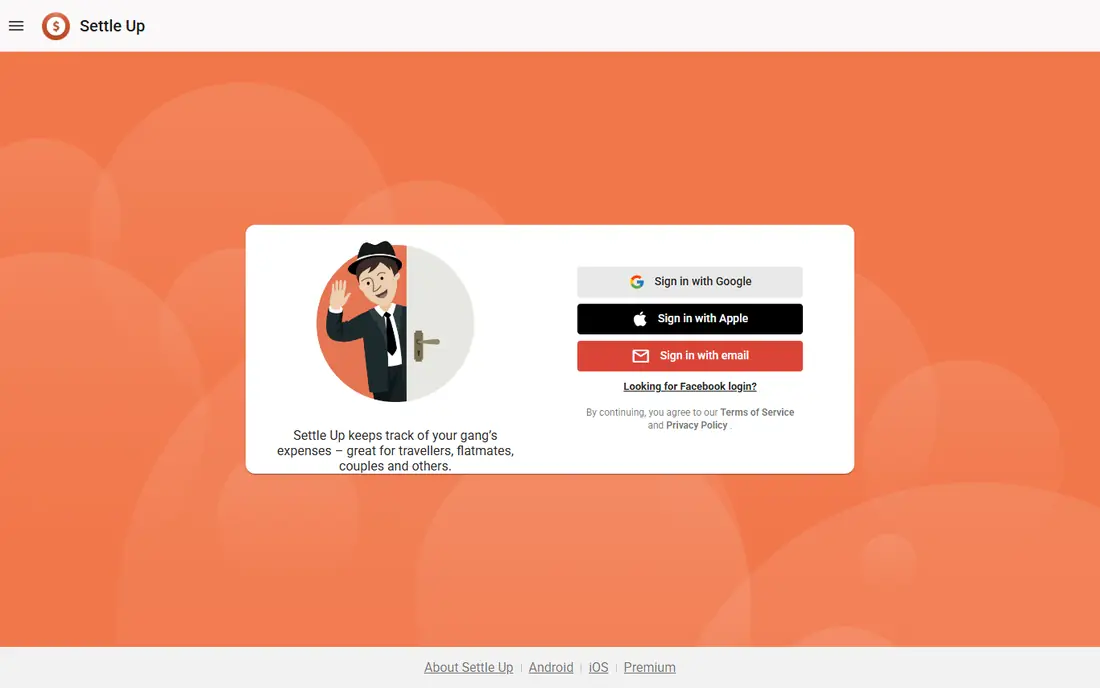
Settle Up suits roommates who like detail. You can sort expenses into categories, see balances at a glance, and keep separate groups for rent, trips, and shared purchases. That separation keeps the rent group clean when a trip group gets messy. The interface is plain in a good way, with less clutter than apps that try to be a social network as well as a ledger.
Payment is the gap to plan around. Like most ledger apps, Settle Up records the debt but does not move the money on its own. You still settle through a bank transfer or a payment app. That is normal for this category, and it is worth stating plainly so no one expects the app to pay the landlord. For tracking alone, Settle Up is a steady, low cost choice.
- Clear group balances and categories
- Works across iOS, Android, and web
- Flexible split options
- Paid tiers vary by platform and region
- Payment itself happens outside the app
Splid is the lightest option on this list, and that is the point. You can open it, add an expense, and split it without creating an account or learning a full system. Offline use helps when the wifi is down or when you are splitting costs on the spot. For a short term sublet or a household that only shares rent and one or two bills, that low friction is hard to beat.
The limit shows up over time. Splid does not try to be a full household finance system, so long term reports, recurring rent templates, and deep history are thinner than in Splitwise or Settle Up. Think of it as a clean notebook rather than a filing cabinet. If your household needs only a notebook, Splid is an excellent pick. If you need a cabinet, choose a fuller ledger.
- No signup needed to start
- Works offline
- Simple equal and custom splits
- Less suited to long term household reporting
- No built in payment
SplitEven solves a different moment: the bill has just arrived, and everyone ordered different things. You scan the receipt, assign items, and share a link so friends can see the breakdown without downloading an app. That speed matters for shared grocery runs and meals, which often sit next to rent in a roommate budget. Proportional tax and tip handling also keeps the split fair when orders differ a lot.
For rent itself, SplitEven is a support tool rather than the main ledger. It does not replace a months long record of rent, utilities, and shared purchases. Use it alongside a ledger app when receipts are involved, and keep rent in the ledger where the running balance lives. That pairing gives you speed at the table and clarity at the end of the month.
- Receipt scanning included in the free experience
- Shareable links for friends without an account
- Proportional tax and tip handling
- Built for single bills rather than long term ledgers
- No recurring rent tracking at the same depth as Splitwise
Tab focuses on splitting a bill item by item, which is useful when roommates share a grocery shop but buy different personal items too. You assign each line to the right person, and the app totals what each person owes. That level of detail stops the usual argument about who bought the expensive item that no one else used. It is also handy for shared household purchases where only some items are truly shared.
As a rent app, Tab is basic. Rent is a fixed monthly amount, so item level detail adds little, and you will still want a ledger for the running balance. Tab earns its place here for households where shared shopping causes more friction than rent itself. Pair it with a ledger, or use it on its own if shopping is your main shared cost.
- Item by item splitting
- Simple sharing with friends
- Useful for shared shopping
- Smaller user base than Splitwise
- Rent tracking is basic compared with a full ledger
Venmo is on this list for a practical reason: most roommates already have it, and it is how the money actually moves. After Splitwise or Tricount says who owes what, Venmo lets that person pay in a few taps. The payment history also gives you a second record, which helps if the ledger app ever gets disputed. For households that pay rent to one roommate who then pays the landlord, that flow is simple and familiar.
Venmo alone is a weak rent system. It shows payments, not balances, so it cannot tell you at a glance who is behind over three months. It also lacks uneven rent templates and recurring split rules. Use Venmo as the payment step, not the tracking step, and you will get the best of both. Check the fee rules for your payment method before you send a large rent payment.
- Widely used in the United States
- Fast payments between friends
- Clear payment history
- Not a rent ledger on its own
- Fees can apply to some payment methods
Cash App plays the same role as Venmo in a roommate setup: it moves money quickly between people. Some households prefer it because everyone in the group already uses it, or because it fits how they already pay each other. A rent payment sent through Cash App is easy to find later, and that record can back up the ledger if questions come up.
The same warning applies. Cash App does not track who owes what, split rent by room size, or remind anyone about an unpaid share. It is a payment tool, not a split tool. Pair it with a ledger app, agree on the split percentages in advance, and let Cash App handle only the final transfer. That split of duties keeps both the math and the money clear.
- Simple peer payments
- No ledger app needed to send money
- Widely available in the United States
- No rent split tracking or balance history
- Fees can apply to some transfers
How we picked these
We compared official feature pages, pricing pages, and app store listings, plus public reviews that describe current free plan limits. We kept only apps that exist and work in October 2026 and that truly fit rent splitting, either as a ledger or as the payment step most households actually use. We left out apps built only for trips or only for restaurant bills unless they also helped with shared household costs. Prices shown are starting prices from vendor pages or search results checked in October 2026, and we wrote See website where a price varies by platform or could not be verified from the vendor page at the time of writing.
What to agree on before you pick an app
Start with the split, not the app. Decide how rent divides when rooms differ in size, then decide how utilities, internet, parking, and shared supplies divide. Some households split rent by room size and split shared bills equally. Others split everything by the same percentage. Either method works if everyone agrees in writing and the app stores that percentage as a template. Revisit the split when a roommate moves out, a room changes use, or a major bill changes.
Next, decide who pays the landlord and by what date. A common setup is one roommate pays the full rent, and the others pay that roommate by a fixed day each month. Put that date in the app as a recurring expense and set reminders. Also agree on what happens when a payment is late, and keep that rule calm and specific. A ledger app can show the balance, but only a clear household rule can stop a late payment from becoming a personal dispute.
Finally, test the free plan for one month before anyone pays. Add rent, add a utility bill, add a shared grocery run, and check that everyone can see the same balance. If daily limits, ads, or a missing feature get in the way during that test month, you have learned something useful before spending money. If the free plan handles your real month, keep it free and spend nothing.
Frequently asked questions
What is the best app to split rent?
For most roommate groups, Splitwise is the best app to split rent because it keeps a running balance, supports uneven splits, and handles recurring expenses. Tricount is our pick if you want a fully free option with no daily limits. The best choice depends on how many expenses you add each month and whether you need detailed reports.
What is the best rent split app for uneven rooms?
Splitwise and Settle Up both support splits by exact amount, percentage, or shares, which is what you need when rooms differ in size. Measure the rooms, agree on percentages, and save those percentages as your rent template. That way the same fair split applies every month without recalculating it.
Are there best split rent apps that are free?
Yes. Tricount is fully free, and Splid, Settle Up, and SplitEven all offer free tiers that cover basic splitting. Splitwise also has a free tier, but it now has daily expense limits and ads. For a household that adds only rent and a few bills each month, a free tier is often enough.
Can I use Venmo or Cash App to split rent?
You can use Venmo or Cash App to pay rent, but neither one tracks balances or splits rent on its own. They work best as the payment step after a ledger app has worked out who owes what. That pairing gives you a clear record in the ledger and a fast payment in the payment app.
What is the best app to split rent with roommates who do not want an account?
Tricount and SplitEven both let friends view a split through a link without the full signup friction of some ledger apps. Splid also starts without signup. If every roommate refuses to create an account, a link based split is the most practical route, though a shared ledger still works better over many months.
How do I split rent fairly for a bigger bedroom?
A common method is to split rent in proportion to bedroom size, then split shared space costs equally. For example, a larger main bedroom might take a larger share of rent, while the living room, kitchen, and bathroom costs divide equally. Put the final percentages in the app and keep a short written note of how you reached them.
Sources
See where you really rank - block by block
ProMapRanker scans Google Maps across a grid of your service area. Simple monthly plans from $19, white-label on every plan.
Start freeKeep reading
 zscaler alternatives
Best Zscaler Alternatives in 2026
Looking for zscaler alternatives? We compare 9 SASE and zero trust platforms on architecture, data protection, pricing, and fit for your network and team.
Read → zapier alternatives free
Best Zapier Alternatives Free in 2026
Nine automation tools for zapier alternatives free in 2026, all with genuinely free tiers, plus free plan limits, starting prices and upgrade paths explained.
Read → which platform is best for online reputation
Which Platform Is Best for Online Reputation in 2026
Wondering which platform is best for online reputation? We compare 8 review, listing, and response tools for small and multi-location businesses and agencies.
Read →