 ProMapRanker
Best Speech-to-Text App for Large Corporate Use in 2026

Key takeaways
- Otter.ai is the default for live corporate meetings, with real-time transcripts, summaries and action items, while Rev is the choice when human-verified accuracy matters.
- Verbit suits regulated industries and accessibility programs, with live captioning and compliance-focused workflows.
- Microsoft Azure AI Speech and Amazon Transcribe suit large companies that want speech-to-text as a platform service inside their existing cloud.
- For large corporate use, security, admin controls, SSO and data handling matter as much as raw accuracy, so shortlist on those controls first.
Quick comparison
| Pick | Great for | Pricing starts at | Free tier | |
|---|---|---|---|---|
 Otter.ai | Live corporate meetings | $8.33 per user per month | Yes | Visit |
 Rev | Human-verified accuracy | $14.99 per month | Yes | Visit |
 Trint | Collaborative transcript editing | $52 per seat per month | Free trial | Visit |
 Verbit | Enterprise captioning and compliance | See website | Free trial | Visit |
 Sonix | Multilingual volume transcription | $10 per audio hour | Free trial | Visit |
 Descript | Editing audio and video by text | $16 per month | Yes | Visit |
 Fireflies.ai | Meeting notes with CRM links | $10 per seat per month | Yes | Visit |
 Microsoft Azure AI Speech | Cloud speech platform | See website | Free trial | Visit |
 Amazon Transcribe | Cloud batch transcription | See website | Free trial | Visit |
The best speech-to-text app for large corporate use
Large companies do not just need a transcript. They need admin controls, security reviews, consistent accuracy across accents and terminology, and a way to handle thousands of hours without a manual bottleneck. We compared enterprise plans, security features and pricing models for tools that serve large teams, and we favored vendors that publish enterprise terms and offer SSO, admin controls or compliance documentation. Prices below are starting points, and large-volume deals are usually custom.
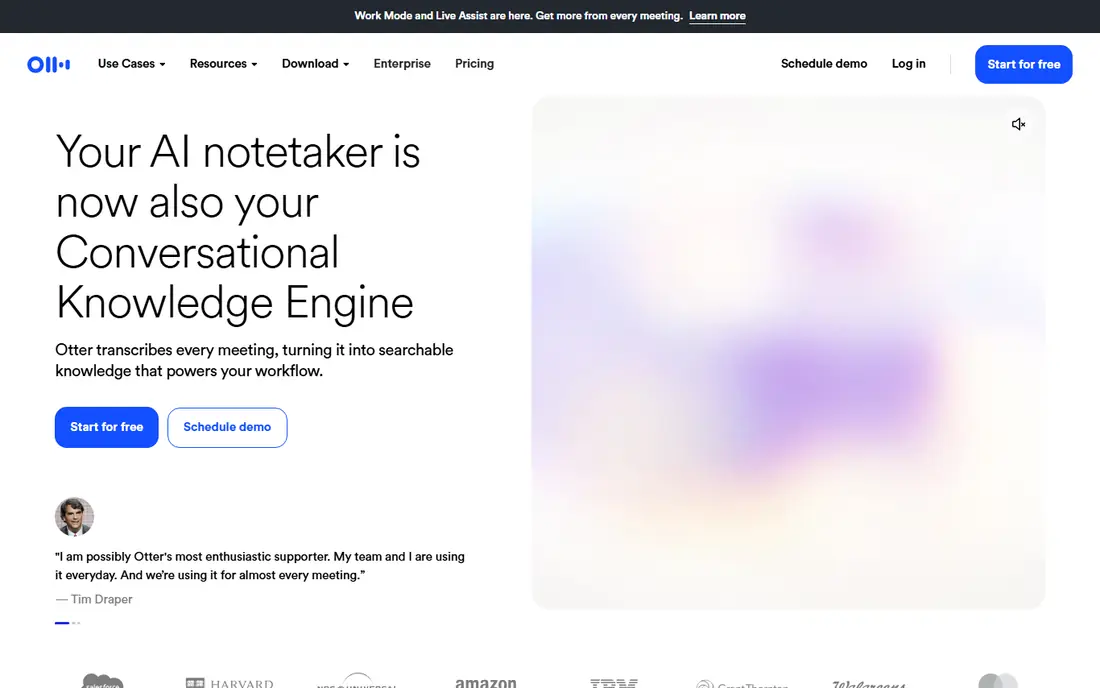
Otter.ai is the most familiar name in corporate meeting transcription, and for good reason. It records live meetings, transcribes in real time, and produces summaries with action items when the meeting ends. For large teams, the Business and Enterprise tiers add admin controls, SSO and shared workspaces, which matter far more than the consumer free plan.
The honest catch is scope. Otter is built for live conversations, not for uploading a large archive of recorded files in bulk, and accuracy drops when several people talk over each other. Pro pricing starts at $8.33 per user per month billed annually, with a free Basic plan offering 300 minutes a month for testing. Pilot it on real meetings before rolling it out company-wide.
- Real-time meeting transcription
- AI summaries and action items
- Free Basic plan for testing
- Meeting-first design, less suited to bulk file uploads
- Accuracy dips with heavy crosstalk
- Enterprise pricing is custom
Rev is the choice when accuracy cannot be left to AI alone. Its AI transcription starts at $14.99 per month on subscription plans, with pay-per-minute AI options, while human transcription starts from about $1.25 per minute in older listings and higher in current enterprise pricing. For legal, research and compliance recordings, that human layer is the point.
The trade-off is cost and speed. Human transcripts take longer and cost far more than AI, so Rev suits high-stakes material rather than every internal meeting. Large companies often use Rev for the recordings that matter most, and a cheaper AI tool for routine meetings, which keeps the budget under control.
- AI plus human transcription options
- High accuracy for legal and research work
- Enterprise controls available
- Human transcription costs far more per minute
- AI pricing varies by plan
- Turnaround for human work is slower
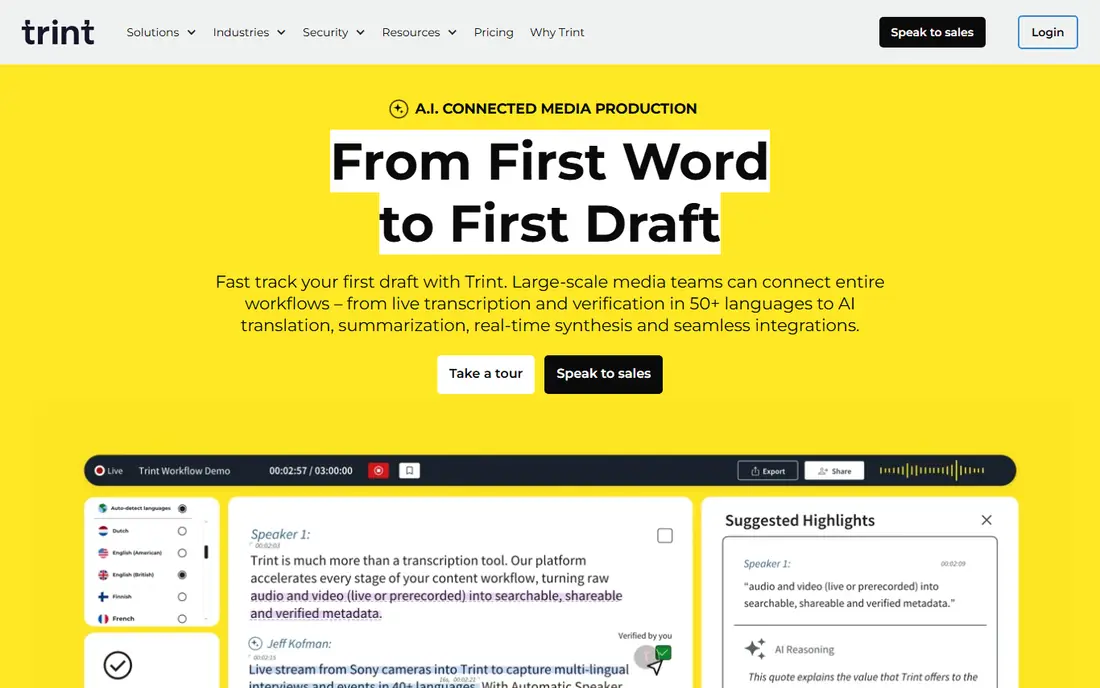
Trint serves newsrooms, media teams and large organisations that need to edit transcripts together. The browser editor lets teams search, highlight, correct and export transcripts, with speaker labels and collaboration tools that suit long interviews and recorded content. Enterprise plans add admin controls and volume handling.
The drawback is price. At $52 per seat per month billed annually for the Starter tier, Trint is expensive for company-wide rollout, and it offers a free trial rather than a permanent free plan. It fits teams that edit transcripts as a core job, not companies that only need meeting notes.
- Strong collaborative transcript editor
- Speaker labels and search
- Enterprise workspaces
- High starting price
- Free trial only, no permanent free plan
- Less suited to live meeting capture
Verbit combines its Captivate speech recognition engine with professional human editors, and it is built for regulated industries, higher education and broadcast media. Live captioning, accessibility compliance and dedicated account management are central to its enterprise offer, which suits universities, government bodies and large media companies.
The catch is price and process. Enterprise pricing is custom, and human-reviewed work costs more and takes longer than pure AI transcription. Verbit offers a free trial and a self-service plan from about $24 to $29 per month in published listings, but large corporate deals will be quoted individually. Shortlist Verbit when compliance and accessibility are formal requirements, not just preferences.
- AI plus human verification
- Live captioning
- ADA and accessibility compliance focus
- Enterprise pricing is custom and often high
- Turnaround for human-reviewed work is slower
- Self-service pricing varies
Sonix is a fully automated transcription platform that converts audio and video to text in minutes, with support for more than 50 languages and a browser editor for team review. Pay-as-you-go transcription at $10 per audio hour suits companies with uneven volume, while subscription plans from $22 per user per month plus $5 per hour suit steadier workloads.
The limitation is review time. Automated output still needs a cleanup pass for crosstalk, accents and field-specific terms, so budget editor time alongside the per-hour fee. Sonix holds SOC 2 Type II certification and offers HIPAA compliance with a Business Associate Agreement on enterprise plans, which helps in healthcare and legal settings.
- Pay-as-you-go at $10 per audio hour
- 50 plus languages
- Browser editor with collaboration
- Subscription plus per-hour costs can add up
- No permanent free plan
- Accuracy needs review for specialist terms
Descript is different from the other tools here, because transcription is the starting point for editing. Delete a sentence from the transcript, and the matching audio or video is cut too, which makes it powerful for corporate training videos, internal communications and podcast production. A free plan lets teams test the workflow.
The trade-off is focus. Descript is not a bulk transcription service or a live meeting recorder first, and enterprise admin features are thinner than at Otter, Verbit or the cloud platforms. Pick Descript when the end product is edited media, and pick a dedicated transcription service when the end product is the transcript itself.
- Edit audio and video by editing the transcript
- Strong for corporate video and training
- Free plan for testing
- Transcription is part of an editing tool, not a pure enterprise service
- Higher plans needed for teams
- Accuracy varies with audio quality
Fireflies.ai sends a meeting bot to join calls, record, transcribe and summarise them, then links notes to CRM systems such as Salesforce and HubSpot. For sales and customer-facing teams, that link is valuable, since meeting outcomes land where account work already happens. A free plan with limited features lets teams test the bot.
The honest catch is consent and privacy. Some companies and clients do not want a third-party bot in every meeting, so check internal policy and guest notification rules before rolling it out. Paid plans start at $10 per seat per month billed annually, with enterprise tiers adding SSO and data controls.
- Meeting bot joins calls automatically
- CRM integrations
- Searchable meeting library
- Bot joining calls raises privacy questions for some firms
- Free plan is limited
- Accuracy varies with meeting audio
Microsoft Azure AI Speech is a platform service, not a simple app, and that is its strength for large companies already on Microsoft 365. Batch transcription is listed at about $0.18 per audio hour, while standard real-time transcription is about $1 per audio hour, with custom speech tooling for company-specific vocabulary. The Microsoft enterprise agreement covers HIPAA workloads.
The limitation is setup. Azure AI Speech needs developer or IT work to build into a workflow, and the pricing calculator takes time to understand. For companies with an internal development team and large, steady transcription volume, it is often the cheapest per-hour route. For teams that just need meeting notes, Otter or Fireflies will be faster to deploy.
- Batch transcription at low per-hour cost
- 140 plus languages
- Custom speech models
- Microsoft 365 integration
- Pricing tiers are complex
- Real-time pricing is higher than batch
- Needs developer setup for most corporate use
Amazon Transcribe offers standard batch transcription at about $0.006 per minute and streaming at about $0.010 per minute in US East pricing, with a medical-tuned version at a higher rate. For large companies already on AWS, it slots into existing pipelines, storage and security controls without a new vendor relationship.
The trade-off mirrors Azure: this is a building block, not a finished meeting product. Teams need to handle diarization, formatting and review themselves, and streaming costs more than batch. Pick Amazon Transcribe for high-volume, automated pipelines, and pick a meeting tool for human-facing notes and summaries.
- Low batch pricing
- 100 plus languages
- Medical-tuned option
- AWS security and compliance path
- Needs developer setup
- Streaming costs more than batch
- Output needs review and formatting work
How we picked these
We compared enterprise features, security documentation, pricing models and language coverage for speech-to-text tools that serve large teams, and we favored vendors that publish enterprise plans, SSO or compliance information. We checked live meeting capture, bulk file handling, human verification options and cloud platform pricing separately, since large companies often need more than one of those. We did not run enterprise trials ourselves, so custom pricing should be confirmed with each vendor.
What large companies should check first
Start with security and data handling, not accuracy demos. Ask where audio and transcripts are stored, how long they are kept, whether SSO and role-based access are included, and whether a Business Associate Agreement or equivalent is available for regulated work. Those answers will narrow the list faster than any feature table.
Next, run a pilot on your own recordings, including accented speech, crosstalk and specialist terms, since vendor accuracy claims rarely match real meeting audio. Measure the cleanup time, not just the transcript, and compare total cost per usable hour, including editor time. Finally, decide whether you need one company-wide tool or a mix, such as a meeting tool for daily calls plus a cloud service for bulk archives.
Frequently asked questions
What is the best speech-to-text app for large corporate use?
Otter.ai is the safest default for live meetings, Rev is best when human-verified accuracy matters, and Verbit suits regulated accessibility programs. Large companies on Microsoft or AWS stacks should also evaluate Azure AI Speech and Amazon Transcribe.
How much does enterprise speech-to-text cost?
It varies widely, from about $8 to $52 per user per month for meeting and editing tools, to per-minute or per-hour pricing for cloud services. Large-volume deals are usually custom, so request a quote based on your monthly hours.
Is AI transcription accurate enough for corporate use?
For clear, single-speaker audio, yes, with a light review pass. For crosstalk, heavy accents and specialist terms, plan on human review, and use human transcription for legal, medical or compliance-critical material.
What security features should large companies require?
SSO, role-based access, admin controls, data retention settings, encryption and a published compliance position are the basics. Regulated firms should also confirm HIPAA, SOC 2 or equivalent coverage before signing.
Can speech-to-text tools handle many languages?
Yes, with limits. Sonix, Azure AI Speech and Amazon Transcribe each cover 50 to 140 plus languages, but accuracy varies by language and audio quality, so test your main languages in a pilot.
Should a large company use one tool or several?
Most large companies end up with a mix: a meeting tool for daily calls, a human service for high-stakes material, and a cloud service for bulk archives. One tool rarely covers all three jobs well.
Sources
See where you really rank - block by block
ProMapRanker scans Google Maps across a grid of your service area. Simple monthly plans from $19, white-label on every plan.
Start freeKeep reading
 zoro.to alternatives
Best Zoro.to Alternatives in 2026
We compare the best zoro.to alternatives in 2026, listing only legal licensed anime streaming services, from Crunchyroll to free options for fans today.
Read → zip alternatives
Best Zip Alternatives in 2026
We compare the best zip alternatives for buy now, pay later in 2026, covering pay-in-4 plans, fees, spending limits, and credit reporting options today.
Read → yesware alternatives
Best Yesware Alternatives in 2026
Compare the best yesware alternatives for sales email tracking, templates, and sequences, with current pricing and honest tradeoffs for small sales teams.
Read →