 ProMapRanker
Best Free Speech-to-Text Apps for Hearing Impaired Users in 2026

Key takeaways
- Google Live Transcribe is the best free starting point on Android for live in-person captions.
- Apple Live Captions gives iPhone and Mac users system-wide captions without installing a separate app.
- InnoCaption and Olelo suit phone calls, with live captions and saved transcripts for later review.
- Otter.ai and Notta suit classes and meetings, where a searchable transcript after the talk matters as much as live text.
Quick comparison
| Pick | Great for | Pricing starts at | Free tier | |
|---|---|---|---|---|
 Google Live Transcribe | Free live captions on Android | Free | Yes | Visit |
 Apple Live Captions | System captions on Apple devices | Free | Yes | Visit |
 InnoCaption | Free captioned phone calls | Free | Yes | Visit |
 Olelo | Free captioned calls | Free | Yes | Visit |
 Ava | Group conversation captions | Free | Yes | Visit |
 Microsoft Translator | Free multilingual captions | Free | Yes | Visit |
 Otter.ai | Searchable meeting transcripts | Free | Yes | Visit |
 Notta | Short live and file transcripts | Free | Yes | Visit |
 Speechnotes | Free dictation and live notes | Free | Yes | Visit |
The best free speech-to-text apps for hearing impaired users
These apps turn speech into readable text for everyday conversation, classes, and phone calls. Accuracy varies with background noise, accents, and overlapping speech, so test any app in a real setting before you rely on it for an important talk. For phone calls in the US, some services are federally funded for people with hearing loss, which is why they can be free to eligible users.
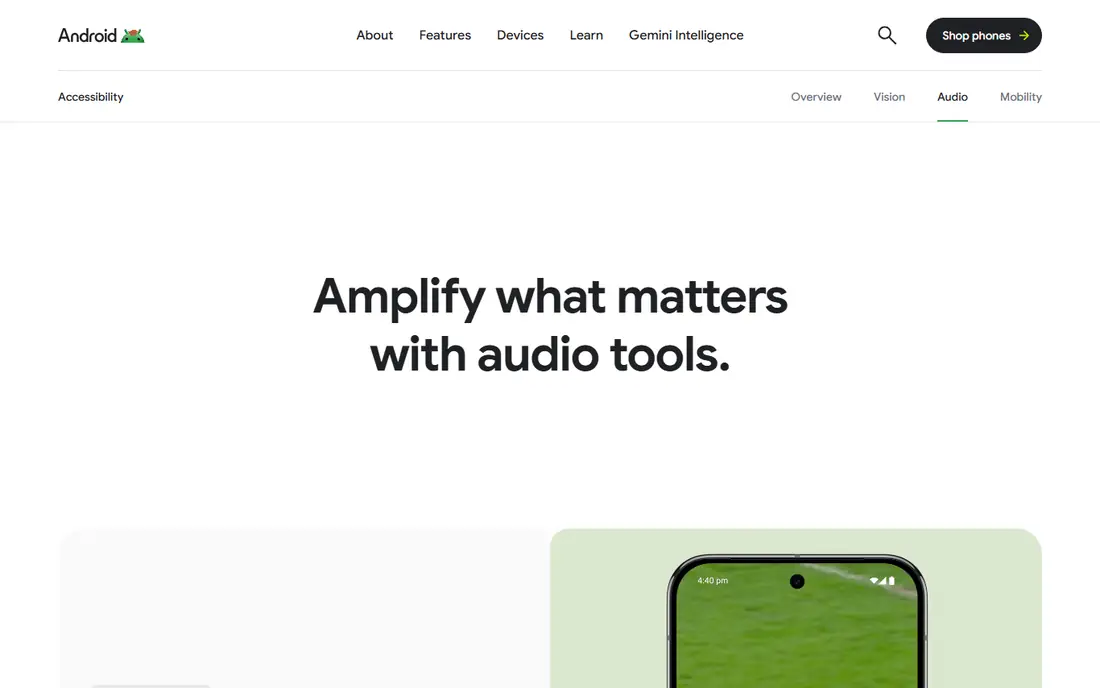
For many readers, the first question is fit, not features. Google Live Transcribe, also called Live Transcribe and Sound Notifications, turns nearby speech into text on Android phones in real time.
The catch is platform: iPhone users need a different app, because this one is Android only. Note: this app has no standalone homepage beyond Google accessibility pages, so the website field points to Google accessibility information. Before you commit, check the current pricing and terms on the official site, because plans and limits change. We compared official feature pages, pricing pages, and app store listings for this guide, and we did not claim hands-on testing that did not happen.
- Free on Android
- Large readable text
- Sound notifications for household sounds
- Android only
- Accuracy drops in noise
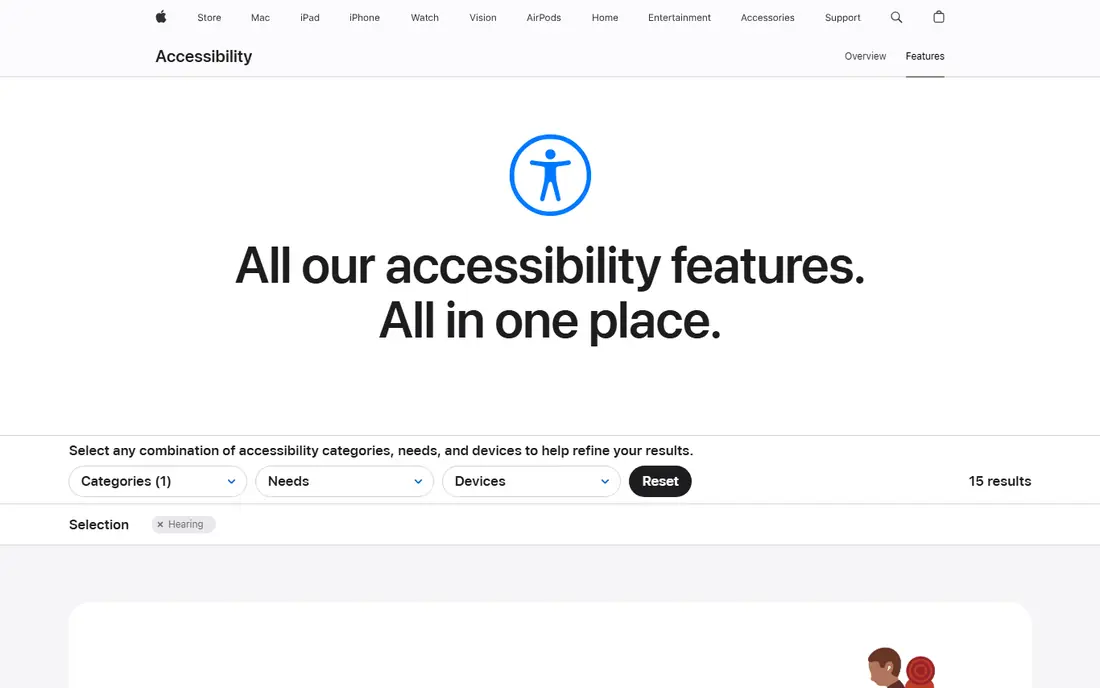
This one earns its place for a clear reason. Apple Live Captions shows live captions for audio across apps and calls on supported Apple devices, without a separate download.
The catch is hardware: older devices and older OS versions may not support it, so check compatibility before you plan around it. Before you commit, check the current pricing and terms on the official site, because plans and limits change. We compared official feature pages, pricing pages, and app store listings for this guide, and we did not claim hands-on testing that did not happen.
- Built into iPhone, iPad, and Mac
- System-wide captions
- Adjustable text size
- Needs a supported device and OS version
- Accuracy varies by setting
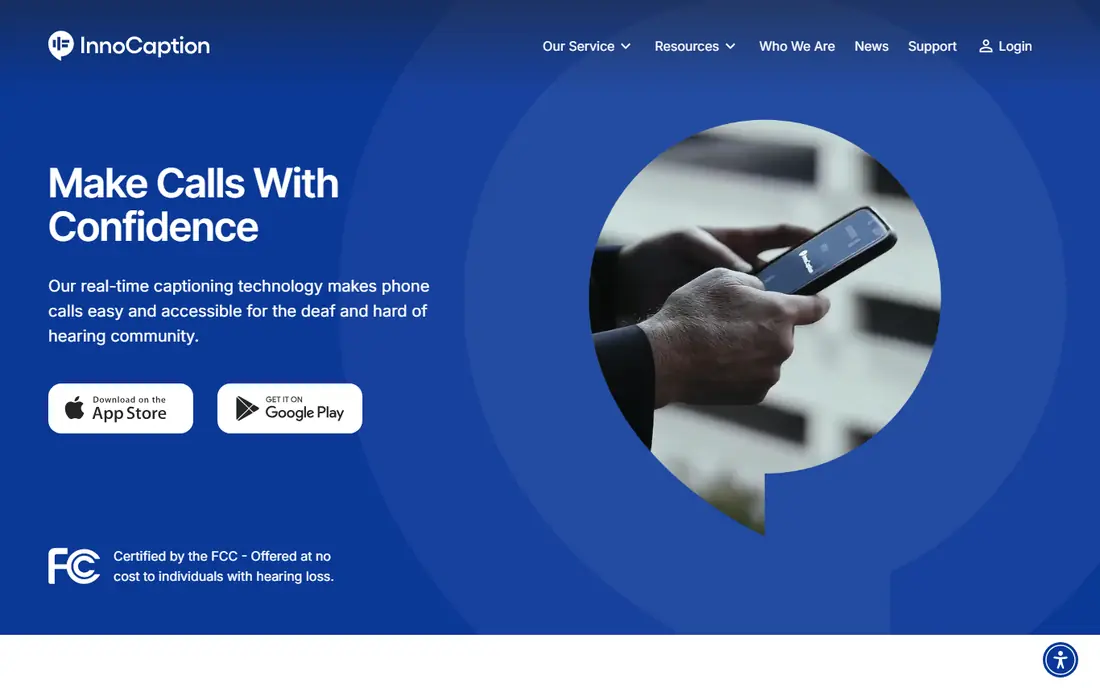
Here the value is practical rather than flashy. InnoCaption captions phone calls in real time, with live stenographer captions or AI captions, and saves transcripts for later review.
The catch is eligibility and setup: it is a US service for people with hearing loss, and call forwarding setup takes a few steps. Before you commit, check the current pricing and terms on the official site, because plans and limits change. We compared official feature pages, pricing pages, and app store listings for this guide, and we did not claim hands-on testing that did not happen.
- Free for eligible US users
- Live stenographer or AI captions
- Voicemail transcripts
- US focus
- Setup needs call forwarding
What stands out here is how little setup it takes to get going. Olelo, formerly CaptionCall Mobile, provides live captions for phone calls and voicemail, with transcripts you can review after the call.
The catch is region: it is built for US users with hearing loss, so international users should check availability first. Before you commit, check the current pricing and terms on the official site, because plans and limits change. We compared official feature pages, pricing pages, and app store listings for this guide, and we did not claim hands-on testing that did not happen.
- Free for eligible users
- Live captions for calls and voicemail
- Saved transcripts
- US focus
- App availability varies by device
This pick suits a narrower group, and that focus is its strength. Ava captions live conversation and labels speakers in group mode, which helps when several people talk in turn.
The catch is group setup: the best group features work when other participants join, which is not always practical for a quick chat. Before you commit, check the current pricing and terms on the official site, because plans and limits change. We compared official feature pages, pricing pages, and app store listings for this guide, and we did not claim hands-on testing that did not happen.
- Live captions for group talks
- Speaker labels in group mode
- Readable conversation view
- Free tier has limits
- Group mode works best when others join
For readers who want a calmer option, this one fits. Microsoft Translator provides live subtitles for conversations and supports group conversations across languages.
The catch is purpose: it is a translation tool first, so its caption layout is less focused than a dedicated hearing app. Before you commit, check the current pricing and terms on the official site, because plans and limits change. We compared official feature pages, pricing pages, and app store listings for this guide, and we did not claim hands-on testing that did not happen.
- Free
- Live subtitles for conversations
- Many languages
- Group conversation mode
- Accuracy varies by language
- Interface is translation-first
This is the pick to check when the leaders feel too heavy. Otter.ai transcribes meetings live and produces a searchable transcript with summaries, which suits classes and work meetings.
The catch is limits: the free plan caps each conversation length, so long lectures may be cut off unless you upgrade. Before you commit, check the current pricing and terms on the official site, because plans and limits change. We compared official feature pages, pricing pages, and app store listings for this guide, and we did not claim hands-on testing that did not happen.
- 300 free minutes a month
- Live transcription
- Searchable transcripts and summaries
- Per-conversation cap on free plan
- Best for meetings, not casual chats
A quieter option can still be the right one, and this is a good example. Notta transcribes live speech and uploaded audio or video files, with editable transcripts in many languages.
The catch is minutes: the free tier suits short talks and occasional use, while regular long sessions need a paid plan. Before you commit, check the current pricing and terms on the official site, because plans and limits change. We compared official feature pages, pricing pages, and app store listings for this guide, and we did not claim hands-on testing that did not happen.
- Free tier with monthly minutes
- Live and file transcription
- Editable transcripts
- Free minutes are limited
- Longer talks need a paid plan
The last pick rounds out the list for a specific need. Speechnotes turns speech into text quickly and saves it automatically, which suits dictation and short live notes.
The catch is use case: it is strongest when one person speaks clearly, and less suited to fast group conversation than Ava or Live Transcribe. Before you commit, check the current pricing and terms on the official site, because plans and limits change. We compared official feature pages, pricing pages, and app store listings for this guide, and we did not claim hands-on testing that did not happen.
- Free
- Simple dictation
- Auto-saving
- Works on web and mobile
- Best for dictation rather than group captions
- Ads on free web version
How we picked these
We compared official feature pages, pricing pages, app store listings, and public reviews for each product, and we kept only products that exist, work in October 2026, and truly fit the topic. Where a price or limit could not be verified from the vendor, we wrote See website rather than guessing a figure.
How to pick a free caption app for daily life
Start with where you need captions most. In-person talks need a live caption app with large, readable text. Phone calls need a captioned-call service that works with your number. Classes and meetings need a transcript you can search and review later. One app rarely covers all three well.
Test in noise, not only in a quiet room. Background noise, fast speech, and several people talking at once are where accuracy drops. Try the app at a family meal, in a cafe, or in a lecture hall, and check whether you can follow the conversation or only catch fragments.
Set up text size, contrast, and history before you need them. Large text and high contrast help in bright rooms, and saved transcripts help when you miss a word. If an app deletes transcripts quickly on its free tier, export important ones the same day.
Frequently asked questions
What is the best speech-to-text app for deaf users that is free?
Google Live Transcribe on Android and Apple Live Captions on iPhone are the strongest free starting points, because they are built into the system and cost nothing extra. InnoCaption is free for eligible US users for captioned calls.
Is there a free speech-to-text app for hearing impaired users on iPhone?
Yes, Apple Live Captions provides system-wide live captions on supported iPhones, iPads, and Macs. Ava, Microsoft Translator, and Otter.ai also offer free tiers on iPhone.
How accurate are free live caption apps?
Accuracy is good for clear, single-speaker speech in a quiet room, and lower for noisy rooms, accents, and overlapping speakers. Treat live captions as a strong aid, not a perfect transcript, and ask speakers to slow down when accuracy drops.
Can caption apps transcribe phone calls for free?
Yes, in the US, InnoCaption and Olelo offer free captioned calls for people with hearing loss, funded through federal programs. Availability and eligibility rules apply, so check the service terms for your situation.
Do these apps work without an internet connection?
Some on-device captions work offline on supported phones, but most live transcription apps need a connection for full accuracy. Check offline support before you rely on an app in a place with weak signal.
Sources
See where you really rank - block by block
ProMapRanker scans Google Maps across a grid of your service area. Simple monthly plans from $19, white-label on every plan.
Start freeKeep reading
 zscaler alternatives
Best Zscaler Alternatives in 2026
Looking for zscaler alternatives? We compare 9 SASE and zero trust platforms on architecture, data protection, pricing, and fit for your network and team.
Read → zapier alternatives free
Best Zapier Alternatives Free in 2026
Nine automation tools for zapier alternatives free in 2026, all with genuinely free tiers, plus free plan limits, starting prices and upgrade paths explained.
Read → which platform is best for online reputation
Which Platform Is Best for Online Reputation in 2026
Wondering which platform is best for online reputation? We compare 8 review, listing, and response tools for small and multi-location businesses and agencies.
Read →