 ProMapRanker
Best Speech Therapy Apps in 2026

Broad adult practice · Pricing starts at: See website
Key takeaways
- Constant Therapy and Aphasia Studio cover broad adult practice, with structured exercises and progress tracking for home use between sessions.
- Tactus Therapy tools suit clinicians and adults who want focused practice for naming, language, and conversation skills.
- Lingraphica, CoughDrop, and Proloquo2Go focus on communication support, not drill practice, and suit people who need help being understood day to day.
- Speech Blubs and Chatter Labs suit children and families, with very different styles, so try the free content before paying.
- No app replaces a speech-language pathologist. Use these tools as practice support and talk to a clinician about goals, safety, and progress.
Quick comparison
| Pick | Great for | Pricing starts at | Free tier | |
|---|---|---|---|---|
| Constant Therapy | Broad adult practice | See website | Free trial | Visit |
 Tactus Therapy | Focused adult exercises | See website | Free trial | Visit |
 Lingraphica | Communication support | See website | No | Visit |
 Aphasia Studio | Aphasia practice | Free | Yes | Visit |
 CoughDrop | Custom communication boards | See website | Yes | Visit |
 Proloquo2Go | Symbol-based communication | See website | No | Visit |
 Speech Blubs | Child speech practice | See website | Yes | Visit |
 Articulation Station | Child articulation practice | See website | Yes | Visit |
 Chatter Labs | Child language practice | See website | Free trial | Visit |
The best speech therapy apps
This article covers general information only and is not medical advice. Speech needs vary widely, from articulation and language to aphasia after stroke and communication support for people who cannot rely on speech. We grouped apps by the job they actually do, so you can match the tool to the need rather than picking the most popular name.
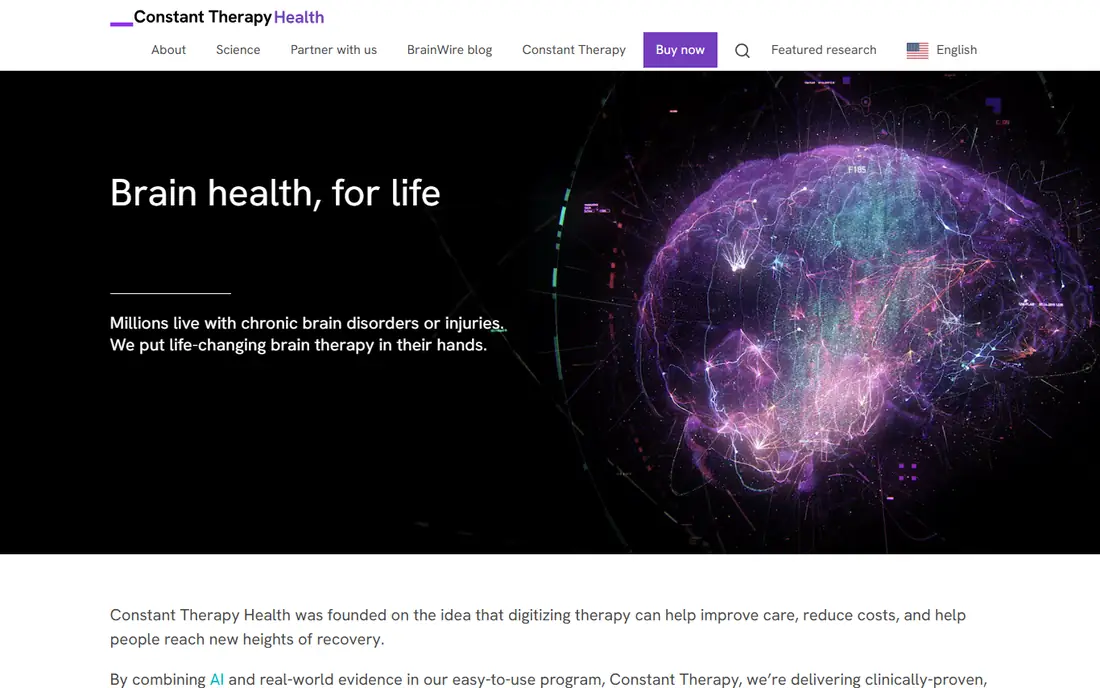
Constant Therapy is built for adults recovering from stroke, brain injury, or other neurological conditions, and for people working on aphasia, apraxia, and cognitive skills. Exercises cover speaking, listening, reading, writing, memory, and attention, and the program adjusts difficulty as performance changes. That breadth helps when recovery touches more than one skill at a time.
The honest catch is price and focus. It is a subscription service, so long-term use costs more than a one-time app purchase, and the tone is therapeutic rather than playful. Families should check the current trial and pricing, and ask a clinician whether the exercise mix matches the person's goals before committing to a year.
- Large library of speech, language, and cognitive exercises
- Difficulty adjusts with progress
- Clinician monitoring available
- Subscription cost adds up over time
- Less suited to young children
- Some users find the interface clinical
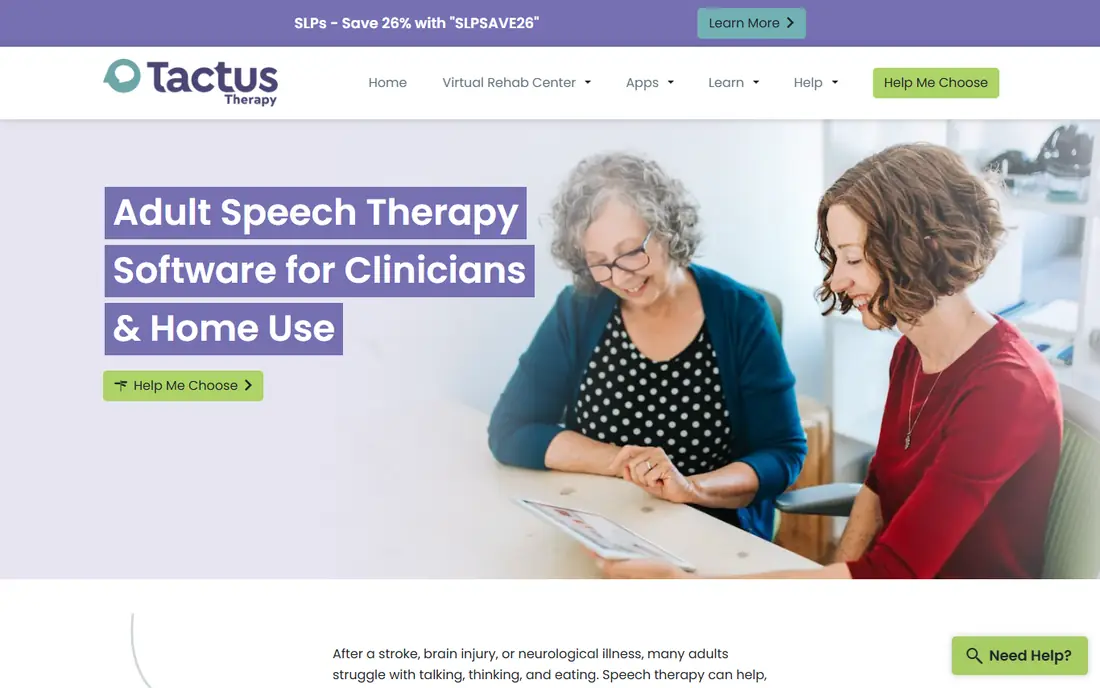
Tactus Therapy offers a set of apps and a clinician platform rather than one app that tries to do everything. Individual apps target naming, conversation, reading, writing, and other skills, which makes it easier to pick practice that matches a therapy goal. Clinicians can also use the Virtual Rehab Center to assign homework and share handouts.
That focus is both a strength and a limit. A person who needs only conversation prompts may need just one app, while someone with broader needs may need several. Check whether a bundle or a clinician subscription covers the homework you need, and confirm the trial terms on the vendor site before buying multiple apps.
- Apps built for specific skills
- Clinician subscription includes patient homework
- Clear, adult-focused design
- Buying several apps adds up
- Individual apps are narrow by design
- Setup help may be needed at first
Lingraphica focuses on helping people with aphasia communicate, through devices, apps, and support services, rather than through drill exercises alone. Its tools help users build messages, use pictures and words, and take part in conversation when speech alone is not enough. That makes it a different kind of choice from a practice app, and the two can work side by side.
Cost and access need care. Pricing depends on the device, app, and service, and some users go through insurance or a funding process. Talk to a clinician or the Lingraphica team about eligibility, trial options, and what support is included, and do not assume a communication device replaces therapy.
- Communication devices and apps for aphasia
- Speech-generating options
- Support for families and clinicians
- Device and service costs vary
- Insurance and funding steps can be slow
- Not a drill-practice app
Aphasia Studio is a useful starting point because it is free to start and does not require a large upfront payment to test whether regular practice fits into daily life. Exercises cover naming, listening, reading, spelling, and sentence building, with difficulty levels and saved progress. That structure helps families try a routine for a week before deciding on a paid plan.
The free tier is limited, and premium access opens more topics and personal vocabulary features. It is best viewed as extra practice alongside professional therapy, not as a diagnosis or treatment plan. If progress stalls or needs change, a clinician should review the practice plan.
- Free to start with saved progress
- Naming, listening, reading, and sentence practice
- Spanish support
- Premium subscription opens full content
- Smaller library than larger clinical platforms
- Web-based experience varies by device
CoughDrop is an augmentative and alternative communication tool, often shortened to AAC, that lets users build communication boards with words, pictures, and speech output. Boards sync in the cloud, so a board updated by a therapist can appear on a family member's device. That sharing feature matters when several people support one communicator.
The work is in the setup. A good board reflects the person's daily words, routines, and interests, and that takes time to build and revise. CoughDrop suits families and teams willing to invest that time, and it pairs well with professional AAC assessment, which can help choose vocabulary and layout.
- Cloud-based boards that sync across devices
- Easy sharing with family and therapists
- Flexible board design
- Setup takes time to do well
- Pricing varies by plan
- Needs a device and internet for syncing
Proloquo2Go is one of the best-known symbol-based AAC apps, and it is widely used in schools and clinics. Users tap symbols to build sentences that the app speaks aloud, and caregivers can customise vocabulary, folders, and voices. Its long history means many therapists already know how to set it up and support it.
The main barriers are price and platform. It is a paid app on Apple devices, and families should check the current App Store price and whether funding help is available. A professional AAC assessment can help confirm whether symbol-based communication is the right approach before buying.
- Long-established AAC app
- Large symbol vocabulary
- Works on iPad and iPhone
- One-time purchase price is high for some families
- Learning curve for custom boards
- Apple devices only
Speech Blubs uses video modelling, where children watch other children say sounds and words and then try to copy them. The design is playful and short-form, which can help younger children stay engaged for a few minutes at a time. Parents often use it as a fun extra between therapy sessions, rather than as the main therapy itself.
It is important to keep expectations plain. Speech Blubs does not diagnose a speech disorder, and it does not replace assessment by a speech-language pathologist. Try the free content first, watch how your child responds, and ask a therapist whether the sounds and words in the app match your child's current goals.
- Video modelling with peer faces
- Playful design for young children
- Covers sounds and early words
- Subscription needed for full access
- Not a substitute for therapy
- Content suits younger children best
Articulation Station is a practice app for children working on specific speech sounds, with flashcards, matching activities, and data tracking that therapists and parents can review. The free sound lets families test the format before buying the full set, which covers many sounds in different word positions. That trial-first approach is helpful when budgets are tight.
The full version costs more than a casual app, so check the current price and which sounds your child actually needs. The app works best when a therapist sets the target sounds and reviews progress, rather than when a child simply cycles through sounds at random.
- Practice for many speech sounds
- Flashcards and data tracking
- One sound free to try
- Full version is a larger one-time purchase
- IPad and iPhone focus
- Adult users may find it child-oriented
Chatter Labs is a web platform for speech and language practice, with activities for sentence building and language skills. It suits families and schools that want practice on a computer or tablet without installing a separate app for each skill. A trial period lets adults test whether the activities suit the child's level and attention span.
Because it is subscription-based, check what the trial includes and what happens when it ends. As with other child apps here, the best results come when a therapist or teacher guides which activities to use, and when practice stays short, regular, and tied to real communication, not just screen time.
- Web-based language practice
- Sentence and language activities
- Progress view for adults supporting the child
- Subscription model
- Newer and smaller than established apps
- Needs a device and internet connection
How we picked these
We compared official product pages, app store listings, and clinician-facing resources, and we kept only apps that exist and work in October 2026 and truly fit speech therapy, language practice, or communication support. We included adult and child options, practice apps and AAC tools, and free, trial, and paid models. We did not claim hands-on testing, and we did not list apps that were only general brain games or only text-to-speech tools without a speech therapy purpose.
What to check before you choose
Start with the goal, not the app store chart
Write down the single goal first, such as naming everyday objects, practising one sound, or building sentences for daily requests. Then pick the app that targets that goal. A broad app can feel impressive but waste time if most of its exercises miss the target skill.
Check trial terms, devices, and data
Confirm which devices the app supports, whether progress saves across devices, and what a subscription renews at. For children, check who can see practice data and whether an adult account controls purchases. For adults, check whether a clinician can view progress, since that link often makes home practice more useful.
Keep therapy in the loop
Share the app choice with the person's speech-language pathologist when possible, and review progress after a few weeks. If practice causes frustration, fatigue, or no change, pause and ask for guidance. Apps work best as regular, short practice between sessions, not as a replacement for assessment and therapy.
Frequently asked questions
What is the best speech therapy app overall?
There is no single best app, because needs differ. Constant Therapy suits broad adult practice, Aphasia Studio is a low-cost start for aphasia practice, and Proloquo2Go or CoughDrop suit people who need communication support. Match the app to the goal and try a free or trial version first.
Are speech therapy apps free?
Some are free to start, including Aphasia Studio, CoughDrop, Speech Blubs, and Articulation Station, but full content often needs a purchase or subscription. Constant Therapy offers a trial, while Proloquo2Go is a paid purchase. Check the current price on the vendor site or app store listing before you buy.
Can adults use speech therapy apps for aphasia?
Yes, several apps here are built for adults with aphasia, including Constant Therapy, Tactus Therapy, Aphasia Studio, and Lingraphica. They offer different mixes of drill practice and communication support, so a clinician can help choose the mix that fits recovery goals and daily communication needs.
What is the best app for speech therapy for children?
For young children, Speech Blubs suits playful sound and word practice, while Articulation Station suits targeted sound practice and Chatter Labs suits language and sentence work. The right pick depends on age, target sounds, and whether a therapist is guiding the practice.
Do speech therapy apps replace a speech-language pathologist?
No. Apps provide extra practice and, in the case of AAC tools, a way to communicate, but they do not diagnose conditions or set treatment plans. This article is general information only. Talk to a qualified speech-language pathologist about assessment, goals, and whether an app fits the treatment plan.
Sources
See where you really rank - block by block
ProMapRanker scans Google Maps across a grid of your service area. Simple monthly plans from $19, white-label on every plan.
Start freeKeep reading
 zscaler alternatives
Best Zscaler Alternatives in 2026
Looking for zscaler alternatives? We compare 9 SASE and zero trust platforms on architecture, data protection, pricing, and fit for your network and team.
Read → zapier alternatives free
Best Zapier Alternatives Free in 2026
Nine automation tools for zapier alternatives free in 2026, all with genuinely free tiers, plus free plan limits, starting prices and upgrade paths explained.
Read → which platform is best for online reputation
Which Platform Is Best for Online Reputation in 2026
Wondering which platform is best for online reputation? We compare 8 review, listing, and response tools for small and multi-location businesses and agencies.
Read →