 ProMapRanker
Best Speech Recognition Software in 2026


Long-form Windows dictation · Pricing starts at: See website
Key takeaways
- Speech recognition splits into dictation, live meeting capture, and transcription of recordings, and the best tool depends on which job you need.
- Dragon Professional suits long-form Windows dictation, while Otter.ai and Fireflies.ai suit live meetings with summaries and action items.
- Descript suits creators who want to edit audio and video by editing a transcript, rather than only reading one.
- Free tiers are real but limited by minutes, so check monthly minute caps before relying on a free plan for daily work.
- Accuracy varies with accents, crosstalk, and background noise, so test any tool on your own voice and recordings before paying.
Quick comparison
| Pick | Great for | Pricing starts at | Free tier | |
|---|---|---|---|---|
| Dragon Professional | Long-form Windows dictation | See website | No | Visit |
 Otter.ai | Live meeting transcription and summaries | $8.33 per user per month billed annually | Yes | Visit |
 Descript | Editing audio and video by transcript | $16 per month billed annually | Yes | Visit |
 Rev | High-accuracy AI and human transcription | $14.99 per month for AI | Yes | Visit |
 Trint | Newsroom and team transcript editing | $52 per seat per month billed annually | Free trial | Visit |
 Sonix | Pay-as-you-go multilingual transcription | $10 per audio hour pay as you go | Free trial | Visit |
 Notta | Multilingual transcription with generous free tier | $8.17 per month billed annually | Yes | Visit |
 Fireflies.ai | Meeting bot with CRM and search | $10 per seat per month billed annually | Yes | Visit |
 Apple Dictation | Free voice input on Apple devices | Free | Yes | Visit |
The best speech recognition software
The tools below cover dictation, meetings, and file transcription. Some run on your device, some run in the cloud, and that difference affects privacy, language support, and cost, so check how each tool handles your recordings.
Dragon Professional is the classic dictation choice. It turns spoken words into text in documents, email, and other Windows apps, and it supports voice commands for formatting, navigation, and correction. For writers, lawyers, clinicians, and others who dictate long documents, that dictation-first design matters more than meeting features. Custom vocabulary helps with names, terms, and industry language that generic tools often miss.
The honest catch is scope and price. Dragon is not a meeting bot and does not transcribe recorded calls in the same way as Otter or Rev, and its price varies by reseller, so check a current vendor or reseller page before budgeting. It also works best on Windows, so Mac or mobile-first users should look elsewhere.
- Built for dictation and voice control on Windows
- Custom vocabulary and commands
- Works across many Windows apps
- No free plan
- Pricing varies by reseller
- Windows-focused, not a meeting transcription service
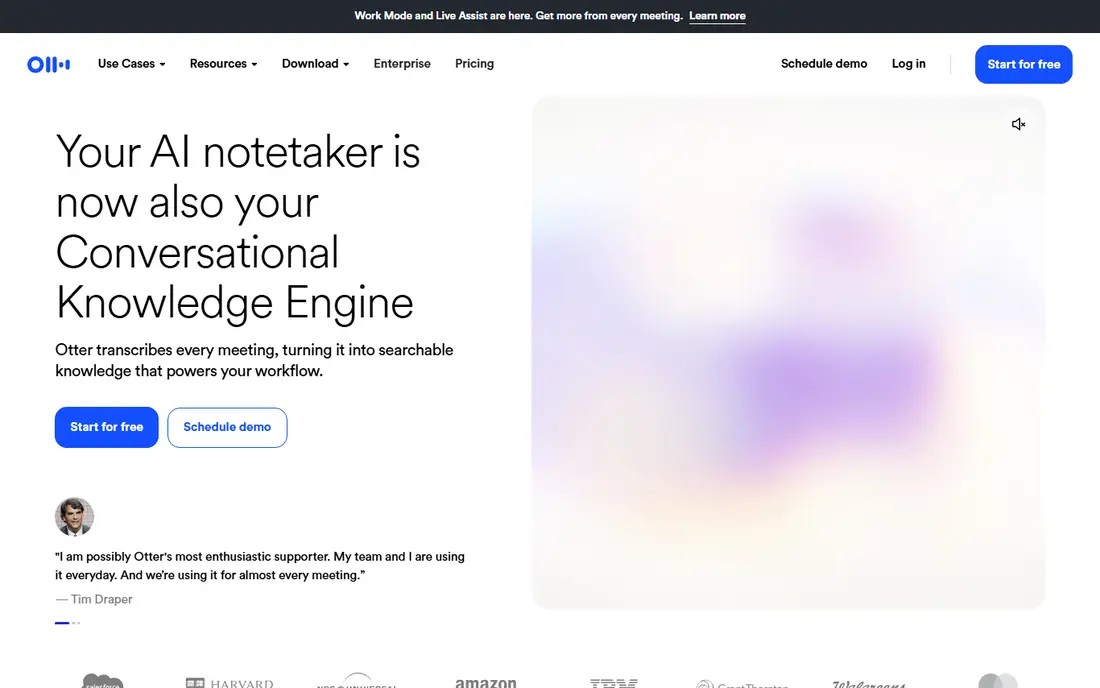
Otter.ai is our pick for most meeting users. It joins or records calls on Zoom, Google Meet, and Microsoft Teams, produces a live transcript with speaker labels, and adds summaries, action items, and searchable notes. The free plan, with 300 minutes per month, is enough to test accuracy on your own meetings before paying. Search across past meetings helps teams find decisions without replaying whole calls.
The limit is volume and language. Daily meeting users will pass 300 free minutes quickly, and the paid Pro tier at 8.33 dollars per user per month billed annually raises the cap to 1,200 minutes. Language support covers major languages but is narrower than multilingual specialists, so check coverage if your meetings run in several languages.
- Free plan with 300 minutes per month
- Live meeting capture on Zoom, Meet, and Teams
- Summaries and action items
- Free minutes run out fast for daily meetings
- Language coverage is narrower than some rivals
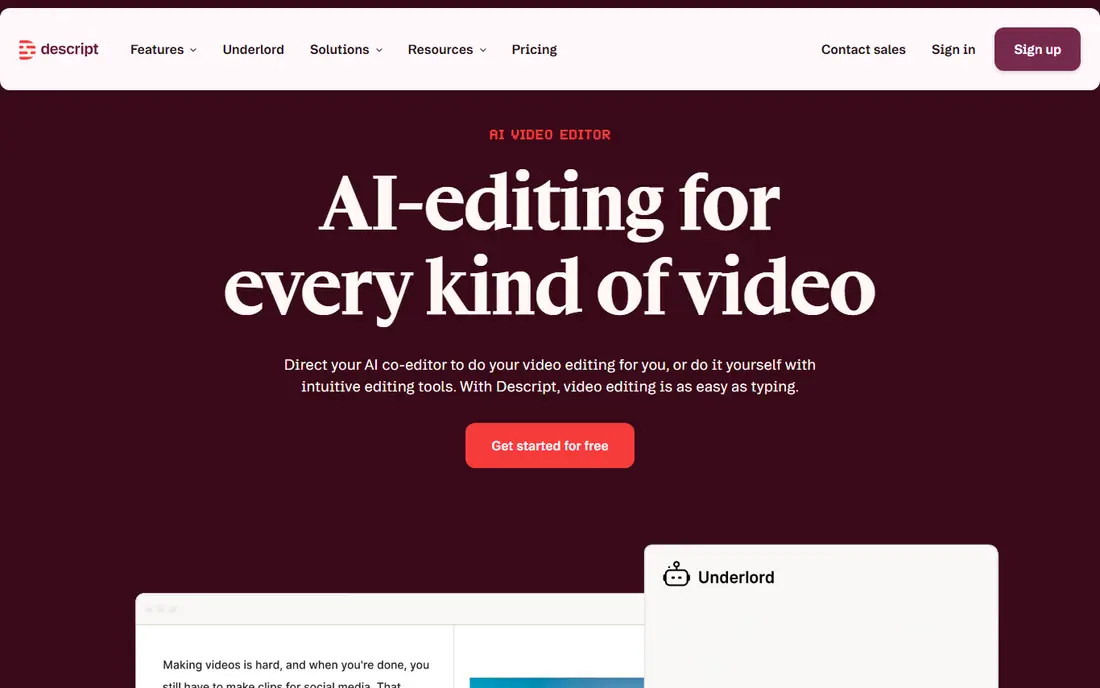
Descript changes the job from transcription to editing. You upload audio or video, get a transcript, and then cut, rearrange, or clean the media by editing the words on screen. That workflow suits podcasters, video creators, and course makers who need a finished recording, not only a text file. Filler-word removal and sound cleanup tools help turn a rough recording into a publishable clip without a separate audio editor.
The trade-off is that Descript is not the cheapest pure transcription tool, and its free plan is limited to about one hour per month with some export limits. If you only need text from recordings and never edit media, a pay-as-you-go transcription tool may cost less. If you edit media often, Descript can replace two tools at once.
- Free plan with limited transcription
- Edit media by editing text
- Filler-word removal and studio sound tools
- Transcription is tied to editing workflow
- Free plan limits and watermarks apply to some exports
Rev is the choice when accuracy cannot be compromised. Its AI transcription handles everyday recordings at a monthly price, while its human transcription service, priced per minute, suits legal proceedings, research interviews, and broadcast work where errors carry real cost. Captions and subtitles are also available, which helps video teams publish accessible content from the same transcript.
The honest weakness is cost for human work. Human transcription is priced per minute, so a long interview can cost far more than an AI transcript, and turnaround takes longer. Use AI for drafts and routine notes, and reserve human transcription for recordings where a mistake would matter.
- AI transcription plus human transcription option
- High accuracy for legal, research, and media work
- Captions available
- Human transcription costs per minute and adds turnaround time
- AI plan limits need checking for heavy use
Trint serves newsrooms, media teams, and researchers who work with transcripts as a team. Multiple editors can search, highlight, and build stories from transcripts, and the platform handles large media libraries better than a single-user tool. That collaborative editing is why Trint appears in broadcast and journalism workflows, where a transcript must move from raw recording to publishable quotes quickly.
The drawback is price. At 52 dollars per seat per month billed annually on the Starter plan, Trint is a serious cost for a solo user, and there is no free plan beyond a trial. Small teams should compare Trint with Otter or Sonix first, and choose Trint only when collaborative editing and media search are daily needs.
- Collaborative transcript editing
- Story building from transcripts
- Strong search across media libraries
- High starting price
- No free plan, trial only
- Overkill for solo users with occasional files
Sonix suits users who transcribe in bursts and do not want a monthly subscription. Pay-as-you-go pricing at 10 dollars per audio hour lets a researcher or journalist transcribe a batch of interviews, pay only for that batch, and return months later without an ongoing bill. Multilingual support covers many languages, and the browser editor makes it easy to correct, search, and export transcripts.
The catch is that subscription plans still charge per hour on top of the monthly fee, so heavy users should model total cost, not only the monthly price. The free trial is short, so test accuracy on a sample with accents, crosstalk, or background noise before buying a large batch.
- Pay-as-you-go pricing without a subscription
- Multilingual transcription
- Browser-based editor with search
- No free plan beyond a trial
- Subscription plans add per-hour costs on top of monthly fees
Notta offers one of the more generous free tiers in this list, with 120 minutes per month, plus multilingual transcription that suits international teams and language learners. It handles live recording and uploaded files, produces searchable transcripts, and adds summaries on paid plans. For a user who transcribes a few meetings or lectures each month, the free plan may be enough to start.
The honest limit is that free minutes and features are capped, and the Pro plan at about 8.17 dollars per month billed annually is needed for higher volume. As with every AI tool here, clean audio with one clear speaker gives far better results than a noisy room with overlapping voices, so test on your real recordings.
- Free plan with 120 minutes per month
- Strong multilingual support
- Live and file transcription
- Advanced features need paid tiers
- Accuracy varies with audio quality, as with all AI tools
Fireflies.ai sends a bot to meetings, records and transcribes them, and builds a searchable library of calls that teams can revisit. That library is the strength: sales and support teams can search past calls for objections, feature requests, or commitments without replaying hours of audio. CRM integrations help push summaries and action items into the systems where follow-up happens.
The drawback is free-plan limits. The free tier covers limited transcription and storage, so daily meeting users will need a paid tier, starting at 10 dollars per seat per month billed annually. Check storage caps and retention rules if your team records many calls each week.
- Free plan with limited transcription
- Meeting bot for Zoom, Meet, and Teams
- CRM integrations and searchable meeting library
- Free plan storage is capped
- Paid tiers needed for higher volume and advanced search
Apple Dictation is the simplest free option for Apple users. It is built into iOS, iPadOS, and macOS, so you can dictate messages, notes, and documents without installing anything or paying a subscription. For quick voice input, short notes, and hands-free messages, it is often all a user needs, and it works offline or with server processing depending on device and settings.
The limit is scope. Apple Dictation does not join meetings as a bot, transcribe uploaded recordings, or produce searchable meeting libraries. It is a dictation input, not a transcription platform. Use it for daily voice input, and choose Otter, Fireflies, or Rev when you need meeting capture or file transcription.
- Free and built into iPhone, iPad, and Mac
- No install or subscription
- Good for quick voice input and messages
- Not a meeting transcription or file transcription service
- Accuracy and language handling vary by device and setting
How we picked these
We compared official pricing pages, feature pages, and public reviews for speech recognition tools that exist and work today, covering dictation, live meetings, and file transcription. We favoured tools with clear free or trial terms, published pricing, and real language coverage, and we marked pricing as See website where reseller pricing varies. We did not claim hands-on testing, and we treated vendor accuracy claims as claims to test on your own voice and audio.
How to test accuracy before you pay
Record a sample that matches your real work: your voice, your accent, your room noise, and your typical speakers. Include names, technical terms, and at least one moment of overlapping speech if that happens in your meetings. Run the same sample through two or three shortlisted tools and compare errors, speaker labels, and how easy corrections are. A tool that scores well on clean demo audio can still struggle with your actual calls.
Next, check privacy and storage. Ask where recordings are stored, how long transcripts are kept, who can access them, and whether you can delete them. For sensitive meetings, legal work, or health-related recordings, that handling matters as much as accuracy. Choose a tool whose privacy terms fit your work, and avoid uploading sensitive audio to a free tool without reading its terms first.
Finally, match the plan to minutes, not to features. Add up your monthly meeting minutes, dictation time, and file hours, then compare free caps and paid minute allowances. A cheap plan with a low minute cap can cost more in overages than a higher plan, while a generous free tier may cover a light user completely. Start free where a genuine free tier exists, and upgrade only when you hit its limits in real use.
Frequently asked questions
What is the best free speech recognition software?
For Apple users, Apple Dictation is free and built in for quick voice input. For meetings, Otter.ai offers a free plan with 300 minutes per month, and Notta offers 120 minutes per month. The best free choice depends on whether you need dictation, meeting capture, or file transcription, since no single free tool covers all three well.
Is Dragon still available in 2026?
Yes, Dragon Professional remains available for Windows dictation through Nuance and resellers, though pricing varies by reseller and version. Check the current vendor or reseller page for the edition that fits your Windows version and use case, since older editions may not suit newer systems.
How accurate is AI speech recognition?
Accuracy is high on clean, single-speaker audio and lower with accents, crosstalk, background noise, and technical terms. Vendor claims usually reflect clean conditions, so expect a cleanup pass on real meetings and interviews. Human transcription remains the safer choice when errors carry legal, medical, or publication risk.
Can speech recognition software handle multiple languages?
Many tools support multiple languages, but coverage and accuracy vary by language. Notta and Sonix cover a wide range, Otter covers major languages, and Apple Dictation covers many device languages. Test your specific languages on your own audio before committing, since a listed language does not guarantee high accuracy.
Should I use a meeting bot or dictate myself?
Use a meeting bot when you need a record of a conversation with several speakers, summaries, and searchable notes. Use dictation when you are creating text yourself, such as writing a document or a message. Many users need both, with Otter or Fireflies for meetings and Dragon or Apple Dictation for writing.
Sources
See where you really rank - block by block
ProMapRanker scans Google Maps across a grid of your service area. Simple monthly plans from $19, white-label on every plan.
Start freeKeep reading
 what’s the best risk software for enterprises
What Is the Best Risk Software for Enterprises in 2026
We compared what’s the best risk software for enterprises on risk registers, controls, third-party risk, and reporting, with pricing notes for large teams.
Read → what's the best pam software for enterprises
What is the Best PAM Software for Enterprises in 2026
Find what's the best pam software for enterprises, with vaulting, session recording, just in time access and pricing compared for large enterprise IT teams.
Read → what’s the best grc software
What Is the Best GRC Software in 2026
We compared what’s the best grc software on risk, compliance, audit and vendor risk, so teams can pick a platform that fits their frameworks and budget.
Read →