 ProMapRanker
Best Spades App in 2026: 8 Apps Compared

Key takeaways
- VIP Spades and CardzMania suit online play, with VIP Spades offering many modes and CardzMania offering deep rule control.
- Trickster Spades and World of Card Games are good picks for browser play with friends, without a heavy app install.
- NeuralPlay Spades and the MobilityWare and Brainium apps suit solo players who want strong computer opponents.
- Free spades apps use ads or chip purchases, so check the economy before you invest time in one table.
Quick comparison
| Pick | Great for | Pricing starts at | Free tier | |
|---|---|---|---|---|
 VIP Spades | Online modes and social play | Free | Yes | Visit |
 CardzMania | Custom house rules | Free | Yes | Visit |
 Trickster Spades | Browser play with friends | Free | Yes | Visit |
 World of Card Games Spades | Simple browser tables | Free | Yes | Visit |
 Spades by MobilityWare | Solo and casual play | Free | Yes | Visit |
 Spades by Brainium | Clean solo play | Free | Yes | Visit |
 Spades Expert AI | Strong computer opponents | Free | Yes | Visit |
 Spades Plus | Social play on mobile | Free | Yes | Visit |
The best spades apps
We compared official app pages, store listings, and game sites, and we kept only apps and sites that offer real spades with bidding, trump play, and partner or solo modes. Some picks are mobile-first, while others run well in a browser, so the right choice depends on where you play. All of these are free to start, with ads or optional purchases in most cases.
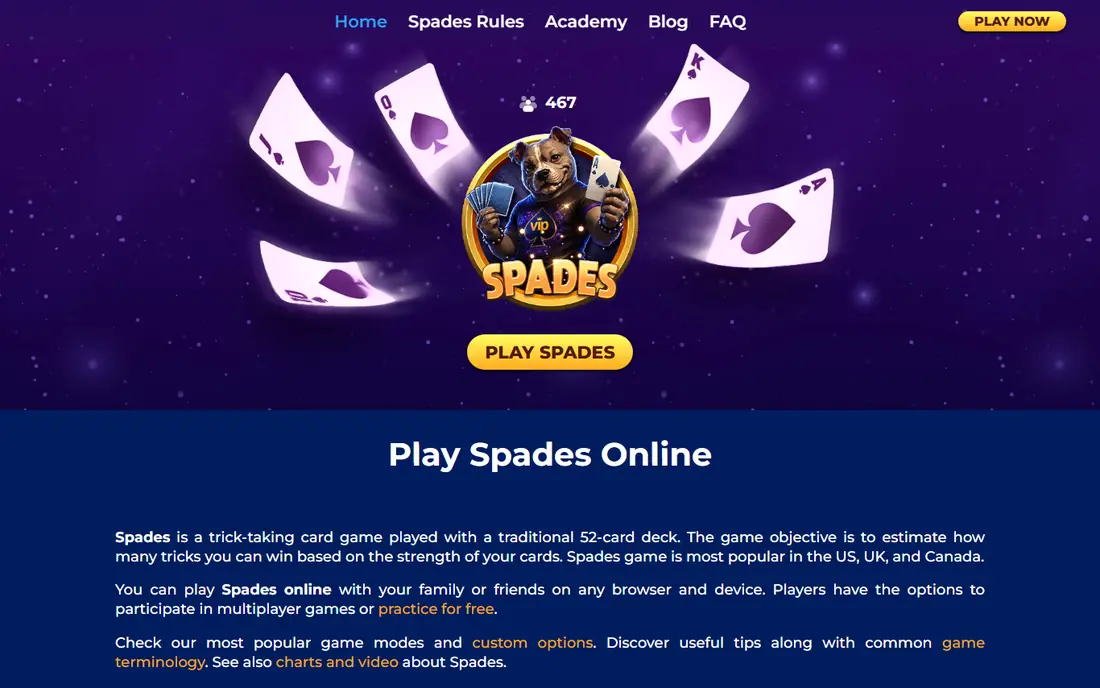
VIP Spades is our pick for players who want a busy online table at most hours. The app offers Solo, Pairs, Mirror, Whiz, and Suicide modes, plus joker options, so you can find a variant that matches your regular game. You can also play as a guest, which keeps the first session simple.
Social features are a real part of the appeal, with friend lists, chat, and custom avatars. Daily challenges and rewards give a reason to return, though they also push chip purchases. The gameplay itself is polished, with clear bidding and trick tracking that suits new and experienced players alike.
The catch is the free-to-play economy. Chip offers and VIP prompts appear often, and ads run between games. If you dislike that pressure, a browser option like CardzMania may feel calmer. For a large, active online community, VIP Spades still leads.
- Many modes including Solo, Pairs, Mirror, and Whiz
- Large online player base
- Guest play without registration
- Chip purchases and VIP offers are frequent
- Ads appear between games
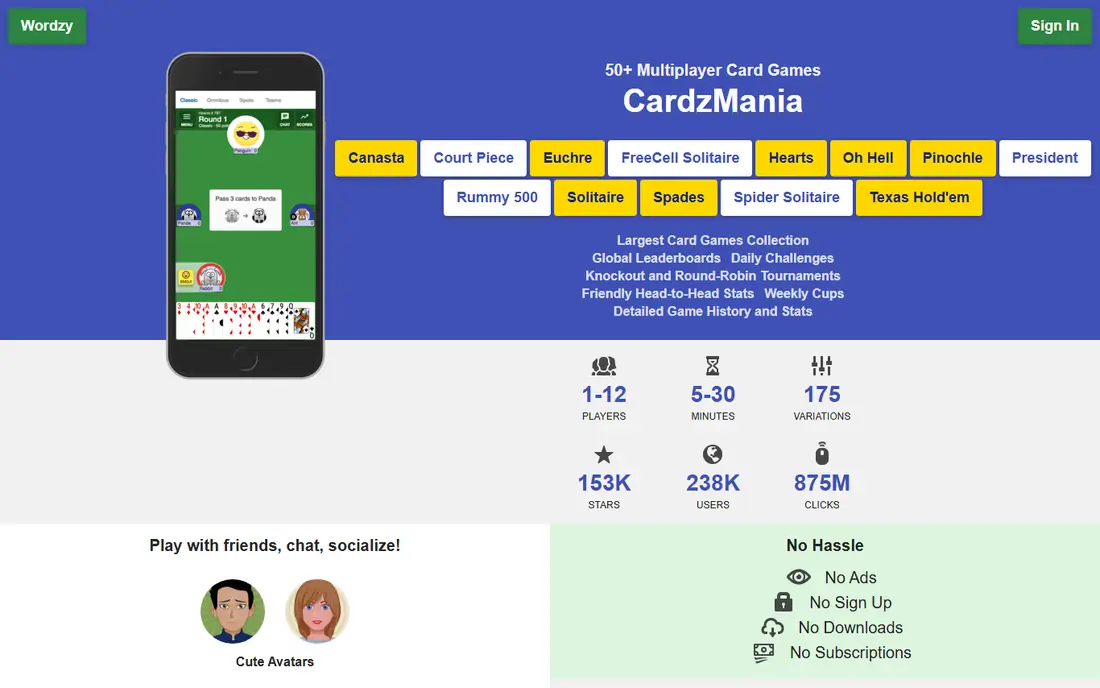
CardzMania is the best choice when your group plays with house rules. You can adjust bag penalties, nil bonuses, scoring targets, jokers, and many other settings to match the game you grew up with. That flexibility is rare, and it makes the site useful for settling rule debates before a real table.
You can play in a browser without an account, and both solo and multiplayer tables are available. The interface is modern and easy to read, with clear bidding and score tracking. Private tables let you invite friends to a game with your chosen rules.
The trade-off is community size. Fewer random opponents are online than on VIP Spades, so peak hours matter more. Ads can also feel intrusive, and bot opponents vary in strength. For custom rules with friends, those limits matter less.
- Deep rule customization
- No account needed
- Solo and multiplayer modes
- Smaller player community
- Ads can feel intrusive
- Bot quality varies
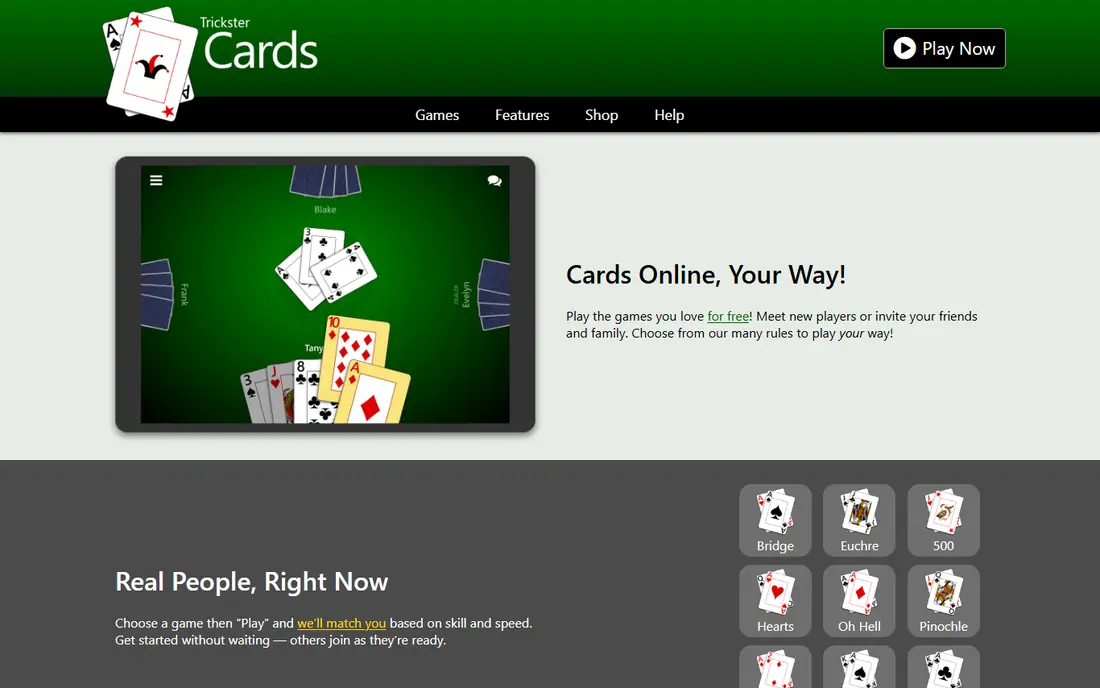
Trickster Spades suits players who want a quick game with friends without installing an app. The browser version runs on phones and computers, and private tables make it easy to gather a regular group. Rule options cover the common variants, so most groups can set up a familiar game.
The table view is clean, with bidding, tricks, and scores easy to follow. That clarity helps new players learn bidding without getting lost in extra features. Social play feels relaxed, since the focus stays on the cards rather than chips and rewards.
The limit is breadth. Trickster offers fewer modes and less social depth than VIP Spades, and some extras sit behind a paid account. If you want one reliable table for friends, it is a strong pick. If you want many modes and a large random pool, look elsewhere.
- Plays well in a browser
- Private tables for friends
- Clear rule options
- Fewer modes than VIP Spades
- Some features need a paid account
World of Card Games Spades is a good fit for players who want a plain, fast game. The browser table loads quickly, robots fill empty seats, and the rules follow classic spades without extra layers. That simplicity makes it easy to play a few hands during a break.
The site covers other card games too, so a group can switch games without learning a new platform. Scores and bidding are shown clearly, which helps players who are still learning nil bids and bag penalties. There is no chip economy to manage, which keeps the focus on play.
The downside is presentation. Visuals are plainer than polished mobile apps, and social features are limited. If you want avatars, chat threads, and daily rewards, this will feel quiet. For a simple, honest game of spades, that quiet is a strength.
- No install needed
- Simple, readable table
- Robots fill empty seats
- Plainer visuals than mobile apps
- Smaller social features
Spades by MobilityWare suits casual mobile players who mostly play alone. The app is polished, with smooth card play, clear scores, and a pace that fits short sessions. Solo games against computer opponents let you practice bidding without waiting for a table.
MobilityWare has a long record in card games, and that shows in a stable, easy-to-read layout. Daily play is simple: open the app, start a hand, and stop when you like. That low friction makes it a good daily habit for spades fans.
The catch is monetization. Ads appear in free play, and optional purchases can remove ads or add extras. Online multiplayer is less central here than in VIP Spades, so social players may want a second app. For solo mobile play, it is a reliable choice.
- Polished mobile play
- Solo games against computer opponents
- Easy daily play
- Ads and optional purchases
- Online play is less central than in VIP Spades
Spades by Brainium is a good pick for players who want a tidy solo game without clutter. The design is clean, cards are easy to read, and difficulty settings let you move from relaxed games to tougher opponents. That range helps new players learn and experienced players stay challenged.
The app focuses on the game itself rather than chips, levels, or social feeds. That focus keeps sessions short and calm, which suits players who dip in for a few hands. Solo play also works well when you have no connection, since you are not waiting on other players.
The limit is social depth. There is less here for players who want large online tables, chat, and friend lists. Ads also appear in free play, though they are easy to ignore between hands. For clean solo spades, Brainium is a solid, low-drama option.
- Clean, readable design
- Adjustable difficulty
- Offline-friendly solo play
- Fewer social features
- Ads in free play
Spades Expert AI, from NeuralPlay, suits players who want a serious solo challenge. The app offers deep customization, so you can shape the game to your preferred rules and pace. Higher difficulty levels use simulation-based play, which makes opponents less predictable than simple rule-based bots.
That unpredictability is a strength for learning, since it forces you to think about bidding and card play rather than repeat a pattern. The app also lets you adjust settings until the game feels right, which helps both new and strong players. Solo play means no waiting for a table.
The trade-off is that some bot plays can look odd, even at higher levels, and ads run between rounds. A few players also report occasional freezes in recent reviews, so keep the app updated. For solo players who want a real test, it is still one of the strongest options.
- Customizable rules and difficulty
- Higher levels use simulation-based AI
- Solo-focused play
- Ads between rounds
- Some bot plays can surprise even experienced players
Spades Plus, from Zynga, fits players who want a social, easy-to-learn mobile game. Tables are easy to join, friend play is simple, and the presentation is polished and colorful. New players can pick up bidding and trick play quickly, with clear prompts at each step.
The social side is the main draw, with profiles, gifts, and table chat that make a casual game feel lively. That atmosphere suits players who treat spades as a social pastime rather than a strict competition. Short sessions work well, and the app is easy to return to.
The catch is the coin economy. Purchases and coin offers are part of the design, and they can distract from the cards. Rule depth is also lighter than CardzMania or NeuralPlay, so serious players may want a second app. For friendly mobile play, Spades Plus does the job.
- Social tables and friend play
- Polished mobile presentation
- Easy to learn
- In-app purchases and coin offers
- Gameplay depth is lighter than rule-focused rivals
How we picked these
We compared official app pages, developer sites, and store listings, and we kept only products that offer real spades with bidding and trump play. We mixed mobile apps with browser sites, since many readers play on a computer or with friends who use different devices. We left out generic card packs and apps that only offer spades as a minor extra.
How to pick the right spades app for your group
Start with how you play. Solo players should pick NeuralPlay, MobilityWare, or Brainium, while online players should pick VIP Spades or CardzMania. Browser players with a regular group should try Trickster or World of Card Games first, since no install is needed.
Next, match the rules. If your group uses mirror, whiz, jokers, or a special bag rule, test that variant before you commit. CardzMania and NeuralPlay offer the most control, while simpler apps may not match your house rules. A short test game with friends settles this faster than reading a feature list.
Also check the economy. Free apps pay for themselves with ads, chips, or purchases, and the pressure varies a lot. If ads break your focus, a browser site or a paid ad-free option may be worth it. If you play socially, check chat and friend tools too, since a quiet table can feel dull.
Finally, remember that these are social games for amusement, not gambling. VIP Spades notes that its game is for players aged 18 and older and for amusement only, and success in a social game does not imply success at real-money play. Set a limit on purchases, and keep the game fun.
Frequently asked questions
What is the best spades app for beginners?
Spades Plus and Spades by MobilityWare are easy starts, with clear prompts and gentle solo play. Trickster Spades is also friendly for a group, since the browser table is easy to read. Try a solo game first to learn bidding before joining a live table.
Can I play spades online with friends for free?
Yes. VIP Spades, CardzMania, and Trickster Spades all offer free online or private tables, though ads or optional purchases may appear. CardzMania and Trickster let you set private tables, which is the easiest way to gather a regular group.
Which spades app has the best computer opponents?
Spades Expert AI from NeuralPlay is the strongest solo challenge here, with adjustable difficulty and simulation-based play at higher levels. Brainium and MobilityWare also offer solid solo opponents for casual and mid-level play.
Do spades apps cost money?
All eight apps here are free to start, with ads or optional purchases in most cases. Chip packs, VIP offers, and ad removal are the usual paid extras. You can play real games without paying, but check the purchase prompts before you settle into one app.
Is spades the same as other trick-taking games?
No. Spades uses spades as the permanent trump suit, with bidding on the number of tricks you think you can win. Nil bids, bag penalties, and partner play add strategy that sets it apart from Hearts or Euchre, though the trick-taking core feels familiar.
Can I play spades offline?
Yes, solo apps like Brainium, MobilityWare, and NeuralPlay let you play against computer opponents without waiting for other players. Browser sites need a connection, so pick a mobile solo app if offline play matters to you.
Sources
See where you really rank - block by block
ProMapRanker scans Google Maps across a grid of your service area. Simple monthly plans from $19, white-label on every plan.
Start freeKeep reading
 zyte alternatives
Best Zyte Alternatives in 2026
These zyte alternatives cover managed scraping APIs, proxy networks and no code tools for lawful collection from your own or consented sources only in 2026.
Read → zerto alternatives
Best Zerto Alternatives in 2026
Compare the best zerto alternatives for disaster recovery and replication, with recovery targets, cloud options and honest trade-offs for teams in 2026.
Read → zerofox alternatives
Best ZeroFox Alternatives in 2026
We compared 9 zerofox alternatives for brand protection, phishing takedowns, dark web monitoring, and social impersonation, with clear coverage notes.
Read →