 ProMapRanker
Best Sourcing Tools in 2026: 9 Tools Compared

Key takeaways
- Gem and hireEZ suit teams that want sourcing, outreach, and tracking in one place.
- SeekOut and AmazingHiring are stronger for hard-to-find technical or specialised roles.
- Juicebox suits teams that prefer plain-language search over complex Boolean strings.
- Check contact credits, seat limits, and ATS integration before signing, because those shape real cost.
- Sourcing tools help you find candidates, but respectful, specific outreach still decides reply rates.
Quick comparison
| Pick | Great for | Pricing starts at | Free tier | |
|---|---|---|---|---|
 Gem | Sourcing, CRM, and outreach in one place | See website | Free trial | Visit |
 SeekOut | Technical and diverse talent search | $149 per month | Free trial | Visit |
 hireEZ | Cross-platform sourcing and outreach | See website | Free trial | Visit |
 Juicebox | Plain-language AI search | $99 per month | Yes | Visit |
 LinkedIn Recruiter | LinkedIn network search | See website | Free trial | Visit |
 Findem | Talent intelligence and planning | See website | No | Visit |
 AmazingHiring | Technical talent from developer sites | See website | No | Visit |
 Fetcher | Done-for-you candidate delivery | See website | Free trial | Visit |
 Loxo | Agency sourcing plus ATS | $149 per month | Yes | Visit |
The best sourcing tools
Sourcing tools help recruiters find people who have not applied, then contact them in a way that respects their time. We compared search depth, contact data, outreach tools, analytics, and integration with applicant tracking systems. Prices in this category change often, so treat third-party estimates as a guide and confirm quotes directly.

Gem suits in-house teams that run steady outbound hiring and want one system for finding, contacting, and tracking candidates. AI-assisted search and message sequences reduce manual work, while the CRM view keeps follow-ups visible instead of buried in email. Analytics show which sources and messages lead to replies and interviews, which helps a team improve rather than just send more mail.
The catch is price and scope. Gem is quote-based and built for teams, so a single recruiter may find it heavy and costly compared with a focused search tool. It works best when hiring volume justifies a shared pipeline and when managers want reporting across the whole team. Ask for a quote tied to seat count and hiring volume.
- Combined sourcing, CRM, and outreach
- Strong analytics
- ATS integration
- Quote-based pricing
- More platform than a solo recruiter may need
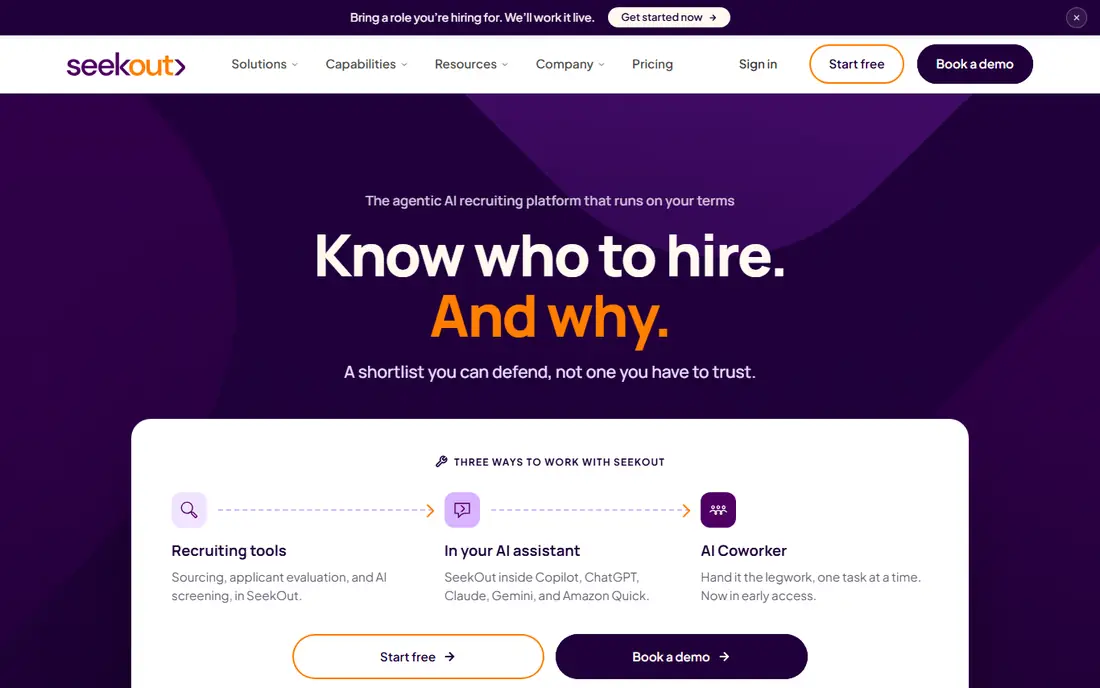
SeekOut is known for search depth, especially for engineers, data specialists, and other technical roles. It pulls from GitHub, patents, publications, and other sources beyond a standard resume database, which helps when a job title alone does not describe the skill you need. Filters for background, experience, and other attributes help teams build broader shortlists.
The self-serve plan gives smaller teams a way in, but team plans and credits add up quickly. Recruiters should test search quality on two or three real roles before committing, and check how many contact reveals each plan allows. For hard-to-fill technical roles, SeekOut is often worth the higher cost.
- Deep technical search
- Diversity and clearance filters
- Self-serve starting plan
- Higher tiers are costly
- Contact credits need watching
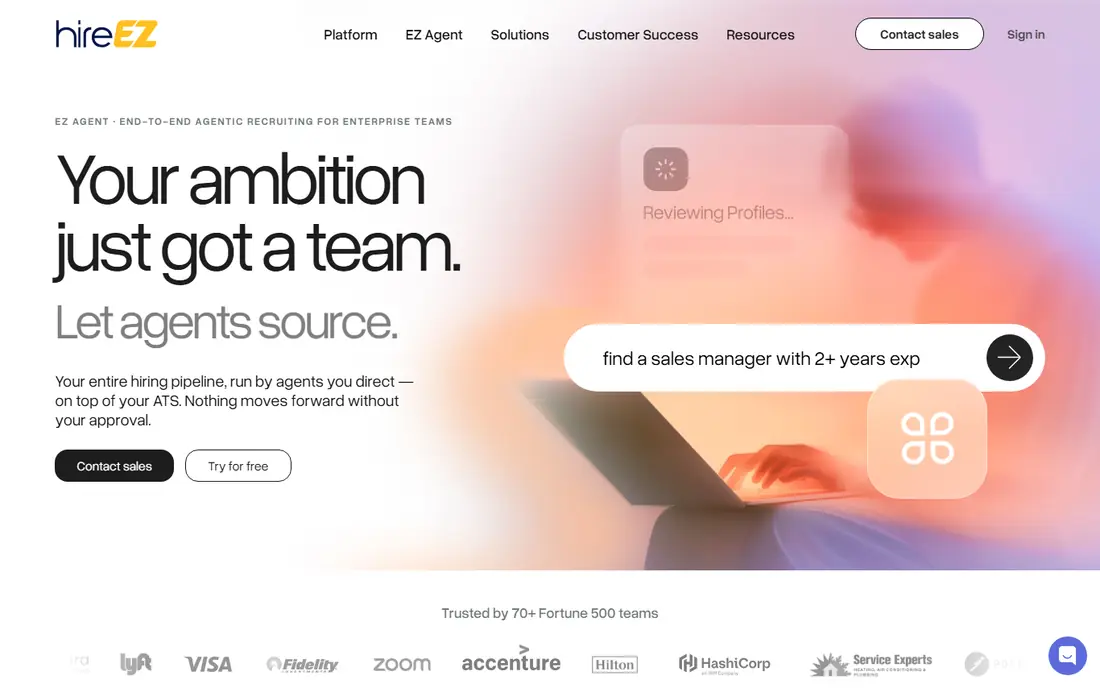
hireEZ, formerly Hiretual, searches across dozens of platforms and brings profiles, contact details, and outreach into one workflow. That breadth helps when candidates are spread across LinkedIn, GitHub, and other professional sites. Outreach sequences, tracking, and ATS sync keep the process in one place instead of across several tools.
Pricing is the main caution. Published prices vary by source and plan, so a demo should end with a written quote for your seat count and credit needs. Teams that source at volume should also check data refresh and duplicate handling. For all-round outbound sourcing, hireEZ remains a strong enterprise option.
- Search across many platforms
- Built-in outreach sequences
- ATS integration
- Pricing is not published clearly
- Renewal costs need careful review
Juicebox appeals to recruiters who dislike building Boolean strings. You describe the role in plain language, and its PeopleGPT search returns matching profiles from a large index. Sourcing agents can keep working on a role in the background, which suits teams with many open roles and limited sourcing time.
The trade-off is judgement. AI search is a starting point, not a hiring decision, and results still need review for fit, location, and seniority. The free tier makes it easy to test on a real role before paying. If speed and ease matter more than deep enterprise controls, Juicebox is a good modern pick.
- Plain-language PeopleGPT search
- Always-on sourcing agents
- Free tier to test
- Newer brand than LinkedIn or Gem
- Agent output needs human review
LinkedIn Recruiter is still the default for many teams, because so many professionals keep a current profile there. Search filters, saved projects, InMail, and hiring insights help recruiters work through large candidate pools. For roles where LinkedIn is the main professional network, no other tool fully replaces it.
Cost is the issue. Corporate seats are expensive, and smaller teams may find Recruiter Lite a better fit for limited hiring. Reply rates also depend on message quality and timing, not on access alone. Use LinkedIn Recruiter when your candidates are active there and your hiring volume justifies the seat price.
- Largest professional network
- InMail and saved searches
- Strong employer brand tools
- High seat cost
- Many candidates only respond on LinkedIn itself
Findem focuses on attributes and career history rather than keywords alone. It tracks how skills and roles change over time, which helps teams find people who have grown into a role, not just people who used an exact job title. Workforce planning features also help larger companies see internal and external talent together.
That depth is aimed at enterprise teams, with pricing to match. A small team hiring a few roles a year will likely find it heavy. For companies planning hiring at scale or building talent pools for future roles, Findem offers a more strategic view than a simple search tool.
- Attribute-based search
- Career path tracking
- Workforce planning features
- Enterprise pricing
- More than a small team needs for simple sourcing
AmazingHiring is built for engineering hiring. It aggregates developer profiles from GitHub, Stack Overflow, and many other technical sources, then lets recruiters search by skills, projects, and contributions rather than job titles alone. That matters when the best candidate has a strong code record but a thin resume.
The focus is also its limit. It is not a general sourcing tool for sales, marketing, or operations roles. Pricing is quote-based, so a team should test it on real engineering roles and confirm seat and data limits. For technical hiring, it is one of the most focused tools available.
- Strong developer data from GitHub and Stack Overflow
- Skill-based search
- Technical filters
- Narrow focus on technical roles
- Quote-based pricing
Fetcher takes a different approach: instead of giving you a search box, it finds and delivers pre-screened candidates on a regular basis. That suits busy hiring managers and small recruiting teams that need a pipeline without spending hours on search. Email outreach can be handled within the workflow, which keeps follow-up consistent.
Control is lower than with a hands-on search tool, so clear role criteria matter. Vague briefs lead to vague shortlists, and feedback on early batches improves later ones. If your team would rather review candidates than hunt for them, Fetcher is a practical option.
- Automated candidate delivery
- Email outreach support
- Saves recruiter search time
- Less control over each search
- Results depend on clear role criteria
Loxo combines an applicant tracking system, a CRM, and sourcing data in one platform, which appeals to recruiting agencies and search firms. Instead of paying for three separate tools, an agency can manage clients, candidates, and outreach in one place. The talent graph gives recruiters a large pool to search without leaving the system.
Plan details matter, because sourcing data access is not the same on every tier. Agencies should check which plan includes the data they need and how many seats and jobs it covers. For firms that want to consolidate tools, Loxo is a strong all-in-one choice.
- Combined ATS and CRM
- Large talent graph
- Good fit for agencies
- Sourcing data limits vary by plan
- Learning curve for full setup
How we picked these
We compared official product pages, pricing reports, and recent sourcing comparisons from October 2026. We favoured tools that are live, support US hiring, and offer a clear path from search to outreach. We weighted search depth, contact data, ATS integration, and pricing transparency, and we left out tools that only provide contact details without sourcing workflows.
We also kept team size in mind. A tool built for an enterprise talent team is not automatically better for a startup hiring its first engineers. The list therefore includes self-serve options, agency platforms, and enterprise tools.
What to check before you buy
Test on real roles, not demos
Run each shortlisted tool on two or three roles you are actually hiring for, and judge shortlist quality, location fit, and seniority. A demo search on a popular role can flatter a tool that struggles with niche skills. Keep notes on how many profiles were truly relevant, not just how many were returned.
Count credits and seats honestly
Ask how contact reveals, InMails, or messages are counted, and what happens when you run out. Check seat limits, ATS sync, and whether data exports are included. A low headline price can become costly once credits, seats, and add-ons are included.
Protect candidate experience
Use specific, honest messages that explain the role, location, and why you contacted that person. Avoid mass messages that read like spam, and respect opt-outs promptly. Good sourcing tools help you be precise, but they do not replace careful outreach.
Frequently asked questions
What is the best sourcing platform for technical hiring?
SeekOut and AmazingHiring are strong for technical roles, because they search developer sources beyond standard resumes. hireEZ is a good all-round option if you also hire non-technical roles. Test each one on a real engineering role before choosing.
What is the best sourcing software for a small team?
Juicebox and Loxo offer accessible starting plans for smaller teams, while Gem suits teams with steady volume. LinkedIn Recruiter Lite can also work if most of your candidates are on LinkedIn. Choose based on hiring volume and whether you need a full CRM.
How is a sourcing tool different from an ATS?
A sourcing tool finds people who have not applied, while an ATS manages applicants through interviews and hiring. Some platforms, such as Gem and Loxo, combine both, but many teams use a sourcing tool alongside a separate ATS. Check integration before buying either one.
Do sourcing tools include contact details?
Many include email or phone data, often limited by credits or plan tier. Accuracy varies, and contact details should be used lawfully and respectfully. Confirm what is included in your plan, and avoid tools that promise contact data without clear sourcing and compliance policies.
How much does sourcing software cost?
Costs range from free tiers and plans near $99 per month to enterprise contracts that run into tens of thousands per year. Seat count, contact credits, and modules drive the final price. Always get a written quote for your team size and hiring volume.
Sources
See where you really rank - block by block
ProMapRanker scans Google Maps across a grid of your service area. Simple monthly plans from $19, white-label on every plan.
Start freeKeep reading
 zoho inventory alternatives
6 Alternatives to Zoho Inventory, Compared on Price and Fit
Zoho Inventory alternatives: 6 tools compared on price, free plans and fit. Katana leads the list for manufacturers. Fit and flaws are laid out for each entry.
Read → zoho crm alternatives
Best Zoho CRM Alternatives (2026)
Need Zoho CRM alternatives? We compare 7 tools on cost, free access and who each suits. Every pick gets a straight assessment. Built for quick decisions.
Read → zelle alternatives
Best Zelle Alternatives in 2026
Compare the best Zelle alternatives for sending money to friends, paying sellers and moving funds abroad, with honest notes on fees, speed and safety in 2026.
Read →