 ProMapRanker
Best Solution for Software Notifications in 2026

Key takeaways
- Our pick for most readers is OneSignal, because it covers the core job well without a steep learning curve.
- Knock is a strong second choice when you need more control or a different way of working.
- Prices and free tiers change often, so check the vendor pricing page before you pay for a plan.
- The right choice depends more on your workflow and budget than on any single headline feature.
Quick comparison
| Pick | Great for | Pricing starts at | Free tier | |
|---|---|---|---|---|
 OneSignal | Mobile and web push at scale | Free | Yes | Visit |
 Knock | Cross-channel product notifications | Free | Yes | Visit |
 Courier | Notification orchestration from one API | Free | Yes | Visit |
 Novu | Open source notification infrastructure | Free | Yes | Visit |
 Pusher Beams | Developer push with realtime tools | Free | Yes | Visit |
 MagicBell | A prebuilt notification inbox | Free | Yes | Visit |
 Firebase Cloud Messaging | Free push delivery for apps | Free | Yes | Visit |
 Ably | Realtime infrastructure with push | Free | Yes | Visit |
 Pushwoosh | Push and in-app messaging for apps | See website | Yes | Visit |
The best solution for software notifications
We compared push tools, in-app inboxes, and orchestration platforms on channels, free limits, developer effort, and price, so app teams can pick the right layer for their product.
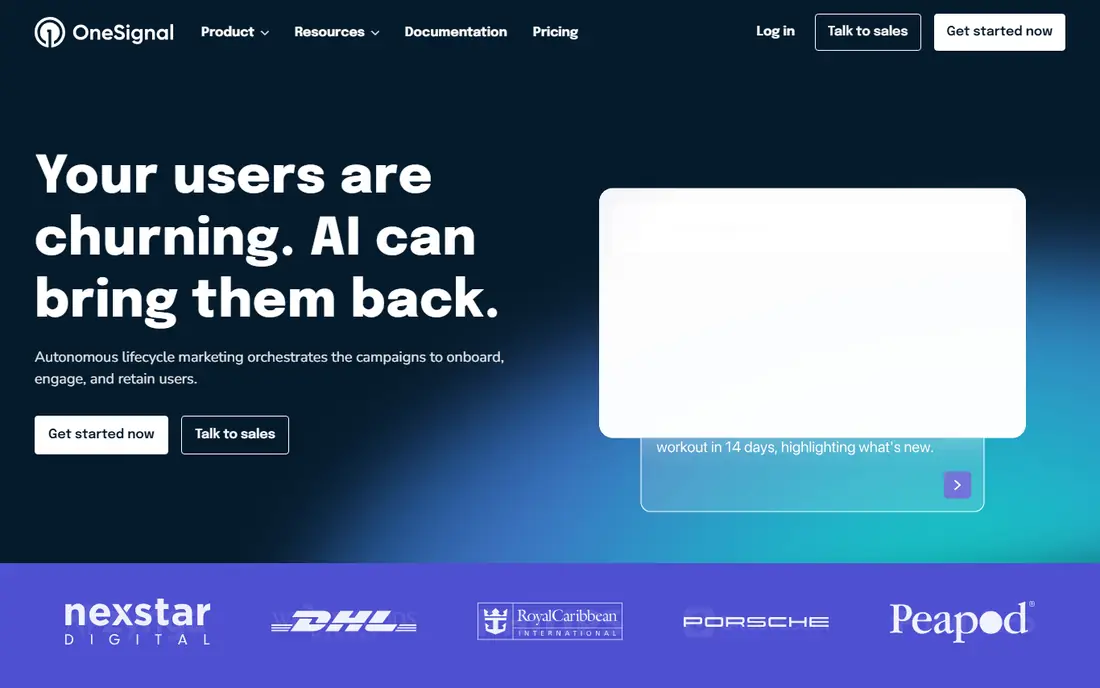
OneSignal suits app and website teams that need push, email, and in-app messages from one dashboard without a large upfront contract.
Its strength is the free tier for mobile push, which lets small products launch messaging and learn what users respond to before paying. Segmentation and journeys help teams send fewer, more relevant messages, which matters when users can turn notifications off in one tap.
The honest catch is scaling, since costs and feature gates rise with audience size, so model your monthly active users before you choose a paid plan. Before you commit, try the free tier or trial on a small real project and check export, sharing, and billing terms.
- Unlimited mobile push on free plan
- Email and in-app messages
- Segmentation
- Advanced features sit on higher plans
- Pricing scales with audience
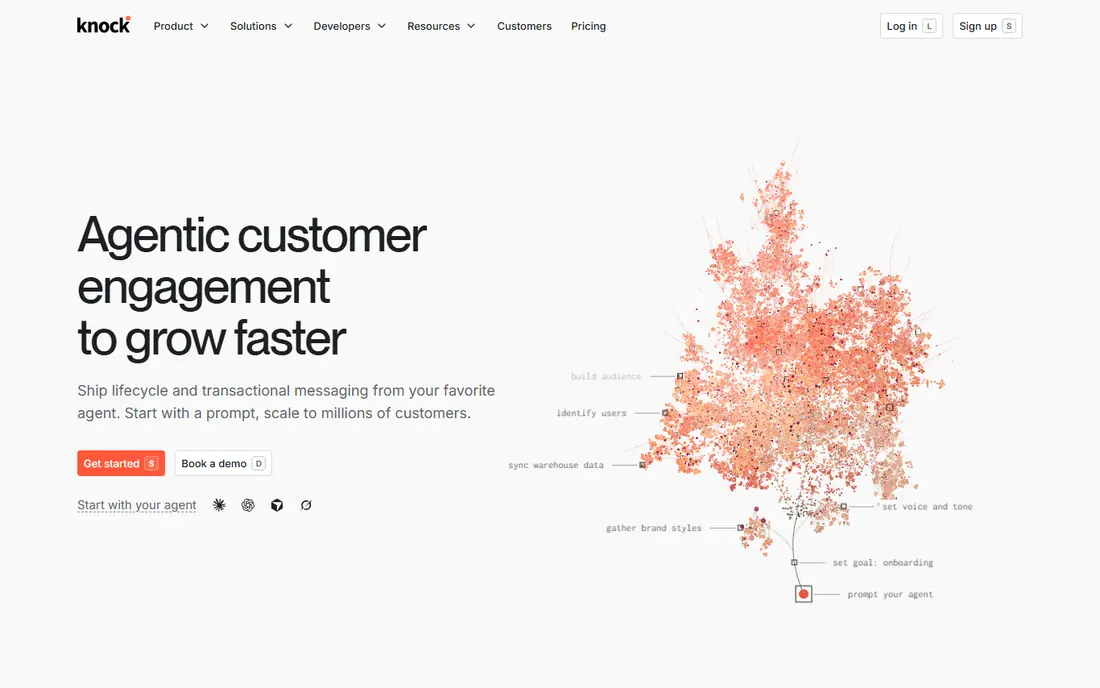
Knock suits product teams that need order updates, alerts, and activity notices across email, push, and in-app channels.
Its strength is workflow logic, with preferences, batching, and digests that stop one event from turning into five separate messages. Developers define notification logic in code while product teams adjust templates, which reduces the back and forth on routine changes.
The honest catch is price step, since the paid tier is aimed at growing products, so small hobby apps may prefer a simpler free tool. Before you commit, try the free tier or trial on a small real project and check export, sharing, and billing terms.
- Workflow engine
- User preferences
- Batching and digests
- Paid plans start at a higher level
- Best for product teams, not marketing blasts
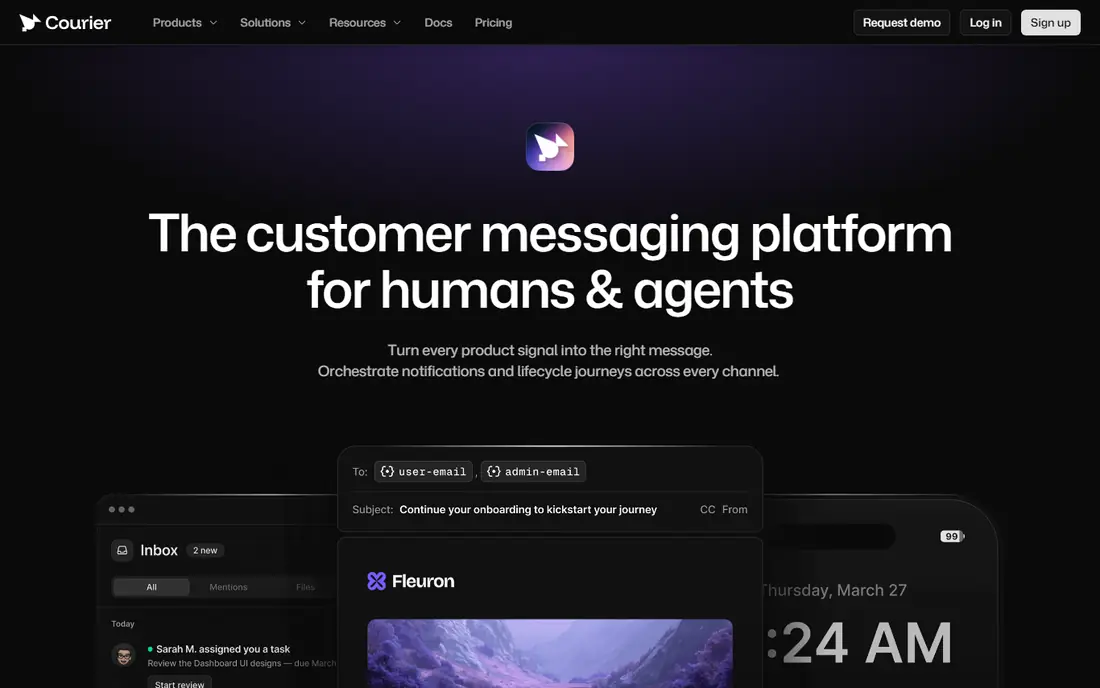
Courier suits engineering teams that send notifications through several providers and want to switch providers without rewriting app code.
Its strength is orchestration, because one API can route email, SMS, push, and chat, with templates and failover handled in one place. That separation helps when a provider changes prices or limits, since routing can change without a full app release.
The honest catch is setup, since you still need provider accounts and credentials, so it fits teams with developer time rather than no-code users. Before you commit, try the free tier or trial on a small real project and check export, sharing, and billing terms.
- One API for many providers
- Templates
- Provider switching
- You still manage provider accounts
- Usage pricing needs volume checks
Novu suits teams that want open source notification infrastructure, including an in-app inbox, workflows, and user preferences.
Its strength is choice, because you can use the hosted service or self-host the open source version when control matters more than convenience. Workflows cover email, SMS, push, chat, and in-app messages, which helps a product keep notification logic in one place.
The honest catch is operations, since self-hosting means updates, monitoring, and backups are your job, so weigh that cost against the cloud plan. Before you commit, try the free tier or trial on a small real project and check export, sharing, and billing terms.
- Open source and self-host option
- In-app inbox
- Workflows
- Self-hosting needs maintenance
- Cloud pricing scales with use
Pusher Beams suits developers who already use realtime features and want a straightforward push layer on top of that work.
Its strength is developer experience, with clear docs and SDKs that make a first push notification quick to test. It fits apps where push is a feature, not the whole product, and where the team is comfortable building surrounding logic itself.
The honest catch is scope, since a full notification inbox, preferences, and digest logic are not the main focus, so larger products may need another tool. Before you commit, try the free tier or trial on a small real project and check export, sharing, and billing terms.
- Simple push API
- Works with Pusher realtime products
- Good docs
- Free tier is limited
- Inbox and preferences need extra work
MagicBell suits product teams that want a ready notification inbox inside their app, rather than building one from scratch.
Its strength is the inbox itself, with a prebuilt component, user preferences, and delivery controls that would take weeks to build well. That saves design and engineering time, and it gives users one place to review alerts instead of digging through email.
The honest catch is the price jump from free to paid, so confirm the paid tier fits your delivery volume before you build around it. Before you commit, try the free tier or trial on a small real project and check export, sharing, and billing terms.
- Ready inbox component
- Preferences
- Digest and batching options
- Paid plan jump is steep
- Best for apps, not broadcast marketing
Firebase Cloud Messaging suits Android and iOS teams that need free, dependable push delivery and are happy to build the rest themselves.
Its strength is cost and reach, because there is no per-message charge for delivery, and it is the standard transport for many apps. Teams can combine it with their own database, scheduling, and preference logic to match a product exactly.
The honest catch is work, since inboxes, digests, templates, and analytics are not included, so total effort is higher than a full notification platform. Before you commit, try the free tier or trial on a small real project and check export, sharing, and billing terms.
- No per-message cost
- Android and iOS support
- Google scale
- No inbox or preferences included
- You build the surrounding logic
Ably suits teams building realtime apps, such as live updates, collaboration, and chat, where push is part of a larger realtime system.
Its strength is infrastructure, with realtime messaging and push delivered over a global network built for low delay. That helps apps where a live update and a push alert need to stay in step, rather than arriving through separate systems.
The honest catch is focus, since Ably is a broader realtime platform, so teams that only need simple push may find it more than they need. Before you commit, try the free tier or trial on a small real project and check export, sharing, and billing terms.
- Realtime messaging
- Push notifications
- Global infrastructure
- Notification features sit on top of a broader platform
- Learning curve applies
Pushwoosh suits app teams that want mobile and web push with segmentation and automated journeys in one tool.
Its strength is campaign control, with audience segments and timed messages that help teams avoid sending the same alert to everyone. Automation journeys cover onboarding, re-engagement, and event-based alerts, which are common needs for consumer apps.
The honest catch is pricing clarity, since the right plan depends on audience size, so check the current pricing page with your subscriber count in hand. Before you commit, try the free tier or trial on a small real project and check export, sharing, and billing terms.
- Mobile and web push
- Segmentation
- Automation journeys
- Pricing varies by audience
- Smaller teams should check free limits
How we picked these
We compared official pricing pages, docs, and feature pages for notification tools live in October 2026. We looked at which channels each tool covers, whether it includes an inbox and preferences, how much developer work it needs, and what the free tier actually allows. We left out tools that only send email marketing, since this list is about product and software notifications.
How to pick a notification tool without overbuilding
Start by naming the channels you truly need. Push alone is a different job from push plus email, SMS, and an in-app inbox, and the cheapest tool for one channel may be a poor fit for all four. List the message types first, such as order updates, alerts, and reminders.
Check free limits in your own units. Some tools limit monthly active users, others limit messages or deliveries, and one trigger can count several times if it fans out across channels. Test with a realistic volume, not a single test message.
Protect attention from the start. Add preferences, batching, and digests early, even if your user base is small, because a noisy app loses permission fast. Keep a log of what was sent, so support can answer questions without guessing.
Frequently asked questions
What is the best notification system software?
For most small apps, OneSignal or Firebase Cloud Messaging is a strong start. For a full inbox and preferences, look at MagicBell or Knock, and for routing across providers, look at Courier or Novu.
What is the best notification app for developers?
Courier, Novu, and Pusher Beams are developer-led choices, with APIs, SDKs, and code-based workflows. OneSignal is also developer friendly, with a dashboard that non-developers can use for campaigns.
Is there a free notification tool?
Yes. OneSignal, Knock, Courier, Novu, Pusher Beams, MagicBell, Firebase Cloud Messaging, and Ably all offer free tiers or free plans, though limits differ by users, messages, or deliveries.
What is the difference between push and in-app notifications?
Push reaches a user outside the app, while in-app messages appear inside it, often in an inbox. Many products need both, since push drives a return visit and the inbox keeps a record.
Do I need an orchestration tool?
You need one when you send across several channels or providers and want one place for templates, routing, and failover. A single-channel app can often start with a simpler push tool.
Sources
See where you really rank - block by block
ProMapRanker scans Google Maps across a grid of your service area. Simple monthly plans from $19, white-label on every plan.
Start freeKeep reading
 zscaler alternatives
Best Zscaler Alternatives in 2026
Looking for zscaler alternatives? We compare 9 SASE and zero trust platforms on architecture, data protection, pricing, and fit for your network and team.
Read → zapier alternatives free
Best Zapier Alternatives Free in 2026
Nine automation tools for zapier alternatives free in 2026, all with genuinely free tiers, plus free plan limits, starting prices and upgrade paths explained.
Read → which platform is best for online reputation
Which Platform Is Best for Online Reputation in 2026
Wondering which platform is best for online reputation? We compare 8 review, listing, and response tools for small and multi-location businesses and agencies.
Read →