 ProMapRanker
Best Software to Edit PDF in 2026


Regulated work and e-signatures · Pricing starts at: $19.99 per month
Key takeaways
- Adobe Acrobat Pro is our pick for regulated work and heavy e-signature use, because it covers editing, redaction, forms, and accessibility in one package.
- Foxit PDF Editor and Wondershare PDFelement offer similar desktop editing at a lower price, and both suit buyers who want to avoid the top subscription cost.
- PDF-XChange Editor is the best value for Windows users who prefer a one-time purchase over a subscription.
- Smallpdf and Sejda suit quick browser edits, but they do not replace a desktop editor for large or complex documents.
- Check whether the price is monthly, annual, or one-time, because the same tool can look cheap or costly depending on how the vendor bills it.
Quick comparison
| Pick | Great for | Pricing starts at | Free tier | |
|---|---|---|---|---|
| Adobe Acrobat Pro | Regulated work and e-signatures | $19.99 per month | Free trial | Visit |
 Foxit PDF Editor | Acrobat-class editing at lower cost | $10.99 per month | Free trial | Visit |
 Nitro PDF Pro | Office-style editing for teams | See website | Free trial | Visit |
 Wondershare PDFelement | Cross-platform editing with AI tools | $9.08 per month | Free trial | Visit |
 PDF-XChange Editor | Windows value with one-time purchase | $62 one-time | Yes | Visit |
 UPDF | Low-cost lifetime option | $49.99 per year | Free trial | Visit |
 Smallpdf | Quick browser edits | See website | Yes | Visit |
 Sejda | Privacy-minded browser and desktop edits | $63 per year | Yes | Visit |
 Xodo | Multi-platform viewing and editing | See website | Free trial | Visit |
The best software to edit pdf files
We compared editing depth, OCR, forms, e-signatures, and pricing from official product pages and public pricing summaries. The tools below all edit real PDF text and pages today, and they differ in price model, platform support, and how far they go beyond basic edits.
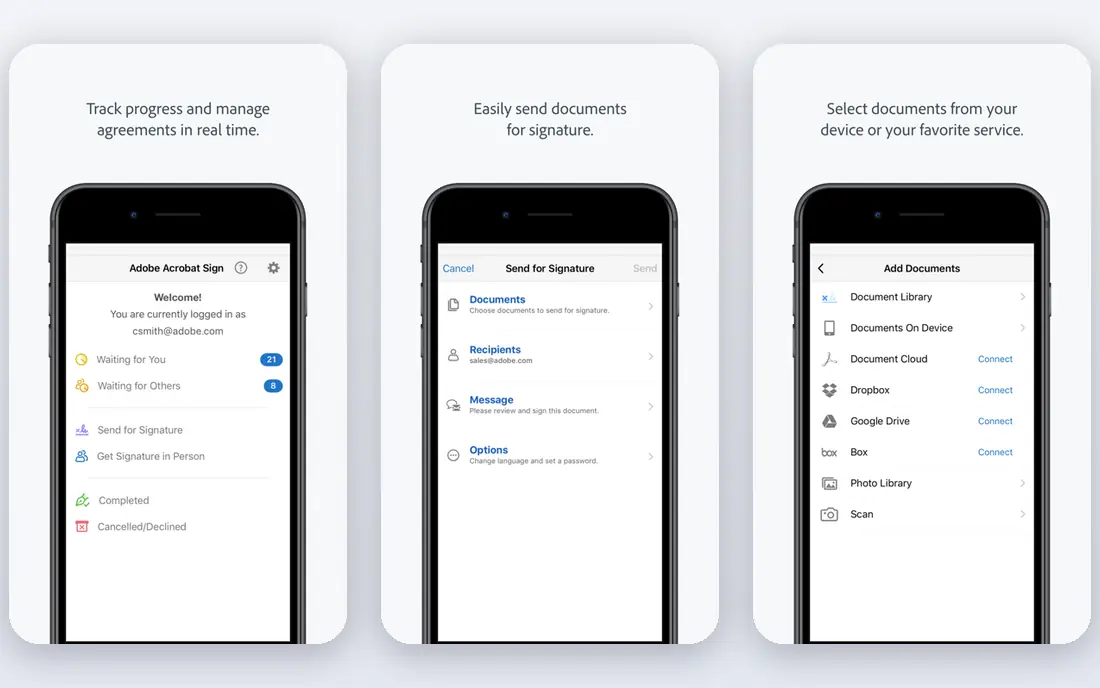
Adobe Acrobat Pro is the standard other editors are measured against. It edits text and images, rearranges pages, converts files to and from PDF, and adds password protection and redaction for sensitive documents. The Pro tier adds scanned document conversion, document comparison, and bulk e-signature sending, which matters for legal, finance, and HR teams that handle agreements every week. Integration with Microsoft 365 and cloud storage keeps files moving without constant downloads.
The price is the main drawback. At $19.99 per month on an annual plan, Acrobat Pro costs more than most rivals, and casual users may pay for depth they never use. A free Reader version covers viewing and basic signing, but editing needs a paid plan. If your work involves client files, compliance, or frequent signatures, the breadth is worth it. If you only fix a few PDFs a month, a cheaper editor will do.
- Deep editing, redaction, and accessibility tools
- Strong e-signature workflows
- Broad integration with office tools
- Highest subscription price here
- Many features go unused by casual editors
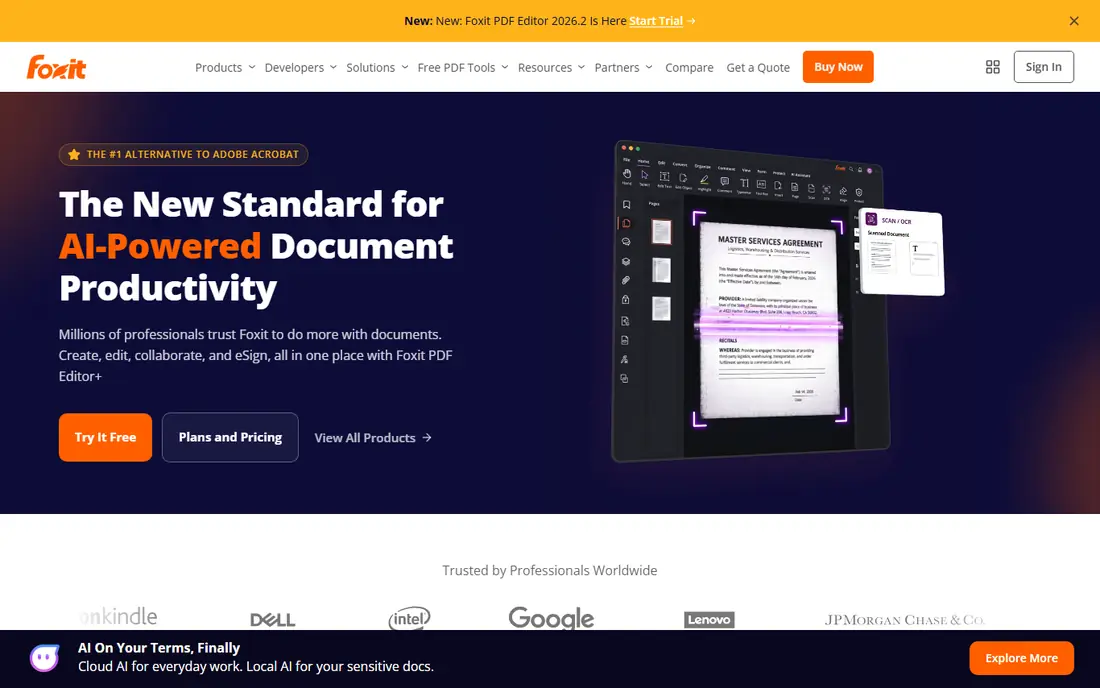
Foxit PDF Editor covers the core work most professionals need: edit text and images, create and fill forms, convert PDFs, and protect documents. It feels lighter on older machines than Acrobat, and its ribbon-style interface is familiar to Microsoft Office users. A perpetual license option appeals to buyers who dislike subscriptions, though pricing for that option varies by region and promotion.
The catch is that AI features and some mobile tools sit behind limits or higher tiers. Base AI credits are modest, and teams that want heavy AI use will pay extra. Even with those limits, Foxit gives strong value at $10.99 per month billed annually. It is a sensible pick for small businesses that need professional editing without the top price.
- Full editing, forms, and conversion at lower cost
- Lighter and faster than Acrobat for many users
- Perpetual license option
- AI credits are limited on the base plan
- Mobile editing needs a higher tier for some users
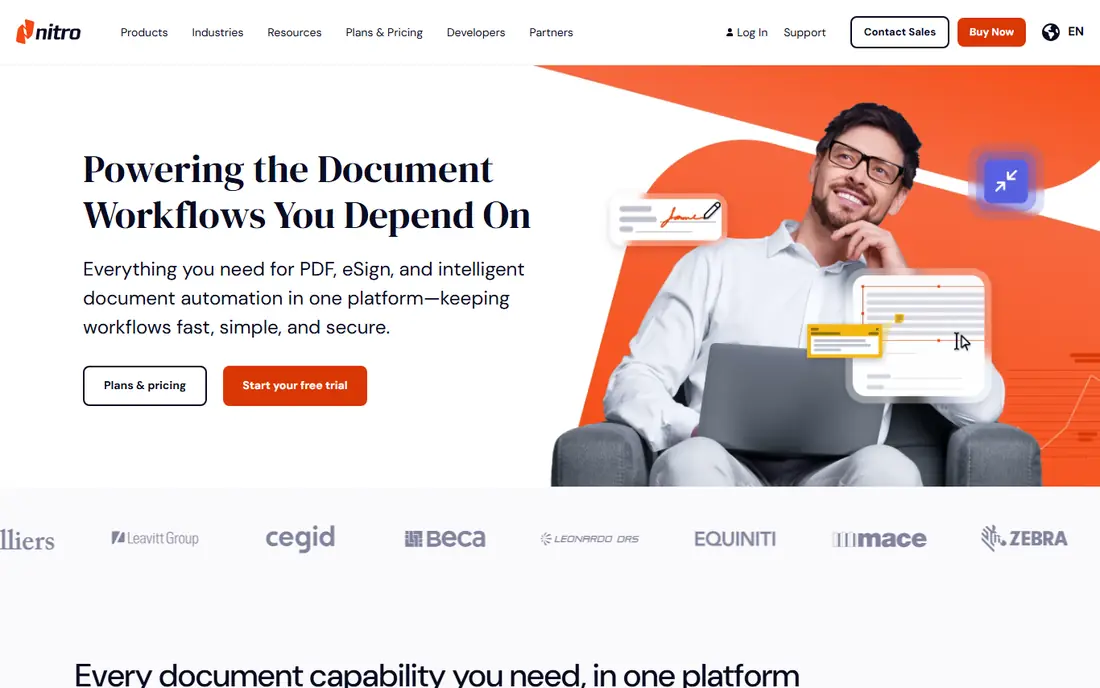
Nitro PDF Pro is built for teams that live in Microsoft Office. The interface mirrors Office ribbons, so new users find editing, conversion, and signing tools without a long learning curve. Batch conversion, page organization, and e-signatures cover daily office work, and Nitro Cloud adds sharing and signature tracking for teams. For a company standardizing on one editor, that familiarity speeds adoption.
Pricing is the weak point for comparison shopping. Nitro does not publish a simple entry price on its main pages, so buyers need a quote or a reseller price, and published third-party figures vary. A free trial lets a team test the editor before committing. If price transparency matters most, Foxit or PDFelement may be easier to budget. If Office familiarity matters most, Nitro is worth the quote step.
- Familiar Office-style interface
- Good conversion and collaboration tools
- Document signing and cloud sharing
- Vendor does not publish a simple list price
- Mac and Windows features differ in places
Wondershare PDFelement is the budget pick for people who want a full desktop editor plus AI help. It edits text and images, runs OCR on scanned pages, builds fillable forms, and converts PDFs to common office formats. AI tools for summarizing and asking questions about documents are included in current plans, which is unusual at this price. Apps cover Windows, Mac, iOS, Android, and web, so the same license logic follows the user across devices.
The honest limit is e-signatures. Teams that send bulk signature requests or need branded web forms will find Acrobat or Nitro deeper. PDFelement also offers a perpetual license in some stores, though the subscription price of $9.08 per month billed annually is the clearest published starting point. For everyday editing, conversion, and OCR, it is hard to beat at that price.
- Editing, OCR, forms, and AI tools at a low subscription price
- Apps for Windows, Mac, mobile, and web
- Perpetual license option
- E-signature workflows are less deep than Acrobat
- Some advanced features need the higher tier
PDF-XChange Editor is the value choice for Windows users who dislike subscriptions. The free version covers viewing, annotation, and many basic tasks, while the paid Editor license adds full editing at $62 one-time in published summaries. The Plus version adds OCR and extra tools at a higher one-time price. The program runs fast and handles large files well, which matters for users who open long reports daily.
The limit is platform. There is no Mac version, so Mac users must look elsewhere. OCR also needs the Plus tier, so buyers who scan paper often should budget for that step. For a Windows user who wants to buy once and edit for years, PDF-XChange Editor remains one of the best deals in this category.
- Generous free tier for viewing and annotation
- One-time purchase avoids subscriptions
- Fast on Windows
- Windows only
- OCR and some editing tools need the paid Plus version
UPDF appeals to buyers who want a modern editor at a low price. It edits text and images, annotates, converts, compresses, and protects PDFs, with apps across Windows, Mac, iOS, and Android. Published pricing starts at $49.99 per year, and a lifetime license is offered in some stores, which suits users who want to stop paying every year. The interface is clean, and basic editing feels quick.
The trade-off is depth. Enterprise teams that need advanced redaction workflows, accessibility checks, or deep e-signature management will find Acrobat or Foxit stronger. AI features may also need an add-on depending on the plan. For individuals and small teams with everyday editing needs, UPDF gives a lot for the price.
- Low annual price and lifetime license option
- Apps for Windows, Mac, mobile, and web
- Clean modern interface
- Smaller feature set than Acrobat for enterprise workflows
- AI features may need a separate add-on
Smallpdf is the tool for a quick fix in a browser. Open the site, drop in a file, and compress, convert, merge, split, or sign it without installing software. That convenience suits people who edit PDFs rarely and do not want another desktop program. Free tools cover basic tasks, with limits on daily use, and paid plans remove limits and add more tools.
The limit shows up on complex work. Large documents, heavy form design, and detailed redaction are better handled in a desktop editor. Pricing is not stable enough to quote as a single figure here, so we list it as See website and advise checking the vendor page at purchase time. For occasional browser edits, Smallpdf is still one of the easiest options.
- No install needed for browser tools
- Simple interface for compress, convert, and sign
- Good for occasional edits
- Deep desktop editing is limited
- Free use has daily limits
- Pricing varies by plan and promotion
Sejda suits users who care about where their files go. The desktop app processes files locally, so sensitive documents do not need to upload to a server for editing. Browser tools cover editing, merging, splitting, and signing for quick jobs, and the desktop plus web plan is listed at $63 per year. A week pass suits a one-off project, such as a single report that needs heavy editing.
The feature set is narrower than Acrobat or Foxit. Teams that need deep forms, batch processing, or enterprise admin tools will feel the gap. For individuals handling contracts, tax forms, or personal records, the local processing option is a real privacy advantage. Sejda is a thoughtful pick when privacy matters more than breadth.
- Desktop app keeps files local
- Browser tools for quick edits
- Clear weekly and annual pass options
- Fewer advanced features than desktop leaders
- Browser free tier has task limits
Xodo stands out for platform coverage. It runs on Windows, Mac, Linux, web, iOS, and Android, which helps mixed-device teams and Linux users who have fewer editor choices. Annotation, form filling, signing, and page organization cover most daily tasks, and team plans add collaboration features. For a user who moves between a Linux desktop and a tablet, that breadth is rare.
The drawback is price clarity. Xodo does not publish a single entry price that is easy to compare here, so we list it as See website. Editing depth also varies by platform, so a feature available on desktop may differ on mobile. Test the exact platform you use most before buying, and confirm the plan price on the vendor site.
- Coverage across Windows, Mac, Linux, web, and mobile
- Good annotation and form filling
- Team plans for collaboration
- Pricing is not published as a simple entry figure
- Editing depth varies by platform
How we picked these
We compared official feature pages, pricing pages, and public pricing summaries for PDF editors that edit text, pages, and forms in October 2026. We kept tools with a live product and a current homepage, and we dropped readers that only view or annotate without real editing. Prices are entry paid prices as published or summarized from vendor pages, and we wrote See website where the vendor does not publish a simple list price. We did not claim hands-on testing, and we checked that each homepage below belongs to the named product.
Choosing a PDF editor without overpaying
Match the editor to the document, not to the brand. If you edit a few PDFs a month, a browser tool or a free desktop tier may be enough, and a subscription would waste money. If you edit daily, a desktop editor with OCR, forms, and conversion will save time, and the price difference pays for itself in fewer workarounds. If you handle contracts or regulated files, redaction, accessibility checks, and signature audit trails matter more than a low price.
Check three details before you pay. First, confirm the platform you use most, because several editors differ between Windows, Mac, and mobile. Second, confirm whether OCR, e-signatures, and AI tools are included or sold as add-ons, since add-ons can double the bill. Third, confirm the billing model: monthly, annual, or one-time, and whether the price covers one device or several. A short trial with your own files, including a scanned page and a form, will reveal limits faster than a feature list.
Frequently asked questions
What is the best app to edit a pdf on a phone?
Adobe Acrobat mobile, PDFelement mobile, and UPDF mobile all edit PDFs on phones, with signing and annotation included. For a quick fix, Smallpdf and Sejda in a mobile browser also work. Desktop editing remains better for long documents, but mobile apps cover text fixes, signing, and form filling well.
What is the best tool to edit pdf files for free?
PDF-XChange Editor has the most generous free desktop tier here, and Sejda and Smallpdf offer free browser tools with limits. Free tiers cover viewing, annotation, and basic edits, but full text editing, OCR, and unlimited use usually need a paid plan. Try the free tier with a real file before assuming it covers your task.
Is Adobe Acrobat worth the price?
Acrobat Pro is worth it for teams that need redaction, accessibility checks, bulk e-signatures, and deep Office integration. For casual editing, Foxit, PDFelement, or UPDF give similar core editing at a lower price. Compare the features you use weekly, not the full feature list, before deciding.
Can I edit a scanned PDF?
Yes, if the editor includes OCR. Acrobat Pro, Foxit, PDFelement, and PDF-XChange Plus convert scanned pages into editable text. Free browser tools often lack OCR or limit it, so check the plan details before buying for scanned documents.
What is the best app to edit pdfs on Mac and Windows?
PDFelement, Foxit, and UPDF run on both Mac and Windows with similar editing tools. Acrobat Pro also covers both platforms and adds the deepest signature and accessibility features. Pick the one whose price model and included AI or OCR tools match your needs.
Sources
See where you really rank - block by block
ProMapRanker scans Google Maps across a grid of your service area. Simple monthly plans from $19, white-label on every plan.
Start freeKeep reading
 zoho inventory alternatives
6 Alternatives to Zoho Inventory, Compared on Price and Fit
Zoho Inventory alternatives: 6 tools compared on price, free plans and fit. Katana leads the list for manufacturers. Fit and flaws are laid out for each entry.
Read → zoho crm alternatives
Best Zoho CRM Alternatives (2026)
Need Zoho CRM alternatives? We compare 7 tools on cost, free access and who each suits. Every pick gets a straight assessment. Built for quick decisions.
Read → zelle alternatives
Best Zelle Alternatives in 2026
Compare the best Zelle alternatives for sending money to friends, paying sellers and moving funds abroad, with honest notes on fees, speed and safety in 2026.
Read →