 ProMapRanker
Top 8 Software to Create Training Videos for 2026, Compared


Recorded software tutorials with full editing · Pricing starts at: $179.88 a year
Direct answer
If you need recorded software tutorials with full editing, Camtasia is the first tool to look at here. Loom is the stronger choice for fast async how-to walkthroughs, while Articulate 360 suits full interactive courses with assessments. The full list of 8 tools follows, with prices and free plan facts.
Key takeaways
- Top of the list is Camtasia, which targets recorded software tutorials with full editing.
- For turning PowerPoint decks into SCORM courses, iSpring Suite is worth a look.
- What to know about Camtasia first: subscription only, no perpetual license.
- Starting prices begin at $15 per user/month with Loom.
- A free plan is available from 3 of the 8 tools: Loom, Synthesia, Descript.
Quick comparison
| Pick | Great for | Pricing starts at | Free tier | |
|---|---|---|---|---|
| Camtasia | Recorded software tutorials with full editing | $179.88 a year | Free trial | Visit |
 Loom | Fast async how-to walkthroughs | $15 per user/month (billed yearly) | Yes | Visit |
 Articulate 360 | Full interactive courses with assessments | $1,449 per user/year | Free trial | Visit |
 Vyond | Animated explainer-style training | $58 per user/month (billed annually) | Free trial | Visit |
 Synthesia | AI avatar training videos without filming | $18 a month (billed annually) | Yes | Visit |
 Descript | Editing talking-head video by transcript | $24 per person/month (billed yearly) | Yes | Visit |
 Adobe Captivate | Software simulations and VR training | $39.99 a month | Free trial | Visit |
 iSpring Suite | Turning PowerPoint decks into SCORM courses | $970 per author/year | Free trial (14 days) | Visit |
8 software to create training videos in detail
Short on time? The summary and table above give the quick view of 8 software to create training videos, and the profiles that follow give the detail behind each entry.
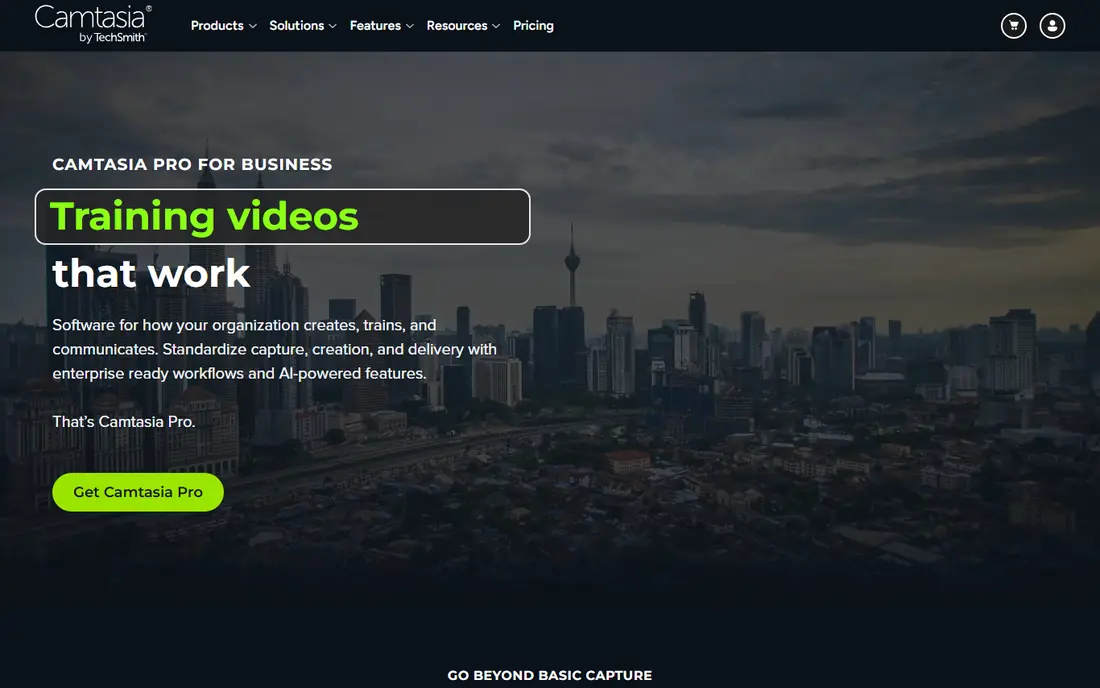
Camtasia is aimed squarely at recorded software tutorials with full editing. You record your screen, webcam and audio on separate tracks, then edit everything in the same app. More specifically, reviews consistently mention slow startup and lag with heavy timelines, so budget a capable machine.
Also note the shift to subscription-only pricing: stop paying and you lose the authoring environment, which matters if you plan to keep a course library editable for years. SmartFocus zooms, cursor effects and captions are the small touches that make tutorials watchable, and quiz questions can report results to a SCORM-compliant LMS. The Essentials plan at $179.88 per year unlocks the full editor; a $39 per year Starter exists but exports carry a watermark. Entry price for Camtasia: $179.88 per year. As for free access: Free trial.
What works well: Screen recording plus a full multi-track editor in one app.
Trade-offs to know: Subscription only, no perpetual license.
- Cursor effects
- Quizzes with SCORM reporting
- Can lag on large or high-resolution projects
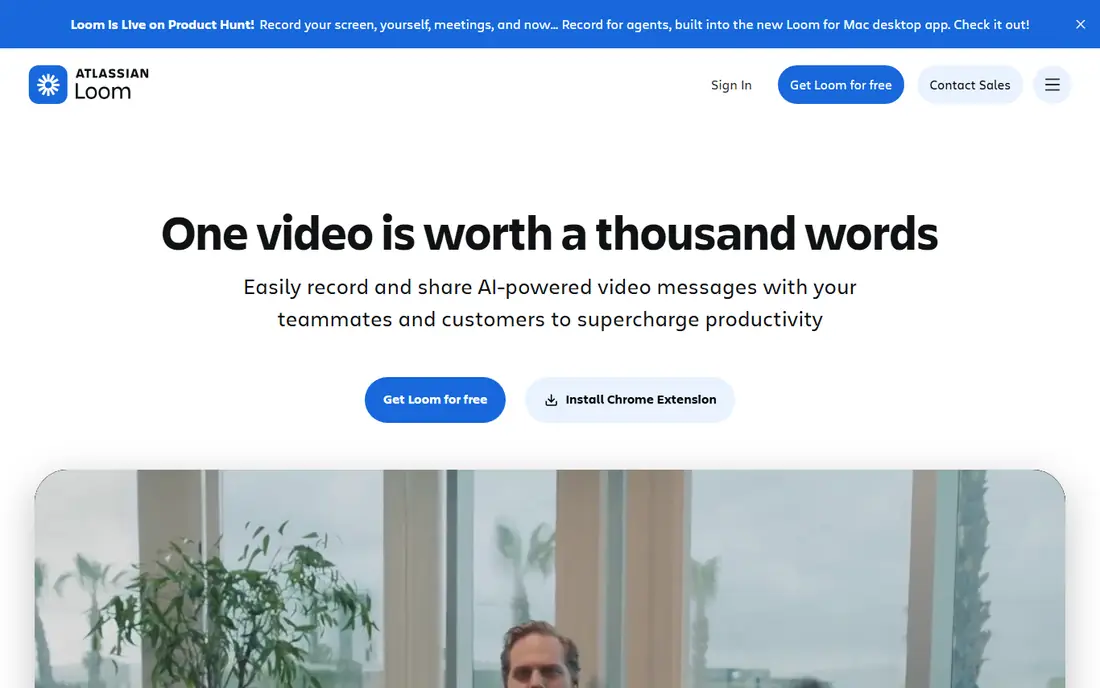
Loom is aimed squarely at fast async how-to walkthroughs. Loom is the informal end of training video: a manager records her screen to present a new hire how to file expenses. The link lives in the team library.
Loom will not produce refined courseware, and it does not try to. But for tribal knowledge, onboarding walkthroughs and support explainers, the speed of record-and-share is unmatched. On top of that, nobody storyboards, nobody edits, and that is the point. The $20-a-month Business plus AI level layers on summaries and filler-word removal. Loom cost at the entry level: $15 per user/month. Loom offers a free plan.
Where Loom stands out: Record to shareable link in seconds. Points against: Free plan capped at 25 videos of five minutes each.
- AI summaries
- Team video library with comments
- MP4 downloads need a premium plan
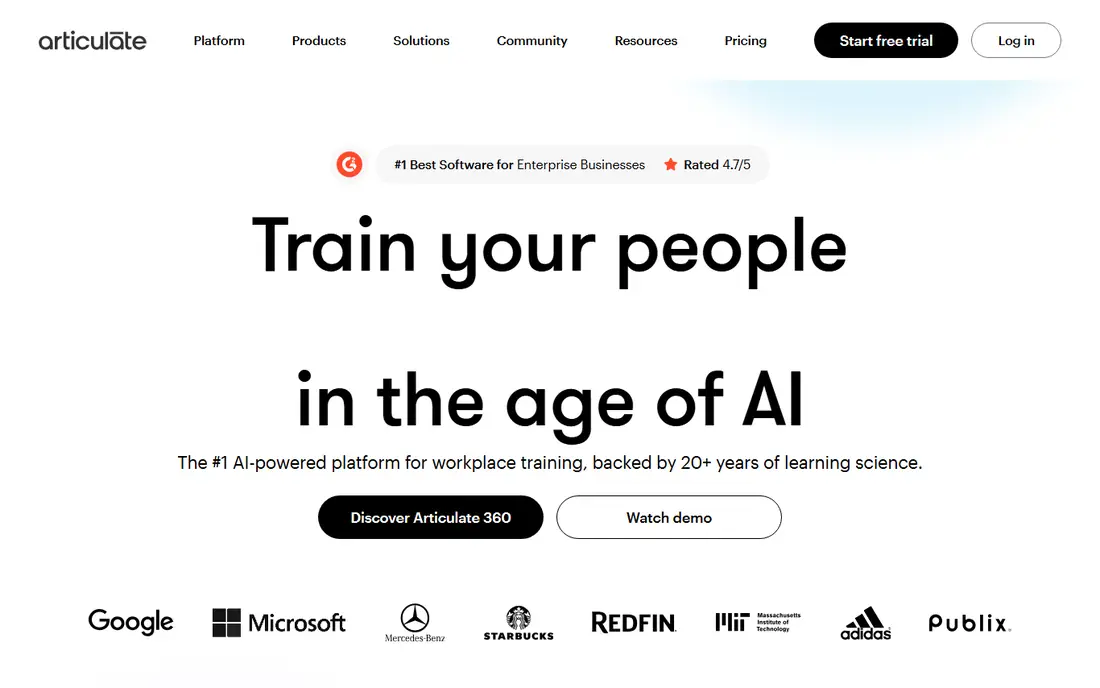
In short, Articulate 360 is for full interactive courses with assessments. Articulate 360 is the suite serious instructional design teams standardize on. As for the details, the price is only defensible if you use the authoring depth.
Watch-outs: Pure rental; Advanced AI workflows use separately purchased credits.
Also watch the AI credit packages: features like avatars and translation can add cost on top of the seat price. Worth adding: the $1,449 a year Personal plan (or $1,749 a user per year for Teams) is steep. But it replaces multiple tools at once for teams building real courses, not just videos. Articulate 360 starts at: $1,449 per user/year. Trial and free access: Free trial.
- Huge template and asset library
- Storyline 360 and Rise 360 in one subscription
- The highest price on this list
Vyond is built with animated explainer-style training in mind. Animated characters still work well for topics where a real presenter layers on nothing, like process walkthroughs, soft-skills scenarios and compliance stories.
Vyond is not a bargain, and buyers should read the fine print on credits before committing. Beyond that, the credit meter applies to AI tools, so heavy AI use on Starter can run out quick. Entry price for Vyond: $58 per user/month. Free plan details: Free trial.
Points against: Starter plan lacks team collaboration.
- Translation into 70+ languages on Pro
- Text-to-video and AI avatar generation
- Pricey for occasional use
Where Synthesia fits: AI avatar training videos without filming. The main limit is the meter. Each additional editor also means another subscription or an Enterprise deal.
Honest limits: Video minutes are tight at the low end.
The Starter plan at $18 per month billed yearly handles about 120 video minutes per year, which fits a steady but modest publishing cadence. More specifically, if you publish weekly or need SCORM packages for a LMS, budget for Creator at $64 per month annually, or prepare for the per-minute cost to climb. Entry price for Synthesia: $18 per month. You can start on Synthesia without paying.
- 125+ stock avatars on Starter
- MP4 downloads and logo removal on premium plans
- SCORM export needs Enterprise
Descript serves editing talking-head video by transcript. For trainers who record themselves explaining things, this removes hours of fiddly trimming. In practice, the pricing structure rewards careful shooters and punishes sloppy ones, since media minutes count raw uploads, not finished exports.
Limits to weigh: Media minutes meter counts every upload, transcribed or not.
Long unedited recordings eat your allowance before you make a single cut. A free plan with 60 minutes per month is enough to learn the workflow. Price to start with Descript: $24 per person/month. You can start on Descript without paying.
- Studio Sound and filler-word removal
- Edit video by editing the transcript
- HIPAA compliance is not documented
Adobe Captivate works best for software simulations and VR training. Captivate has long been the specialist pick for click-through software simulations, the kind where learners practice inside a replica of an enterprise app. The trade-off is usability.
Drawbacks to consider: Heavy on system resources.
Captivate is famously hard to learn, with triggers, variables and conditions that take real study. The individual subscription runs about $39.99 per month, which is modest next to Articulate but layers on up over years. More specifically, confirm what you need before buying: teams that largely record narrated walkthroughs get more value from more straightforward tools here. Price to start with Adobe Captivate: $39.99 per month. As for free access: Free trial.
- Best-in-class software simulation recording
- VR and 360-degree content support
- Steep ramp-up time
In short, iSpring Suite is for turning PowerPoint decks into SCORM courses. The add-in workflow means non-designers can publish real SCORM packages in days, not months. The limitation is the product itself: Windows with desktop PowerPoint is mandatory, so Mac-based teams are out.
Honest limits: The AI plan costs $1,290 per year.
For everyday use, the standard Suite runs $970 per author a year; the AI plan with course-generation features is $1,290. More specifically, most companies already have their training content in PowerPoint, half-finished and gathering dust. iSpring Suite is the fastest way to turn those decks into LMS-ready courses with narration, quizzes and video. Starting cost for iSpring Suite: $970 per author/year. Free access: Free trial (14 days).
- XAPI and cmi5 output
- Quizzes
- Weak at complicated branching logic
How we built this list
Each tool was reviewed on what its vendor publishes: price, plan limits, core features and stated drawbacks. We did not run hands-on tests. Prices and plan limits come from vendor pages and can change, so confirm them on the vendor site before you buy. We ordered the tools by general fit, then by how clearly pricing is shown, then by free access. A buyer with unusual needs may reorder them.
Pre-purchase checklist
- Check the vendor page for the current price: Loom starts at $15 per user/month here, and seats or billing terms can move it.
- Check what the free option really includes: Loom, Synthesia and Descript offer a free plan, and usage caps differ.
- Use real work to test the free trial from Camtasia, Articulate 360, Vyond and others, rather than a demo project.
- Read the limits listed for Camtasia first: subscription only, no perpetual license.
- Look at the renewal terms for Camtasia: auto-renewal, notice periods and price changes can matter more than the first-year price.
- Let daily users try Loom on real work; their feedback beats any feature checklist.
Frequently asked questions
Is Camtasia the right pick for everyone comparing software to create training videos?
No single tool suits every team. Camtasia comes first because it fits recorded software tutorials with full editing, while Loom suits quick async how-to walkthroughs and Articulate 360 suits full interactive courses with assessments. Match the tool to your own size, budget and workflow before deciding.
Can I try these tools before paying?
Often, yes. Loom, Synthesia and Descript have a free plan and Camtasia, Articulate 360, Vyond and others offer a free trial. Use your own data and a real task during the test, and check what the free tier or trial limits before you rely on it.
What is the cheapest option for software to create training videos in this list?
On published monthly entry prices, Loom is the lowest here at $15 per user/month. Entry price is only part of the cost, because seats, add-ons and billing terms can change the total.
How are the tools for software to create training videos ordered?
The order follows typical fit for software to create training videos, with Camtasia first and iSpring Suite last, then price clarity and free access. It is editorial judgement, not a score, so another team could rank the tools differently.
Do I need SCORM output for training videos?
If your videos live on an intranet, a shared drive or a video product, MP4 files are enough. Check with whoever runs your LMS before paying additional for an Enterprise level just to get SCORM export.
Sources
See where you really rank - block by block
ProMapRanker scans Google Maps across a grid of your service area. Simple monthly plans from $19, white-label on every plan.
Start freeKeep reading
 zoho inventory alternatives
6 Alternatives to Zoho Inventory, Compared on Price and Fit
Zoho Inventory alternatives: 6 tools compared on price, free plans and fit. Katana leads the list for manufacturers. Fit and flaws are laid out for each entry.
Read → zoho crm alternatives
Best Zoho CRM Alternatives (2026)
Need Zoho CRM alternatives? We compare 7 tools on cost, free access and who each suits. Every pick gets a straight assessment. Built for quick decisions.
Read → zelle alternatives
Best Zelle Alternatives in 2026
Compare the best Zelle alternatives for sending money to friends, paying sellers and moving funds abroad, with honest notes on fees, speed and safety in 2026.
Read →