 ProMapRanker
6 Best Software to Create Social Media Posts for 2026
Direct answer
Buffer leads the list, best for straightforward, consistent publishing. Listed starting prices: Buffer from $5 per month, Hootsuite from $99 per user a month and Vista Social from $29 per month. Look at Later for Influencer and creator campaigns, and at Canva for designing refined visual posts. The remaining 3 options are covered below with prices and limits.
ProMapRanker compared 6 software to create social media posts. The goal is a practical shortlist: published prices, free plan facts, best-fit use cases and honest limits for every entry.
Key takeaways
- The list opens with Buffer, aimed at simple, consistent publishing.
- Vista Social suits AI-assisted multi-client management.
- The cheapest monthly starting price in the list is $5 per month, offered by Buffer.
- Buffer stands alone as the one tool in this list with a free plan.
Quick comparison
| Pick | Great for | Pricing starts at | Free tier | |
|---|---|---|---|---|
 Buffer | Straightforward, consistent publishing | $5 per month | Yes | Visit |
 Later | Influencer and creator campaigns | See website | Not stated | Visit |
 Canva | Designing refined visual posts | See website | Not stated | Visit |
 Hootsuite | All-in-one management and listening | $99 per user a month | Free trial | Visit |
 Sprout Social | Enterprise publishing and analytics | See website | Not stated | Visit |
 Vista Social | AI-assisted multi-client management | $29 per month | Free trial | Visit |
The 6 tools in detail
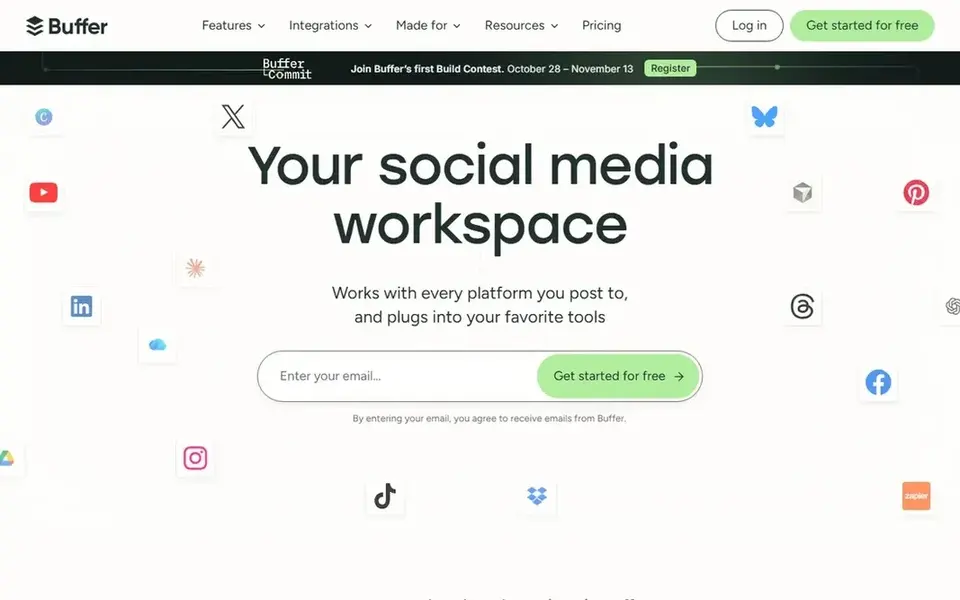
Buffer was built for straightforward, consistent publishing. Analytics and collaboration features are also lighter than in bigger management systems.
Main advantages: approachable scheduling flow.
Downsides: Fewer deep analytics features.
Its strength is a straightforward scheduling workflow that keeps a posting rhythm going across networks without a steep ramp-up time. Price to start with Buffer: $5 per month. Buffer includes a free tier.
- Helps keep posting consistent
- Clean
- Design tools are restricted
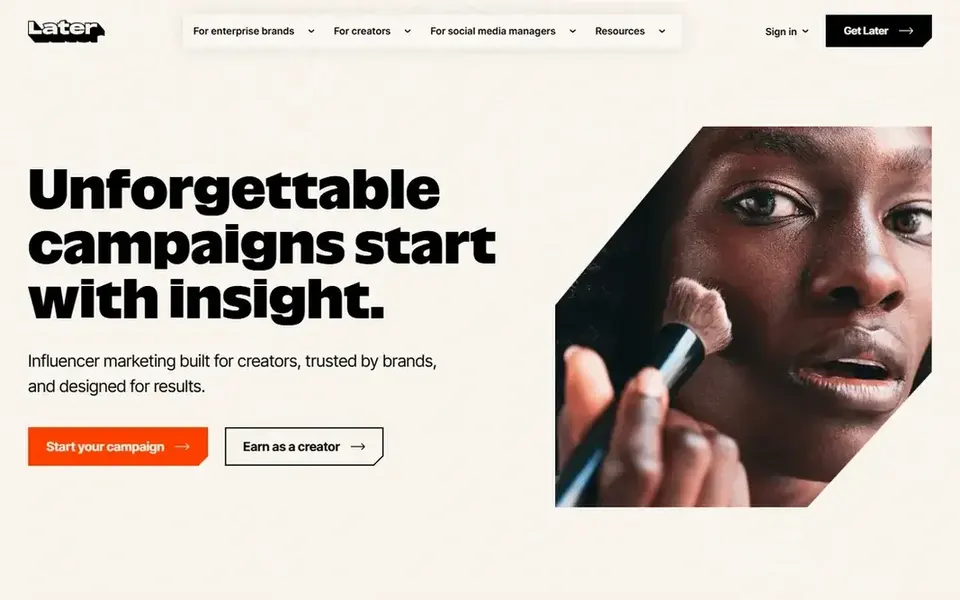
Later is aimed squarely at Influencer and creator campaigns. Later is positioned around influencer marketing and social media management for creators and brands. It merges campaign running, social management and performance tracking with AI-powered insights.
Brands that lean on creator partnerships and visual platforms will find the campaign-oriented approach handy, especially when planning content and reviewing how it performed. Teams wanting a general-purpose scheduler with deep listening may prefer Hootsuite. Pricing for Later is not stated here, so ask the vendor for current figures. Free options: Not stated.
Honest limits: Less suited to non-visual channels.
- Built around creator and influencer work
- AI-assisted performance insights
- Creator focus may not fit every brand
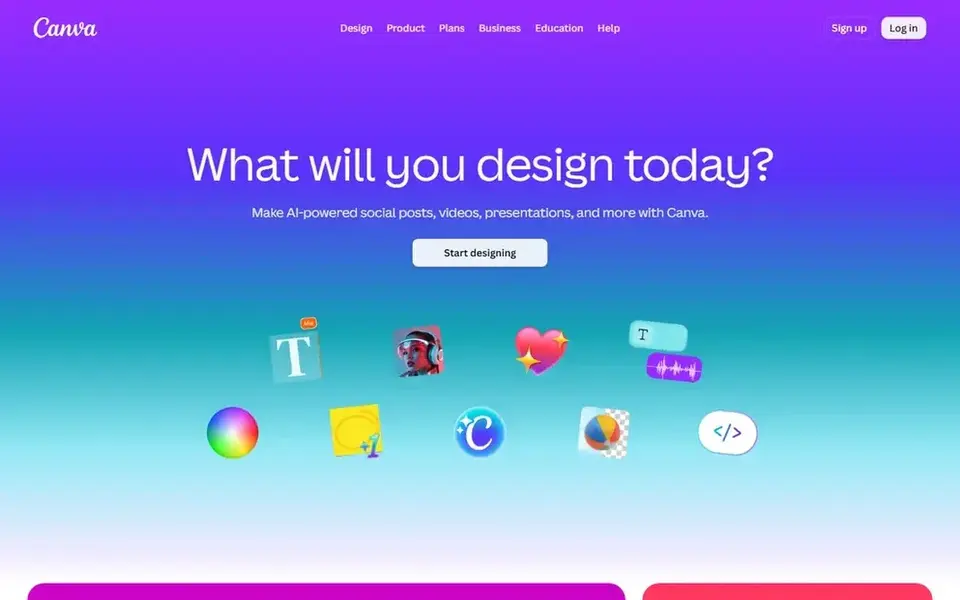
Think of Canva for designing refined visual posts. Canva is an online visual design suite made for creating social media posts, presentations, posters, videos and logos. Its template-driven editor lets people without design training assemble branded graphics rapidly, which makes it a natural starting point for the visual side of social content.
On top of that, teams that require consistent post styling across formats will find it suits well. It pairs easily with a separate scheduler. More specifically, pick Canva when the visual output is the core task. As for the details, what Canva does not do is act as a full publishing and analytics hub, so scheduling and performance tracking typically live elsewhere. Pricing for Canva is not stated here, so ask the vendor for current figures. On free options: Not stated.
Points against: Restricted native scheduling depth.
- Accessible to non-designers
- Wide design and template coverage
- Advanced layouts take some practice
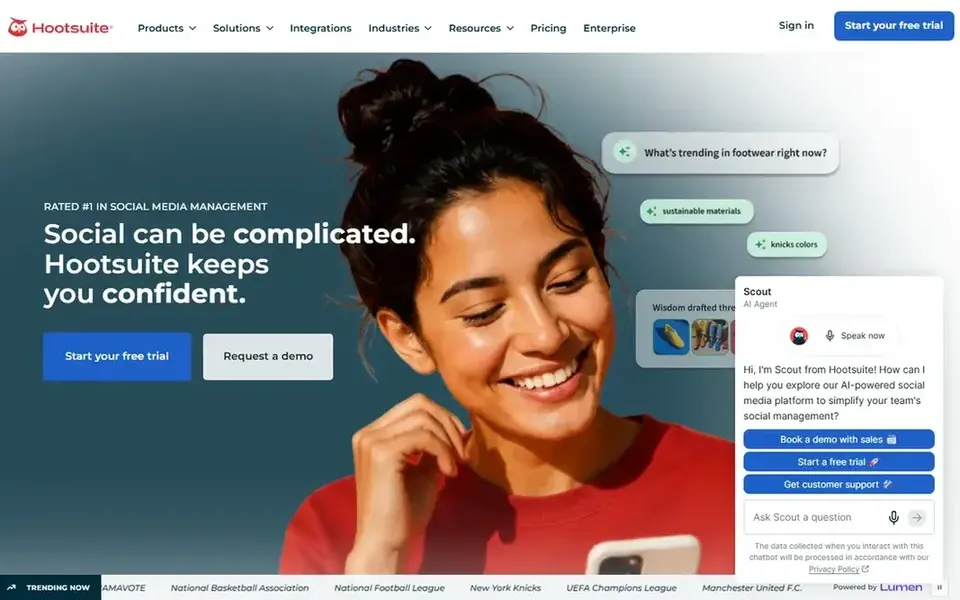
Hootsuite works best for all-in-one management and listening. It fits marketing teams that want one workspace for planning posts, publishing them and monitoring conversations.
More specifically, the breadth can be a drawback if you only need to make graphics, since the design capabilities are lighter than a dedicated design suite. Hootsuite cost at the entry level: $99 per user per month. Free access: Free trial.
Downsides: Broader than a design-only need.
- Supports content creation alongside planning
- Scheduling and publishing in one place
- Interface can feel dense for beginners
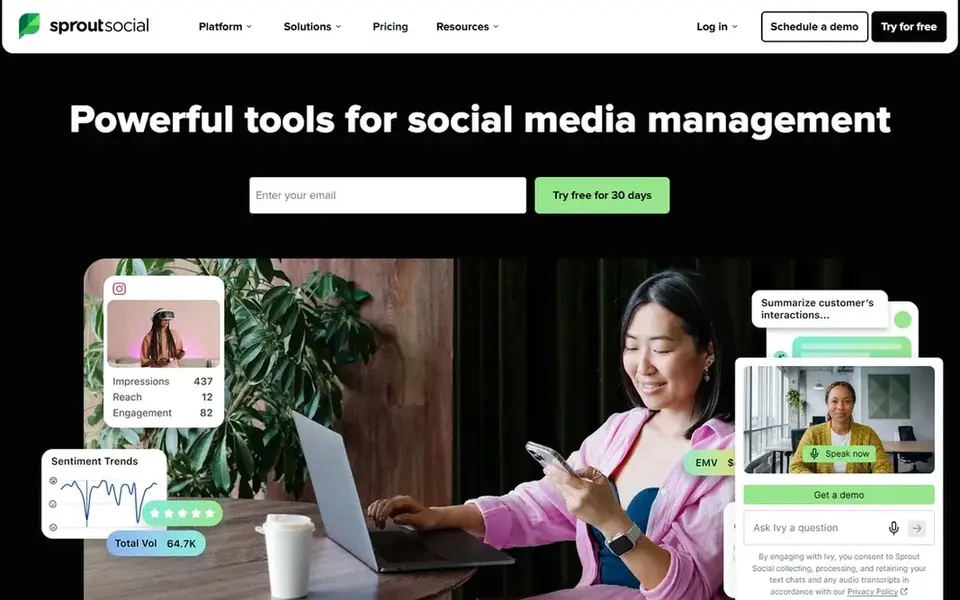
Sprout Social is a good fit for enterprise publishing and analytics. Sprout Social is a social media management tool that spans publishing, engagement, analytics and influencer marketing. As for the details, learning the full feature set takes time.
Points against: Feature depth takes onboarding.
From a buyer's view, brands managing numerous channels and stakeholders will find the combined publishing and reporting workflow handy for keeping activity organized. Its orientation toward bigger operations means smaller teams may find more capability than they need. Sprout Social does not show a starting price in this comparison, so check the vendor site for current pricing. As for free access: Not stated.
- Made for larger brand operations
- Publishing
- Geared toward larger teams
Vista Social is aimed squarely at AI-assisted multi-client management. Vista Social presents itself as an AI social media management tool with depth and reach for teams handling more clients and larger brands. Pick Vista Social when managing multiple clients at once is the central challenge, not when you only need light scheduling.
The main drawbacks: AI features need review before relying on them.
The breadth of features may be more than a single-brand team needs. From a buyer's view, AI agents are positioned as additional capacity so teams can take on more work. Price to start with Vista Social: $29 per month. As for free access: Free trial.
- Made for agencies and several brands
- AI agents add team capacity
- Depth can overwhelm straightforward needs
Our selection method
We compared the tools on published pricing, free plan or trial availability, feature coverage for software to create social media posts, and the limits each vendor documents. Where a price is missing, the vendor does not list one publicly or ties it to a quote. Always confirm before budgeting. Order on the page follows fit for the typical buyer first, then price transparency and free access. Your own requirements should decide the final pick.
Questions to settle before buying
- Get a written quote from Later, Canva and Sprout Social; the list shows no starting price for them.
- Look at the free plan from Buffer closely: its caps decide whether it is usable for real work.
- Run a trial of Hootsuite and Vista Social with real work before paying for a year; your own workflow is the best test.
- Read the limits listed for Buffer first: design tools are restricted.
- Verify that exporting from Buffer is possible on your plan and covers all your records.
- Ask whether Vista Social integrates with your current software, and whether that comes standard or as an add-on.
Frequently asked questions
What is the cheapest option for software to create social media posts in this list?
On published monthly entry prices, Buffer is the lowest here at $5 per month. Entry price is only part of the cost, because seats, add-ons and billing terms can change the total. Prices, free plan details and limits for all 6 tools in this software to create social media posts roundup sit on the individual cards above.
Do these tools publish their prices?
Not all of them. Later, Canva and Sprout Social publish no starting price, so expect a quote request for those. The rest, Buffer included, show a starting price, though seats and billing terms still change the final cost.
Can I try these tools before paying?
Often, yes. Buffer has a free plan and Hootsuite and Vista Social offer a free trial. Use your own data and a real task during the test, and check what the free tier or trial limits before you rely on it.
Is Buffer the right pick for everyone comparing software to create social media posts?
No single tool suits every team. Buffer comes first because it fits simple, consistent publishing, while Later suits Influencer and creator campaigns and Canva suits designing polished visual posts. Match the tool to your own size, budget and workflow before deciding.
Sources
See where you really rank - block by block
ProMapRanker scans Google Maps across a grid of your service area. Simple monthly plans from $19, white-label on every plan.
Start freeBrowse all guides
← Best Social Media Suites Software for Remote Teams in 20266 Best AI Writing Tools for Social Media Managers in 2026 →
 best social media marketing software for startups
5 Best Social Media Marketing Software for Startups in 2026
Best social media marketing software for startups in 2026: 5 tools with starting prices, free plans and limits. Short verdicts, no fluff. Pick with confidence.
Read → best social media governance software for regulated industries
Best Social Media Governance Software (2026)
Compare 5 best social media governance software for regulated industries, with prices, free plans and who each fits. Every pick gets a straight assessment.
Read → best social media advertising software for enterprise
Best Social Media Advertising Software for Enterprise (2026)
Best social media advertising software for enterprise: 6 contenders ranked by fit, with entry costs and free tiers. We note where every tool falls short.
Read → best platform to manage social media
Platform to Manage Social Media
Best platform to manage social media, compared. 6 tools with published prices, free plans and limits. Strengths and weak spots are spelled out. Easy to scan.
Read → best value video editing software for creators
Best Value Video Editing Software for Creators in 2026
Compare the best value video editing software for creators in 2026, with free tools, one-time buys, subscription costs, and long-term value checked in detail.
Read → social media alternatives
Best Social Media Alternatives in 2026
Discover healthy social media alternatives for 2026, from Bluesky and Mastodon to Pixelfed and MeWe, with privacy, groups, photos, and feed control compared.
Read →More in Social Media & Creators · All guides A to Z by date · Latest guides