 ProMapRanker
Best Software to Create Forms in 2026

Key takeaways
- Google Forms is the fastest free answer when you need a simple form now, with no form or response cap in current listings.
- Jotform offers the widest template range and payment options, while Typeform suits lead forms where design and completion matter most.
- Free plans differ mainly on form counts, response caps and branding, so check those three limits before you build a large form.
- Cognito Forms and Zoho Forms give strong value for calculation-heavy or high-volume forms, while Formstack suits regulated teams with approval workflows.
- WordPress users should compare Jotform and other web builders with WordPress-native options before committing to a separate subscription.
Quick comparison
| Pick | Great for | Pricing starts at | Free tier | |
|---|---|---|---|---|
 Jotform | One builder for everything | $39 per month | Yes | Visit |
 Typeform | Conversational lead forms | $39 per month | Yes | Visit |
 Google Forms | Free forms in minutes | Free | Yes | Visit |
 Cognito Forms | Calculations and payments on a budget | $24 per month | Yes | Visit |
 Paperform | Designed pages that act as forms | $29 per month | Yes | Visit |
 Formstack | Regulated teams and approvals | $99 per month | Free trial | Visit |
 Zoho Forms | High-volume forms in Zoho | $12 per month | Yes | Visit |
 Wufoo | Simple forms that have worked for years | $22 per month | Yes | Visit |
 Tally | Generous free plan for creators | $29 per month | Yes | Visit |
The best software to create forms
We compared official feature pages, pricing pages and public documentation for tools live in October 2026. Our pick for most people is Jotform for range, with Google Forms as the free default and Typeform when the form itself must feel premium.
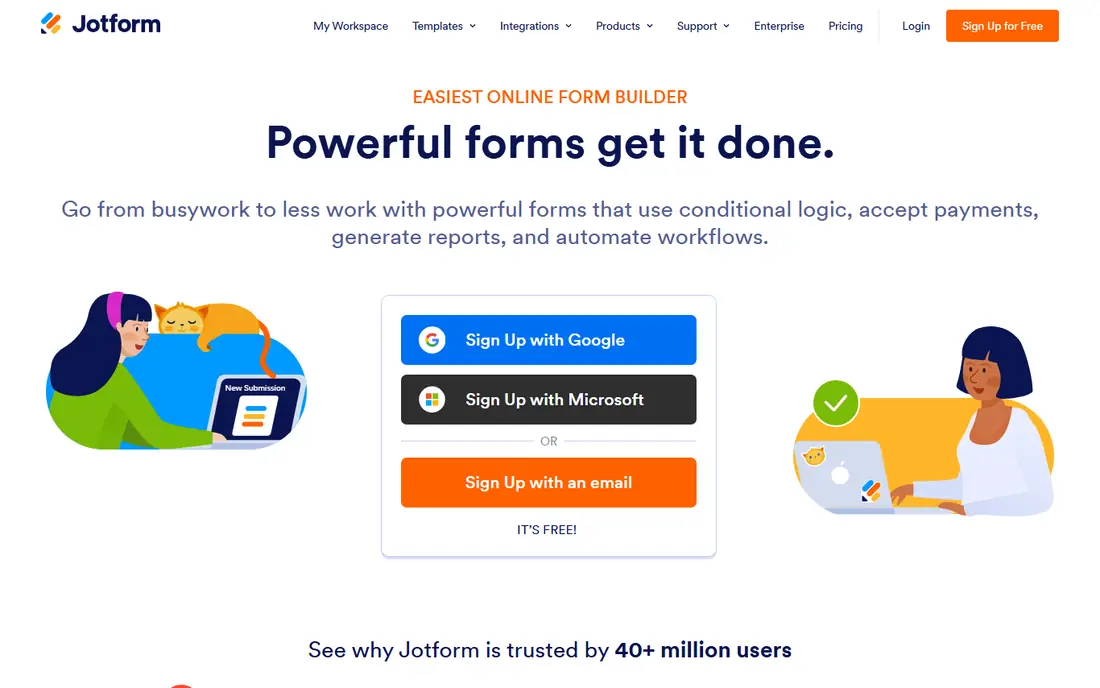
Jotform is the broadest choice here. It covers contact forms, registrations, orders, surveys and approvals, with thousands of templates and many payment gateways. For a small business that wants one form builder for several jobs, that range saves time and training. Conditional logic, file uploads and integrations also help forms grow beyond a simple contact box.
The limits are volume and seats. The free Starter plan allows five forms and 100 submissions per month in current listings, and most paid plans are built for one user. Teams that need several editors should check the enterprise route or compare a tool with more generous team access. Paid plans start at $39 per month in current listings.
- Very large template library
- Payment collection and conditional logic
- Embed and sharing options for many sites
- Free plan caps forms at five and submissions at 100 per month in current listings
- Most plans are single-user
Typeform suits forms where completion matters more than speed of building. Its one-question-at-a-time flow feels calm on a phone, and branching logic can qualify leads without a long, intimidating page. Marketing teams use it for lead capture, feedback and research where drop-off is a real cost.
The free plan is a trial in practice. With 10 responses per month in current listings, it tests design but not a live campaign. Paid plans start at $39 per month in current listings, with annual billing lowering the monthly figure. If you need high volume on a tight budget, Jotform, Tally or Google Forms will usually cost less.
- One-question-at-a-time design that suits mobile users
- Strong branding and logic
- Good lead qualification flow
- Free plan allows only 10 responses per month in current listings
- Higher plans climb for branding removal and volume
Google Forms is the tool we recommend when speed and cost matter more than design. You can build a survey, signup or feedback form in minutes, share a link, and review answers in Sheets. For schools, clubs, internal teams and small businesses, that simplicity is often enough.
The trade-offs are clear. There is no built-in payment collection, design control is basic, and branching is limited to section jumps. If a form must take payments, collect complex calculations or match a brand exactly, a paid builder will fit better. For everything else, starting free here avoids paying for features you may never use.
- Free with a Google account
- No stated form or response limit in current listings
- Simple sharing and Sheets results
- No payment collection
- Basic design and branching
- File upload respondents must sign in to Google in current listings
Cognito Forms suits order forms, quotes and applications where numbers must be right. Its calculation engine handles formulas, conditional pricing and repeating sections, which many simpler builders handle poorly. Payments, approvals and entry management make it a workable choice for small finance and operations forms.
Design is the compromise. Forms look clean and functional, but they do not match the polished, page-like feel of Typeform or Paperform. Paid plans start at $24 per month in current listings, with annual billing lower. For a budget team with calculation-heavy forms, that balance is strong.
- Strong calculation engine
- Payments and approvals
- Free plan with unlimited forms and 100 entries per month
- Design is more functional than premium
- Some features sit on higher tiers
Paperform treats a form as a designed page, not just a list of fields. You can add images, video, text sections and product-style layouts, which suits marketing pages, bookings and branded registrations. That page-first approach helps when the form is also a sales or signup page.
Volume is the limit to check. The free plan allows 30 submissions per month in current listings, so a live campaign needs a paid plan. Current listings show $29 per month as a starting figure, with $24 per month on annual billing in some comparisons, so confirm the checkout total for your billing cycle. For design-led teams, the extra control is worth that check.
- Landing-page style forms with rich media
- Payments and e-sign options on higher plans
- Flexible layout control
- Free plan allows 30 submissions per month in current listings
- Paid pricing varies by billing cycle in listings
Formstack is built for teams where a form triggers a process, not just a spreadsheet row. Approvals, routing, e-signatures and document workflows sit alongside form building, which suits healthcare, finance and other regulated work. Its Salesforce-friendly options also help teams that already run on that platform.
Price and simplicity are the trade-offs. Paid Forms plans start at $99 per month in current listings, with a 14-day trial, so it is not a casual choice for a single contact form. Smaller teams will get better value from Jotform or Cognito Forms. For a team that needs audit trails and approvals, Formstack earns its higher price.
- Approval workflows and conditional routing
- Compliance features for regulated teams
- Salesforce-friendly workflows
- No permanent free plan in current listings
- Entry price is high for a solo user
Zoho Forms is the value pick for teams already using Zoho apps. It connects to Zoho CRM and other Zoho tools, supports conditional logic and offline mobile submissions, and offers a free plan with three forms and 500 submissions per month in current listings. Paid plans start at $12 per month in current listings.
Outside Zoho, the case is weaker. Templates and design polish do not match Jotform or Typeform, and integrations with non-Zoho tools need more setup. If your team already lives in Zoho, it is an easy and cheap choice. If not, compare Jotform or Tally for a more general builder.
- Low entry price
- Free plan with three forms and 500 submissions per month
- Strong Zoho CRM and app connections
- Design and template range are narrower than Jotform
- Best value is inside the Zoho ecosystem
Wufoo remains a solid choice for basic forms. It has been around for years, covers contact forms, surveys and simple orders, and does not overwhelm new users with options. For a team that wants a form up and running without learning a large platform, that simplicity still counts.
The downside is pace. Newer builders offer richer design, more templates and faster updates, while Wufoo feels more static. Paid plans start at $22 per month in current listings, with annual billing lower, and the free plan allows five forms and 100 entries per month. Choose Wufoo for stability and simplicity, not for the newest design.
- Simple builder with a long track record
- Payments and reports for basic forms
- Free plan for testing
- Interface and feature pace feel dated next to newer builders
- Free plan caps forms and entries
Tally is our free-plan pick alongside Google Forms. It offers unlimited forms and responses on the free plan in current listings, with conditional logic and Stripe payments included, which is unusually generous. Creators, startups and small teams can run real forms without hitting a response cap early.
The limits are templates and branding. The library is smaller than Jotform, and removing Tally branding needs a paid plan starting at $29 per month in current listings. If you need a large template catalog or deep payment workflows, Jotform may still win. For a clean, generous free builder, Tally is hard to beat.
- Unlimited forms and responses on the free plan in current listings
- Conditional logic and Stripe payments on free
- Clean builder
- Template range is smaller than Jotform
- Branding removal and advanced features need a paid plan
How we picked these
We compared official feature pages, pricing pages and public documentation for tools live in October 2026, and we favored builders with a clear free or trial route, published response and form limits, and a real use case beyond a single survey type. We included free, budget and regulated options, and we noted where listings differ on annual versus monthly pricing so readers can check the checkout total. We left out tools that could not be verified as live or that only work inside a single website platform.
What to check before you pay
Count forms, responses and editors first, then look at design. A beautiful form that hits a response cap mid-campaign is a poor buy, and a cheap plan that only allows one editor can stall a team.
Check the three free-plan limits
Look at how many forms you can create, how many responses you can collect each month, and whether branding stays on the form. Google Forms and Tally are generous on the first two, while Typeform and Paperform are tighter. Match those limits to a real campaign, not a test form.
Test payments and logic early
If a form takes payments, calculates totals or routes answers to different people, test those flows before launch. Build a real order or application form, submit it as a respondent would, and check notifications, receipts and exports. Logic errors are cheaper to fix before a campaign goes live.
Plan for data handling
Decide where responses go, who can see them, and how long you keep them. Export options, integrations with Sheets, CRM or email tools, and access controls matter more over time than a template gallery. For sensitive data, check the vendor's privacy and compliance pages before collecting responses.
Frequently asked questions
What is the best software to create forms for a small business?
Jotform is the strongest all-round choice for a small business, because templates, payments and logic cover most needs. Google Forms is best when cost is zero and design is secondary, while Typeform is best when a lead form must feel premium and completion matters most.
What is the best free software to create forms?
Google Forms and Tally offer the most generous free plans here, with no stated response cap on Google Forms and unlimited forms and responses on Tally in current listings. Jotform, Cognito Forms, Zoho Forms and Wufoo also offer free plans, but with form or entry caps that suit testing and small campaigns.
Can I create forms that take payments?
Yes. Jotform, Cognito Forms, Paperform, Tally and others support payment collection through gateways such as Stripe in current listings, with limits that vary by plan. Google Forms does not offer built-in payment collection, so use a paid builder for orders, bookings or donations that need checkout.
What software is best for creating a form with calculations?
Cognito Forms is the strongest pick here for calculation-heavy forms, thanks to its formula engine and conditional pricing. Jotform and Formstack also handle calculations and logic well, while simpler builders may need workarounds for complex totals.
How do I choose between Typeform and Jotform?
Choose Typeform when the form experience itself drives conversions, especially for mobile lead capture and surveys. Choose Jotform when you need many form types, templates, payments and higher volume for the same budget. Test both free plans with your real questions before deciding.
Sources
See where you really rank - block by block
ProMapRanker scans Google Maps across a grid of your service area. Simple monthly plans from $19, white-label on every plan.
Start freeKeep reading
 zscaler alternatives
Best Zscaler Alternatives in 2026
Looking for zscaler alternatives? We compare 9 SASE and zero trust platforms on architecture, data protection, pricing, and fit for your network and team.
Read → zapier alternatives free
Best Zapier Alternatives Free in 2026
Nine automation tools for zapier alternatives free in 2026, all with genuinely free tiers, plus free plan limits, starting prices and upgrade paths explained.
Read → which platform is best for online reputation
Which Platform Is Best for Online Reputation in 2026
Wondering which platform is best for online reputation? We compare 8 review, listing, and response tools for small and multi-location businesses and agencies.
Read →