 ProMapRanker
Best Software to Create Flowcharts in 2026

Key takeaways
- diagrams.net is free and unlimited for core diagramming, so paid tools must earn their price with collaboration and templates.
- Lucidchart leads for formal, structured diagrams, while Miro leads for live workshops that turn into diagrams.
- Microsoft Visio is the natural pick if your team already lives in Microsoft 365.
- Whimsical and Creately suit fast, clean flowcharts without a steep learning curve.
- Check export formats and shape limits on free plans before you build a large diagram set.
Quick comparison
| Pick | Great for | Pricing starts at | Free tier | |
|---|---|---|---|---|
 Lucidchart | Professional diagramming teams | $9 per month | Yes | Visit |
 diagrams.net | Free diagramming for anyone | Free | Yes | Visit |
 Microsoft Visio | Microsoft 365 organizations | $5 per user per month | No | Visit |
 Miro | Live workshops and brainstorming | $8 per user per month | Yes | Visit |
 SmartDraw | Template-driven business diagrams | $9.95 per month | Free trial | Visit |
 Creately | Teams that link diagrams to work | $8 per month | Yes | Visit |
 Whimsical | Fast, clean product flowcharts | $10 per month | Yes | Visit |
 EdrawMax | Low-cost desktop diagramming | $119 per year | Yes | Visit |
The best software to create flowcharts
We compared official pricing pages, feature pages and public documentation for flowchart tools live in October 2026. The list covers free, team and enterprise options, since the best tool to create a flowchart depends on whether you work alone, with a team or inside a large company.

Lucidchart is the structured choice when a flowchart must be precise, documented and shared across a team. Its Individual plan is $9 per month billed annually, with Team at $10 per user per month billed annually and a three-user minimum on Team. The free plan allows three editable documents, so it is useful for trying the tool but not for a large diagram library.
What sets Lucidchart apart is depth. Shape libraries cover flowcharts, UML, network diagrams and more, and data linking can tie shapes to live data. Collaboration, commenting and revision history help teams review a process diagram without emailing files back and forth. If your diagrams are documentation that others must trust, Lucidchart is a safe default.
- Deep shape libraries and templates
- Real-time collaboration and commenting
- Data linking and Visio import and export
- Free plan limits editable documents
- Per-seat cost grows with large teams
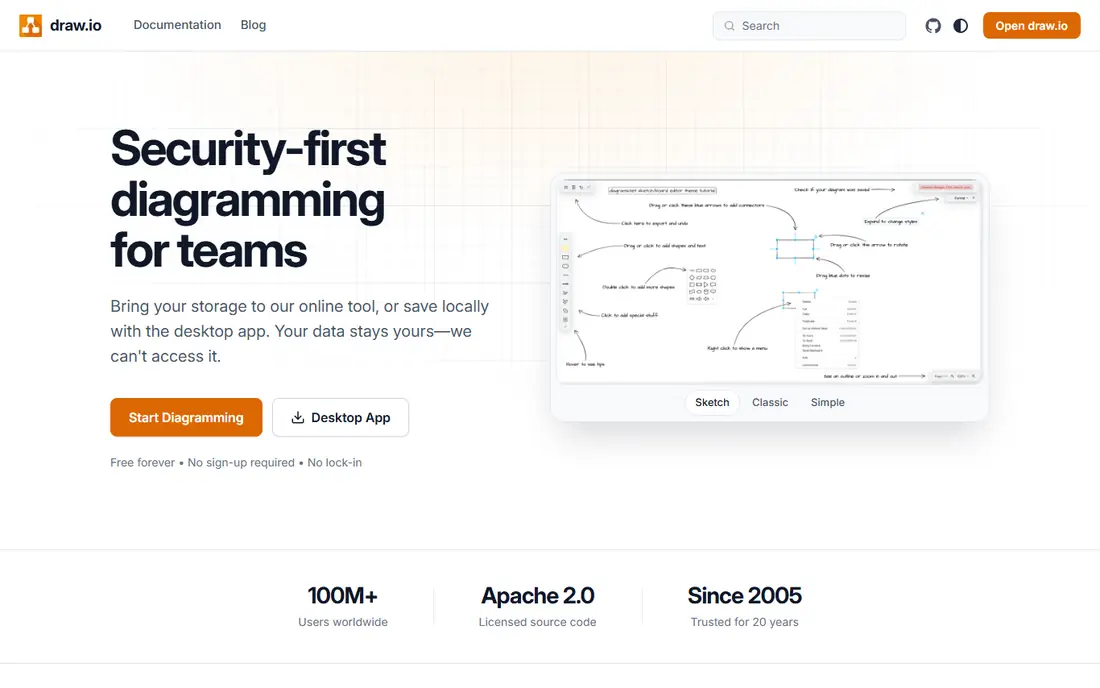
diagrams.net, also known as draw.io, is the best free tool to create a flowchart, full stop. It costs nothing, has no document limit on core features and runs in a browser or as a desktop app. You can save files locally or in Google Drive or OneDrive, which makes it easy to fit into an existing workflow without a new subscription.
The trade is collaboration and polish. Real-time co-editing and template polish are not as strong as in paid rivals, and support is community based. For solo users, students and small teams that mainly need clear flowcharts, that trade is easy to accept. Start here if budget is zero, then pay only if you need team features.
- Fully free with no document limits
- Works in a browser or as a desktop app
- Stores files in Google Drive, OneDrive or locally
- Collaboration is lighter than Lucidchart or Miro
- Interface is less polished

Visio is the obvious pick for a team that already pays for Microsoft 365. Plan 1 starts at $5 per user per month for web-based diagramming, while higher plans add the desktop app and more features. Diagrams can live alongside Word, Excel, Teams and SharePoint, which reduces file juggling for many offices.
It is less flexible as a freeform whiteboard than Miro, and there is no free tier to test at scale. But if your company standardizes on Microsoft tools, Visio files are widely understood and easy to share. For formal process maps, org charts and engineering diagrams inside a Microsoft shop, Visio is hard to argue against.
- Visio Plan 1 starts at $5 per user per month
- Deep Microsoft 365 and Teams integration
- Strong for formal business and engineering diagrams
- No free plan
- Desktop app needs a higher plan
Miro starts as a whiteboard, which is why it works so well for flowcharting in a live session. A team can brainstorm, stick notes, vote and then turn the result into a flowchart on the same canvas. The Starter plan is $8 per user per month billed annually, and the free plan includes three editable boards.
For formal documentation, Miro is less precise than Lucidchart. Shape control, data linking and export for technical documentation are not its main strengths. But when the diagram emerges from discussion, Miro keeps the conversation and the diagram in one place. That makes it a good pick for product, design and workshop teams.
- Infinite canvas for large process maps
- Strong real-time collaboration
- Starter plan at $8 per user per month billed annually
- Less precise than Lucidchart for formal documentation
- Free plan limits editable boards
SmartDraw is built for people who want a good-looking flowchart fast, without designing every shape by hand. Its automatic formatting keeps lines and shapes aligned as you add steps, and its template library covers flowcharts, org charts, floor plans and more. The Individual plan starts at $9.95 per month, with a lower monthly rate when billed annually.
The downside is that there is no free plan, only a trial, so you cannot use it long term without paying. The interface also feels more traditional than a whiteboard tool. For business users who need polished diagrams for reports and presentations, SmartDraw is a practical, template-first choice.
- Large template library for business diagrams
- Automatic formatting as you draw
- Works on web and Windows
- No permanent free plan
- Interface feels more traditional than Miro
Creately combines diagramming with visual collaboration and light project tools. You can draw a flowchart, attach data to shapes and link it to tasks or documents, which helps teams that treat diagrams as living work rather than static pictures. The Personal plan starts at $8 per month, and a free plan covers basic use.
It does not match Lucidchart for deep technical shape libraries, and some features sit behind higher tiers. For a team that wants diagrams tied to projects and documents, Creately offers a useful middle ground between a whiteboard and a formal diagram tool. Try the free plan with a real process before you pay.
- Diagram plus database and project features
- Real-time collaboration
- Free plan for trying core features
- Paid plans start at $8 per month for Personal
- Some advanced features need higher tiers
Whimsical is the tool we would pick for speed. Its interface stays out of the way, flowcharts look clean without much styling work, and a product team can map a user flow in minutes. The Pro plan is $10 per editor per month when billed annually, and a free plan covers limited use.
The limit is depth. Shape libraries and technical diagram types are smaller than in Lucidchart or Visio, so it suits product flows, user journeys and simple process maps more than engineering documentation. If you value speed and clarity over a huge library, Whimsical is an easy recommendation.
- Very fast to learn and use
- Clean, consistent flowchart style
- Good for product and UX teams
- Paid plan is $10 per editor per month billed annually
- Shape libraries are smaller than Lucidchart
EdrawMax, from Wondershare, is a low-cost alternative to Visio with a very large template set. It covers flowcharts, mind maps, org charts, network diagrams and many other types, and it runs as a desktop app as well as on the web. The Individual plan is $119 per year, which is competitive for a full desktop tool.
Free exports carry a watermark, so the free plan is best for testing. Collaboration and cloud features are not as strong as Lucidchart or Miro, so teams that co-edit daily may prefer a cloud-first tool. For an individual or small team that wants many diagram types offline at a fair price, EdrawMax is strong value.
- More than 280 diagram types
- Desktop apps for Windows, Mac and web
- Individual plan at $119 per year
- Free plan adds watermarks to exports
- Collaboration is weaker than cloud-first tools
How we picked these
We checked official pricing pages, feature pages and public documentation for flowchart tools live in October 2026. We kept tools that clearly support flowcharts, that offer templates or shape libraries, and that cover free, team and enterprise needs. Where pricing had changed between sources, we used the most recent published vendor or pricing guide figure and noted billing terms.
What to check before you buy
Start with how you will use the diagram. A formal process document needs precise shapes, version history and clean exports. A workshop diagram needs real-time collaboration and a large canvas. A personal flowchart needs speed and low cost. Those three needs point to different tools, so name yours before you compare prices.
Check the free plan limits next. Lucidchart limits editable documents, Miro limits editable boards, and EdrawMax watermarks free exports. Build a test diagram at the size you actually need, export it in the formats your team uses, and share it with a colleague. That test reveals limits faster than a feature list.
Finally, check integrations and file formats. If your team uses Confluence, Jira, Google Workspace or Microsoft 365, a native integration saves time. If you must exchange files with Visio users, confirm Visio import and export. A flowchart tool that cannot share cleanly with your team will not last, no matter how good its drawing tools are.
Frequently asked questions
What is the best tool to create a flowchart for free?
diagrams.net is the best free option, with no document limits on core diagramming and browser and desktop apps. Lucidchart, Miro, Creately and Whimsical also offer free plans, but they limit documents, boards or features. If you need unlimited free diagramming, start with diagrams.net.
What is the best software to create flowcharts for teams?
Lucidchart is a strong team choice for formal diagrams, with collaboration, templates and data linking. Miro suits teams that build diagrams live in workshops. Visio suits Microsoft 365 teams. The right pick depends on whether your diagrams are formal documentation or workshop output.
How much does Lucidchart cost?
Lucidchart offers a free plan with three editable documents. Individual is $9 per month billed annually, and Team is $10 per user per month billed annually with a three-user minimum. Enterprise pricing is quote based. Check the current pricing page before you buy, since vendors change rates.
Can I make a flowchart in Miro?
Yes. Miro includes flowchart shapes, connectors and auto-layout tools on an infinite canvas. It works best when a team builds a flowchart together in a live session. For formal technical documentation, Lucidchart or Visio may give you more precise control.
Is Microsoft Visio still available?
Yes. Visio is available as a web plan starting at $5 per user per month and as higher plans with the desktop app. It remains a standard choice inside Microsoft 365 organizations, especially for formal business and engineering diagrams.
Which flowchart tool is easiest for beginners?
Whimsical and diagrams.net are among the easiest to learn, with simple interfaces and quick results. Creately and Canva-style tools also suit beginners. If you are new to diagramming, try a free plan with a small real process before you pay for a larger tool.
Sources
See where you really rank - block by block
ProMapRanker scans Google Maps across a grid of your service area. Simple monthly plans from $19, white-label on every plan.
Start freeKeep reading
 zscaler alternatives
Best Zscaler Alternatives in 2026
Looking for zscaler alternatives? We compare 9 SASE and zero trust platforms on architecture, data protection, pricing, and fit for your network and team.
Read → zapier alternatives free
Best Zapier Alternatives Free in 2026
Nine automation tools for zapier alternatives free in 2026, all with genuinely free tiers, plus free plan limits, starting prices and upgrade paths explained.
Read → which platform is best for online reputation
Which Platform Is Best for Online Reputation in 2026
Wondering which platform is best for online reputation? We compare 8 review, listing, and response tools for small and multi-location businesses and agencies.
Read →