 ProMapRanker
Best Software Test Case Management Tools in 2026


Mature standalone test management · Pricing starts at: $22 per user per month
Key takeaways
- TestRail is the mature standalone pick, while Xray and Zephyr suit teams that want testing inside Jira.
- Qase and Tuskr offer the lowest friction starts, with free plans for small teams and clear paid upgrades.
- Jira native tools price by Jira users in many cases, so compare total cost, not just the test tool price.
- Pick by workflow first: manual testing, exploratory testing, automation results, and traceability need different strengths.
Quick comparison
| Pick | Great for | Pricing starts at | Free tier | |
|---|---|---|---|---|
| TestRail | Mature standalone test management | $22 per user per month | Free trial (30 days) | Visit |
 PractiTest | Traceability and compliance | $47 per user per month | Free trial | Visit |
 Xray | Jira native testing | See website | Free trial | Visit |
 Zephyr | Jira teams at scale | See website | Free trial | Visit |
 Tricentis qTest | Enterprise QA programs | See website | No | Visit |
 Qase | Small teams wanting a free start | Free | Yes | Visit |
 Testmo | Unified manual and exploratory testing | $59 per month | Free trial | Visit |
 Kualitee | AI assisted standalone testing | $12 per user per month | Yes | Visit |
 Tuskr | Modern standalone testing on a budget | $9 per user per month | Yes | Visit |
The best software test case management tools
These tools help QA teams write, organize, run, and report on test cases, and link results to requirements and defects.
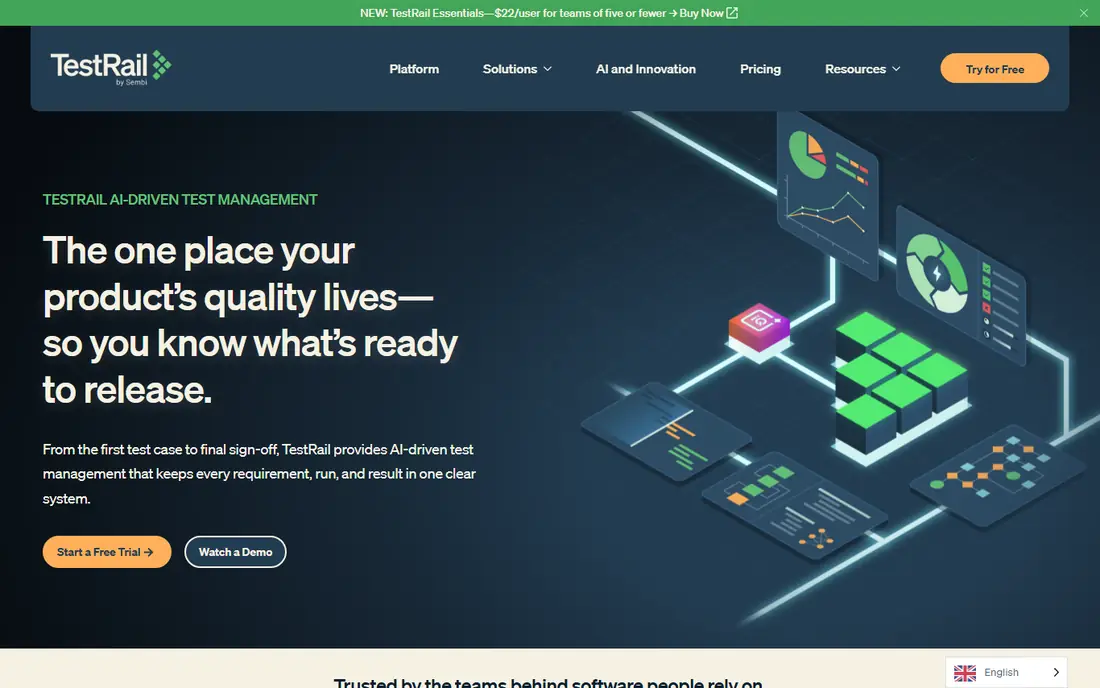
TestRail is the reference standalone test case management tool for teams that want a dedicated QA workspace outside Jira. It organizes suites, cases, plans, and runs, with milestones for releases and detailed reports on coverage and results. The interface is familiar to QA teams, and the API supports automation results from common CI tools. For a team that needs a clear system of record for testing, TestRail is a safe pick.
The limits are price and hosting rules. The entry plan is limited to five users on cloud only, and self hosting requires a higher tier with a minimum seat count and an annual contract. Teams should also note that every tester needs a paid seat, so a large QA group should model the full seat count, not just a pilot team.
- Deep reporting
- Milestone and plan tracking
- Cloud or server on higher plans
- No permanent free plan
- Self hosting needs higher tier
- Per seat cost adds up
PractiTest is built for teams that need to show traceability from requirements to test cases to defects, which matters for regulated products and for audits. Its filters, dashboards, and custom fields help QA leads answer coverage questions without exporting to spreadsheets. Reusable steps and shared test libraries also help larger teams keep cases consistent across projects.
The main trade off is price. At $47 per tester per month on annual billing, PractiTest costs more than many standalone rivals, and the top corporate plan is quoted. Smaller teams may find that cost hard to justify unless traceability and reporting are core requirements. For compliance heavy teams, though, that structure is the reason to pick it.
- End to end traceability
- Strong reporting
- Reusable test steps and filters
- Higher per tester price
- Enterprise plan is quoted
- Learning curve for custom fields
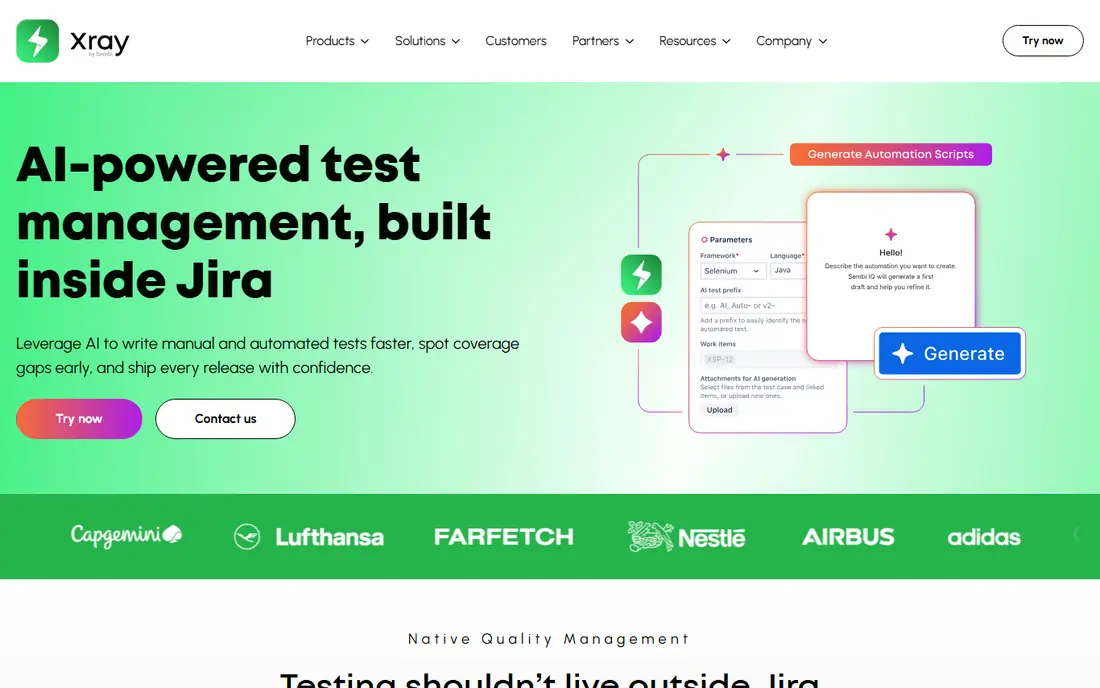
Xray turns Jira issues into test cases, test plans, and test executions, so testing lives where developers already work. That native design gives automatic traceability to epics and stories, and it supports behavior driven development with Cucumber and Gherkin. For a team that already plans work in Jira, Xray removes the need to sync a separate test tool.
The catch is the Jira dependency. Xray pricing is tied to Jira user tiers on the Atlassian Marketplace, so the total cost includes Jira for everyone counted in that tier, not just testers. Teams should also test performance with large runs, since heavy test volume inside Jira can affect the whole instance. If Jira is the system of record, Xray is a natural fit.
- Tests live inside Jira
- Strong BDD support
- Automatic traceability to stories
- Needs a Jira licence
- Pricing follows Jira user tiers
- Heavy runs can slow Jira
Zephyr, now part of SmartBear, offers Jira native test management with structured test libraries, execution tracking, and reporting across projects. It suits larger Jira organizations that need reusable components and consistent test data across many teams. The separate data storage model is meant to keep test data from slowing Jira itself, which helps at scale.
The weakness is the same as Xray: it is a Jira decision as much as a test tool decision. Admin effort, Jira instance size, and Marketplace pricing all shape the purchase. Teams that want a standalone workspace, or that may leave Jira later, should pick a standalone tool instead.
- Strong Jira integration
- Reusable test libraries
- Cross project reporting
- Jira admin effort
- Pricing follows Jira scale
- Standalone use is limited
Tricentis qTest is the enterprise pick for large QA programs that need test management alongside automation, performance, and data tools from the same vendor family. It supports large test libraries, integrations with Jira and CI tools, and reporting for program level decisions. For a global enterprise with complex release trains, that breadth matters.
The trade off is procurement effort. qTest does not publish a simple rate card, so teams should expect a sales led evaluation and a quoted price based on scale and modules. Smaller teams will find faster, cheaper starts elsewhere. We would shortlist qTest when enterprise scale, governance, and suite integration outweigh self serve simplicity.
- Enterprise scale and integrations
- Strong automation support
- Broad Tricentis suite fit
- Quote based pricing
- Sales led evaluation
- Heavier setup than small tools
Qase is a cloud first test management tool that brings manual runs, automated results, and CI data into one system of record. The free plan, at $0 per user per month, suits students, hobbyists, educators, and non profits learning the basics, and it gives small teams a real workspace to try before paying. The paid Teams plan is $35 per user per month on annual billing, with a 14 day trial.
The limits are clear on the free tier: projects, storage, and history are capped, and collaborator seats for view and comment access cost $10 per seat. Teams that outgrow those limits should compare Qase Teams with TestRail and Testmo on total seats, not just the entry price. For a growing cloud team, Qase is one of the easiest starts on this list.
- Free plan for small workspaces
- Clean modern interface
- Automation results in one place
- Free plan limits projects and history
- Collaborator seats cost extra
- Enterprise is quoted
Testmo treats manual test cases, exploratory sessions, and automated results as one workflow, which suits teams that do a lot of session based exploratory testing. Testers can record sessions with notes and time tracking, link them to cases, and see automation results in the same view. The Team plan at $59 per month for up to five users gives predictable pricing for a small QA group.
The limits are that Testmo is cloud only, has no free plan, and relies on Jira or a similar tool for requirements and defect tracking. Teams that need native requirements management should look at PractiTest or SpiraTest instead. For teams that want a fast, modern QA workspace with strong exploratory support, Testmo is a strong pick.
- Exploratory sessions as first class work
- Flat team pricing
- Broad CI integrations
- Cloud only
- No free plan
- No native requirements or defect modules
Kualitee is a standalone test management tool with AI assisted test creation, defect tracking, and integrations with Jira, GitHub, and CI tools. The free plan and $12 per user per month starting price make it accessible for small teams that want more than a spreadsheet, without paying enterprise rates. Its AI features can help draft cases from requirements, which speeds up the early part of a test cycle.
The trade off is ecosystem size. Kualitee has fewer third party guides and integrations than TestRail, and some advanced reporting and automation features sit on higher plans. Teams should trial it with a real project and a real automation feed before committing. For budget conscious teams that want AI help and a standalone workspace, it is worth a trial.
- AI assisted test creation
- Free plan available
- Native defect tracking
- Smaller ecosystem than TestRail
- Some advanced features need higher plans
- Interface takes learning
Tuskr is a modern standalone test management tool with a free tier for up to five users and paid plans from $9 per user per month. It offers custom fields, AI assisted test creation, workload balancing, and many integrations, which gives small and mid sized teams a lot of function for the price. The interface is clean, and teams can start without a Jira licence.
The honest limit is vendor size and maturity compared with TestRail or qTest. Enterprise controls, audit depth, and support scale should be checked on a trial, especially for regulated teams. For a team that wants a modern, low cost standalone tool with a free start, Tuskr is the value pick on this list.
- Low entry price
- Free tier for small teams
- AI assisted creation and workload tools
- Smaller vendor than enterprise rivals
- Some enterprise controls need higher plans
- Newer product
How we picked these
We compared official pricing pages, product documentation, and public comparisons for test case management tools live in October 2026. We favored tools with a real test repository, execution tracking, reporting, and integrations, and we avoided general project tools that only track tasks. Where a vendor did not publish a price, we wrote See website rather than estimating, and we noted Jira pricing rules where they change the total cost.
How to choose a test case management tool
Start with where work already lives. If the team plans and tracks defects in Jira, a Jira native tool will feel natural, but check the total Jira user cost first. If the team wants a neutral QA workspace, pick a standalone tool and judge it on import, API, and reporting, not on how it looks in a demo.
Next, run a real test cycle in the trial. Import a current suite, run manual and automated cases, link defects, and produce a release report. That exercise shows whether reusable steps, exploratory sessions, and traceability work for your team, or whether they are only marketing terms. Finally, count seats honestly, including testers, developers who run cases, and stakeholders who need read access, since seat rules are where test tool budgets most often go wrong.
Frequently asked questions
What is the best test case management tool?
TestRail is the mature standalone pick, Xray and Zephyr suit Jira teams, and Qase and Tuskr suit small teams that want a free start. The best tool depends on whether you work inside Jira, how much traceability you need, and how many paid seats you will use.
Is there a free test case management tool?
Yes. Qase, Kualitee, and Tuskr offer free plans with limits, and open source tools such as TestLink are free to self host. Free plans usually limit projects, users, storage, or history, so check those limits before building a large suite on a free tier.
Do I need Jira to use a test management tool?
No. Standalone tools such as TestRail, PractiTest, Qase, Testmo, Kualitee, and Tuskr work without Jira, and most offer Jira integrations as an option. Jira native tools such as Xray and Zephyr do require Jira.
What is the difference between test case management and test automation?
Test case management organizes cases, plans, runs, and results, while test automation writes code that runs tests without manual steps. Most teams need both: a management tool to track coverage, and automation tools to run repeatable checks, with results fed back into the management tool.
How much does test case management software cost?
Entry prices on this list run from free to $59 per month for a small team, and from $9 to $47 per user per month for paid seats, with enterprise tools quoted. Jira native tools add Jira user costs, so compare the full stack, not just the test tool.
Can test tools handle exploratory testing?
Some can, and Testmo treats exploratory sessions as first class work. Other tools record exploratory results as manual runs or notes, which works but is less structured. If exploratory testing is a core practice, trial that workflow directly.
Sources
See where you really rank - block by block
ProMapRanker scans Google Maps across a grid of your service area. Simple monthly plans from $19, white-label on every plan.
Start freeKeep reading
 zscaler alternatives
Best Zscaler Alternatives in 2026
Looking for zscaler alternatives? We compare 9 SASE and zero trust platforms on architecture, data protection, pricing, and fit for your network and team.
Read → zapier alternatives free
Best Zapier Alternatives Free in 2026
Nine automation tools for zapier alternatives free in 2026, all with genuinely free tiers, plus free plan limits, starting prices and upgrade paths explained.
Read → which platform is best for online reputation
Which Platform Is Best for Online Reputation in 2026
Wondering which platform is best for online reputation? We compare 8 review, listing, and response tools for small and multi-location businesses and agencies.
Read →