 ProMapRanker
Best Software for Small Business Management in 2026

Key takeaways
- Small business management software should cover customers, work, and money in one place, or connect those parts cleanly.
- Zoho One and Bitrix24 offer the widest all-in-one coverage for a single subscription.
- Monday.com, ClickUp, and Asana are strongest when the main need is projects, tasks, and team work.
- HubSpot and Keap suit teams that need sales and marketing joined to customer records.
- Odoo fits businesses that want to add one app at a time instead of buying a fixed bundle.
Quick comparison
| Pick | Great for | Pricing starts at | Free tier | |
|---|---|---|---|---|
 Zoho One | All-in-one business suite | See website | Free trial | Visit |
 monday.com | Visual project and work management | $9 per user per month | Free trial | Visit |
 ClickUp | Customizable all-in-one work hub | $7 per user per month | Yes | Visit |
 Asana | Structured projects and goals | $10.99 per user per month | Yes | Visit |
 HubSpot CRM | Free customer management starting point | Free | Yes | Visit |
 Bitrix24 | Large teams on a flat-rate plan | Free | Yes | Visit |
 Odoo | Modular apps added as needed | Free | Yes | Visit |
 Keap | Service businesses with automation | See website | Free trial | Visit |
The best software for small business management
Running a small business means tracking customers, jobs, invoices, and team work at the same time. The tools below cover that mix in different ways, from full suites to strong project hubs with CRM and finance add-ons. We compared official pricing and feature pages to find options that are live in October 2026.
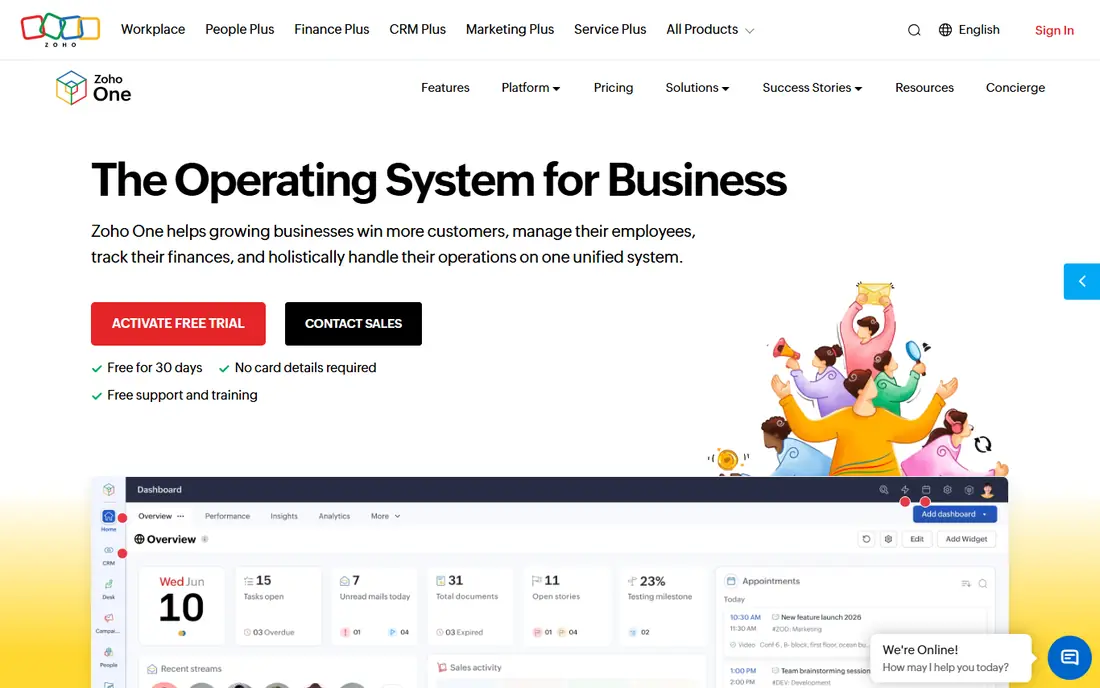
Zoho One bundles CRM, accounting, projects, email, HR, and more into a single subscription for each employee. That breadth helps a business that is tired of paying for five separate tools and losing data between them. Once staff learn the core apps, daily work stays in one account, and records move between sales, projects, and billing without manual copying.
The downside is scope. A team that only needs projects and invoicing may find the full suite heavy at first. We suggest starting with CRM, Projects, and Books, then adding apps only when a clear need appears.
- Dozens of apps under one login
- CRM, finance, HR, and projects included
- Strong value for the breadth
- Learning curve across so many apps
- Setup takes time for a small team

Monday.com turns work into boards, timelines, and dashboards that a whole team can read at a glance. Tasks, owners, and deadlines are visible without a weekly status meeting, and automations can move work forward when a status changes. Small teams often adopt it fast because the interface feels closer to a spreadsheet than to enterprise software.
It is mainly a work platform, not a full business suite. Sales pipelines live in a separate monday CRM product, and accounting still needs another tool. For teams whose main pain is project chaos, that trade is worth it. For teams needing finance too, pair it with a dedicated accounting app.
- Clear boards and dashboards
- Strong automation
- Easy for non-technical teams to learn
- CRM and finance depth needs separate products
- Costs rise with seats and add-ons
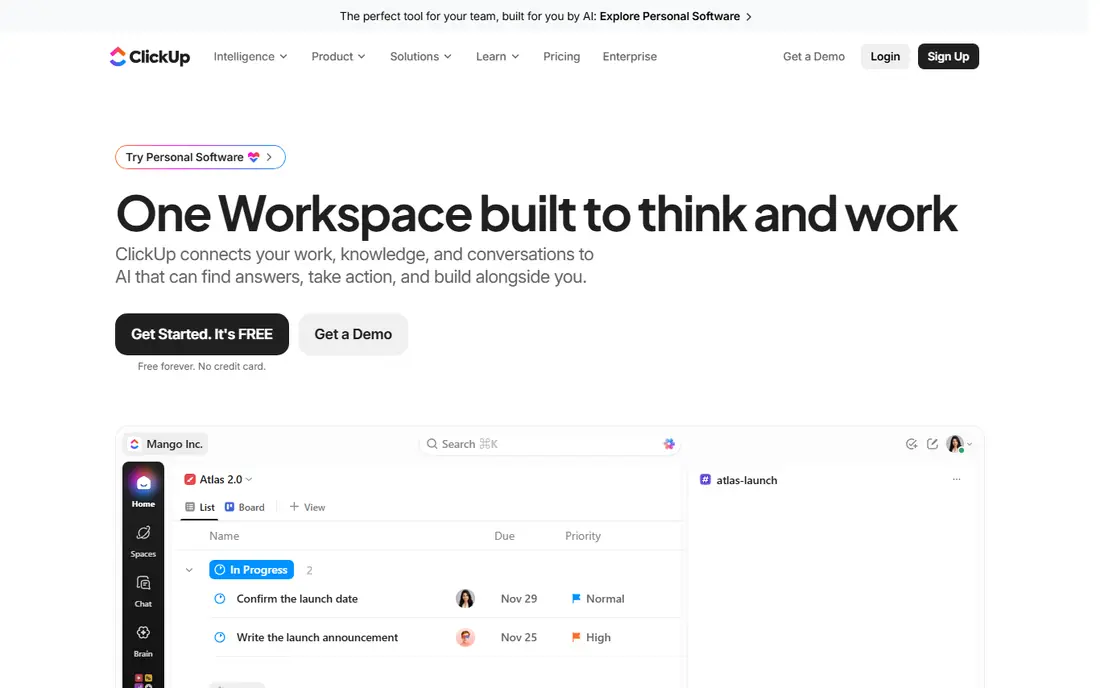
ClickUp tries to replace several work tools at once, with tasks, docs, whiteboards, goals, and chat in a single workspace. A small team can run projects, write standard operating procedures, and track targets without switching apps every hour. The free plan is useful for testing the setup with a real project before paying.
Flexibility is also the risk. With so many views and options, a team can spend weeks tuning ClickUp instead of doing client work. Keep the setup simple at first: one project structure, a few statuses, and only the automations that save real time.
- Free plan for basic work
- Docs, goals, and tasks in one place
- Many views and automations
- Many settings can feel busy
- Some advanced features need higher plans
Asana suits teams that run repeatable projects and want a clear plan for each one. Timelines show dependencies, portfolios show progress across projects, and templates cut setup time for work that repeats each month. Managers can see workload without asking every person for an update.
Asana does not try to be a CRM or an accounting system. Customer records and invoices will live elsewhere, so the business still needs tools for sales and money. If project delivery is the bottleneck, Asana is a focused fix. If customer tracking is the bottleneck, start with a CRM instead.
- Clean project timelines and portfolios
- Goal tracking
- Strong templates for repeat work
- CRM and invoicing need other tools
- Reporting depth sits on higher plans
HubSpot CRM gives a small business a proper customer record at no cost: contacts, companies, deals, tasks, and email tracking in one place. That alone fixes the common problem of customer details living in inboxes and spreadsheets. As the business grows, marketing, sales, and service hubs can be added without moving customer data.
The free tier has limits, and the paid hubs are priced per seat, so costs grow with the team. Still, for a business starting from scratch, HubSpot is one of the safest first steps. It teaches good habits, like logging calls and deals, before the team pays anything.
- Generous free CRM
- Contacts, deals, and email tracking included
- Scales into marketing and service hubs
- Paid hubs add cost quickly
- Advanced automation needs paid tiers
Bitrix24 packs CRM, project tools, chat, video calls, HR, and a website builder into one platform. Paid plans are priced per organization rather than per user, which helps larger small teams where per-seat pricing would climb fast. The free tier covers basic CRM and collaboration for a small group.
The breadth comes with a busy interface. New users may need a week to find the parts they use daily and ignore the rest. Teams that want one login for almost everything, and that can invest a little setup time, get strong value here.
- CRM, projects, HR, and communication in one suite
- Flat-rate paid plans
- Free tier for small teams
- Interface can feel crowded
- Some features need setup to work well together
Odoo takes a different route from fixed suites. A business can start with one free app, such as CRM, and add inventory, accounting, or manufacturing only when needed. That keeps early costs low and avoids paying for modules the team never opens. The app catalog covers most daily business functions.
The catch is implementation. Connecting several Odoo apps, and tuning them to a real workflow, can need more setup than a simpler tool. Businesses with straightforward needs can self-serve, but a complex stock or manufacturing setup may need a partner. For growing firms, the modular path is still attractive.
- Add one app at a time
- CRM, sales, inventory, and accounting available
- Open-source roots
- Full setup may need expert help
- Pricing varies by apps and users
Keap combines CRM, email marketing, automation, appointments, and payments for service businesses such as coaches, consultants, and local firms. A lead can be captured, followed up by email, booked into a calendar, and invoiced without moving between four tools. That joined-up flow saves admin time for owner-led teams.
Keap costs more than a basic CRM, and automation setup takes thought. A business that only needs contact lists will not use its strengths. A service business that lives on follow-up, bookings, and repeat sales is the right fit, and should budget time to build its first automations properly.
- CRM plus sales and marketing automation
- Appointment and payment tools
- Built for service firms
- Higher entry cost than simple CRMs
- Learning curve for automation setup
How we picked these
We compared official pricing pages, feature pages, and product documentation for business management tools live in October 2026. We kept tools that cover at least two core business areas, such as customers and projects, or customers and sales automation, rather than single-purpose apps. We did not claim hands-on testing, and we did not invent prices, ratings, or user counts. Where pricing varies by plan or bundle, we list the entry figure we could verify or write See website.
How to choose the right setup
Start by naming the bottleneck. If jobs slip, pick a project tool first. If leads go cold, pick a CRM first. If invoices go late, pick accounting first, then add the next tool around it. Buying a huge suite before naming the problem usually leads to a tool nobody opens.
Next, count the real users and the real workflows. Per-seat pricing looks small for three people and large for thirty, while flat-rate plans flip that math. Map the three workflows that happen every week, such as lead to quote, quote to job, and job to invoice, and test those exact steps on a trial.
Check integrations and export options before you commit. Your management tool should connect to your accounting, email, and calendar tools, and it should let you export customer and project data in a usable format. A tool that locks data in is a future migration bill.
Finally, plan for adoption. Pick one owner for setup, write a short guide for the team, and review use after thirty days. The best software for a small business is the one the team actually uses every day, not the one with the longest feature list.
Frequently asked questions
What is the best business management software for small business owners starting out?
HubSpot CRM and ClickUp are strong starting points because both offer free tiers. HubSpot fits customer tracking, while ClickUp fits project work, so the choice follows the main bottleneck.
What is the best business management software for a team that needs everything in one place?
Zoho One and Bitrix24 offer the widest all-in-one coverage. Zoho One suits teams happy inside the Zoho apps, while Bitrix24 suits larger teams that benefit from flat-rate pricing.
What is the best management software for small business project work?
Monday.com, ClickUp, and Asana all handle projects well. Monday.com is the most visual, Asana is the most structured for goals and portfolios, and ClickUp is the most flexible for docs and tasks in one hub.
What are the best management tools software for small business sales follow-up?
HubSpot and Keap are built for follow-up. HubSpot is the simpler start, while Keap adds stronger automation, appointments, and payments for service businesses.
Should a small business buy one suite or several best-of-breed tools?
One suite is simpler and cheaper to run, while several focused tools can fit each job better. Odoo offers a middle path, letting a business add apps one at a time as needs grow.
Sources
See where you really rank - block by block
ProMapRanker scans Google Maps across a grid of your service area. Simple monthly plans from $19, white-label on every plan.
Start freeKeep reading
 zscaler alternatives
Best Zscaler Alternatives in 2026
Looking for zscaler alternatives? We compare 9 SASE and zero trust platforms on architecture, data protection, pricing, and fit for your network and team.
Read → zapier alternatives free
Best Zapier Alternatives Free in 2026
Nine automation tools for zapier alternatives free in 2026, all with genuinely free tiers, plus free plan limits, starting prices and upgrade paths explained.
Read → which platform is best for online reputation
Which Platform Is Best for Online Reputation in 2026
Wondering which platform is best for online reputation? We compare 8 review, listing, and response tools for small and multi-location businesses and agencies.
Read →