 ProMapRanker
Best Software for Small Business Inventory in 2026

Key takeaways
- Zoho Inventory is the best budget starting point for many small sellers, with a free plan and paid plans from $29 per month.
- Square for Retail suits shops that already use Square at the counter, because inventory and point of sale stay in one system.
- Sortly is best when the job is tracking physical items visually, not processing online orders at volume.
- inFlow, Katana, Cin7, and Fishbowl cost more because they add wholesale, manufacturing, or multichannel depth.
- The right pick depends on where you sell, how many items you carry, and which accounting tool you already use.
Quick comparison
| Pick | Great for | Pricing starts at | Free tier | |
|---|---|---|---|---|
 Zoho Inventory | Budget multichannel sellers | $29 per month | Yes | Visit |
 Square for Retail | Shops on Square POS | Free | Yes | Visit |
 Sortly | Visual item tracking | $49 per month | Yes | Visit |
 inFlow | Wholesale and B2B sellers | $99 per month | Free trial | Visit |
 Katana | Small manufacturers | $299 per month | Free trial | Visit |
 Cin7 | Multichannel sellers at scale | $349 per month | Free trial | Visit |
 Fishbowl | QuickBooks warehouse users | $229 per month | Free trial | Visit |
 Odoo | Customizable open-source inventory | Free | Yes | Visit |
 Veeqo | Marketplace sellers who ship | Free | Yes | Visit |
The best software for small business inventory
Inventory software should answer three questions quickly: what do we have, where is it, and what needs reordering. The tools below answer those questions in different ways, and at very different prices. We compared official pricing pages, feature pages, and public documentation to match each tool to the seller it fits best.
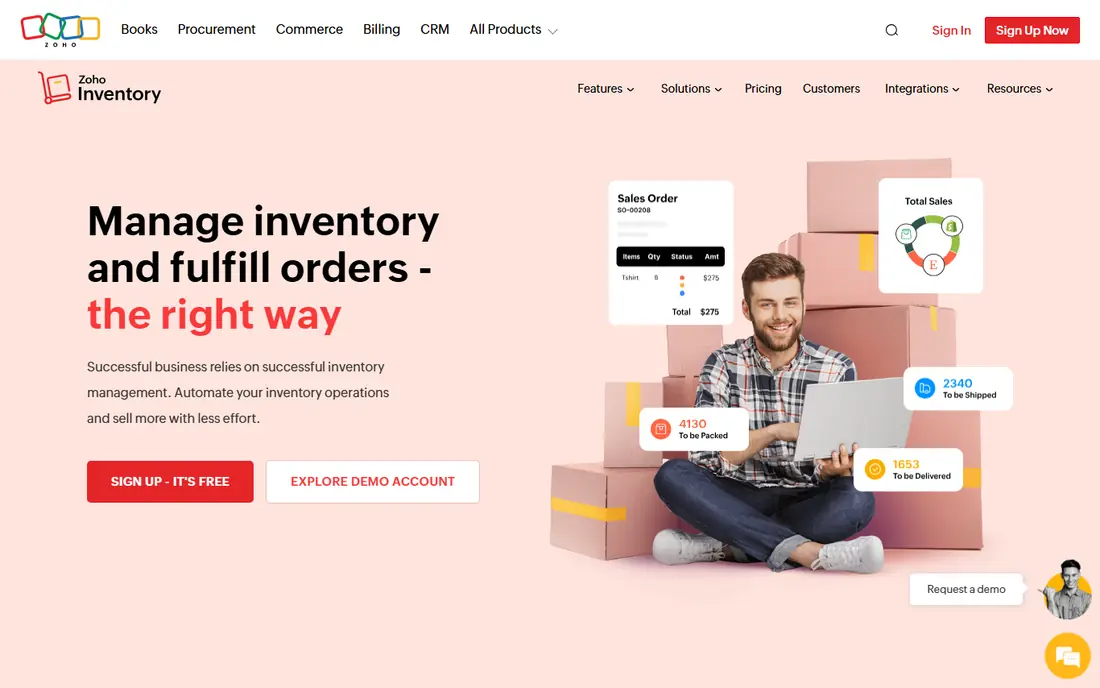
Zoho Inventory is a practical first system for a small business that sells online and needs stock counts to stay in sync across channels. Orders, items, vendors, and warehouses sit in one place, and the link to Zoho Books keeps accounting closer to stock movements. For a business already using Zoho apps, that connection is a real advantage.
The free plan works for very low volume, and the paid plan from $29 per month covers many small sellers. Watch the order limits as you grow, because a busy month can push you into a higher tier. If you need deep warehouse picking or manufacturing, a more specialized tool will fit better.
- Free plan for low order volume
- Multichannel order and stock sync
- Strong link to Zoho Books and other Zoho apps
- Order limits on lower tiers
- Advanced warehouse features need higher plans

Square for Retail makes sense when the shop counter is already Square. Sales at the register reduce stock automatically, and multi-location counts stay current without a separate sync step. That simplicity is why many small boutiques and cafes start here and stay here for years.
The trade-off is depth. If you run a warehouse, manage complex purchase orders, or sell heavily across marketplaces, Square alone may feel thin. For a storefront with straightforward stock, though, the combination of point of sale and inventory in one subscription is hard to beat on convenience.
- Inventory built into Square point of sale
- Real-time stock counts across locations
- Easy setup for a single shop
- Less depth for complex warehousing
- Advanced features sit on paid plans
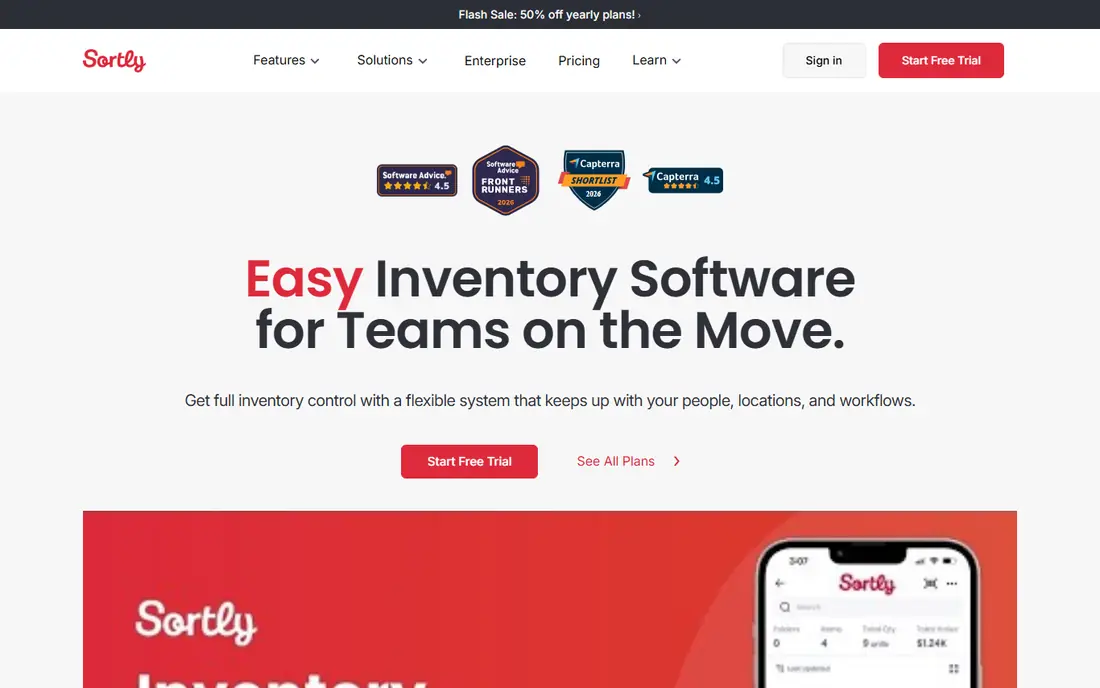
Sortly is the best inventory app for small business teams that need to know what is where, rather than process hundreds of online orders a day. A photo, a location, and a quantity are often enough for tools, supplies, rental stock, or retail backroom items. Staff can scan a code and update stock from the shelf.
It is not the right tool for a high-volume ecommerce seller that needs order routing, shipping labels, and marketplace sync in one flow. Use Sortly when visual tracking is the main job, and use a dedicated order system when sales volume is the main job.
- Photo-based catalog that staff learn fast
- QR and barcode scanning from a phone
- Check-in and check-out logs
- Not a full order management system
- Item limits on lower tiers
inFlow suits product businesses that sell to other businesses, take wholesale orders, and need invoicing tied to stock. The B2B showroom lets trade customers browse and order, which saves the back-and-forth of emailed price lists. Product, vendor, and customer records are structured enough for a growing operation.
The starting price is a step up from Zoho or Square, so it fits a business with real order volume rather than a side project. If your sales are mostly direct to consumers through one store, a cheaper tool may cover you. If wholesale is a large share of revenue, inFlow earns its price.
- Strong order, invoicing, and showroom features
- Handles B2B pricing and customers well
- Clear product and vendor records
- Higher entry price than budget tools
- More setup than a simple tracker
Katana is built for businesses that make what they sell. It tracks raw materials, work in progress, and finished goods, and links production orders to available stock. That view is missing from most small business inventory apps, which treat every item as something you bought and resold.
A pure reseller should not pay for that depth. A maker, food producer, or small workshop will get far more value, because stockouts of a single ingredient can stop production. Budget time for setup, because bills of materials and production workflows need clean data to work well.
- Raw material to finished goods tracking
- Production planning linked to stock
- Unlimited users on paid plans
- Expensive for pure resellers
- Manufacturing depth takes time to set up
Cin7 is for sellers that have outgrown a point of sale or a basic inventory tool. It syncs stock across online stores and marketplaces, manages purchasing and warehousing, and handles the order volume that breaks simpler systems. For a brand selling across several channels, that central control matters.
The price and setup effort mean it is not a starter tool. A business should have steady multichannel volume and a team member who can own the system before buying. For that buyer, Cin7 replaces several disconnected tools and spreadsheets with one system of record.
- Multichannel stock and order sync
- Warehouse and purchasing depth
- Wide integration range
- High starting price
- Needs a committed implementation effort
Fishbowl is a long-standing choice for QuickBooks users who need warehouse control. Stock, orders, and manufacturing flow into QuickBooks accounting, which keeps inventory value and sales in step. Distributors and small manufacturers use it when spreadsheet tracking and a basic tool no longer cope.
It is heavier than the budget tools on this list, both in price and in setup. If you do not use QuickBooks, or you do not need warehouse workflows, a lighter tool will be easier to run. If QuickBooks is your accounting core, Fishbowl is one of the most direct ways to add warehouse depth.
- Deep QuickBooks integration
- Warehouse and manufacturing features
- Strong for distributors and makers
- Setup can be involved
- Price reflects warehouse depth, not a simple tracker
Odoo Inventory stands out because the single app can be free, and the wider suite can grow with the business. You can add sales, purchasing, manufacturing, and accounting modules as needed, rather than buying a fixed system. That flexibility appeals to businesses with unusual workflows.
The catch is effort. Open-source flexibility means configuration, and in some cases technical help, to get the system right. A business that wants a tool that works out of the box may prefer Zoho or Square. A business with someone who can configure software will find Odoo a low-cost, flexible base.
- Free single-app option for inventory
- Highly customizable modules
- Wide app range beyond inventory
- Self-hosted setup takes technical work
- Learning curve for full customization
Veeqo helps marketplace and multichannel sellers manage orders and shipping from one place. The free shipping plan is useful for Amazon and marketplace sellers who want labels and order tracking without a monthly fee at the start. Stock visibility improves as you move to paid inventory plans.
It is not the best pick for a shop that only sells in person, or for a manufacturer that needs production planning. For a seller who ships parcels every day, though, combining orders, stock, and shipping labels in one workflow saves repeated data entry and reduces overselling.
- Free shipping plan for marketplace sellers
- Multichannel order and stock view
- Shipping label workflow
- Inventory features sit on paid plans
- Best fit is sellers who ship themselves
How we picked these
We compared official pricing and feature pages for tools that serve small businesses, not enterprise ERP systems. We kept tools with a clear small business tier or a free plan, and we favored tools that cover retail, wholesale, manufacturing, and marketplace selling, so different business types can find a fit. Prices quoted are starting prices, and many tools charge more for extra locations, users, or order volume.
How to choose the right inventory system
Start with where you sell. A storefront needs point of sale integration, an online seller needs channel sync, and a wholesaler needs customer pricing and invoicing. Then count your items and monthly orders, because free plans and lower tiers often have caps that matter more than the headline price.
Check the accounting link next. A tool that syncs with QuickBooks, Xero, or Zoho Books will save reconciliation work every month. Finally, trial the tool with real data, not sample data. Import a subset of your items, run a sale, a purchase order, and a stock count, and see whether staff can use it without constant help.
Frequently asked questions
What is the best inventory app for small business?
Zoho Inventory is the best starting point for many small sellers because of its free plan and $29 per month paid tier. Square for Retail is better for a shop already on Square, and Sortly is better for simple visual tracking.
What is the best small business inventory software for online sellers?
For multichannel online sellers, Zoho Inventory covers the basics at a low price, while Cin7 and Veeqo suit sellers with higher volume or a shipping-heavy workflow. Match the tool to your channels and order count, not just the feature list.
Is there a free inventory app for small business?
Yes. Zoho Inventory, Square for Retail, Sortly, Odoo, and Veeqo all offer free tiers or a free plan. Each free plan has limits on orders, items, or features, so check those limits against your actual volume.
What is the best inventory software for small business with manufacturing?
Katana is our pick for small manufacturers, because it tracks raw materials through to finished goods. Fishbowl is a strong alternative for QuickBooks users who also need warehouse and manufacturing features.
How much does small business inventory software cost?
Budget tools run from free to about $49 per month, mid-range wholesale tools from about $99 per month, and multichannel or warehouse systems from $229 to $349 per month. Add costs for extra locations, users, and integrations when you compare totals.
Can inventory software integrate with accounting software?
Most tools on this list integrate with QuickBooks, Xero, or Zoho Books. Fishbowl is strongest for QuickBooks, Zoho Inventory for Zoho Books, and Odoo for its own accounting module. Confirm the exact sync, such as stock value and cost of goods, before you buy.
Sources
See where you really rank - block by block
ProMapRanker scans Google Maps across a grid of your service area. Simple monthly plans from $19, white-label on every plan.
Start freeKeep reading
 zscaler alternatives
Best Zscaler Alternatives in 2026
Looking for zscaler alternatives? We compare 9 SASE and zero trust platforms on architecture, data protection, pricing, and fit for your network and team.
Read → zapier alternatives free
Best Zapier Alternatives Free in 2026
Nine automation tools for zapier alternatives free in 2026, all with genuinely free tiers, plus free plan limits, starting prices and upgrade paths explained.
Read → which platform is best for online reputation
Which Platform Is Best for Online Reputation in 2026
Wondering which platform is best for online reputation? We compare 8 review, listing, and response tools for small and multi-location businesses and agencies.
Read →