 ProMapRanker
Best Software for Service Business in 2026


Small teams wanting simple job management · Pricing starts at: $49 per month
Key takeaways
- Jobber and Housecall Pro are the most practical starting points for small service teams, with clear published pricing.
- ServiceTitan fits larger shops with dispatchers and office staff, but pricing is quoted and setup takes longer.
- Workiz offers a free plan for up to two users, which helps very small teams start without a monthly bill.
- The right tool depends on team size and trade, not on feature count alone.
Quick comparison
| Pick | Great for | Pricing starts at | Free tier | |
|---|---|---|---|---|
| Jobber | Small teams wanting simple job management | $49 per month | Free trial | Visit |
 Housecall Pro | Teams wanting marketing and dispatch together | $79 per month | Free trial | Visit |
 ServiceTitan | Large shops with many technicians | See website | No | Visit |
 Workiz | Two-person teams starting free | Free | Yes | Visit |
 FieldEdge | Mid-size shops with deep QuickBooks use | See website | No | Visit |
 Service Fusion | Growing teams wanting flat plan pricing | See website | No | Visit |
 Thryv | Small businesses wanting CRM plus marketing | See website | Free trial | Visit |
 ServiceM8 | Small field teams needing mobile job cards | See website | Free trial | Visit |
 Tradify | Trades needing quotes, jobs, and invoices | See website | Free trial | Visit |
The best software for service businesses
These tools cover scheduling, dispatch, quoting, invoicing, and customer communication for service businesses. We compared official pricing pages, feature pages, and public documentation for each one.
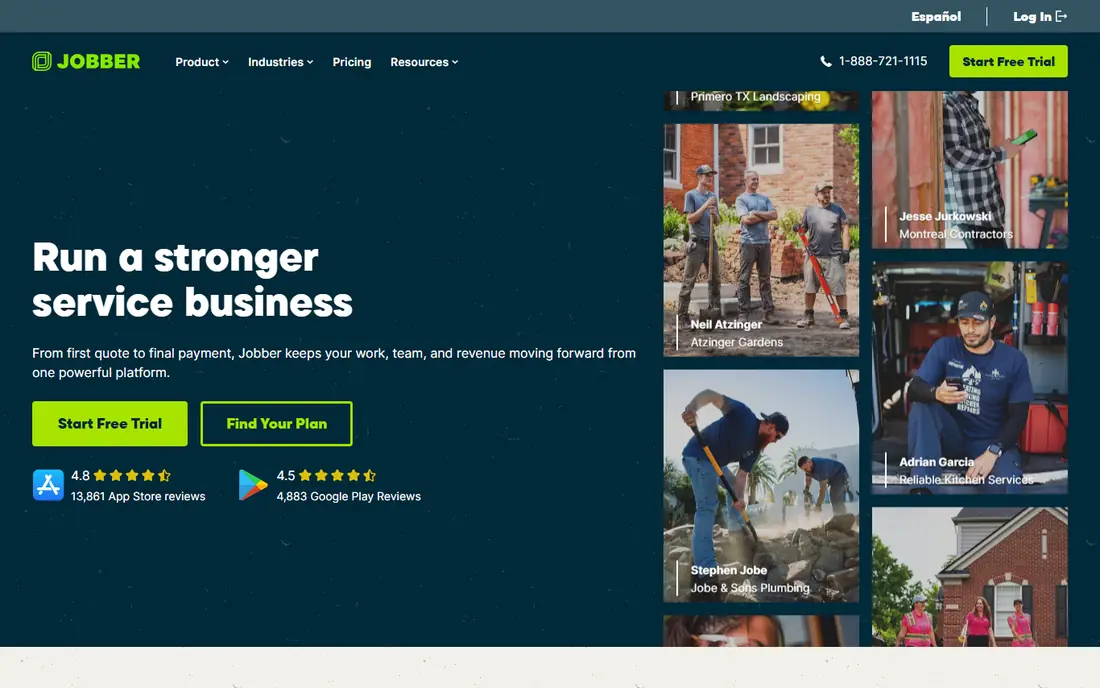
Jobber is our pick for most small service businesses moving off paper or spreadsheets. Scheduling, quotes, invoices, and customer records sit in one place, and clients can approve quotes and pay through Client Hub. That single flow cuts the back-and-forth that eats up office time.
The limit shows up as teams grow. Dispatch and reporting are solid for small crews, but shops with many trucks and complex pricebooks may want a deeper system. For one to fifteen people, Jobber is fast to learn, quick to set up, and priced in a way that is easy to plan around.
- Clear online booking and quoting
- Client Hub for approvals and payments
- Two-way QuickBooks Online sync
- Marketing tools sit on higher plans or as an add-on
- Larger teams may outgrow the simpler dispatch view
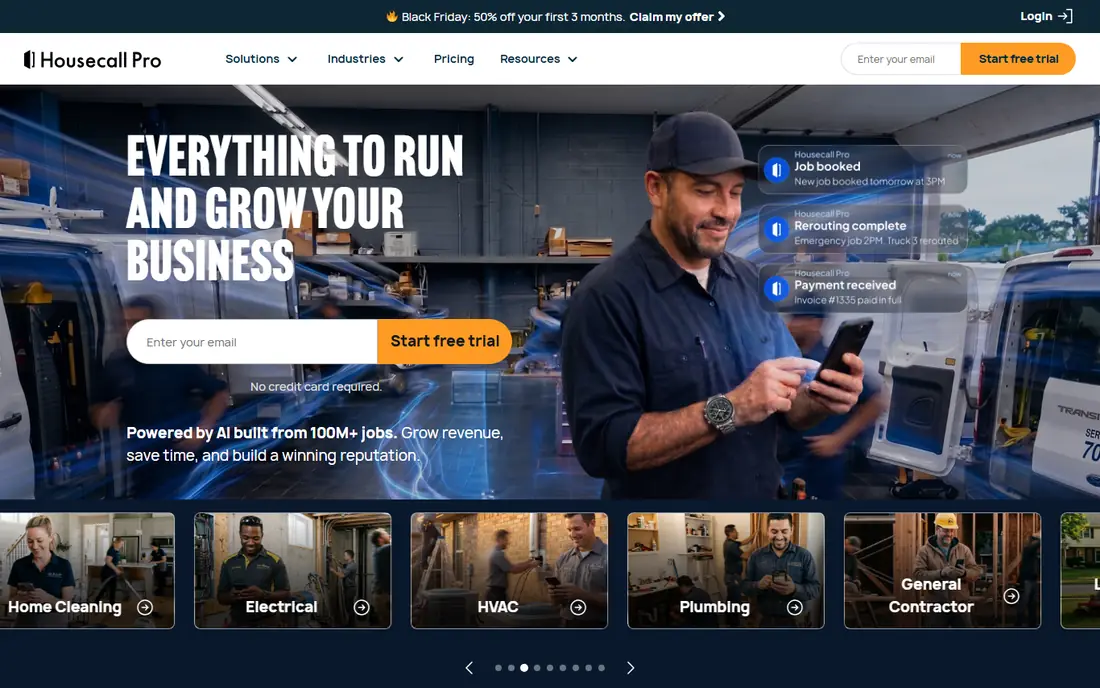
Housecall Pro suits teams that want scheduling plus customer follow-up in the same system. The dispatch board is easy to read, reminders go out on their own, and review requests help bring in new work after a job is done. That built-in marketing layer is the main reason teams pick it over a plainer job tool.
Pricing starts higher than Jobber, at $79 per month on the month-to-month Basic plan, and the cost rises with users and add-ons. For a team that will actually use the marketing and review features, the extra cost can pay for itself. For a team that only needs scheduling, the simpler and cheaper option may be enough.
- Drag-and-drop dispatch board
- Automated reminders and review requests
- Built-in marketing tools
- Higher entry price than Jobber
- Some advanced tools sit on higher tiers
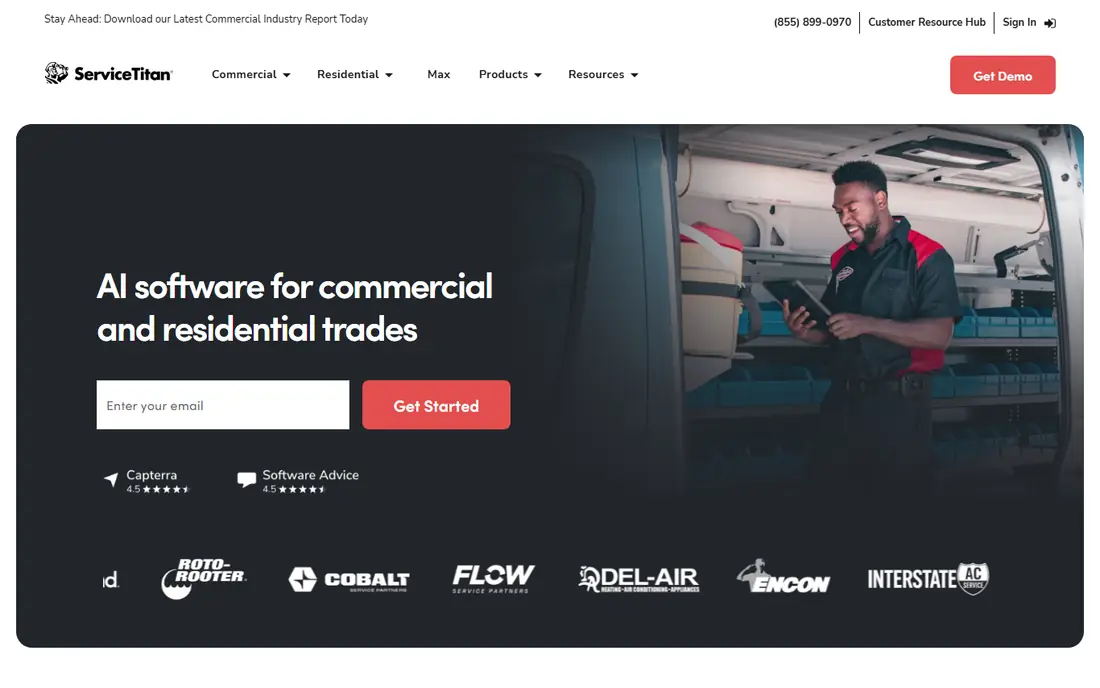
ServiceTitan is the enterprise standard in this group, and it shows in depth rather than simplicity. Capacity planning, technician performance reporting, a controlled pricebook, and detailed reporting suit shops with dispatchers, office staff, and twenty or more technicians. It is built for operations where coordination is a full-time job.
That depth comes with cost and time. Pricing is quoted, contractor reports put it well above small-team tools, and onboarding can stretch over months. Small shops should not stretch for it. Large shops that can use its reporting and pricebook controls will find it hard to replace.
- Deep dispatch, pricebook, and reporting
- Strong fit for large residential and commercial shops
- Wide integration options
- No public pricing, so budgeting needs a sales quote
- Implementation can take months
Workiz is the cheapest honest way to start. The Lite plan is free for up to two users, which covers a solo owner and a partner or office helper without a monthly bill. Scheduling, jobs, and invoicing are included, so a tiny team can run real jobs from day one.
The free plan will not carry a growing crew, and paid tiers need a quote in some cases, so larger teams should confirm the full price before committing. For a two-person operation testing whether software helps at all, Workiz removes the financial risk from that test.
- Free Lite plan for up to two users
- Scheduling, invoicing, and online booking
- Call tracking on paid plans
- Paid pricing is quote-based in places
- Very small free plan limits larger teams
FieldEdge fits mid-size contractors who live in QuickBooks. The two-way sync keeps job costs, invoices, and payments aligned without manual re-entry, and dispatch plus inventory tools handle the day-to-day work of a larger shop. Trades with parts, pricebooks, and repeat service work get particular value from that depth.
Smaller teams may find FieldEdge more system than they need, and the lack of public pricing means a sales conversation comes first. For a shop that has outgrown a simple scheduler and needs accounting accuracy, that conversation is worth having.
- Real-time QuickBooks sync
- Dispatch and inventory depth
- Strong fit for HVAC, plumbing, and electrical shops
- Quote-based pricing
- Setup is heavier than small-team tools
Service Fusion appeals to owners who dislike per-seat pricing. Plan-based pricing makes the monthly bill easier to predict as staff numbers change, and the core job flow covers estimates, scheduling, dispatch, and invoicing. That predictability matters when hiring is uneven through the year.
The main drawback is transparency. Without published pricing, you need a quote to compare it fairly with Jobber or Housecall Pro. Teams that value a flat bill and a full job system should get that quote, then compare the total against a per-user tool at their actual headcount.
- Flat per-plan pricing rather than per-technician math
- Scheduling, dispatch, and invoicing
- QuickBooks sync
- No public pricing on the main page
- Some features need higher tiers
Thryv is a broader small-business platform, not a trade-only dispatcher. It combines a CRM, scheduling, invoicing, payments, and marketing tools, which suits salons, clinics, consultants, and other appointment-based services as well as field teams. One system for customer records and follow-up keeps small teams from juggling several apps.
Trade shops with complex dispatch, parts, and pricebooks may find Thryv thinner than Jobber, Housecall Pro, or FieldEdge. For a service business where appointments, reviews, and repeat bookings matter as much as job cards, Thryv is a strong all-round choice.
- CRM, scheduling, payments, and marketing in one place
- Online presence tools
- Good fit for appointment-based services
- Less field-service dispatch depth than trade-specific tools
- Pricing varies by plan and add-ons
ServiceM8 is built around the technician in the field. Job cards, checklists, photos, quotes, and invoices work well on a phone, so a small crew can run a job without returning to the office to finish paperwork. Add-ons extend it with forms, payments, and asset tracking where needed.
Office-side reporting and dispatch depth are lighter than ServiceTitan or FieldEdge, so larger shops may feel the limit. For small field teams that value a clean mobile workflow over back-office depth, ServiceM8 is a practical fit.
- Strong mobile job cards and checklists
- Quoting and invoicing on the go
- Add-ons for forms and payments
- Pricing and add-on costs need careful checking
- Office features are lighter than enterprise tools
Tradify keeps the core trade workflow simple. Create a quote, turn it into a job, schedule it, track time, and invoice from the same record. That direct flow suits plumbers, electricians, builders, and other trades that do not want to learn a large platform to send a quote.
It is not the tool for heavy marketing automation or enterprise reporting. For a trade business that wants clean job management at a fair price, with a trial to test the fit, Tradify is worth a shortlist place.
- Simple quote, job, and invoice flow
- Scheduling and timesheets
- Good fit for trade businesses
- Less marketing depth than Housecall Pro or Thryv
- Larger enterprise features are limited
How we picked these
We compared official pricing pages, feature pages, and public documentation for tools that handle real service work: scheduling, dispatch, quoting, invoicing, and customer records. We favored tools live in October 2026, with a clear fit for a team size or trade, and we noted where pricing is quoted rather than published. We left out generic project tools that lack job, invoice, and customer workflows for service work.
How to choose for your service business
Start with team size and job type. Solo owners and two-person teams should start with a free or low-cost plan and only pay more when job volume forces it. Teams of five to twenty need dispatch, reminders, and a customer record that office staff and technicians can both see. Larger shops need pricebook control, capacity planning, and reporting that managers can trust.
Check three things in a trial: how fast a quote becomes a booked job, how a technician updates a job from a phone, and how an invoice and payment flow back to your accounting system. If any of those steps needs a workaround, the tool will cost time every day. Also confirm the total price at your real headcount, including add-ons, since per-user and per-plan models diverge fast as teams grow.
Frequently asked questions
What is the best software for service businesses?
Jobber is a strong starting point for small teams, Housecall Pro adds marketing and review tools, and ServiceTitan fits larger shops. The best choice depends on team size, trade, and whether you need deep dispatch and pricebook control. Use a trial to test quoting, scheduling, and invoicing before you commit.
What is the best software for service businesses with a small team?
Jobber and Workiz are good small-team options, with Workiz offering a free plan for up to two users. Housecall Pro also works for small teams that want built-in marketing. Pick the one whose trial feels easiest for the person who will use it daily.
How much does service business software cost?
Small-team tools start around $49 to $79 per month on published month-to-month plans, while larger platforms are quoted and cost far more per technician. Free plans exist for very small teams, but check user limits and add-on costs. Always price the tool at your actual headcount, not the headline entry price.
Does service business software work with QuickBooks?
Jobber, Housecall Pro, FieldEdge, and Service Fusion all offer QuickBooks sync, with depth varying by tool and plan. FieldEdge is known for real-time two-way sync, while others sync invoices and payments on a set schedule. Confirm the sync direction and frequency in a trial before you rely on it.
Can service business software handle scheduling and invoicing?
Yes, scheduling, dispatch, quoting, invoicing, and payments are core features of every tool on this list. The difference is depth: small tools keep those flows simple, while larger tools add capacity planning, pricebooks, and detailed reporting. Choose depth only if your team will use it weekly.
Is ServiceTitan worth it for a small service business?
For most small shops, no. ServiceTitan is built for larger operations with dispatchers and office staff, and its quoted pricing and longer setup reflect that. A small team usually gets better value from Jobber, Housecall Pro, or Workiz, and can move to a larger platform later if growth demands it.
Sources
See where you really rank - block by block
ProMapRanker scans Google Maps across a grid of your service area. Simple monthly plans from $19, white-label on every plan.
Start freeKeep reading
 zscaler alternatives
Best Zscaler Alternatives in 2026
Looking for zscaler alternatives? We compare 9 SASE and zero trust platforms on architecture, data protection, pricing, and fit for your network and team.
Read → zapier alternatives free
Best Zapier Alternatives Free in 2026
Nine automation tools for zapier alternatives free in 2026, all with genuinely free tiers, plus free plan limits, starting prices and upgrade paths explained.
Read → which platform is best for online reputation
Which Platform Is Best for Online Reputation in 2026
Wondering which platform is best for online reputation? We compare 8 review, listing, and response tools for small and multi-location businesses and agencies.
Read →