 ProMapRanker
Best Software for Ripping Blu Ray in 2026

Key takeaways
- MakeMKV gives the most faithful archive, while HandBrake gives the best free compression after a rip.
- DVDFab, Leawo, AnyMP4 and VideoByte suit owners who want one paid tool with batch and format support.
- WinX and EaseFab suit Windows and mobile-focused owners at lower yearly prices.
- A Blu-ray drive is required: a standard DVD drive cannot read Blu-ray discs.
Quick comparison
| Pick | Great for | Pricing starts at | Free tier | |
|---|---|---|---|---|
 MakeMKV | Lossless disc archives | Free | Yes | Visit |
 HandBrake | Free compression after a rip | Free | Yes | Visit |
 DVDFab Blu-ray Ripper | All-in-one premium ripping | $59.99 per year | Free trial | Visit |
 Leawo Blu-ray Ripper | Value paid ripping with 3D support | $44.95 per year | Free trial | Visit |
 VideoByte BD-DVD Ripper | Simple paid ripping for beginners | See website | Free trial | Visit |
 AnyMP4 Blu-ray Ripper | Fast GPU-accelerated ripping | See website | Free trial | Visit |
 WinX Blu-ray Ripper | Fast MP4 copies on Windows | $39.95 per year | Free trial | Visit |
 EaseFab Blu-ray Ripper | Low-cost ripping for mobile devices | $19.95 per year | Free trial | Visit |
The best software for ripping Blu-ray
This article is framed only for a user's own legally owned discs, for personal playback and backup where the law allows. Copying rules and DRM law vary by country and by disc, and this list does not endorse piracy or bypassing licensing rules for discs you do not own. A plain note: use these tools only for discs you legally own, check copying and DRM rules where you live, and do not use them for piracy or to share copies with others.
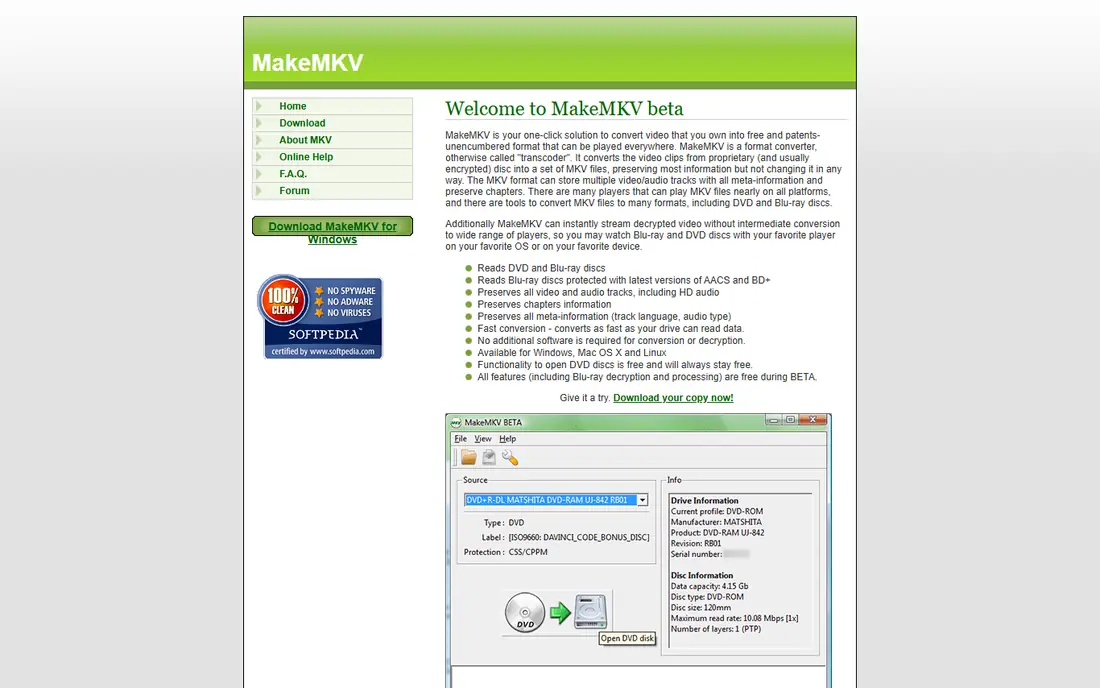
MakeMKV is the first tool many disc owners install, because it copies a disc to MKV without re-encoding. It fits collectors who want an exact archive of a disc they own, with video, audio and subtitle tracks preserved. We compared its public feature pages, pricing and user reviews rather than claiming hands-on testing, and the pattern that stood out was how clearly it states who it serves. Its lossless output means no quality is lost in conversion, and it handles Blu-ray and, with a suitable drive, UHD discs that simpler tools cannot. That focus matters in daily use, because a tool that tries to cover every hiring, lab, editing or filing need at once often makes the common task harder to find. The beta key needs periodic renewal from its forum, files are large because there is no compression, and the interface is plain. Before you commit, run a short trial with real work from your own team, check the renewal price in writing, and confirm that export, support and permission controls meet your needs.
- Lossless MKV output
- Blu-ray and UHD support with a suitable drive
- Windows, Mac and Linux
- Beta key needs periodic renewal
- No compression
- Plain interface
HandBrake is best used after a lossless rip, to compress a large MKV into a smaller file for playback. It fits owners who have already copied a disc they own and want a smaller MP4 or MKV for a media server or tablet. We compared its public feature pages, pricing and user reviews rather than claiming hands-on testing, and the pattern that stood out was how clearly it states who it serves. Its presets and compression controls turn a 50 GB archive into a manageable file without a licence cost, and it runs on Windows, Mac and Linux. That focus matters in daily use, because a tool that tries to cover every hiring, lab, editing or filing need at once often makes the common task harder to find. It does not decrypt protected discs on its own, so it is a companion to a ripper, not a complete one-step replacement for one. Before you commit, run a short trial with real work from your own team, check the renewal price in writing, and confirm that export, support and permission controls meet your needs.
- Free and open source
- Strong compression
- Presets for devices
- No built-in decryption for protected discs
- Needs a prior rip step
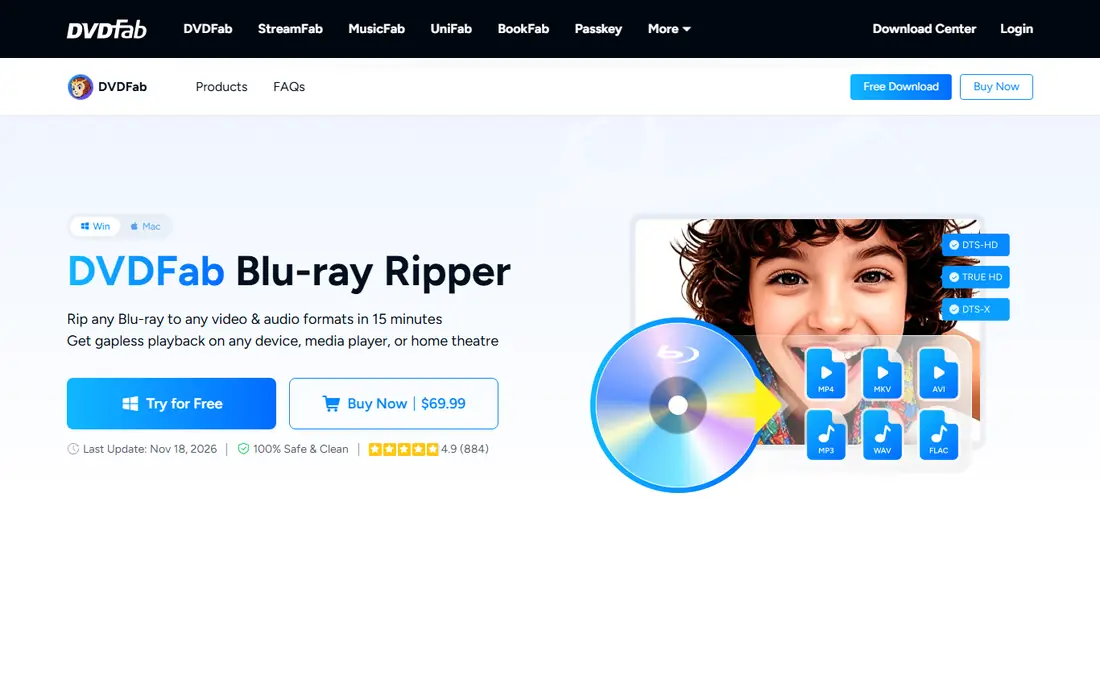
DVDFab Blu-ray Ripper suits owners who want one paid tool for ripping, conversion and basic editing. It fits collectors with larger libraries who want batch work, GPU speed and many output formats in one app. We compared its public feature pages, pricing and user reviews rather than claiming hands-on testing, and the pattern that stood out was how clearly it states who it serves. Its broad format support and GPU acceleration shorten long batch jobs, and built-in editing covers trimming and basic adjustments. That focus matters in daily use, because a tool that tries to cover every hiring, lab, editing or filing need at once often makes the common task harder to find. The yearly price adds up, and the number of options can overwhelm a first-time user who only needs a simple MP4 copy. Before you commit, run a short trial with real work from your own team, check the renewal price in writing, and confirm that export, support and permission controls meet your needs.
- Broad format support
- GPU acceleration
- Batch and editing tools
- Yearly cost
- Interface has many options for beginners
Leawo Blu-ray Ripper suits owners who want a mid-priced paid ripper with wide format and device support. It fits users converting discs they own for phones, tablets, consoles and media players. We compared its public feature pages, pricing and user reviews rather than claiming hands-on testing, and the pattern that stood out was how clearly it states who it serves. Its wide format list and device profiles remove guesswork about codecs, and 3D support suits owners with 3D discs and headsets. That focus matters in daily use, because a tool that tries to cover every hiring, lab, editing or filing need at once often makes the common task harder to find. The trial limits output, so a full test needs a paid plan, and yearly pricing means the cost repeats even for occasional use. Before you commit, run a short trial with real work from your own team, check the renewal price in writing, and confirm that export, support and permission controls meet your needs.
- 180-plus output formats
- 3D support
- Device profiles
- Trial limits output
- Yearly price for full use
VideoByte BD-DVD Ripper suits beginners who want a guided rip without learning codec settings. It fits owners who want to convert a disc they own to MP4 or MKV with a few clicks. We compared its public feature pages, pricing and user reviews rather than claiming hands-on testing, and the pattern that stood out was how clearly it states who it serves. Its guided workflow and broad format list make a first rip straightforward, and batch support helps with a small stack of discs. That focus matters in daily use, because a tool that tries to cover every hiring, lab, editing or filing need at once often makes the common task harder to find. Pricing varies by offer, so check the checkout total, and advanced users may miss the fine control that HandBrake or MakeMKV provide. Before you commit, run a short trial with real work from your own team, check the renewal price in writing, and confirm that export, support and permission controls meet your needs.
- Simple workflow
- 300-plus formats
- Batch support
- Pricing varies by offer
- Advanced control is limited
AnyMP4 Blu-ray Ripper suits owners who want speed and many output choices in a polished paid tool. It fits collectors converting discs they own for Plex, phones and tablets, where GPU speed matters. We compared its public feature pages, pricing and user reviews rather than claiming hands-on testing, and the pattern that stood out was how clearly it states who it serves. Its GPU acceleration and format list shorten conversion time, and lossless profiles suit owners who want quality first. That focus matters in daily use, because a tool that tries to cover every hiring, lab, editing or filing need at once often makes the common task harder to find. Windows and Mac licences are sold separately, so check which platform your licence covers before you buy for two computers. Before you commit, run a short trial with real work from your own team, check the renewal price in writing, and confirm that export, support and permission controls meet your needs.
- GPU acceleration
- Many formats
- Editing and lossless profiles
- Windows and Mac licences are separate
- Price varies by plan
WinX Blu-ray Ripper suits Windows owners who want fast MP4 copies of discs they own. It fits users who mainly need MP4 files for playback on common devices, without a complex workflow. We compared its public feature pages, pricing and user reviews rather than claiming hands-on testing, and the pattern that stood out was how clearly it states who it serves. Its GPU acceleration and MP4 focus make everyday conversion fast, and ISO and folder input suit owners who already have disc images. That focus matters in daily use, because a tool that tries to cover every hiring, lab, editing or filing need at once often makes the common task harder to find. It runs only on Windows, and the trial limits output, so Mac owners and anyone needing a full trial should look elsewhere. Before you commit, run a short trial with real work from your own team, check the renewal price in writing, and confirm that export, support and permission controls meet your needs.
- GPU acceleration
- Simple MP4 focus
- ISO and folder input
- Windows only
- Trial limits output length
EaseFab Blu-ray Ripper suits owners who want a low-cost paid ripper for mobile playback. It fits users converting discs they own for iPads, phones and consoles, where device profiles save setup time. We compared its public feature pages, pricing and user reviews rather than claiming hands-on testing, and the pattern that stood out was how clearly it states who it serves. Its low yearly price and device profiles make it an easy second choice for a small collection, especially for mobile viewing. That focus matters in daily use, because a tool that tries to cover every hiring, lab, editing or filing need at once often makes the common task harder to find. The trial carries a watermark, and advanced editing and control are limited compared with premium rivals. Before you commit, run a short trial with real work from your own team, check the renewal price in writing, and confirm that export, support and permission controls meet your needs.
- Low yearly price
- Device profiles
- Simple workflow
- Trial carries a watermark
- Advanced features are limited
How we picked these
We compared official feature pages, pricing pages and public user reviews for tools that are live in October 2026, and we kept only products that truly fit the topic. We favoured clear pricing, a usable free plan or trial where one is offered, and honest limits over broad marketing claims. We did not claim hands-on testing that did not happen, and where a price was quoted only on request or varied by plan, we wrote See website rather than guessing a figure.
Choosing the right option for your team
Start with the job you will do most often, not the longest feature list. A product that handles that core task cleanly will save more time than a larger platform whose best features sit behind setup work your team will not finish. Check the total cost at your real team size, including add-ons, storage, seats and renewal rates. Ask what happens to your data if you cancel, how exports work, and whether support replies come from people who know the product. Run a short pilot with real files, real candidates, real documents or real projects before you move a whole team. The pilot should test permissions, sharing, search and the one workflow you cannot afford to break.
Frequently asked questions
Is it legal to rip a Blu-ray I own?
It depends on your country, the disc and its DRM protection. Some places allow personal backup copies, others restrict copying of protected discs. Check the law where you live before you rip, and use these tools only for discs you legally own.
Do I need a special drive?
Yes. A standard DVD drive cannot read Blu-ray discs. You need a Blu-ray drive, and for UHD discs you need a UHD-capable drive and compatible software and firmware.
MakeMKV or a paid ripper?
MakeMKV suits lossless archives with no re-encoding. A paid ripper suits owners who want direct MP4 conversion, batch work and device profiles in one step. Many owners use both: MakeMKV first, then HandBrake for compression.
Why are ripped files so large?
A lossless Blu-ray copy preserves the full video, audio and subtitle tracks, so a film can be tens of gigabytes. Compression with HandBrake or a paid ripper reduces size, with some quality trade-off depending on settings.
Can I share ripped files?
No, not beyond what the law and licence allow for your own discs. Ripping for personal playback is different from sharing or distributing copies, which can infringe copyright even if you own the original disc.
Sources
See where you really rank - block by block
ProMapRanker scans Google Maps across a grid of your service area. Simple monthly plans from $19, white-label on every plan.
Start freeKeep reading
 what’s the best risk software for enterprises
What Is the Best Risk Software for Enterprises in 2026
We compared what’s the best risk software for enterprises on risk registers, controls, third-party risk, and reporting, with pricing notes for large teams.
Read → what's the best pam software for enterprises
What is the Best PAM Software for Enterprises in 2026
Find what's the best pam software for enterprises, with vaulting, session recording, just in time access and pricing compared for large enterprise IT teams.
Read → what’s the best grc software
What Is the Best GRC Software in 2026
We compared what’s the best grc software on risk, compliance, audit and vendor risk, so teams can pick a platform that fits their frameworks and budget.
Read →