 ProMapRanker
Best Software for Recording and Replaying User Sessions on Desktop and Mobile in 2026

Key takeaways
- Microsoft Clarity is free with no traffic limits for web, while FullStory, Smartlook and PostHog cover web and mobile apps.
- LogRocket and Sentry suit engineering teams that need console, network and error context inside the replay.
- Hotjar and Mouseflow suit marketing and UX teams that want heatmaps, funnels and form analysis alongside replay.
- Privacy controls, masking and consent matter as much as replay quality, since recordings can capture personal data.
- Use these tools only for lawful, consented use, with clear notices, masking and retention limits in place.
Quick comparison
| Pick | Great for | Pricing starts at | Free tier | |
|---|---|---|---|---|
 Microsoft Clarity | Free web session replay | Free | Yes | Visit |
 FullStory | Enterprise web and mobile behavior | Free | Yes | Visit |
 Hotjar | Heatmaps, surveys and replay | $49 per month | Yes | Visit |
 Smartlook | Web plus mobile app replay | $55 per month | Yes | Visit |
 LogRocket | Engineering debugging with replay | $176 per month | Free trial | Visit |
 Mouseflow | Friction and form analysis | $25 per month | Yes | Visit |
 UXCam | Mobile app UX and crashes | Free | Yes | Visit |
 PostHog | Product analytics plus replay | Free | Yes | Visit |
The best software for recording and replaying user sessions on desktop and mobile
We focused on tools that record user sessions and let teams replay them on desktop web, mobile web or native mobile apps. Privacy controls and masking are covered for every tool, since recordings can include sensitive input.
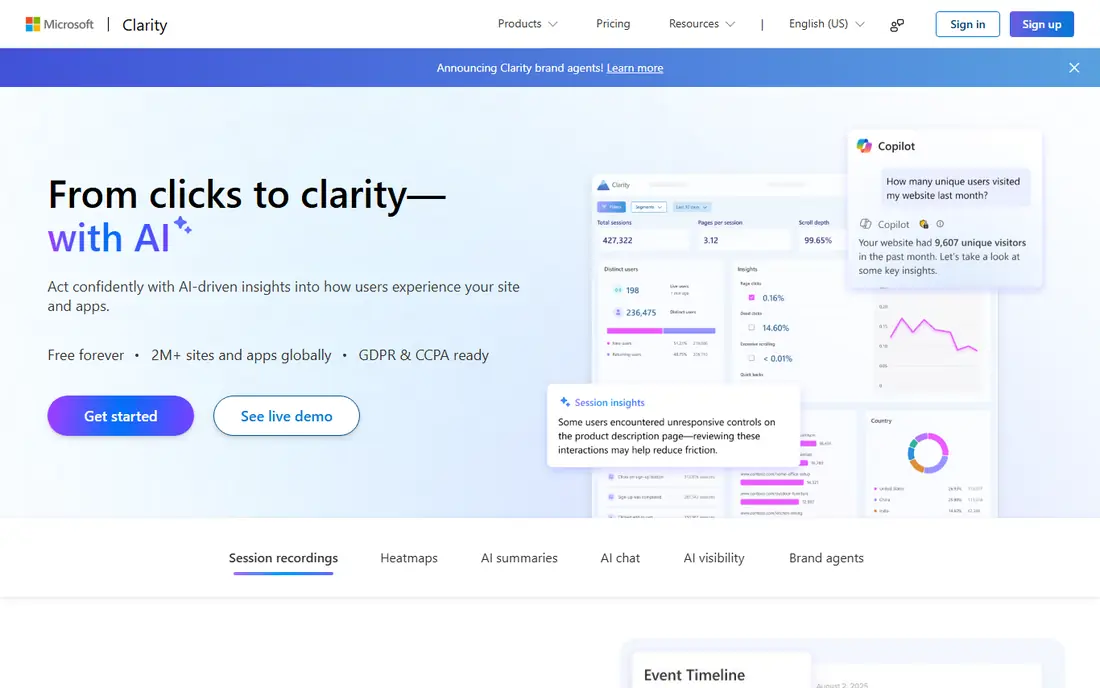
Microsoft Clarity is the free starting point for web session replay. There is no paid plan in its usual listing, and recordings, heatmaps and basic funnels are included without a session cap in vendor descriptions. That makes it ideal for small sites that want to watch real user journeys before paying for a larger platform.
The limit is scope. Clarity is strongest on the web, and teams that need deep mobile app replay, crash context or advanced product analytics will outgrow it. Privacy controls still matter here, since free does not remove the need for consent notices, masking and retention limits. For web-only teams, Clarity is hard to beat.
- Free with no traffic limits in vendor listings
- Heatmaps and session replay
- Rage-click and dead-click signals
- Web-focused, with limited mobile app depth
- No surveys built in
- Analytics depth is basic
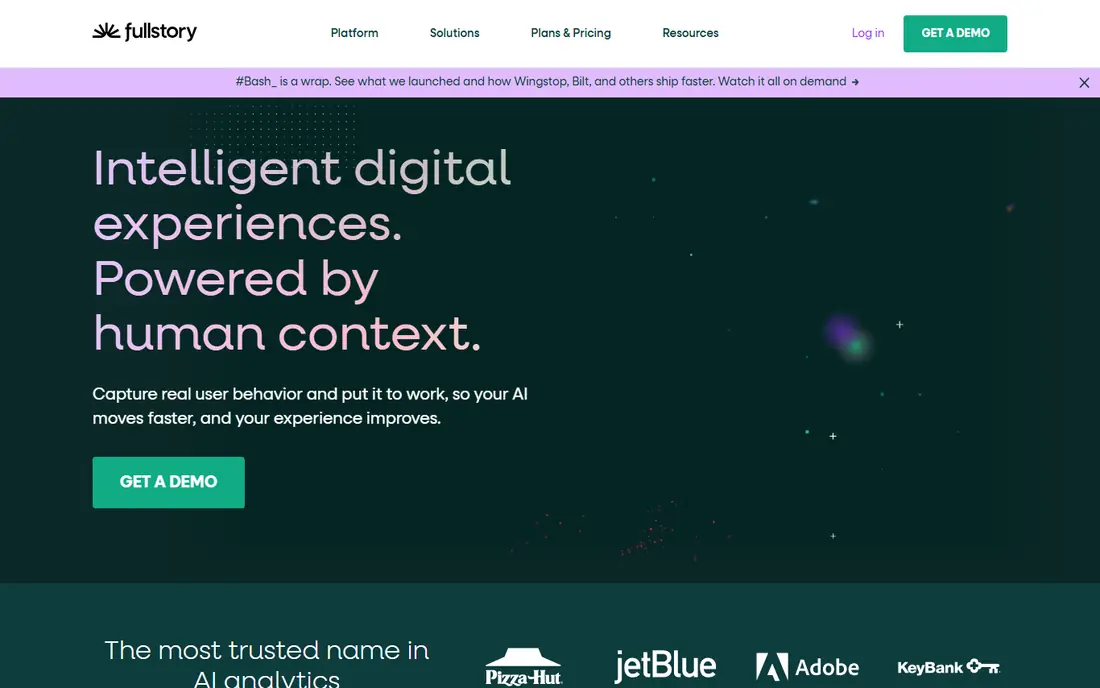
FullStory captures web and mobile behavior at scale and lets teams search sessions by frustration signals, errors and journey steps. That search power matters when a team has thousands of sessions and needs to find the few that show a real problem. Heatmaps, funnels and integrations with support and product tools add context around each replay.
Paid pricing is quote-based, so enterprise teams should expect a sales process and an annual contract. The free tier covers a useful volume for small sites, but session limits and data retention need checking. For large product teams, FullStory is a strong, if costly, choice.
- Free tier up to 30,000 sessions per month in listings
- Searchable behavior data
- Frustration signals
- Paid plans are quote-based
- Mobile features sit in add-ons for some plans
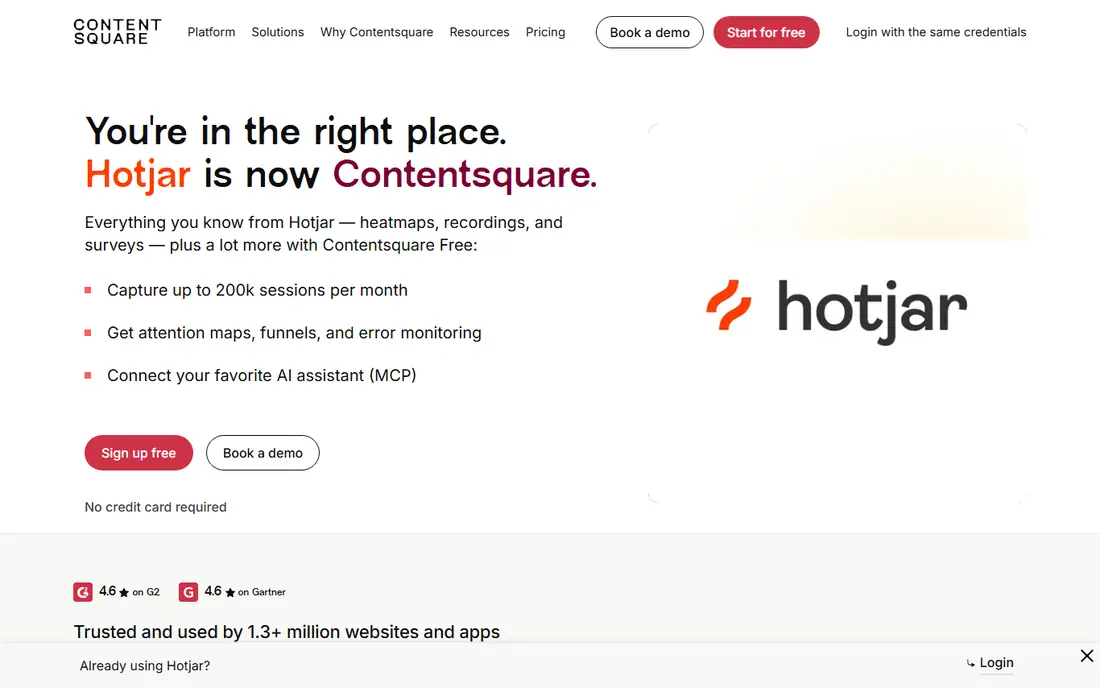
Hotjar, now part of Contentsquare, combines session recordings with heatmaps, funnels and user feedback. That mix suits UX and marketing teams that want to see where users click, where they stall and what they say about the experience. Setup is simple, and the free plan covers small sites.
Pricing needs care, since Observe and Ask products are priced separately in recent listings, and replay allowances change with session volume. Teams that only need replay may pay for heatmap and survey breadth they do not use. For small to mid-sized sites, Hotjar remains a balanced, easy-to-learn option.
- Heatmaps, recordings and feedback in one place
- Free plan for small sites
- Simple setup
- Surveys are billed as a separate product in recent listings
- Replay allowances vary by plan
Smartlook is a good single tool for teams whose users split between a website and a mobile app. Recordings run always-on rather than by snapshot, and crash reporting links a freeze or crash to the replay that shows what led to it. Events, funnels and retention views put each recording inside a wider product story.
Session-volume pricing means costs grow with traffic, so high-traffic sites should model the next tier early. Web heatmap depth is also a step behind web-only specialists for some teams. For product teams with both web and app users, Smartlook removes the need for two separate tools.
- Always-on recording for web and mobile apps
- Heatmaps, funnels and crash reporting
- Free plan for 3,000 sessions
- Price rises with session volume
- Best features sit on higher plans
LogRocket is built for engineers who need to reproduce a bug, not just watch a user journey. The player shows console logs, network requests, JavaScript errors and app state alongside the replay, so a developer can see what the code did at the moment a user hit a problem. That context shortens debugging for complex web and mobile apps.
The entry price is higher than Hotjar or Smartlook, with recent listings showing $176 per month at 25,000 sessions. Smaller teams may find the free allowance too small for regular use. For product and engineering teams that debug often, LogRocket pays for itself in faster fixes.
- Console, network, errors and state inside replay
- Web and mobile coverage
- Funnel and path analysis
- Higher entry price than marketing tools
- Free allowance is small in listings
Mouseflow suits teams that want to find where a signup or checkout flow breaks. Friction tags highlight rage clicks, dead clicks and errors in the session list, while form analytics show which fields slow users down or cause abandonment. Funnels and journeys connect those signals to conversion steps.
The free tier covers only 500 sessions, so active sites will need a paid plan quickly. Mobile app coverage is also thinner than dedicated mobile tools. For website conversion work, especially forms and funnels, Mouseflow is a focused and affordable choice.
- Friction scoring and form analytics
- Funnels and journeys
- Free plan for 500 sessions
- Free tier is small
- Mobile app depth is limited compared with Smartlook or UXCam
UXCam is built for mobile apps first. It records native app sessions, links crashes to replays, and adds funnels and heatmaps that reflect how people use an app rather than a website. That mobile focus helps app teams reproduce gestures, navigation problems and crash paths that web tools miss.
Paid pricing is quote-based, so teams should request a written quote once they pass the free tier. Web-only teams will get less value here than from Clarity or Hotjar. For iOS and Android teams, UXCam is one of the clearest mobile replay options.
- Mobile-first replay for iOS and Android
- Funnels, heatmaps and crash context
- Free plan for 3,000 sessions
- Paid pricing is quote-based
- Web coverage is secondary to mobile
PostHog suits product teams that want replay inside a wider analytics stack. Session replay sits alongside product analytics, feature flags, experiments and surveys, so a team can move from a funnel drop-off to the exact sessions behind it. The free tier includes 5,000 recordings per month, with usage-based pricing after that.
The breadth can overwhelm teams that only want replay, since PostHog is a full product platform. Self-hosting is possible but needs maintenance, while the cloud version is simpler for most teams. For product-led teams, PostHog offers strong value for the free allowance.
- Free tier with 5,000 recordings per month
- Replay plus analytics, flags and experiments
- Usage-based pricing after free tier
- Replay is part of a wider platform
- Self-hosting needs technical care
How we picked these
We compared official feature and pricing pages, platform coverage and public reviews for session replay tools in October 2026. We favored tools that record and replay sessions on desktop web, mobile web or native apps, that offer masking and privacy controls, and that are actively sold and supported. We did not claim hands-on testing that did not happen, and we used See website where a vendor price could not be verified plainly.
Choosing the right session replay setup
Start with platform coverage. A web-only site can start with Clarity or Hotjar, while a team with a native app needs Smartlook, UXCam, FullStory or PostHog. Check whether the tool records mobile web, native iOS, native Android or all three, and test a real session on each platform you support before buying.
Next, set privacy controls before you record at scale. Publish a clear notice, get consent where the law requires it, mask passwords, payment fields and other sensitive inputs, limit who can watch recordings, and set a short retention period. Record only what you need to fix a problem, and never use recordings to identify or target individual users without a lawful basis. Framing matters here: these tools are for lawful, consented product improvement, not for watching people without their knowledge.
Finally, decide how you will act on recordings. A replay library that no one reviews is wasted spend, so assign owners for friction signals, form drop-offs and crash-linked sessions. Pair replay with heatmaps and funnels to prioritize fixes, and re-check the same journey after a fix ships. That loop turns recordings into product improvements rather than a pile of videos.
Frequently asked questions
What is session replay software?
It records how users interact with a website or app, then lets teams replay those sessions to see clicks, scrolls, form use and errors. It helps teams find friction that analytics numbers alone cannot explain.
Do I need consent to record user sessions?
In many cases yes, depending on privacy law and location. Provide a clear notice, get consent where required, mask sensitive fields and limit retention. Check local rules and your vendor privacy terms before recording.
Which tool is best for mobile apps?
Smartlook, UXCam, FullStory and PostHog all cover mobile apps, with UXCam the most mobile-first. Test a native app session, including crashes and gestures, before choosing.
Is Microsoft Clarity really free?
Yes, Clarity is listed as free with no paid plan and no traffic limits in vendor descriptions. It is web-focused, so app teams will still need a mobile tool.
How much do paid session replay tools cost?
Entry prices in this list range from free tiers to $176 per month for LogRocket at a stated session volume, with several tools quote-based. Model cost by monthly sessions, not just by seat count.
Sources
See where you really rank - block by block
ProMapRanker scans Google Maps across a grid of your service area. Simple monthly plans from $19, white-label on every plan.
Start freeKeep reading
 what’s the best risk software for enterprises
What Is the Best Risk Software for Enterprises in 2026
We compared what’s the best risk software for enterprises on risk registers, controls, third-party risk, and reporting, with pricing notes for large teams.
Read → what's the best pam software for enterprises
What is the Best PAM Software for Enterprises in 2026
Find what's the best pam software for enterprises, with vaulting, session recording, just in time access and pricing compared for large enterprise IT teams.
Read → what’s the best grc software
What Is the Best GRC Software in 2026
We compared what’s the best grc software on risk, compliance, audit and vendor risk, so teams can pick a platform that fits their frameworks and budget.
Read →