 ProMapRanker
Best Software for Real-Time QA Alerts in 2026


Teams that need error alerts with full context · Pricing starts at: $26 per month
Key takeaways
- Error tracking tools alert fastest on production problems, while test management tools alert best on failed test runs and release readiness.
- Slack, Jira, GitHub and PagerDuty integrations decide whether an alert reaches the right person or sits unread in a dashboard.
- Free tiers are generous for small teams, but event and session limits set the real cost as traffic grows.
- Alert rules, grouping and snoozing matter more than alert speed alone, because noisy alerts get ignored.
Quick comparison
| Pick | Great for | Pricing starts at | Free tier | |
|---|---|---|---|---|
| Sentry | Teams that need error alerts with full context | $26 per month | Yes | Visit |
 Bugsnag | Stability monitoring across many platforms | See website | Yes | Visit |
 Rollbar | Focused error tracking with deploy context | Free | Yes | Visit |
 Honeybadger | Small teams that want simple error alerts | Free | Yes | Visit |
 Airbrake | Teams that want a clear error price ladder | $19 per month | No | Visit |
 Datadog | Teams that already monitor infrastructure | $15 per month | Yes | Visit |
 TestRail | QA teams tracking test runs and results | $22 per user per month | Free trial (30 days) | Visit |
 PractiTest | QA teams that need end-to-end test management | See website | Free trial | Visit |
 mabl | Teams that want automated tests with alerts | See website | Free trial | Visit |
The best software for real-time qa alerts
We compared official feature pages, pricing pages and integration lists for tools that send alerts when software breaks or tests fail. Some tools watch production errors, others watch test runs, and the best setup for many teams uses one of each.
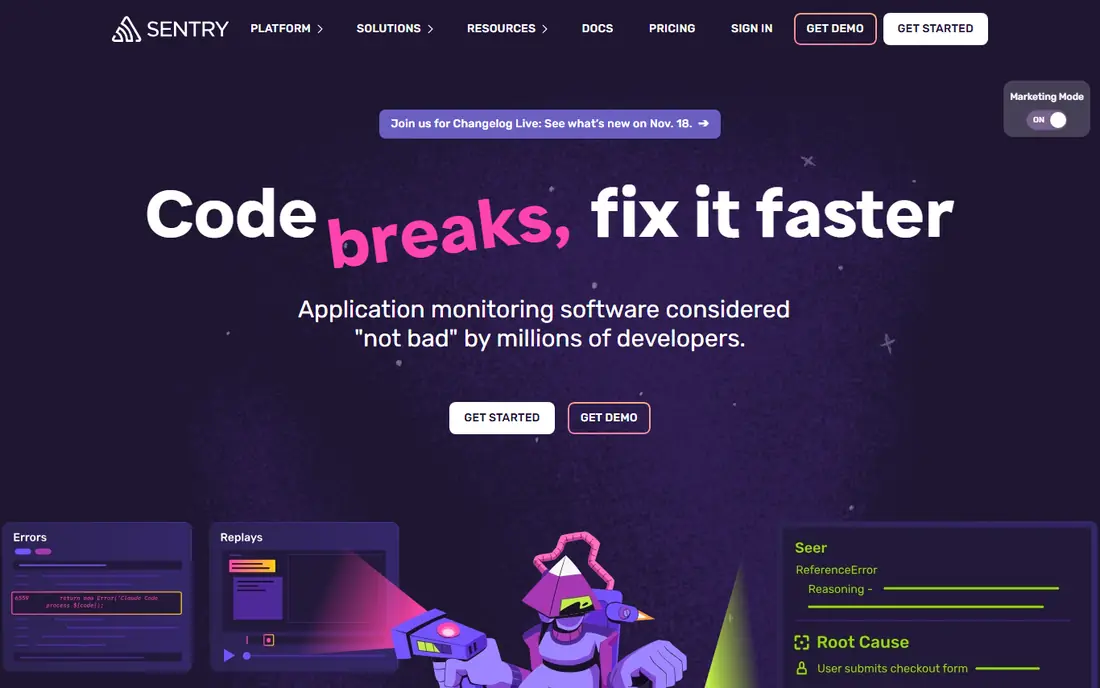
Sentry is the default error alerting tool for many product teams, and the reason is context. When an error fires, the alert links to a stack trace, affected release, user impact and, where enabled, a session replay. That means a QA engineer or developer can judge severity without hunting through logs first. It supports many languages, so web, mobile and backend teams can share one system.
Alerts can go to Slack, email, PagerDuty and issue trackers, and rules can filter by release, environment or issue level. The honest catch is volume. Event-based pricing means a sudden error spike can raise the bill, and noisy alerts need tuning early. Set grouping, thresholds and ownership rules in the first week, and Sentry becomes a fast, trusted signal instead of another noisy inbox.
- Rich error context with stack traces and replays
- Wide language support
- Strong Slack and GitHub links
- Event-based pricing can climb with traffic
- Setup takes care to keep noise down
Bugsnag frames alerts around stability, not just errors. A stability score for each release helps QA teams answer the question that matters before a rollout: did this release get better or worse. Alerts can route by app, release stage and severity, so a crash in production reaches on-call staff while a minor issue in staging waits for the next workday.
Its platform coverage is broad, covering web and mobile stacks that many QA teams must watch together. That breadth is useful for teams shipping both an app and a website. Pricing is the weak spot for shoppers, since totals depend on event volume and plan details, so request a quote based on your real monthly events. For teams that judge releases by stability, Bugsnag is a strong pick.
- Stability scores that show release health at a glance
- Support for many platforms
- Clear alert routing
- Published pricing is volume-based and needs a quote for larger use
- Advanced features sit on higher tiers
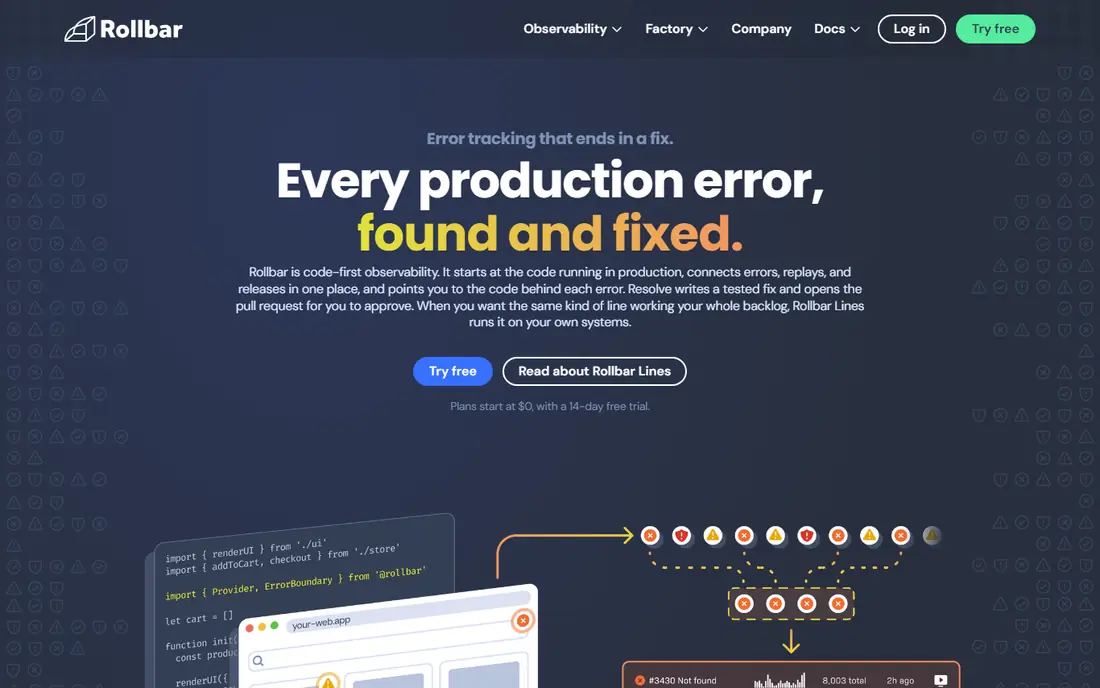
Rollbar keeps error tracking focused. Errors arrive in a real-time feed with grouping, stack traces and telemetry, and deploy tracking shows which release introduced a problem. That link to deploys is gold for QA, because it turns a vague alert into a clear suspect: the last change. Integrations with Slack, Jira and GitHub keep the alert close to where work happens.
The free tier covers small projects with a monthly error allowance, which makes it easy to trial on a real app. Paid plans scale by event volume, so high-traffic apps should model their error rate before committing. Rollbar does not try to be a full monitoring suite, and that focus is a strength for teams that want one clean alert channel for errors.
- Free tier with real-time alerts
- Deploy tracking links errors to releases
- Simple setup
- Quotas are occurrence-based and need care at scale
- Fewer built-in monitoring extras than Datadog
Honeybadger appeals to teams that want alerts without a week of configuration. Error monitoring, uptime checks and cron job checks sit in one place, and alerts are written in plain language with the context needed to act. The developer plan is free with a monthly error allowance, which suits side projects and small products.
Its limits show at scale. The integration list is narrower than the big monitoring suites, and very large teams may want deeper analytics or custom querying. For a small QA and dev team that needs to know, fast, when something breaks, Honeybadger is one of the least fussy options in this list, and that simplicity helps alerts stay trusted.
- Simple setup and clear pricing units
- Uptime and cron checks included
- Calm, readable alerts
- Smaller integration set than Sentry or Datadog
- Less depth for very large teams
Airbrake gives buyers something rare in this category: a plain price ladder tied to monthly errors. A team can pick a tier by its error count and know the cost, rather than guessing at event math. Error alerts include stack traces and deploy context, and routing to Slack, GitHub and Jira keeps QA in the loop without extra tools.
The trade is scope. Airbrake is an error tracker, not a full observability platform, so teams that also need logs, metrics and tracing will pair it with another tool. There is no free plan, though trials are available. For a team that wants predictable error alerting at a known price, that clarity is worth a lot.
- Published price ladder by error volume
- Deploy tracking
- Integrations with Slack, GitHub and Jira
- No free plan
- Session replay and extras are more limited than some rivals
Datadog is the broadest tool here. It can alert on errors, logs, metrics, traces, uptime and synthetic tests, all from one platform, with hundreds of integrations. For a QA team inside a larger engineering org, that breadth means a failed deploy, a slow endpoint and a rising error rate can be seen together, not in three separate tools. Alert rules can combine signals, which cuts false alarms.
The cost is complexity. Datadog prices by product and usage, so a small team can overspend if it turns on everything. Start with error monitoring and synthetic tests, set alert thresholds with care, and expand only when a real need appears. For teams already on Datadog for infrastructure, adding QA alerts there is usually smarter than buying a separate tool.
- Huge integration set
- Alerts across logs, metrics, traces and errors
- Strong dashboards
- Pricing is complex across products
- Small teams may find it more than they need
TestRail alerts QA teams in a different way: it tracks test runs, not production errors. When a test run finishes with failures, the team sees which cases failed, which builds were affected and which defects were linked. Integrations with Jira and test automation frameworks let failed automated tests create or update issues without manual copying.
That makes it a natural partner to an error tracker. Sentry or Rollbar tells you production broke; TestRail tells you a release should not ship because tests failed. The entry Essentials plan starts at $22 per user per month for up to five users, with Professional and Enterprise tiers above it. There is no free plan, but a 30-day trial lets a team run a real release cycle before paying.
- Clear test case, plan and run management
- Integrations with Jira and automation tools
- Strong reporting
- No free plan
- Per-user pricing adds up for large QA teams
PractiTest covers the full QA workflow, from requirements and test cases through runs, defects and reports. Alerts and dashboards show failing areas, blocked tests and release readiness, which helps QA leads spot risk before a deadline. Traceability links a requirement to its tests and defects, so a failed test can be traced back to what was supposed to work.
Jira integration keeps defects in sync with development work, and custom fields and filters let teams shape the tool to their process. Pricing is not published, so buyers need a quote based on user count. The interface can feel busy at first, but teams that need structure across many projects and releases will value its depth over a simpler tracker.
- End-to-end test management with requirements traceability
- Dashboards and filters
- Jira integration
- Pricing is not published
- Interface has many options for new users
mabl sits between test management and error tracking. It runs automated browser tests on a schedule or after a deploy, then alerts the team when a test fails. Low-code test creation means QA staff can build and maintain tests without writing large test scripts, and visual checks can catch layout changes that a simple status check would miss.
That makes it useful for teams that want a live signal on key user journeys, such as signup, checkout or search, rather than only unit test results. The catch is pricing, which is quote-based, and scope, since its strength is web apps. Pair it with an error tracker for production coverage, and use its failure alerts as an early warning that a user-facing flow has broken.
- Low-code automated tests for web apps
- Alerts on test failures
- Visual change detection
- Pricing is quote-based
- Focused on web testing, not native mobile depth
How we picked these
We compared official feature pages, pricing pages and integration lists for tools that send alerts in real time when errors occur or tests fail. We kept tools with clear alert routing to channels QA teams actually use, such as Slack, email, PagerDuty and Jira. We left out general monitoring tools with no QA workflow and test tools with no alerting, since neither fits this topic on its own.
What to check before you buy
Start with the alert path, not the dashboard. Pick a real failure, such as a crash on signup or a failed checkout test, and trace how the alert travels from detection to the person who must fix it. Check the delay, the channel, the context included and what happens if the first person does not respond. If any step is vague, the tool will fail you at the worst moment.
Next, tune for noise before you scale. Set severity levels, group repeat errors, snooze known issues with an expiry date and route staging alerts away from on-call channels. Finally, check limits and costs at your real volume. Count monthly errors, test runs and sessions, then compare totals at that volume, not at the free tier. A tool that alerts well on a quiet week but floods or bills heavily in a bad week is not a good QA tool.
Frequently asked questions
What is the difference between QA alerts and monitoring alerts?
QA alerts focus on quality signals, such as failed tests, new errors and broken user journeys. Monitoring alerts cover infrastructure, such as servers, databases and network health. Many teams need both, and tools like Datadog cover both, while Sentry and TestRail each cover one side well.
Should QA alerts go to Slack or PagerDuty?
Use Slack for quality signals the team should review soon, and PagerDuty for production failures that need an immediate response. Sending every test failure to PagerDuty causes alert fatigue, and the team will start ignoring pages. Set severity rules so only real user impact pages someone.
Do I need both an error tracker and a test management tool?
Often, yes. An error tracker watches production, while a test management tool watches pre-release quality. Together they cover the full cycle, from a failed test that blocks a release to a new error that appears after release. Small teams can start with one and add the second when releases grow.
How do I reduce alert noise?
Group repeat errors into one issue, set thresholds so a single rare error does not page anyone, and snooze known issues with a review date. Review alert rules weekly for the first month. Noise is usually a tuning problem, not a tool problem.
Can these tools alert on mobile app crashes?
Yes, most error trackers in this list support mobile apps, including iOS and Android, with crash reports and release tracking. Check the supported platforms for your exact stack before you buy, since coverage varies by tool.
Sources
See where you really rank - block by block
ProMapRanker scans Google Maps across a grid of your service area. Simple monthly plans from $19, white-label on every plan.
Start freeKeep reading
 zoro.to alternatives
Best Zoro.to Alternatives in 2026
We compare the best zoro.to alternatives in 2026, listing only legal licensed anime streaming services, from Crunchyroll to free options for fans today.
Read → zip alternatives
Best Zip Alternatives in 2026
We compare the best zip alternatives for buy now, pay later in 2026, covering pay-in-4 plans, fees, spending limits, and credit reporting options today.
Read → yesware alternatives
Best Yesware Alternatives in 2026
Compare the best yesware alternatives for sales email tracking, templates, and sequences, with current pricing and honest tradeoffs for small sales teams.
Read →