 ProMapRanker
7 Best Software for Processing Documents for 2026


Small companies parsing standard invoices and forms · Pricing starts at: $39 a month
Direct answer
This list puts Docparser first for small firms parsing standard invoices and forms. Doxis is the stronger choice for European firms needing IDP with solid compliance, while Rossum suits finance teams automating invoice and transactional flows. The full list of 7 tools follows, with prices and free plan facts.
Key takeaways
- Number one here is Docparser, a fit for small businesses parsing standard invoices and forms.
- 2 of 7 tools offer a free plan: Parseur, Veryfi.
- Docparser has the lowest monthly starting price in this list: $39 per month.
- One limit worth knowing about Nanonets: no public pricing page with clear levels.
Quick comparison
| Pick | Great for | Pricing starts at | Free tier | |
|---|---|---|---|---|
| Docparser | Small companies parsing standard invoices and forms | $39 a month | Free trial | Visit |
 Doxis | European businesses needing IDP with capable compliance | See website | Free trial | Visit |
 Rossum | Finance teams automating invoice and transactional flows | See website | Free trial | Visit |
 Nanonets | Teams wanting AI agents for document-heavy workflows | See website | Free trial | Visit |
 Parseur | Teams extracting data from emails and PDFs without code | $49 per month | Yes | Visit |
 Veryfi | Developers building receipt and invoice capture into apps | From $500/month (usage-based) | Yes | Visit |
 ABBYY Vantage | Enterprises needing proven IDP with on-premise choices | See website | No | Visit |
7 software for processing documents in detail
Choosing software for processing documents usually comes down to price, fit and limits. This ProMapRanker guide sets 7 tools side by side on those three points, with the facts kept short and checkable.
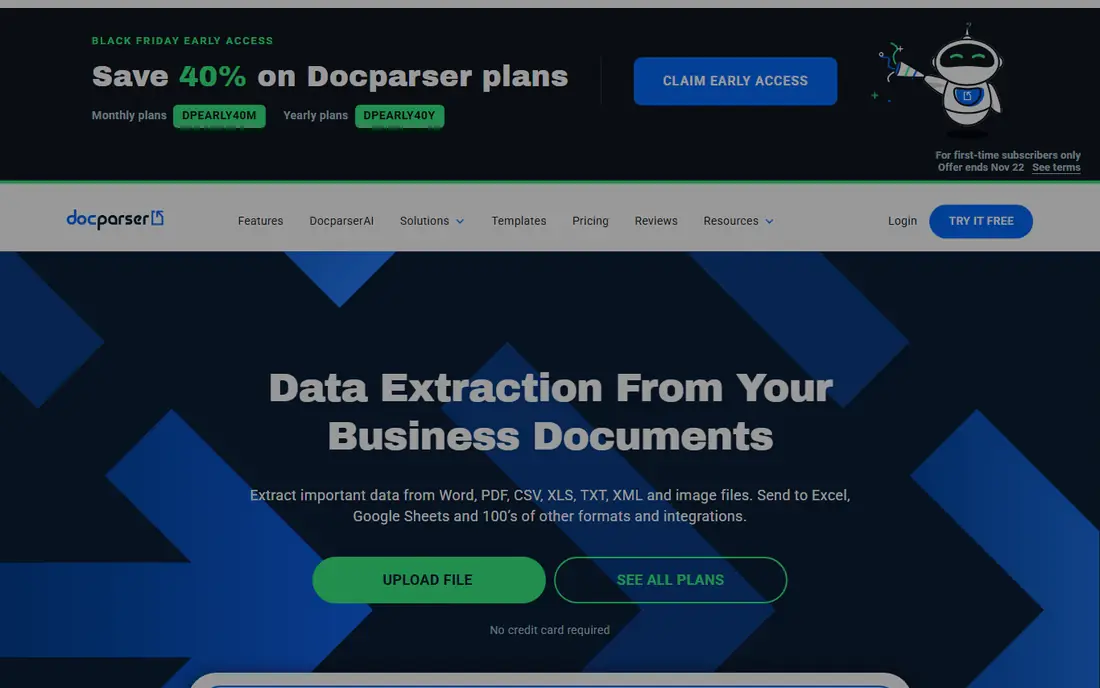
Docparser was built for small firms parsing standard invoices and forms. The template model is both the strength and the limit.
Where Docparser stands out: API and direct connectors.
In practice, pricing is public and straightforward: $39 per month for 100 parsing credits on Starter ($32.50 billed yearly), with a 14-day free trial that needs no credit card. For a bookkeeping team with consistent document types, Docparser is the cheapest steady choice here. Docparser cost at the entry level: $39 per month. On free options: Free trial. Drawbacks to consider: Multi-layout support costs additional on lower plans.
- Clear published pricing from $39 per month
- No-code rule builder for standard layouts
- Accuracy drops on poor scans
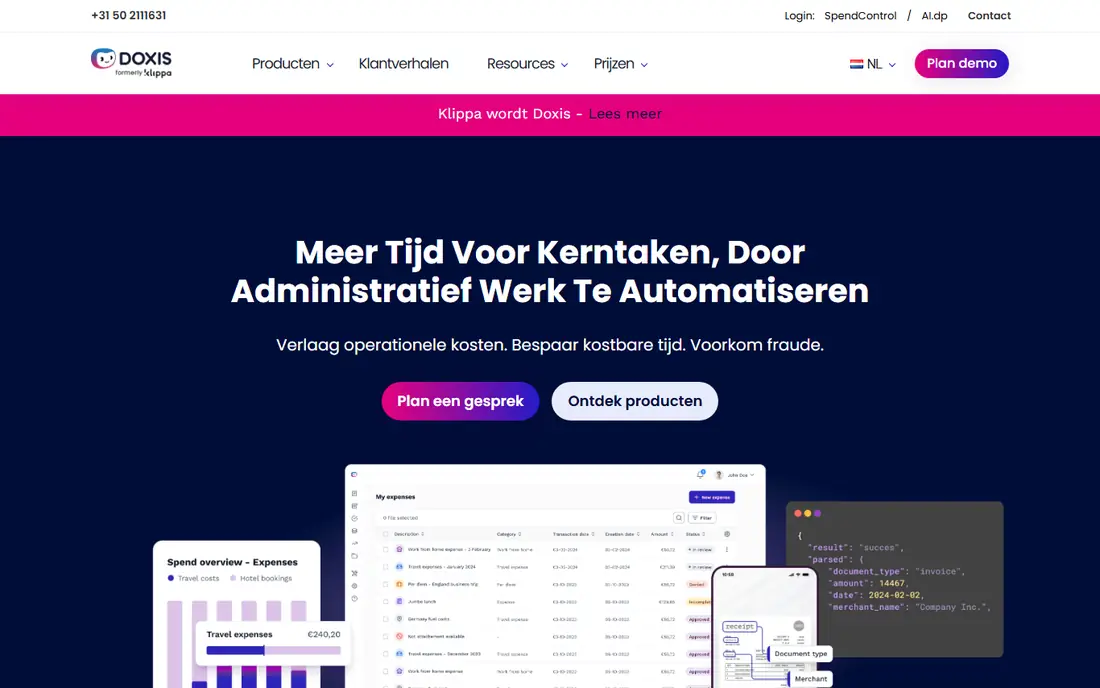
Think of Doxis for European firms needing IDP with solid compliance. Doxis is the new name for Klippa, the Dutch document automation company. The rebrand is recent enough that you will still find reviews under the old name.
Points against: Recently rebranded from Klippa, so reviews and docs are split across two names.
From a buyer's view, pricing is quote-based and evaluation runs through a demo, though a free trial is offered. Being EU-based with GDPR-native architecture is a genuine differentiator for European buyers. Check the vendor site for Doxis pricing; none is listed in this comparison. Free access: Free trial.
- Expense management modules beyond pure extraction
- EU-based with GDPR-native data handling
- Smaller presence outside Europe
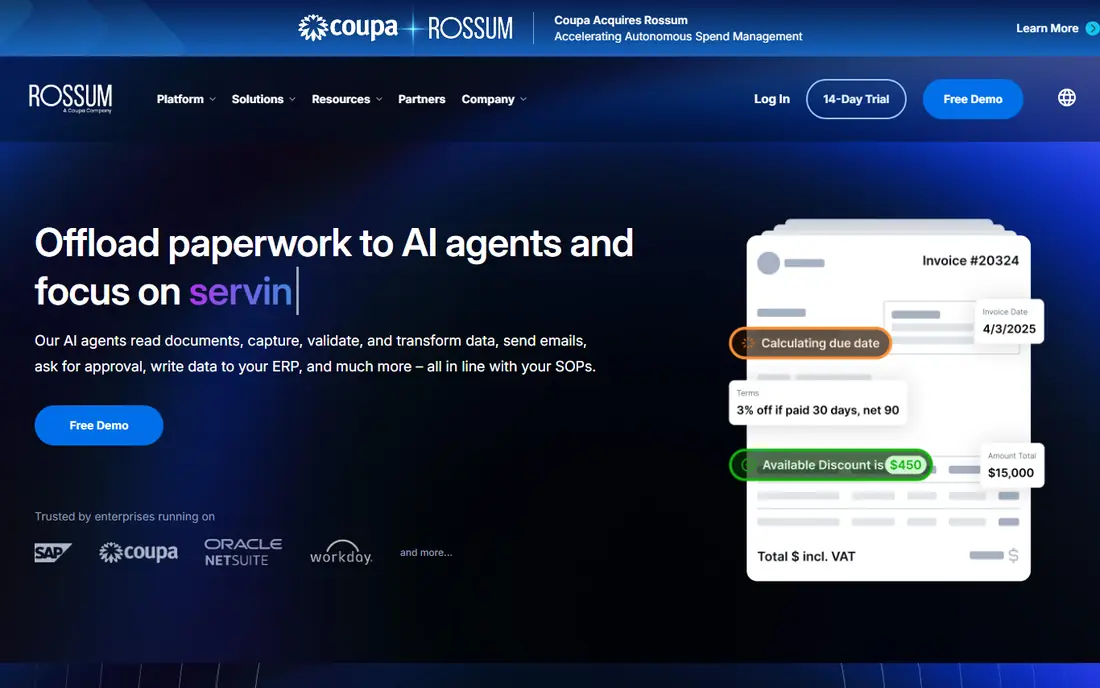
Pick Rossum if this describes you: finance teams automating invoice and transactional flows. There are no templates to build. On top of that, Rossum does one thing and does it well: it reads transactional documents, validates the data against your master records, and posts clean transactions to your ERP.
From a buyer's view, you feed it invoices and it learns each supplier's layout from corrections, which is why finance teams with hundreds of vendors like it. It manages 276 languages plus handwriting, with AI agents that can send approval emails and chase exceptions. Also, if you process thousands of invoices per month and live in SAP or NetSuite, Rossum is the specialist pick. No starting price is listed for Rossum here; confirm pricing on the vendor site. Free access: Free trial.
Drawbacks to consider: Pricing model changes have confused some buyers.
Where Rossum stands out: Solid ERP integrations including SAP.
- Purpose-built for transactional documents like invoices
- Learns from user corrections to boost accuracy
- Overkill and overpriced for low volumes
Choose Nanonets for teams wanting AI agents for document-heavy workflows. Nanonets has moved beyond extraction into AI agents that run document-heavy processes from start to finish: reading invoices and purchase orders, applying your business rules, handling exceptions and posting results into SAP, Salesforce or QuickBooks. Beyond that, Nanonets suits teams that want more than extraction, a system that completes the workflow.
More specifically, the main limit is commercial clarity: pricing is usage-based and the public plan structure has shifted over time, so get a written quote tied to your actual document mix first. From a buyer's view, for finance and operations teams, the pitch is 94% automation with humans only on edge cases. Nanonets does not show a starting price in this comparison, so check the vendor site for current pricing. On free options: Free trial.
Honest limits: No public pricing page with clear levels.
- Strong ERP connectors including SAP and Salesforce
- AI agents that run entire document workflows end to end
- Enterprise features like SSO sit on higher plans
Parseur was built for teams extracting data from emails and PDFs without code. The free plan hands you 20 pages per month forever, and premium plans are purely volume-based beginning at $49 a month for 100 pages.
Upsides: no credit card.
Everything is self-serve, upgrade or cancel in the app, no sales call, which is refreshing in this category. Entry price for Parseur: $49 per month. Free access exists with Parseur.
Downsides: Email-centric design is less a strong match for bulk file batches.
- Genuine free plan with 20 pages per month
- Completely self-serve with instant upgrades and cancellation
- Smaller company than the enterprise vendors
Veryfi is built with developers building receipt and invoice capture into apps in mind. Veryfi sells document intelligence as an API, and it is made for teams shipping products, not just automating back offices. Pricing is transaction-based and published in Veryfi's own help center: a free plan handles 100 documents per month, the Starter plan opens at a $500 monthly minimum, and bigger volumes go custom.
Where it falls short: API-first design assumes developer resources.
Beyond that, for fintech, expense and AP automation vendors processing real volume, Veryfi's accuracy and fraud checks justify the price. The OCR API reads invoices, receipts, bank statements, checks and W-2s, validates the math and flags fraud signals before the data hits your system. There is a mobile Lens SDK for on-device capture that works offline, and the company is SOC 2 Type II, HIPAA and GDPR compliant. Starting cost for Veryfi: From $500/month. Veryfi has a free plan.
- No sales call
- Free level with 100 documents per month
- $500 monthly minimum on the Starter plan is steep for small apps
Choose ABBYY Vantage for enterprises needing proven IDP with on-premise choices. ABBYY has been reading documents since before most of its competitors existed, and it displays in the accuracy.
Vantage is its low-code IDP system with pre-trained AI skills for invoices, purchase orders, contracts and identity documents, plus the OCR, handwriting and barcode recognition the company is noted for. Pricing for ABBYY Vantage is not stated here, so ask the vendor for current figures. There is no free plan with ABBYY Vantage.
Honest limits: Interface and setup feel dated next to newer rivals.
- Pre-trained document skills for typical types
- On-premise and cloud deployment choices
- Enterprise sales process
What went into this list
We compared the tools on published pricing, free plan or trial availability, feature coverage for software for processing documents, and the limits each vendor documents. Where a vendor does not publish a price, the entry says quote. Where a price depends on seats or billing term, the entry says so. Order on the page follows fit for the typical buyer first, then price transparency and free access. Your own requirements should decide the final pick.
Things to verify first
- Get a written quote from Doxis, Rossum, Nanonets and ABBYY Vantage; the list shows no starting price for them.
- Read the fine print on the free plans from Parseur and Veryfi; seat, project and feature caps differ.
- Take the trial from Docparser, Doxis, Rossum and Nanonets and push a live task through it before you pay.
- Before choosing Docparser, weigh its main limit: template-based, so new layouts need new parsing rules.
- Add up seats, add-ons and usage charges for Veryfi before comparing it with cheaper entries.
- See whether Nanonets offers onboarding or training, and whether it is included in the price.
Frequently asked questions
Is my document data safe with these tools?
Parseur and Veryfi are SOC 2 compliant with EU data residency choices. If you cannot send documents to the cloud at all, ABBYY and Tungsten offer on-premise deployment.
Do these tools publish their prices?
Not all of them. Doxis, Rossum, Nanonets and ABBYY Vantage publish no starting price, so expect a quote request for those. The rest, Docparser included, show a starting price, though seats and billing terms still change the final cost.
Do I need AI, or is template-based extraction enough?
If layouts change constantly or you receive documents from hundreds of different senders, AI-first tools like Parseur, Rossum or Nanonets will save you from endless template maintenance.
What is the cheapest option for software for processing documents in this list?
On published monthly entry prices, Docparser is the lowest here at $39 per month. Entry price is only part of the cost, because seats, add-ons and billing terms can change the total.
Can I try these tools before paying?
Often, yes. Parseur and Veryfi have a free plan and Docparser, Doxis, Rossum and Nanonets offer a free trial. Use your own data and a real task during the test, and check what the free tier or trial limits before you rely on it.
How are the tools for software for processing documents ordered?
Docparser sits first and ABBYY Vantage last because the order follows typical fit for software for processing documents, then price clarity and free access. It is a judgement call, so read each profile for fit and limits.
Sources
See where you really rank - block by block
ProMapRanker scans Google Maps across a grid of your service area. Simple monthly plans from $19, white-label on every plan.
Start freeKeep reading
 zoho inventory alternatives
6 Alternatives to Zoho Inventory, Compared on Price and Fit
Zoho Inventory alternatives: 6 tools compared on price, free plans and fit. Katana leads the list for manufacturers. Fit and flaws are laid out for each entry.
Read → zoho crm alternatives
Best Zoho CRM Alternatives (2026)
Need Zoho CRM alternatives? We compare 7 tools on cost, free access and who each suits. Every pick gets a straight assessment. Built for quick decisions.
Read → zelle alternatives
Best Zelle Alternatives in 2026
Compare the best Zelle alternatives for sending money to friends, paying sellers and moving funds abroad, with honest notes on fees, speed and safety in 2026.
Read →