 ProMapRanker
Best Software for Pixel Art Animation in 2026

Key takeaways
- Aseprite is the standard choice for animated game sprites, while Pyxel Edit leads for tilesets and tilemaps.
- Pixelorama and Piskel offer strong free options for beginners, with animation timelines and onion skinning.
- Paid tools are mostly one-time purchases, so check platform support and export formats before buying.
- Export matters as much as drawing, because sprite sheets, GIFs, and JSON data feed directly into game engines.
Quick comparison
| Pick | Great for | Pricing starts at | Free tier | |
|---|---|---|---|---|
 Aseprite | Animated game sprites | $19.99 one-time | No | Visit |
 Pyxel Edit | Tilesets and tilemaps | $9 one-time | No | Visit |
 Pixelorama | Free desktop pixel animation | Free | Yes | Visit |
 Piskel | Free browser pixel animation | Free | Yes | Visit |
 Pro Motion NG | Technical pixel animation | $39 one-time | No | Visit |
 GraphicsGale | Free and paid pixel animation | Free | Yes | Visit |
 Pixilart | Casual and social pixel art | Free | Yes | Visit |
 Pixaki | iPad pixel art animation | See website | No | Visit |
The best software for pixel art animation
We compared animation timelines, onion skinning, tile tools, palette control, and export options for pixel artists and game developers. The tools below cover desktop, browser, and iPad workflows, with free and one-time-purchase options rather than subscriptions in most cases.
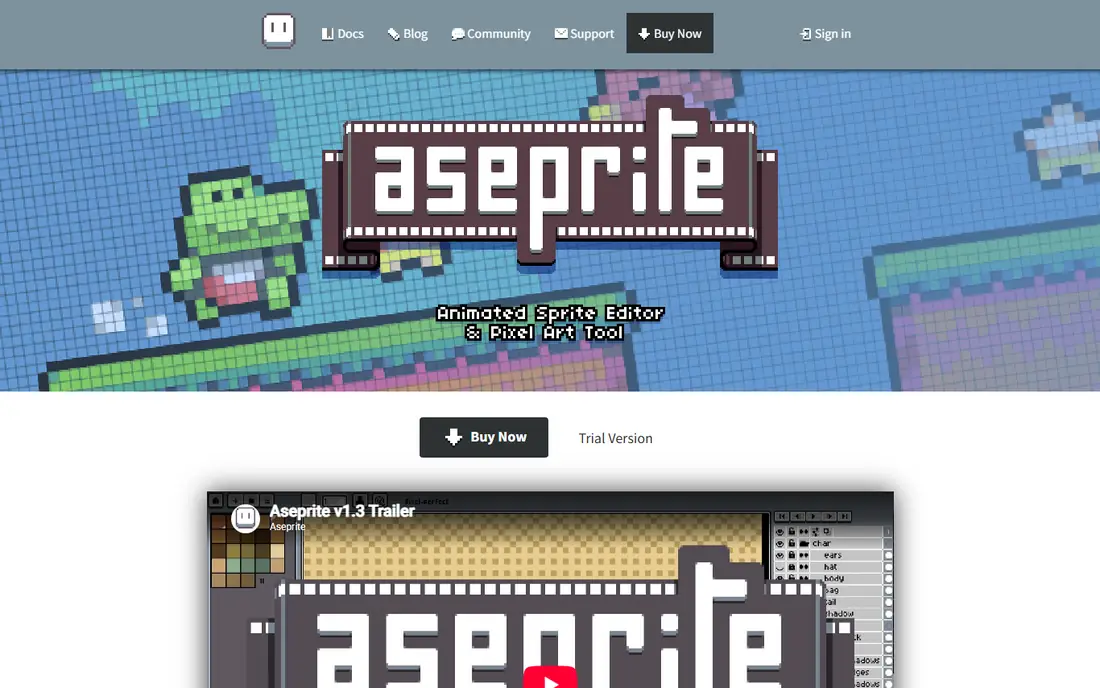
Aseprite is the tool most game developers reach for when they need animated sprites. Layers and cels sit on a frame timeline, onion skinning shows neighbouring frames while you draw, and export covers PNG sequences, GIFs, sprite sheets, and JSON texture atlases. That export range matters because game engines need clean, organised sprite data, not only a finished image.
The purchase is a one-time payment in published pricing, with versions for Windows, macOS, and Linux, and a Steam key option described by the vendor. Beginners may need a few sessions to learn layers, cels, and colour modes, but the depth is why Aseprite remains the standard for serious sprite animation.
- Frame timeline with onion skinning
- Sprite sheet and JSON export
- Lua scripting and command-line tools
- No free plan for the compiled release
- Interface takes time to learn for complete beginners
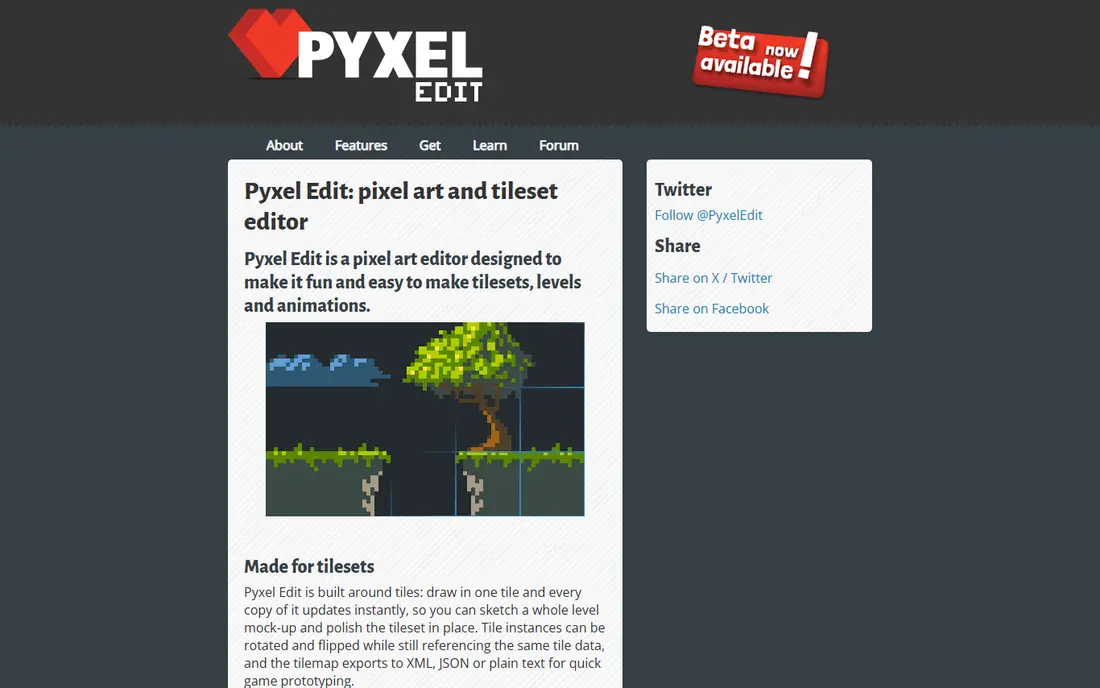
Pyxel Edit stands out for tileset and tilemap work. When you edit one tile, linked copies update live, which saves hours when building game levels from repeated tiles. Tiles can be extracted from images, tilemaps can be built and exported, and animation tools support simple sprite movement tests alongside level art.
For general character animation, Aseprite offers a deeper timeline and export set, so Pyxel Edit is best seen as a tileset specialist that also animates. The low one-time price in published comparisons makes it an easy second tool for developers who already use Aseprite for characters and need stronger tile tools.
- Tileset tools with live tile updates
- Tilemap editing
- Animation with onion skin support
- Smaller feature set than Aseprite for general sprite work
- Interface feels older
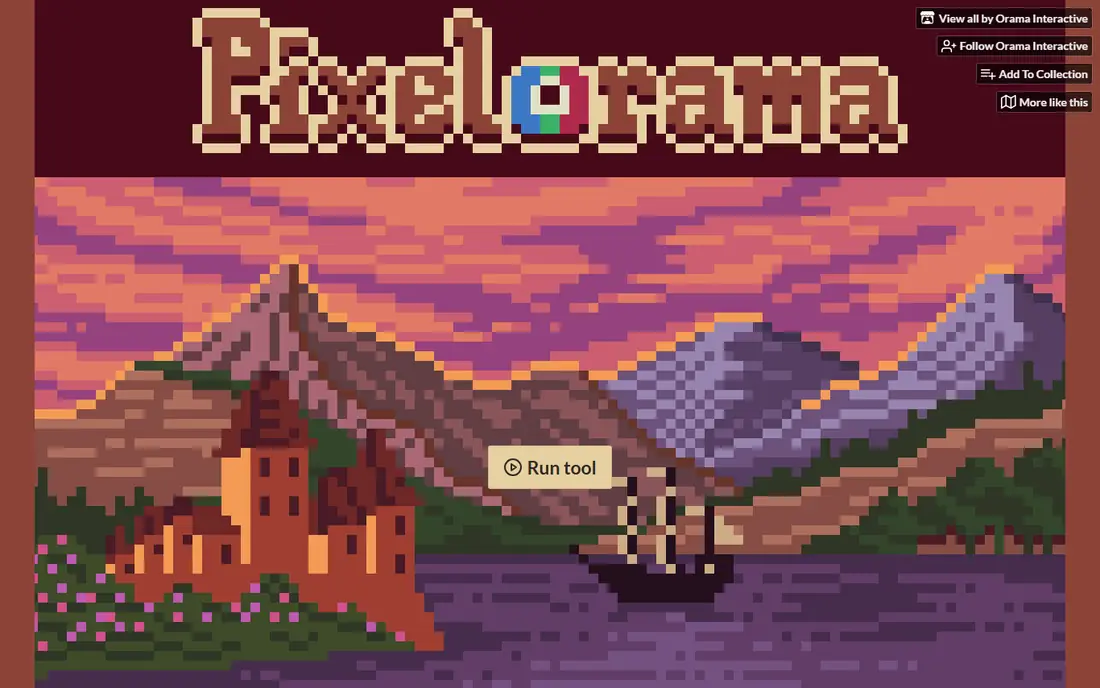
Pixelorama is the best free desktop option in this list for artists who want a full animation workflow without paying. It offers layers, frames, onion skinning, palettes, and tilemap tools, with sprite sheet export for game use. Being open source also means the tool can be inspected and extended, which appeals to developers and hobbyists alike.
The trade-off is maturity in some areas, especially tilemaps, where Pyxel Edit remains stronger. Performance and polish also vary by platform, so test it with a real project before committing to a large game. For free sprite animation, Pixelorama is hard to beat.
- Free and open source
- Animation timeline and onion skinning
- Tilemap and palette tools
- Tilemap tools are still maturing beside Pyxel Edit
- Smaller community than Aseprite
Piskel suits beginners and casual animators who want to start in a browser without installing software. The timeline is simple, the live preview shows animation as you work, and export to GIF and sprite sheets covers sharing and basic game use. That low barrier makes it a good teaching tool and a quick sketching tool.
Advanced artists will hit limits fast, especially without a tilemap editor or deeper palette and layer controls. Piskel is best for short animations, learning, and quick tests, while longer game projects usually move to Aseprite or Pixelorama once the artist needs more control.
- Free and browser-based
- Simple animation timeline with live preview
- Easy sprite sheet and GIF export
- No tilemap editor
- Fewer advanced tools than desktop editors
Pro Motion NG appeals to technical pixel artists who want precise control over animation, tiles, and colour. Its toolset grew from classic game art workflows, with features for tile animation, palette handling, and frame management that suit detailed retro-style work. Artists who value precision over a modern interface often prefer it.
The main limits are platform and learning curve. Windows-only support in published descriptions excludes Mac and Linux users, and the interface assumes some pixel art experience. For Windows artists who want technical depth, Pro Motion NG is a strong, one-time-purchase alternative to Aseprite.
- Deep pixel animation and tile tools
- Precise colour and palette control
- Long history in game art
- Windows only in published descriptions
- Interface feels technical for beginners
GraphicsGale is a lightweight Windows tool with a free version that covers basic pixel animation, including onion skinning and frame handling. Its small size and low system needs make it useful on older computers or for artists who want a simple, focused editor without a large install. Paid options add features for more serious work.
The design feels dated beside Aseprite and Pixelorama, and platform support is narrower. Artists on Mac or Linux should choose another tool, while Windows users who want a free, light editor may still find GraphicsGale a practical starting point for short animations.
- Free version for pixel animation
- Onion skinning and frame tools
- Lightweight on older computers
- Windows focus in published descriptions
- Interface and export options feel dated
Pixilart suits casual artists, students, and social creators who want to draw and animate pixel art in a browser and share it easily. The editor is simple to learn, animation tools cover basic frame work, and the community side helps beginners get feedback and ideas. That social angle sets it apart from purely production-focused tools.
Game developers with large sprite sheets, tilemaps, and engine pipelines will need a desktop tool beside Pixilart. Export and production controls are simpler, and long projects are harder to organise. For fun, learning, and sharing, Pixilart is a welcoming free option.
- Free browser editor with animation tools
- Social sharing and community features
- Easy for beginners
- Less depth than desktop editors for game production
- Export and tile tools are simpler
Pixaki brings pixel art animation to iPad, with a touch-friendly interface and Apple Pencil support for drawing on the go. Animation timelines, layers, and export options cover sprite work away from a desk, which suits artists who sketch ideas on a tablet and finish them later on desktop. The mobile workflow is the main reason to choose it.
The limit is platform. iPad-only support means desktop users gain nothing, and game pipelines still need a desktop step for final sprite sheets. Pricing should be confirmed on the vendor site or app store listing before buying, since iPad pricing can change by region and bundle.
- IPad-focused pixel editor with animation
- Touch and Apple Pencil workflow
- Sprite and GIF export options
- IPad only, so desktop game pipelines need an extra step
- Pricing needs vendor confirmation
How we picked these
We compared vendor product pages, animation and tile features, palette tools, and published pricing for pixel art tools used in October 2026. We included free, one-time-purchase, desktop, browser, and iPad tools because pixel artists work in very different ways. We did not claim hands-on testing, and we compared published features and pricing instead.
What to check before you buy
Start with animation needs, not only drawing tools. Check frame timeline controls, onion skinning, frame duration, and loop preview, because those features decide whether animation feels smooth or frustrating. Next, check export, including sprite sheets, GIFs, PNG sequences, and JSON data, and confirm the format your game engine or sharing platform needs.
Also check tile needs, palette control, and platform support. Tile artists need tilemap tools, while character artists need strong timeline and layer tools. Test a short animation from first frame to export before buying a paid tool, and confirm that the free version, if any, covers the export you need.
Frequently asked questions
What is the best pixel art animation software overall?
Aseprite is the most widely used choice for animated game sprites, thanks to its timeline, onion skinning, and export options. Pixelorama is the best free desktop alternative for many beginners.
Is there good free pixel art animation software?
Yes. Pixelorama, Piskel, GraphicsGale, and Pixilart all offer free animation tools, with Pixelorama giving the deepest free desktop workflow in this list.
Do I need tileset tools for pixel art animation?
Not for character animation alone, but tile artists and level builders benefit greatly from Pyxel Edit or Pixelorama tilemap tools. Character-only work can stay in Aseprite or Piskel.
Can I use pixel art software on iPad?
Yes, Pixaki is built for iPad, with touch and Apple Pencil support. Desktop tools such as Aseprite and Pixelorama remain better for full game pipelines.
What export format should I use for games?
Sprite sheets with JSON data work well for many engines, while PNG sequences suit video and GIFs suit sharing. Check your engine documentation before choosing a final export format.
Is a one-time purchase better than a subscription for pixel tools?
Many pixel tools use one-time pricing, which suits hobbyists and indie developers who want predictable cost. Subscriptions can add cloud features, but they are less common in this category.
Sources
See where you really rank - block by block
ProMapRanker scans Google Maps across a grid of your service area. Simple monthly plans from $19, white-label on every plan.
Start freeKeep reading
 what’s the best risk software for enterprises
What Is the Best Risk Software for Enterprises in 2026
We compared what’s the best risk software for enterprises on risk registers, controls, third-party risk, and reporting, with pricing notes for large teams.
Read → what's the best pam software for enterprises
What is the Best PAM Software for Enterprises in 2026
Find what's the best pam software for enterprises, with vaulting, session recording, just in time access and pricing compared for large enterprise IT teams.
Read → what’s the best grc software
What Is the Best GRC Software in 2026
We compared what’s the best grc software on risk, compliance, audit and vendor risk, so teams can pick a platform that fits their frameworks and budget.
Read →