 ProMapRanker
Best Software for Pest Control Business in 2026


Small pest firms and solo operators · Pricing starts at: $29 per month
Key takeaways
- Pest-specific tools such as PestPac and FieldRoutes handle chemical records and recurring treatments better than general field service tools.
- General tools such as Jobber and Housecall Pro suit smaller pest firms that mainly need scheduling, invoicing, and payments.
- Price the plan for your actual crew size, since per-user and tier pricing changes the monthly bill fast.
- Check route planning, mobile offline access, and customer reminders before you commit, since those features save daily time in the field.
Quick comparison
| Pick | Great for | Pricing starts at | Free tier | |
|---|---|---|---|---|
| Jobber | Small pest firms and solo operators | $29 per month | Free trial | Visit |
 Housecall Pro | Growing pest teams | $59 per month | Free trial | Visit |
 PestPac | Pest-specific operations | See website | Free trial | Visit |
 ServiceTitan | Large multi-crew operations | See website | No | Visit |
 FieldRoutes | Pest and lawn firms at scale | See website | No | Visit |
 Service Fusion | Mid-size field service teams | See website | Free trial | Visit |
 Workiz | Scheduling and dispatch teams | See website | Free trial | Visit |
 FieldPulse | Small teams wanting simplicity | See website | Free trial | Visit |
 GorillaDesk | Small pest firms on a budget | See website | Free trial | Visit |
The best software for pest control business
We compared tools on scheduling, routing, recurring jobs, mobile use, invoicing, and pest-specific records. The best pest control business software for a solo operator is not the same as the best choice for a multi-crew firm.
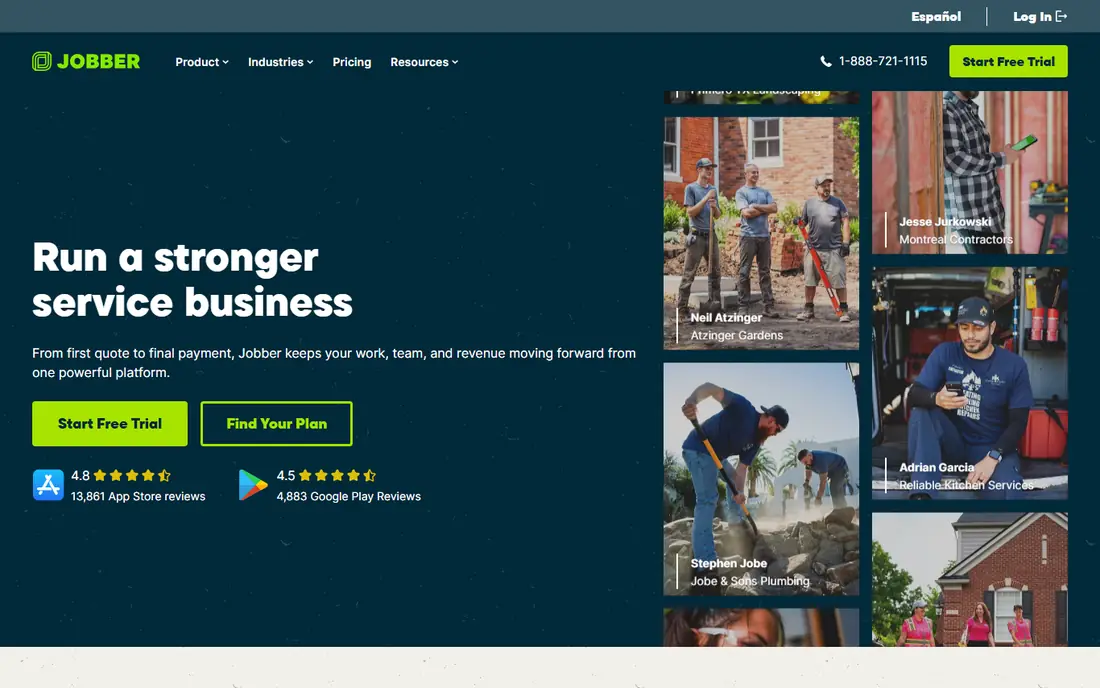
Jobber is a strong starting point for a small pest firm. It handles quotes, scheduling, dispatch, invoicing, and payments in one place, and its route planning helps a tech cover more stops per day. The mobile app is easy for new hires to learn, which matters when crews change.
The limit is pest depth. Jobber does not offer the same chemical, label, and treatment history tools as a pest-specific platform. Firms that need detailed pesticide records or regulatory reports may need a specialist tool or a separate record system alongside Jobber.
- Simple scheduling and invoicing
- Built-in route planning
- Clear mobile app
- Per-user pricing adds up
- Pest-specific chemical records are limited
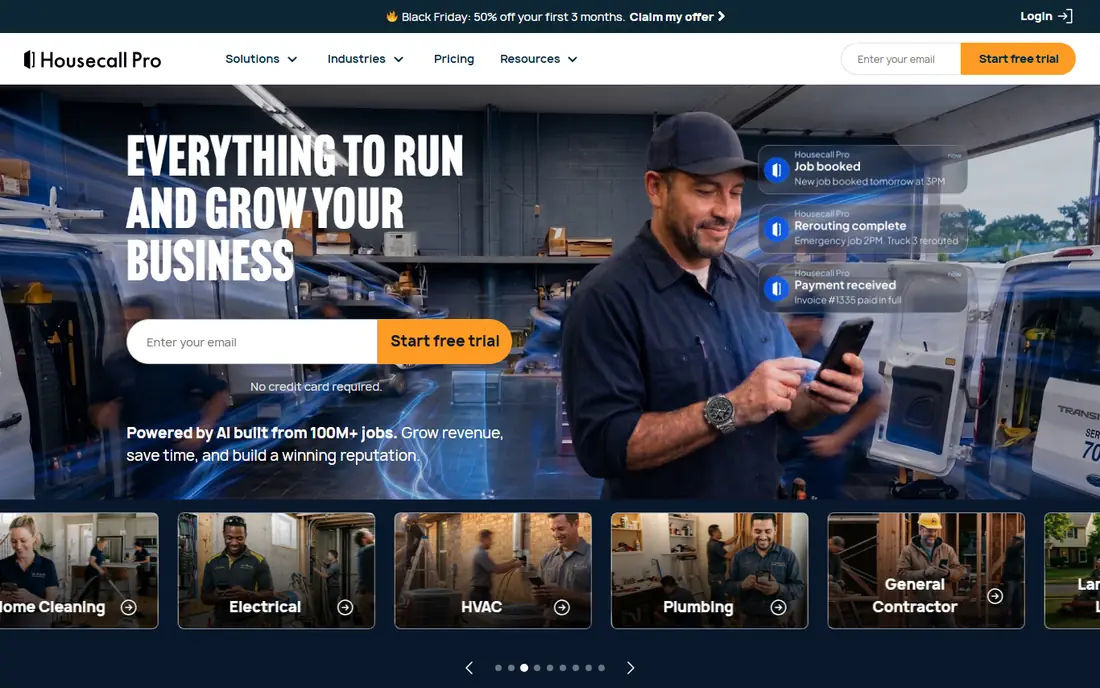
Housecall Pro suits pest firms moving from solo work to a small team. Online booking, automated reminders, and dispatch tools cut phone time, and customers can approve estimates and pay online. That mix helps a growing firm look polished without adding office staff.
Pricing needs care. The basic plan covers one user, and adding team members moves you to higher tiers, so price the plan for your full crew, not just the owner. Routing is another point to check, since some plans rely on an integration rather than built-in route planning.
- Strong booking and dispatch
- Online booking and reminders
- Good payment tools
- Tier jumps can raise cost fast
- Routing needs a third-party tool in some plans

PestPac is built for pest control, and that focus shows in daily work. It handles recurring service routes, treatment history, chemical usage, and customer service records in a way general tools do not. Larger pest firms use its reporting to track route density, technician output, and account retention.
The trade-off is cost and setup. Pricing is quote-based, and implementation takes longer than a simple scheduling app. For a small firm with simple routes, that depth may be more than needed, but for a pest-first firm it is often the right long-term choice.
- Built for pest control workflows
- Strong recurring service and chemical records
- Good reporting
- Pricing is not published
- Setup and training take time
ServiceTitan suits large pest firms with multiple crews, locations, and office staff. It combines dispatch, CRM, marketing, pricebook tools, and detailed reporting, which helps a firm manage growth without losing control of jobs and revenue. Its mobile app gives techs job details, forms, and payment options in the field.
Cost is the clear barrier. Pricing is per technician and quote-based, and first-year costs include implementation. Small firms will usually find better value elsewhere, while large firms may find the control worth the price.
- Deep dispatch, marketing, and reporting
- Strong for multi-location firms
- Good mobile tools
- High cost per technician
- Implementation is a major project
FieldRoutes is another pest-first platform, with tools for recurring routes, scheduling, billing, and customer communication. It suits firms that run dense routes and want to optimise technician days, repeat visits, and account growth. The customer portal also helps with payments and service history.
Pricing is not published, so firms need a quote based on size and features. Office staff also need training to use the full system well. For a firm already running pest routes at scale, that investment often pays back in route efficiency.
- Pest and lawn focused
- Strong route and recurring service tools
- Good customer portal
- Quote-based pricing
- Learning curve for new office staff
Service Fusion gives mid-size pest and field service teams a capable all-round platform. Scheduling, dispatch, estimates, invoicing, and customer history sit in one system, and GPS tools help managers see where crews are during the day. It is a practical step up from a basic scheduling app.
It is not as pest-specific as PestPac or FieldRoutes, so firms with strict chemical record needs should check that area closely. Pricing also varies by plan and user count, so get a written quote for your crew size before comparing totals.
- Solid scheduling and dispatch
- Good invoicing and estimates
- GPS and mobile tools
- Pest-specific features are thinner than PestPac
- Pricing varies by plan
Workiz focuses on the daily dispatch problem: getting the right tech to the right job at the right time. Its dispatch board, online booking, and customer messaging help office staff handle a busy day without constant phone calls. Pest firms with high call volume often like the phone tools in particular.
Pricing clarity has been a weak point in public sources, so ask for a full written breakdown before signing. Some useful features also sit on higher plans, so compare the plan you will actually use, not just the entry plan.
- Clear dispatch board
- Online booking
- Phone and messaging tools
- Pricing is not always published clearly
- Some features need higher plans
FieldPulse suits a small pest team that wants a simple system without a long setup. Scheduling, customer records, estimates, and invoicing are easy to find, and new techs can learn the mobile app quickly. That simplicity helps a firm that is moving off paper or spreadsheets for the first time.
Larger firms may find reporting and pest-specific depth limited. If your firm runs complex routes, chemical tracking, or multi-location work, a specialist platform will likely serve you better in the long run.
- Simple to learn
- Good scheduling and invoicing
- Useful CRM basics
- Less depth for large pest operations
- Advanced reporting is limited
GorillaDesk aims at small pest firms that want pest-specific tools without enterprise pricing. It covers recurring jobs, scheduling, invoicing, and customer records, with a mobile app for techs in the field. For a firm that mainly needs solid pest scheduling and billing, it is a sensible low-cost pick.
It does not match the depth of PestPac, FieldRoutes, or ServiceTitan for large operations. Integrations are also fewer, so firms that rely on many connected tools should check the list before switching.
- Pest-focused features at a lower price point
- Recurring jobs
- Simple mobile app
- Smaller feature set than large platforms
- Integrations are fewer
How we picked these
We compared official product pages, pricing pages, and feature lists for tools in active use for pest control in October 2026. We favoured tools with real scheduling, mobile, and invoicing features, and we gave extra weight to pest-specific record and route tools. We left out generic CRM tools without field service scheduling, since they do not cover daily pest work. Prices shown as See website mean the vendor does not publish a simple starting price for your crew size.
What to check before you choose
Start with your route pattern. A firm running dense recurring routes needs strong route planning, repeat scheduling, and treatment history. A firm doing mostly one-off jobs needs fast booking, quoting, and payment more than route density tools. Write down your top five daily tasks, then test each shortlisted tool against those tasks in a trial.
Mobile use, records, and reminders
Test the mobile app on a real job, not just in a demo. Check offline access for areas with poor signal, photo and note capture, and how easily a tech can see treatment history at the door. Also check chemical and service records, customer reminders, and how the system handles missed or rescheduled visits. These details decide whether office staff save time or spend it fixing records.
Total cost for your crew
Price the whole crew, including office users, techs, and any per-user fees. Add payment processing fees, add-on modules, and training time to the subscription. A tool that looks cheap for one user can become costly at five or ten users, while a pricier platform may include features that would otherwise need separate tools.
Frequently asked questions
What is the best pest control business software for a small firm?
Jobber, Housecall Pro, and GorillaDesk are strong starting points for small firms. Jobber is simple and affordable, Housecall Pro adds booking depth, and GorillaDesk adds pest-specific basics at a lower price. Choose based on crew size and whether you need detailed chemical records.
Is PestPac worth it for a small pest company?
PestPac is often more than a very small firm needs, and its quote-based pricing and setup time reflect that depth. It becomes worth it when recurring routes, chemical records, and reporting drive daily work. Small firms can start simpler and move to PestPac as they grow.
Do I need pest-specific software, or will Jobber work?
Jobber works well for scheduling, invoicing, and payments, and many small pest firms use it happily. Pest-specific software adds treatment history, chemical tracking, and route tools that matter more as volume and compliance needs grow. Check your record needs before deciding.
How much does pest control software cost per month?
Entry plans for general tools start around 29 to 59 dollars per month, while specialist and large platforms are quote-based and cost more. Total cost depends on crew size, add-ons, and payment fees, so price the plan for your full team.
Can customers book and pay online with these tools?
Yes, most tools here offer online booking, reminders, estimates, and online payments, though the exact mix varies by plan. Check that online booking, payment processing fees, and reminder settings match how your customers prefer to book.
Sources
See where you really rank - block by block
ProMapRanker scans Google Maps across a grid of your service area. Simple monthly plans from $19, white-label on every plan.
Start freeKeep reading
 zscaler alternatives
Best Zscaler Alternatives in 2026
Looking for zscaler alternatives? We compare 9 SASE and zero trust platforms on architecture, data protection, pricing, and fit for your network and team.
Read → zapier alternatives free
Best Zapier Alternatives Free in 2026
Nine automation tools for zapier alternatives free in 2026, all with genuinely free tiers, plus free plan limits, starting prices and upgrade paths explained.
Read → which platform is best for online reputation
Which Platform Is Best for Online Reputation in 2026
Wondering which platform is best for online reputation? We compare 8 review, listing, and response tools for small and multi-location businesses and agencies.
Read →