 ProMapRanker
8 Best Software for PDF Translation in 2026

Key takeaways
- DeepL and Google Translate cover everyday PDF work, with DeepL stronger for European languages.
- DocTranslator is built around whole documents, so it preserves layout better than general tools.
- Microsoft Translator and Amazon-style enterprise tools fit teams that already use those platforms.
Quick comparison
| Pick | Great for | Pricing starts at | Free tier | |
|---|---|---|---|---|
 DeepL DeepL | European language documents | See website | Yes | Visit |
 Google Translate Google Translate | Broad language coverage | Free | Yes | Visit |
 DocTranslator DocTranslator | Whole PDF files with layout | $4.99 per month | Free trial | Visit |
 Microsoft Translator Microsoft Translator | Microsoft workflow users | See website | Yes | Visit |
 Reverso Reverso | Short documents and context checks | See website | Yes | Visit |
 Pairaphrase Pairaphrase | Business document translation | See website | Free trial | Visit |
 SYSTRAN SYSTRAN | Enterprise document translation | See website | Free trial | Visit |
 GroupDocs Translation GroupDocs Translation | Quick online file translation | See website | Yes | Visit |
The best software for pdf translation
These tools translate PDF files while keeping as much of the original layout as possible, and they suit different budgets, languages, and document types.
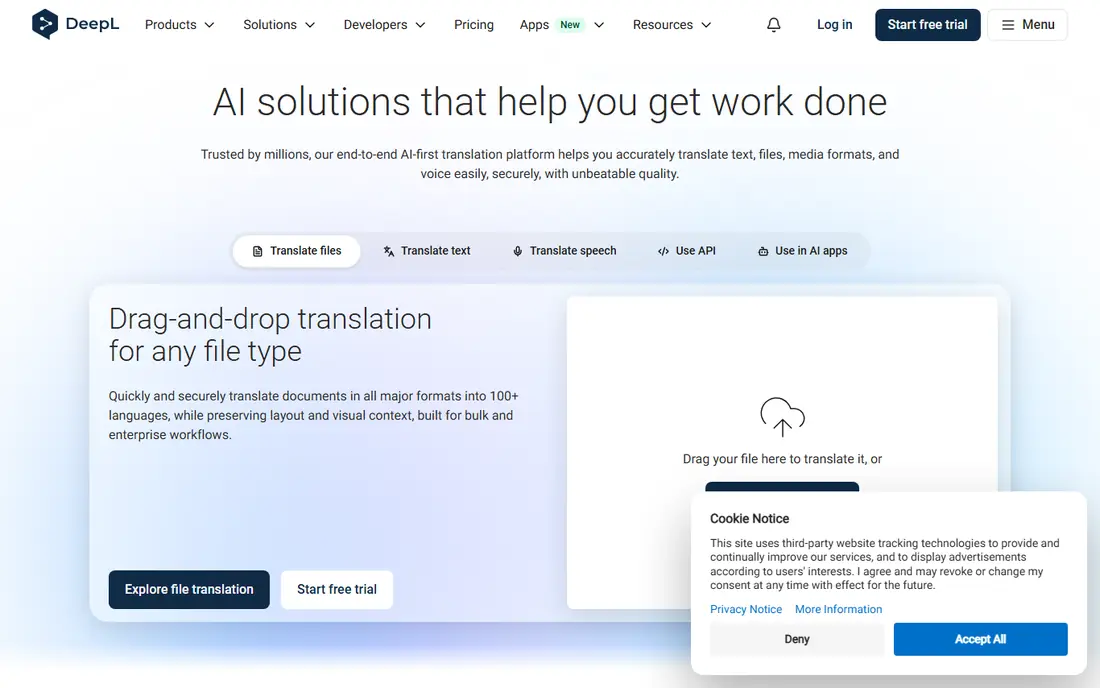
DeepL is often the first choice when a PDF needs to read well in French, German, Spanish, Italian, or another European language. Its document feature lets users upload a file and receive a translated version that keeps headings, paragraphs, and tables in place, which saves time compared with copying text by hand. The tone and glossary options also help teams keep product names and repeated terms consistent across files. Check the current pricing page and terms before you buy, because plans, limits, and included features change over time. The main weakness is coverage. For less common languages, DeepL may not offer the pair at all, or the result may be less reliable than a broader tool. Free use is also limited, so regular users and larger files will need a paid plan. DeepL fits professionals and small teams who translate European business, academic, or legal drafts and who plan to review the result before use. Check the current pricing page and terms before you buy, because plans, limits, and included features change over time.
- Natural wording for European languages
- Document translation with layout kept
- Glossary support for consistent terms
- Language coverage is narrower than Google Translate
- Free plan has limits on document size and volume
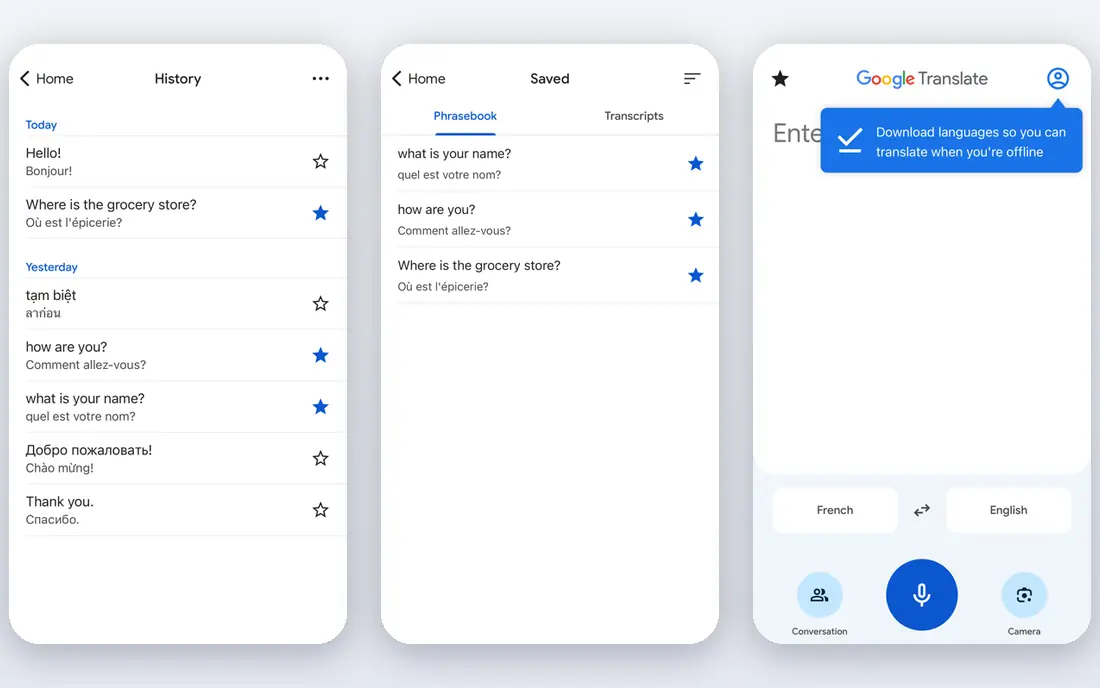
Google Translate is the most accessible option in this list, and it is useful when the priority is understanding a document rather than publishing a polished version. The web tool accepts PDF uploads, detects the source language, and returns a translated file or text that can be checked quickly. Its strength is breadth, covering many languages and language pairs that smaller tools do not support at all. Check the current pricing page and terms before you buy, because plans, limits, and included features change over time. That breadth comes with limits on polish. Complex tables, footnotes, and scanned pages may not transfer cleanly, and formal or technical wording can sound flat or literal. Google Translate fits students, travelers, and general readers who need a fast, free reading of a PDF, and it works as a first draft for professionals who will edit the output carefully. Before you commit, test the core workflow with a realistic example from your own work, and note where it saves time and where it adds friction.
- Very wide language coverage
- Free for basic use
- Document upload in the web version
- Layout can shift in complex PDFs
- Wording can be literal for technical or formal text
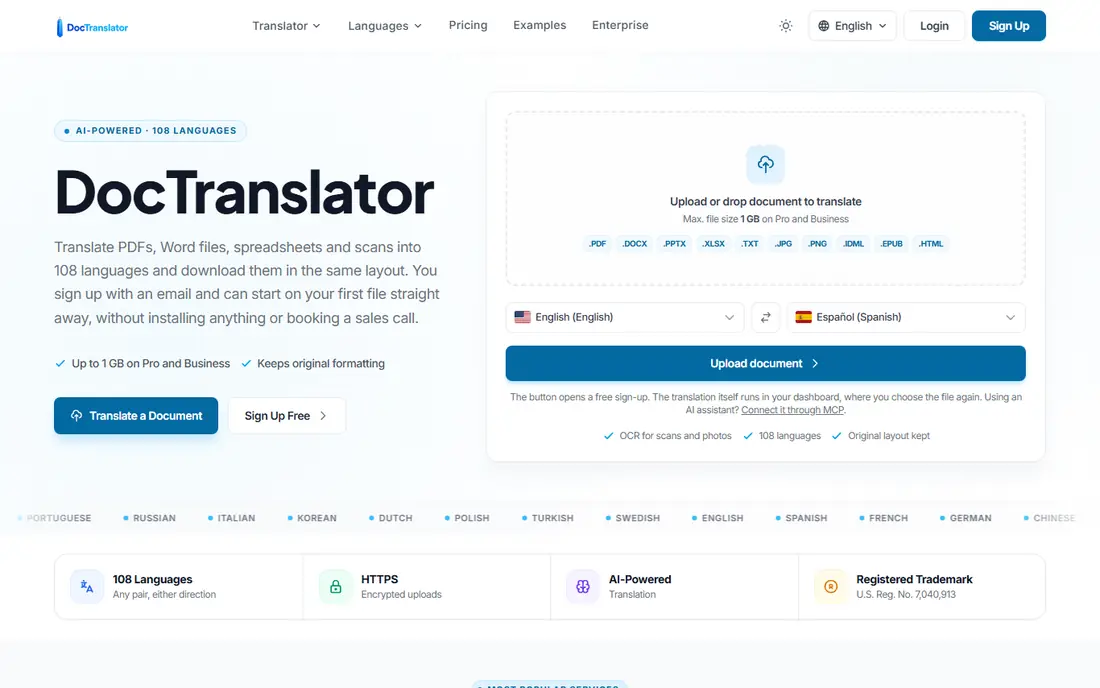
DocTranslator is designed around one job, which is turning a complete file into a translated file without rebuilding it from scratch. Users upload a PDF, choose the source and target languages, and download a version that keeps fonts, images, tables, and page structure in place. The service also reads scanned PDFs, which matters for older contracts, certificates, and paper forms that other tools cannot process. Check the current pricing page and terms before you buy, because plans, limits, and included features change over time. The trade-off is cost structure. Free use is limited, and frequent users need a subscription or pay per document, so a team with a large archive should compare the monthly allowance with its actual page count. DocTranslator fits people who need ready-to-share PDFs, including job applicants, students, and small businesses handling official-looking documents for everyday use. Before you commit, test the core workflow with a realistic example from your own work, and note where it saves time and where it adds friction.
- Built for whole documents
- Layout and formatting preserved
- Scanned PDF support through OCR
- Per-document and subscription costs add up for heavy use
- Certified translation is a separate paid service
Microsoft Translator suits readers and teams who already work in Word, Edge, Teams, or other Microsoft tools. Document translation can be handled through Microsoft services, and the same engine supports text, speech, and image translation in related apps. That shared setup reduces the need to learn a separate tool, and it helps when a PDF is one part of a larger set of Office files. Check the current pricing page and terms before you buy, because plans, limits, and included features change over time. The weakness is that the experience is less focused than a document-only service. Users outside the Microsoft system may find the setup less direct, and high-volume or developer use can move into paid cloud pricing. Microsoft Translator fits offices, schools, and teams that already use Microsoft accounts and want translation to sit close to their normal documents. Before you commit, test the core workflow with a realistic example from your own work, and note where it saves time and where it adds friction.
- Works inside Microsoft products
- Strong language coverage
- Document translation for business files
- Best value depends on a Microsoft setup
- Advanced use may need a paid cloud plan
Reverso is best used as a checking tool alongside a main translator, especially when a single word or phrase could change the meaning of a sentence. Its context examples show how words appear in real sentences, which helps users spot a false friend or a term that fits one field but not another. The web interface is simple, and short documents can be handled without a complex setup. Check the current pricing page and terms before you buy, because plans, limits, and included features change over time. For long or heavily formatted PDFs, Reverso is not the strongest primary choice. Its document handling is more limited than tools built for whole files, and users may need to split a file or move to another service for layout-heavy work. Reverso fits language learners, writers, and professionals who want a second view on wording before they finalize a translation. Before you commit, test the core workflow with a realistic example from your own work, and note where it saves time and where it adds friction.
- Context examples help check word choice
- Useful for French, Spanish, and other European languages
- Simple web interface
- Less suited to very long PDFs
- Document features are narrower than dedicated PDF tools
Pairaphrase targets companies that translate the same kinds of documents again and again, such as manuals, reports, and product sheets. Its translation memory stores approved phrases, so repeated sentences stay consistent and do not need fresh editing each time. File handling is also geared to office work, with support for common document types and a workflow that keeps the original file structure in view. Check the current pricing page and terms before you buy, because plans, limits, and included features change over time. The main drawback is access. Pricing is not always shown as a simple monthly figure, and smaller users may need to ask for a quote before they know the cost. Language coverage is also narrower than Google Translate. Pairaphrase fits business teams with recurring document work who value consistency and are willing to set up a proper workflow. Before you commit, test the core workflow with a realistic example from your own work, and note where it saves time and where it adds friction.
- Built for business files
- Translation memory for repeated phrases
- File and folder handling for teams
- Pricing is quote-based for many teams
- Smaller language list than the largest general tools
SYSTRAN has served large organizations for many years, and its strength lies in controlled, technical translation rather than casual reading. Specialized models and terminology controls help teams in manufacturing, defense, and other regulated fields keep terms stable across long documents. For buyers with strict data rules, deployment options beyond a public web tool can also matter. Before you commit, test the core workflow with a realistic example from your own work, and note where it saves time and where it adds friction. That enterprise focus is also the weakness for most individual readers. Setup, pricing, and support are geared to organizations, not to someone translating a single PDF quickly. SYSTRAN fits large teams and public bodies with ongoing, sensitive, or highly technical document work and a need for terminology control. Check the current pricing page and terms before you buy, because plans, limits, and included features change over time. Compare two or three options side by side on the same task, because a demo alone rarely shows everyday limits.
- Long history in machine translation
- Specialized models for technical and regulated content
- On-premise options for some buyers
- Enterprise focus makes it heavy for casual users
- Pricing and setup need discussion with the vendor
GroupDocs Translation is a practical choice when a user wants a quick result without installing software or creating a complex account. The web tool accepts a PDF, translates it, and returns a file that can be downloaded and checked. Support for other file types is useful when the same project includes Word files, spreadsheets, or presentations alongside PDFs. Before you commit, test the core workflow with a realistic example from your own work, and note where it saves time and where it adds friction. The limits are familiar for free online tools. Volume and file size are capped, and the output is a machine draft rather than a finished professional translation. GroupDocs Translation fits occasional users, students, and small teams who need a fast file translation and are ready to review names, numbers, and layout before sharing it. Before you commit, test the core workflow with a realistic example from your own work, and note where it saves time and where it adds friction.
- No install needed for web use
- Supports many file types beyond PDF
- Simple upload and download flow
- Free use has limits
- Output still needs review for formal or technical documents
How we picked these
We compared official feature pages, pricing pages, app store listings, privacy policies, and public reviews for tools that accept PDF files and return a translated document.
Choosing the right PDF translator
Start with the file itself.
Match the tool to the document
For a reading copy, speed and language coverage matter more than perfect layout.
Privacy and sensitive files
Do not upload a confidential contract, medical record, or identity document to a public web tool without checking its privacy policy first.
Frequently asked questions
What is the best software for pdf translation for everyday use?
For everyday use, DeepL suits European languages and polished drafts, while Google Translate suits broad language coverage and free reading. DocTranslator is a strong choice when the PDF layout must stay intact.
Can free PDF translation software handle scanned PDFs?
Some free tools can, but many cannot. DocTranslator and some online tools include OCR for scanned pages, while general text translators may return little or no text from an image-only PDF.
Does PDF translation keep the original layout?
It often keeps most of the layout, but not always perfectly. Headings, paragraphs, and simple tables usually survive, while complex tables, footnotes, and text inside images may shift.
Is machine PDF translation safe for legal or official documents?
Machine translation can help with understanding, but it is not a substitute for a certified human translation when an authority requires one. Legal wording, names, and dates need exact handling, and an error can change the meaning of a clause.
Which PDF translator is best for business teams?
Business teams with recurring work should look at Pairaphrase or SYSTRAN for terminology control, and DeepL for polished European drafts. Teams inside Microsoft workflows may prefer Microsoft Translator for convenience.
Sources
See where you really rank - block by block
ProMapRanker scans Google Maps across a grid of your service area. Simple monthly plans from $19, white-label on every plan.
Start freeKeep reading
 zendesk alternatives
Best Zendesk Alternatives in 2026
Compare the best Zendesk alternatives in 2026, from budget help desks to AI-first support tools, with current pricing, free plans, and honest trade-offs.
Read → wordpress alternatives
Best WordPress Alternatives in 2026
Looking for the best WordPress alternatives? We compare 8 free and paid options for blogs, business sites, stores, and developer-led projects in 2026.
Read → which real estate company has the best training
Best Real Estate Company Training in 2026
Compare which real estate company has the best training, from Keller Williams and eXp to Compass and Coldwell Banker, by program, mentor, and fit in 2026.
Read →