 ProMapRanker
Best Software for Packaging Design in 2026


Packaging artwork and print files · Pricing starts at: $22.99 per month
Key takeaways
- Adobe Illustrator remains the standard for packaging artwork and print-ready files, while Esko ArtiosCAD handles structural dielines.
- Esko Studio adds photorealistic 3D packshots inside Illustrator, which speeds approvals without physical samples.
- Pacdora and Boxshot cover fast 3D mockups for small teams, with Pacdora offering a free plan for basic work.
- Most teams use two tools, not one. Pair an artwork tool with a structural or 3D tool that matches your production stage.
Quick comparison
| Pick | Great for | Pricing starts at | Free tier | |
|---|---|---|---|---|
| Adobe Illustrator | Packaging artwork and print files | $22.99 per month | Free trial | Visit |
 Esko Studio | Photorealistic packshots inside Illustrator | See website | Free trial | Visit |
 Esko ArtiosCAD | Structural packaging engineering | See website | Free trial | Visit |
 CorelDRAW Graphics Suite | Vector artwork without Adobe subscription lock-in | $249 per year | Free trial | Visit |
 Pacdora | Fast browser-based mockups and dielines | Free | Yes | Visit |
 Adobe Substance 3D | Realistic materials and concept renders | $59.99 per month | Free trial | Visit |
 Boxshot | Simple, affordable 3D pack renders | $99 one-time | Free trial | Visit |
 Arden IMPACT | Production structural CAD and CAM | See website | Free trial | Visit |
 Canva | Small brands and early packaging concepts | Free | Yes | Visit |
The best software for packaging design
Packaging design splits into artwork, structure and visualization, and no single app leads on all three. We compared tools for each stage, so you can pick the combination that fits your products, your printer and your budget.
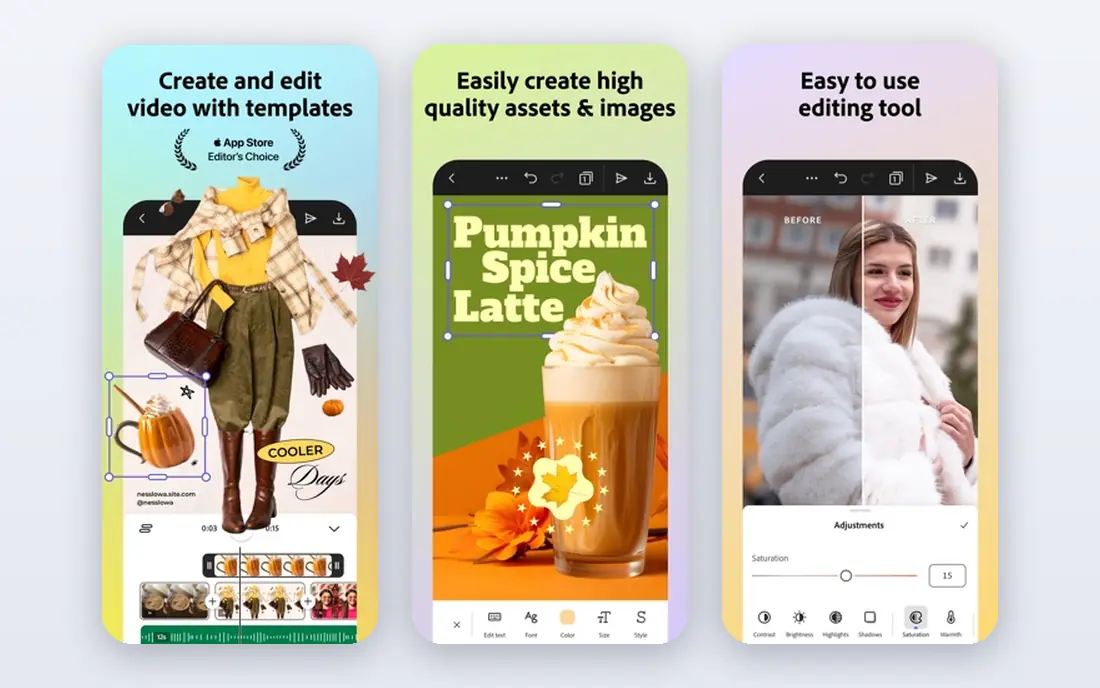
Illustrator is where most packaging artwork starts and finishes. Vector drawing, typography, spot color handling and bleed settings give designers the control printers expect, and production files from Illustrator are accepted almost everywhere. Dielines supplied by a structural designer can be placed as a guide layer, so artwork aligns to folds, glue areas and cut lines before it goes to print.
The gap is structure. Illustrator does not design a carton from scratch with engineering rules, and its built-in 3D tools are not a substitute for a dedicated packshot renderer. Teams usually pair Illustrator with Esko Studio, ArtiosCAD or Pacdora for that stage. If you only buy one packaging tool, Illustrator is still the safest first purchase for artwork-led work.
- Industry-standard vector tools
- Precise color, type and dieline control
- Wide printer and prepress acceptance
- No native structural CAD
- Subscription only
- 3D mockups need a plugin or companion tool
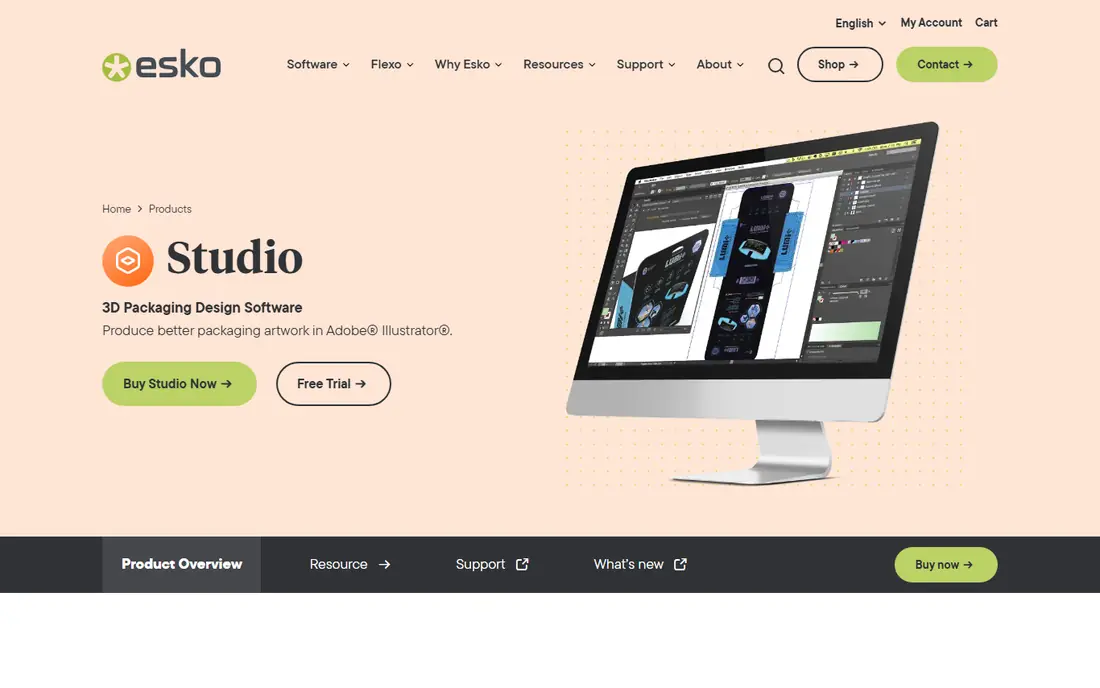
Esko Studio turns flat Illustrator artwork into a render that looks close enough to a printed pack to win approval. Designers can test a carton, bottle, flexible pouch or shrink sleeve in 3D, check how artwork wraps around folds, and share a virtual packshot with buyers or retailers. That step cuts physical mockup rounds, which saves time when a launch date is tight.
Studio is priced as a professional tool, so small brands may find Pacdora or Boxshot more practical for occasional mockups. For packaging teams that already work in Illustrator daily and need retailer-ready visuals, Studio keeps artwork and visualization in one place. Check the Essentials and Advanced tiers, since material and print simulation features differ by tier.
- 3D visualization without leaving Illustrator
- Shrink sleeve and carton simulation
- Realistic renders for approvals
- Enterprise pricing
- Requires Illustrator workflow
- Learning curve for 3D materials
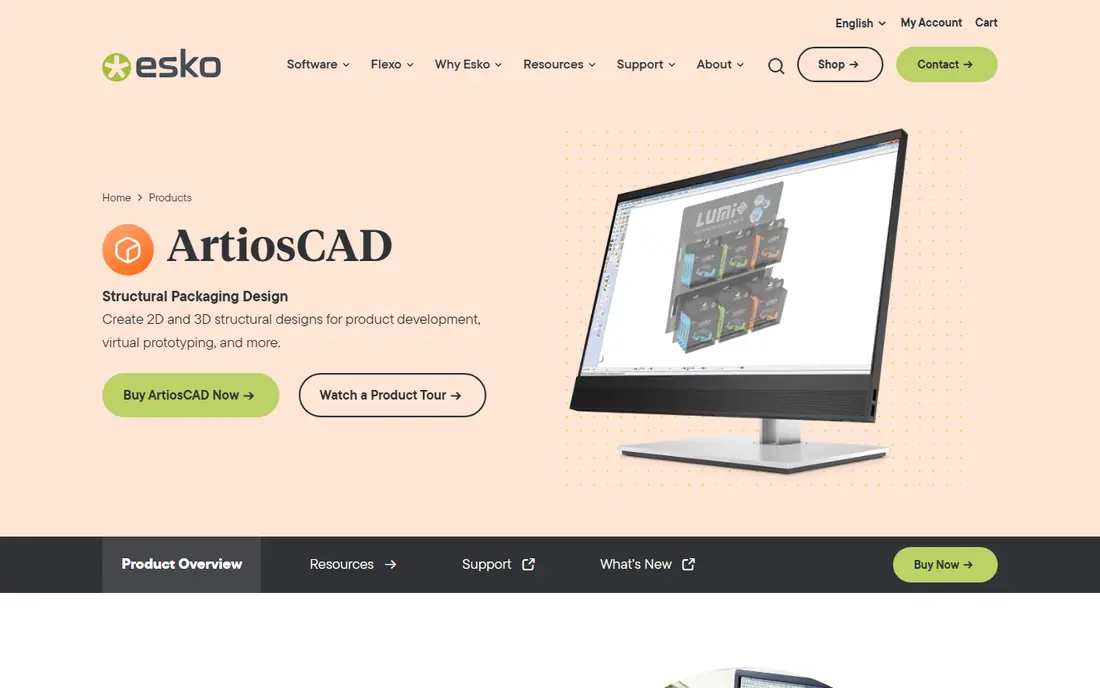
ArtiosCAD is the structural counterpart to Illustrator. Packaging engineers use it to design cartons, corrugated boxes and displays with real dimensions, board grades, fold rules and manufacturing constraints. Its library of resizable structures speeds work, and the output goes to cutting tables and printers with the precision production requires.
This is not a tool for quick marketing mockups. Training, implementation and price all reflect its manufacturing role, and small design studios may never need its full depth. For brands, converters and packaging manufacturers that produce dielines for real production, ArtiosCAD remains the reference standard that printers and engineers recognize.
- Production-grade dielines and carton design
- Large structural library
- Direct manufacturing handoff
- Quote-based pricing
- Specialist training needed
- Overkill for simple mockups
CorelDRAW Graphics Suite
Great for: Vector artwork without Adobe subscription lock-in
CorelDRAW offers a complete vector design suite for packaging artwork, layout and illustration, with a subscription and purchase options that appeal to buyers who want an alternative to Adobe. Its drawing, color management and prepress tools handle labels, cartons and flexible packaging artwork well, and the suite includes photo editing and font tools that reduce the need for extra apps.
The trade-off is ecosystem. Many packaging plugins, including Esko Studio, are built for Illustrator first, so CorelDRAW users may need a different 3D or structural workflow. File exchange with Illustrator-based printers also needs a preflight check. If your printer accepts CorelDRAW files or PDF output cleanly, the suite is a capable and often cheaper artwork home.
- Full vector suite with perpetual option history
- Strong typography and layout
- Good print tools
- Smaller packaging plugin ecosystem than Illustrator
- Esko tools are Illustrator-first
- File exchange needs care
Pacdora runs in a browser and focuses on speed. Designers pick a box, bottle, bag or pouch template, adjust dimensions, apply artwork and generate a 3D mockup and a dieline without installing CAD software. That workflow suits startups, e-commerce sellers and freelancers who need a credible packshot for a listing or pitch this week, not a manufacturing specification next quarter.
Paid plans remove watermarks, raise export resolution and add dieline customization and AI background tools, with monthly prices starting in the low teens on monthly billing in research. The free plan is genuinely useful for testing concepts, but check export rights before using a free mockup commercially. Pacdora is a presentation tool first, so send production dielines to your printer for a final check.
- Large mockup and dieline template library
- No install needed
- Free plan for basic work
- Less production depth than ArtiosCAD
- High-resolution and commercial features need paid plans
- Template limits on free tier
Substance 3D covers the visual side of packaging at a higher level of realism. Designers can build materials for paper, foil, glass, plastic and metal, light a packshot convincingly and render concept visuals for marketing, pitches and e-commerce. For premium products where texture and finish sell the pack, that realism matters more than a simple template render.
It does not design dielines or production structures, so pair it with Illustrator for artwork and a structural tool for manufacturing. The collection includes several apps, so check which Substance apps your plan includes before buying. Concept teams and agencies that already use Adobe tools will get the most from it.
- Realistic material creation
- Strong lighting and rendering
- Useful for concept and premium visuals
- Subscription cost
- Not a structural dieline tool
- Learning curve for material authoring
Boxshot takes a simpler path to 3D packaging visuals. Pick a shape, apply your artwork, adjust lighting and background, and render a clean packshot for a website, catalog or sales deck. The one-time price makes it attractive for small teams that need occasional renders without another subscription, and the desktop app works offline once installed.
Advanced material realism and structural engineering are outside its scope, so premium concept work may still need Substance or Studio. Boxshot wins on clarity and cost for everyday mockups, especially for boxes, bottles, bags and books. Trial it with your own artwork, since label wrapping and reflections reveal quality differences quickly.
- One-time purchase
- Easy shape library
- Fast renders for boxes, bottles and books
- Fewer advanced material tools than Substance
- No structural CAD
- Smaller template range than Pacdora
Arden IMPACT is a structural CAD and CAM tool used by packaging manufacturers, converters and agencies that handle complex dielines. It supports carton, corrugated and display structures, with tools for design, costing, estimating and production handoff that go beyond drawing a shape. Teams that manage many structural jobs benefit from its database-driven approach and repeatable templates.
Graphic designers who only need a mockup will find IMPACT heavier than Pacdora or Boxshot, and pricing requires a vendor quote. For production environments where a dieline error costs a print run, that depth is the point. Ask for a demo with your board types and cutting equipment to confirm the handoff matches your factory workflow.
- Production-grade structural design
- Carton and corrugated support
- Manufacturing and ordering workflows
- Quote-based pricing
- Specialist setup
- Less suited to pure graphic design
Canva is not a production packaging tool, but it earns a place for early-stage brands. Founders and small teams can test label ideas, color directions and pack layouts quickly, using templates and stock assets without design training. That speed helps when you need to show a concept to a co-packer, retailer or focus group before hiring a packaging designer.
The limits appear at print time. Canva lacks structural dieline tools, spot color precision and the prepress controls that Illustrator and ArtiosCAD provide, so final artwork should move to a professional tool before production. Use Canva to explore and communicate, then hand a clear brief and approved concept to your designer or printer.
- Very easy to learn
- Large template and asset library
- Free plan for concept work
- Not a structural or prepress tool
- Limited color and dieline control
- Print files need careful checking
How we picked these
We compared official feature pages, pricing pages and packaging workflows for tools that cover artwork, structure or 3D visualization in October 2026. We favored tools with a clear packaging use, active sales and support, and enough published detail to verify their role, and we excluded generic image editors with no packaging workflow. We did not claim hands-on testing, and we used See website for quote-based enterprise tools where a single public price would mislead.
What to check before you buy
Map your stage before you shop. Artwork tools handle graphics, type and color. Structural tools handle dimensions, folds and manufacturing output. Visualization tools handle renders and approvals. Most packaging projects need at least two of those stages, so budget for a pair and check how files move between them, especially dieline exchange between structural and artwork tools.
Next, involve your printer early. Ask which file formats, color modes, bleed settings and dieline formats they accept, and whether they charge extra to fix files from a browser tool. A mockup that looks good on screen but fails preflight costs more than a better tool would have. Finally, test with a real product. Use your actual dimensions, artwork and materials in the trial, and render or export the result your buyer or printer will see.
Artwork, structure and mockup pairings
A common pairing is Illustrator for artwork plus Pacdora or Boxshot for mockups, which covers small brands well. Larger teams pair Illustrator with Esko Studio for visuals and ArtiosCAD for structure. Keep the pairing simple at first, and add a second visualization tool only when approvals or realism demand it.
Print readiness checklist
Confirm bleed, safe margins, spot colors, barcode placement and minimum type sizes before you send files. Check that dielines sit on a separate layer, that folds and glue areas are marked, and that your export includes the color profile your printer requests. A short preflight pass catches most costly reprints.
Frequently asked questions
What is the best software for packaging design for beginners?
Pacdora is the easiest starting point for mockups and dielines, while Canva helps with early label concepts. Beginners who plan to work with printers should learn Adobe Illustrator next, since it is the artwork standard. Start with a mockup tool for speed, then add Illustrator when print accuracy matters.
What is the best packaging design software for professional production?
For production work, pair Adobe Illustrator for artwork with Esko ArtiosCAD or Arden IMPACT for structural design. Esko Studio adds 3D visualization inside Illustrator for approvals. That combination covers artwork, structure and renders, which is why professional packaging teams use it.
Can I design packaging in Canva?
You can design early concepts and simple labels in Canva, but it is not a production packaging tool. It lacks structural dieline design and full prepress control, so move final artwork to Illustrator or a structural tool before printing. Use Canva for exploration, not for final manufacturing files.
What software creates 3D packaging mockups?
Pacdora, Boxshot, Esko Studio and Adobe Substance 3D all create 3D packaging mockups, with different strengths. Pacdora and Boxshot are fastest for standard shapes, Esko Studio ties renders to Illustrator artwork, and Substance 3D leads on realistic materials. Choose by realism, speed and whether you already use Illustrator.
Do I need ArtiosCAD for a simple box?
No, a simple box mockup or dieline can come from Pacdora or a printer-supplied template. ArtiosCAD is worth it when you design many structures, need manufacturing-grade output or work with complex cartons and corrugated packaging. For one simple product, a template plus a printer check is usually enough.
How much does packaging design software cost?
Costs range from free for Pacdora and Canva basic plans to $22.99 per month for Illustrator and quote-based pricing for Esko and Arden enterprise tools. Small teams often spend under $50 per month for artwork plus mockups, while production teams pay significantly more for structural CAD. Get quotes on your real product mix before budgeting.
Sources
See where you really rank - block by block
ProMapRanker scans Google Maps across a grid of your service area. Simple monthly plans from $19, white-label on every plan.
Start freeKeep reading
 zscaler alternatives
Best Zscaler Alternatives in 2026
Looking for zscaler alternatives? We compare 9 SASE and zero trust platforms on architecture, data protection, pricing, and fit for your network and team.
Read → zapier alternatives free
Best Zapier Alternatives Free in 2026
Nine automation tools for zapier alternatives free in 2026, all with genuinely free tiers, plus free plan limits, starting prices and upgrade paths explained.
Read → which platform is best for online reputation
Which Platform Is Best for Online Reputation in 2026
Wondering which platform is best for online reputation? We compare 8 review, listing, and response tools for small and multi-location businesses and agencies.
Read →