 ProMapRanker
Best Software for Monitoring Live Chat Quality in 2026


Teams already on Zendesk · Pricing starts at: $35 per agent per month
Key takeaways
- Zendesk QA and EvaluAgent publish clear per-agent prices, while most enterprise QA tools are quoted, so budget time for sales calls on the latter.
- The best chat QA tools score written chats on tone, accuracy, and resolution, not just on speed, and they link scores to coaching.
- AI review helps cover far more chats than manual sampling, but human calibration still matters for fair and consistent scores.
- Use chat monitoring only for lawful, authorised quality purposes, tell agents what is reviewed, and follow your company policy and local law.
Quick comparison
| Pick | Great for | Pricing starts at | Free tier | |
|---|---|---|---|---|
| Zendesk QA | Teams already on Zendesk | $35 per agent per month | No | Visit |
 EvaluAgent | Transparent seat-priced QA | $35 per user per month | No | Visit |
 MaestroQA | Regulated teams needing screen capture | See website | No | Visit |
 Playvox | QA plus workforce management | See website | No | Visit |
 Scorebuddy | QA, coaching, and learning in one suite | See website | No | Visit |
 Level AI | Automated QA plus real-time assist | See website | No | Visit |
 Observe.AI | AI-native QA for contact centres | See website | No | Visit |
 Kaizo | Coaching-led QA for chat teams | See website | No | Visit |
 Voxjar | Small teams wanting published pricing | $99 per month | Free trial | Visit |
The best software for monitoring live chat quality
Live chat quality is judged in writing, so the right tool must read tone, check facts, and track whether the issue was actually solved. The tools below cover chat, email, and voice to different degrees, but each one can score chat conversations and turn results into coaching.
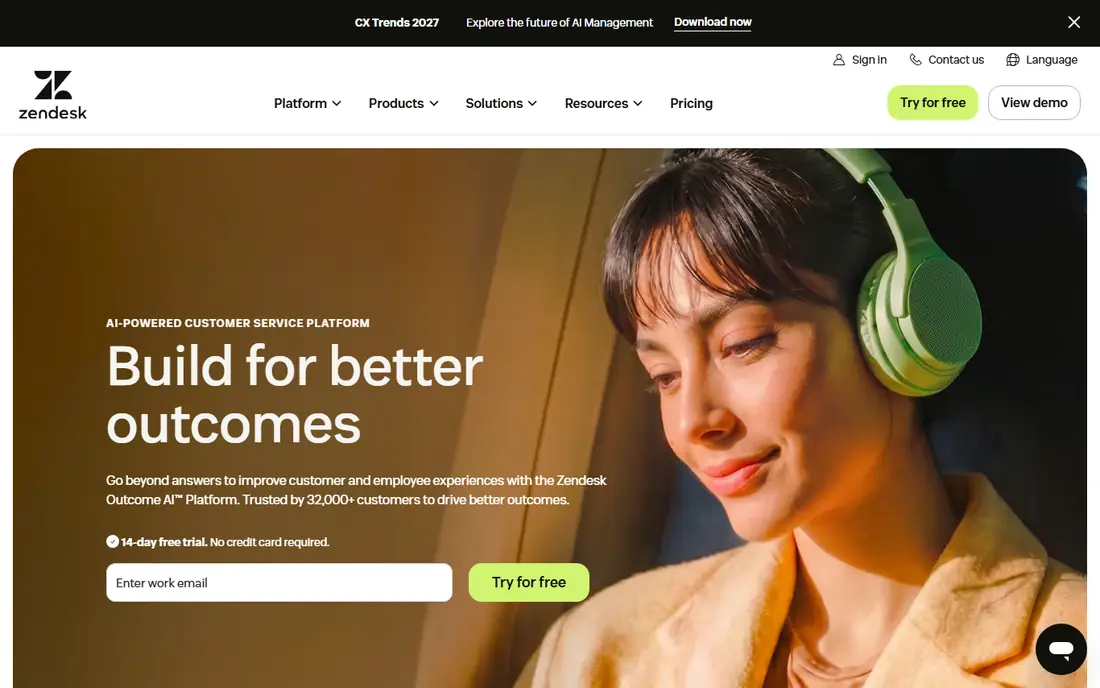
Zendesk QA, formerly Klaus, is the natural pick for support teams that already run live chat in Zendesk. Because it reads Zendesk tickets and chats directly, setup avoids a separate data pipeline, and AI review can score a larger share of chats than manual sampling alone. Managers can build scorecards around greeting, tone, accuracy, and resolution, then track trends by agent and team.
The catch is total cost. The $35 per agent figure is an add-on price on top of a Suite plan, so a team new to Zendesk should price the full seat, not the add-on alone. For existing Zendesk customers, though, the native link and published price make budgeting simple. It is our pick for most people when Zendesk is already the helpdesk.
- Native Zendesk data
- AI review across channels
- Clear add-on price
- Needs a Zendesk Suite plan
- QA price sits on top of base seats
- Less useful outside Zendesk
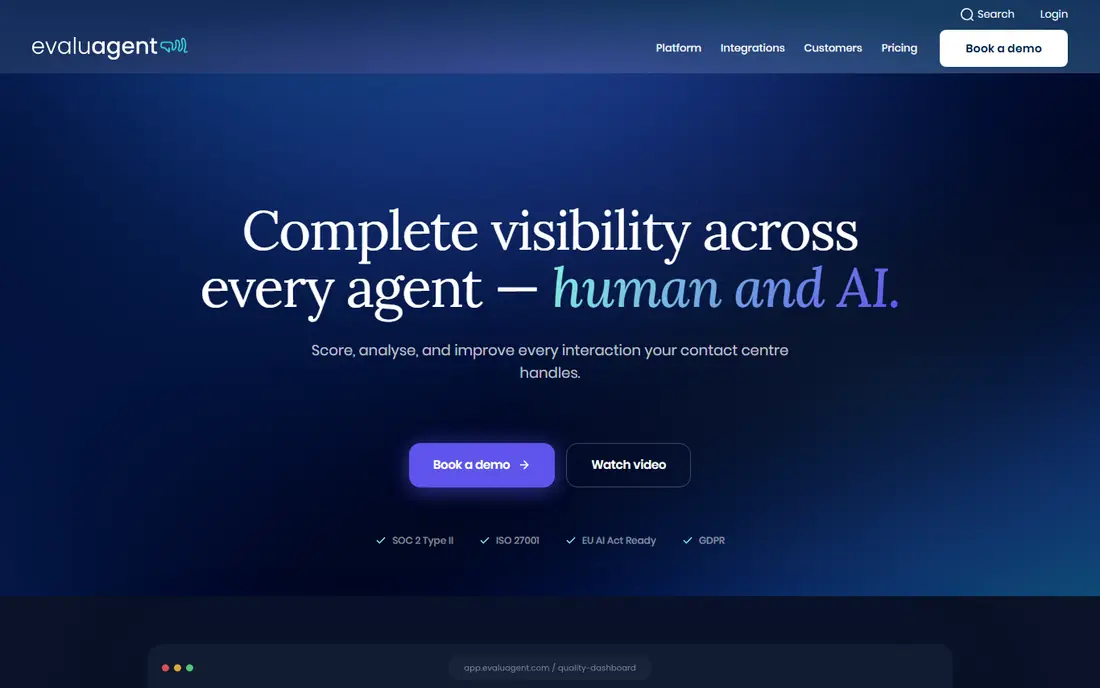
EvaluAgent stands out for publishing its prices, which is rare in QA software. The entry plan covers automated QA and improvement workflows, while the higher plan adds conversation intelligence such as sentiment and reason for contact. Scorecards can be bespoke or blended, calibration and agent disputes help keep scoring fair, and low scores can trigger eLearning lessons automatically.
That coaching link is the real strength for chat teams, since a dip in tone or accuracy can start training without a manager chasing it. The trade-off is that deeper analytics need the $65 tier, and there is no self-serve trial, only a proof of concept after a demo. For mid-size teams that want budget clarity and a full QA-to-coaching loop, EvaluAgent is a strong choice.
- Published pricing
- Bespoke and blended scorecards
- Coaching and eLearning links
- Conversation intelligence needs the higher tier
- No self-serve trial
- Live assist is not the focus
MaestroQA helps managers see not just what an agent wrote, but what was on screen when they wrote it. Screen capture adds context for regulated chats where wording, disclosures, and process steps matter, and the QA workflow supports calibration, coaching, and reporting. That depth suits finance, health, and other regulated support teams.
Pricing is quoted, and smaller teams may find the sales process slow for a quick purchase. The platform also covers voice and email, so chat-only teams should confirm they are not paying for breadth they will not use. When audit evidence and consistent scoring matter most, MaestroQA is worth the quote request.
- Screen capture for context
- Strong QA workflow
- Good for regulated work
- Quote-based pricing
- Enterprise sales process
- May be heavy for tiny teams
Playvox, now part of NICE, pairs quality scoring with workforce management, coaching, and learning tools. For a digital-first support team, that combination means chat quality scores can sit next to schedules, coaching notes, and performance plans without exporting data between systems. Scorecards can be tuned for chat tone, policy compliance, and resolution quality.
The main drawback is opacity on price, since plans are quoted rather than published. Teams should also confirm how Playvox fits inside the wider NICE portfolio after the acquisition, especially for integrations. If you want QA and workforce planning together, Playvox is a credible shortlist option.
- QA and workforce tools in one suite
- Digital-channel focus
- Coaching workflows
- Pricing is quoted
- Now part of NICE, so roadmap needs checking
- Setup takes planning
Scorebuddy combines quality scoring with coaching and learning management, which suits BPOs and larger support operations that train agents at scale. Managers can score chats, run calibration sessions, assign coaching, and track learning in one place. That closed loop helps when many agents handle similar chat queues and consistency is the main risk.
Pricing is quoted, and the breadth can feel dense for a team of five agents that only needs scorecards. Smaller teams should test whether the learning tools will actually be used before paying for the suite. For operations where QA, coaching, and training must stay linked, Scorebuddy covers the full cycle.
- QA plus LMS and coaching
- BPO-friendly workflows
- Calibration tools
- Quote-based pricing
- Interface can feel dense
- Smaller chat teams may find it broad
Level AI aims to automate QA and support agents while chats are still live. Automated scoring can cover a high share of conversations, and real-time assist can surface guidance during a chat, which is different from tools that only review chats after they close. Analytics can also group chats by topic and sentiment, helping managers spot process problems behind low scores.
Enterprise pricing is quoted, so small teams should expect a sales process and a higher total than published-price tools. Tuning automated scores for chat tone and policy also takes calibration work. For mid-market and enterprise centres that want QA and live assist in one platform, Level AI is a serious contender.
- Automated scoring at scale
- Real-time agent assist
- Conversation analytics
- Quote-based enterprise pricing
- Implementation needs planning
- Chat tuning takes time
Observe.AI is an AI-native platform for scoring and analysing customer conversations across chat and voice. It can auto-score interactions, surface coaching moments, and summarise trends by topic, sentiment, and agent. That breadth helps centres that run chat alongside phone support and want one quality view.
The platform is aimed at mid-market and enterprise buyers, and pricing is quoted. A chat-only team should check whether voice analytics add cost without adding value. If your centre is growing across channels and wants AI scoring as the default, Observe.AI is worth a demo.
- AI-first scoring and analytics
- Covers chat and voice
- Coaching workflows
- Quote-based pricing
- Enterprise focus
- Chat-only teams may pay for voice depth
Kaizo focuses on turning QA results into coaching and performance improvement, with workflows that suit chat-heavy teams. Managers can score chats, set goals, and track agent progress, while gamification can keep coaching visible without turning quality into a simple leaderboard. That coaching angle helps teams where tone and empathy matter as much as speed.
Pricing is quoted, and Kaizo is a smaller vendor than the enterprise suites, so integration depth should be checked for your helpdesk. Teams that already have a scoring method but struggle to follow through on coaching may get more value here than from a scoring-only tool.
- Coaching and performance focus
- Chat-friendly workflows
- Gamification options
- Pricing is quoted
- Smaller vendor than Zendesk or NICE
- Feature depth varies by plan
Voxjar pitches itself to smaller and mid-market teams that want AI QA without an enterprise sales cycle. The published monthly price and unlimited-user framing make budgeting easy, and the focus is on self-serve setup rather than a long implementation. For a small chat team that needs more coverage than manual sampling, that simplicity is appealing.
The trade-off is maturity and depth compared with Zendesk QA, MaestroQA, or Observe.AI. Enterprise controls, integrations, and reporting may be thinner, so test the helpdesk link and scorecard options before committing. If price transparency and a quick start matter most, Voxjar is a useful final shortlist pick.
- Published monthly price
- Self-serve feel
- AI QA without enterprise sales process
- Smaller vendor and review base
- Feature depth is narrower
- Enterprise controls are thinner
How we picked these
We compared official feature pages, pricing pages, and QA comparison guides, and we favoured tools that can score live chat, not only voice calls. We weighed scorecard flexibility, AI coverage, coaching links, and pricing clarity, and we mixed published-price tools with quoted enterprise platforms. We did not run hands-on QA trials, and we did not invent prices where vendors quote only on request.
What to check before you buy
Start with a sample of your own chats. Score the same set in each shortlisted tool, or at least walk through how each tool handles greeting, empathy, accuracy, and resolution on a real chat transcript. A tool that scores voice well may still miss chat nuance, such as long pauses, canned replies, or links that do not solve the problem.
Next, check calibration and fairness. Confirm that two reviewers can score the same chat and get close results, that agents can dispute scores, and that reports can be cut by queue, topic, and agent without exporting to a spreadsheet. Also confirm data handling: where chat transcripts are stored, how long they are kept, and who can access them.
Finally, settle the monitoring rules before rollout. Tell agents what is reviewed, why, and how scores affect coaching, and check local law and works-council or union rules where they apply. Monitoring should cover quality and training only, with access limited to authorised reviewers, and customers should be handled under your privacy policy.
Frequently asked questions
What does live chat quality software do?
It scores chat conversations against a scorecard, tracks trends by agent and team, and links low scores to coaching. Some tools use AI to review most or all chats, while others support manual review of a sample. The goal is consistent tone, accurate answers, and solved issues, not just fast replies.
How much does chat QA software cost?
Published prices start at $35 per agent or user per month for Zendesk QA and EvaluAgent, and $99 per month for Voxjar. Most enterprise tools are quoted, so the total depends on seats, channels, and AI features. Always price the helpdesk seat plus the QA add-on together.
Can AI score chats fairly?
AI can cover far more chats than manual sampling, but it still needs calibration against human reviewers. Test automated scores on your own chats, check edge cases such as sarcasm, refunds, and policy exceptions, and keep a dispute route for agents. Fairness improves when scorecards are clear and reviewers are trained.
Should agents know their chats are monitored?
Yes. Tell agents what is reviewed, how scores are used, and who can see results, and follow company policy and local law. Transparency improves trust and coaching uptake, while secret monitoring can damage morale and create legal risk. Limit access to authorised quality staff.
Is chat QA different from voice QA?
Yes, in part. Chat QA must judge written tone, clarity, and link quality, and it can review the full transcript without transcription errors. Voice QA must handle transcription, talk time, and interruptions. Many tools cover both, but test chat scoring directly rather than assuming voice strength transfers.
How many chats should we review?
AI tools can review a high share of chats, while manual teams often sample a smaller share per agent each month. Start with enough chats per agent to spot patterns, then raise coverage where scores vary or risk is high. Consistency over time matters more than reviewing every chat once.
Sources
See where you really rank - block by block
ProMapRanker scans Google Maps across a grid of your service area. Simple monthly plans from $19, white-label on every plan.
Start freeKeep reading
 worlds best local seo company
8 Worlds Best Local SEO Companies for Map Pack Growth in 2026
Compare the worlds best local seo company options for Google Business Profile work, citations, reviews, and multi-location rankings and reporting in 2026.
Read → world's best web hosting company
World's Best Web Hosting Company in 2026
Searching for the world's best web hosting company? We compared 10 hosts on price, renewal rates, speed, and support to help you choose well today in 2026.
Read → who's got the best nanny tax services
Who's Got the Best Nanny Tax Services in 2026
We answer who's got the best nanny tax services, comparing full filing, back taxes, software, and pricing so families can handle nanny taxes correctly.
Read →