 ProMapRanker
Best Software for Managing Projects in 2026


Cross-team task coordination · Pricing starts at: $10.99 per user per month
Key takeaways
- Asana is the safest default for cross-team work, while monday.com suits visual teams and ClickUp offers the most features per dollar.
- Free plans work for small teams, but timelines, portfolios, and advanced automation usually sit on paid tiers.
- Per-user pricing adds up fast, so count every person who needs a paid seat, including clients and part-time staff.
- Trello remains the fastest tool to adopt for simple kanban work, while Jira suits software teams running sprints.
- Pick the tool your team will open daily. A powerful system nobody updates is worse than a simple board everyone uses.
Quick comparison
| Pick | Great for | Pricing starts at | Free tier | |
|---|---|---|---|---|
| Asana | Cross-team task coordination | $10.99 per user per month | Yes | Visit |
 monday.com | Visual boards and workflows | $9 per user per month | Yes | Visit |
 ClickUp | Most features per dollar | $7 per user per month | Yes | Visit |
 Trello | Simple kanban boards | $5 per user per month | Yes | Visit |
 Jira | Agile software teams | See website | Yes | Visit |
 Wrike | High-volume marketing and creative work | $10 per user per month | Yes | Visit |
 Zoho Projects | Budget-friendly tracking | $4 per user per month | Yes | Visit |
 Smartsheet | Spreadsheet-style planning | $9 per user per month | Free trial | Visit |
The best software for managing projects
Project software fails when it asks too much of the team. The best tool is the one that shows who owns what, when it is due, and how work connects, without turning every update into a chore. The eight tools below cover simple boards, visual workflows, spreadsheet planning, and full agile development, so the right pick depends on team size and work style.
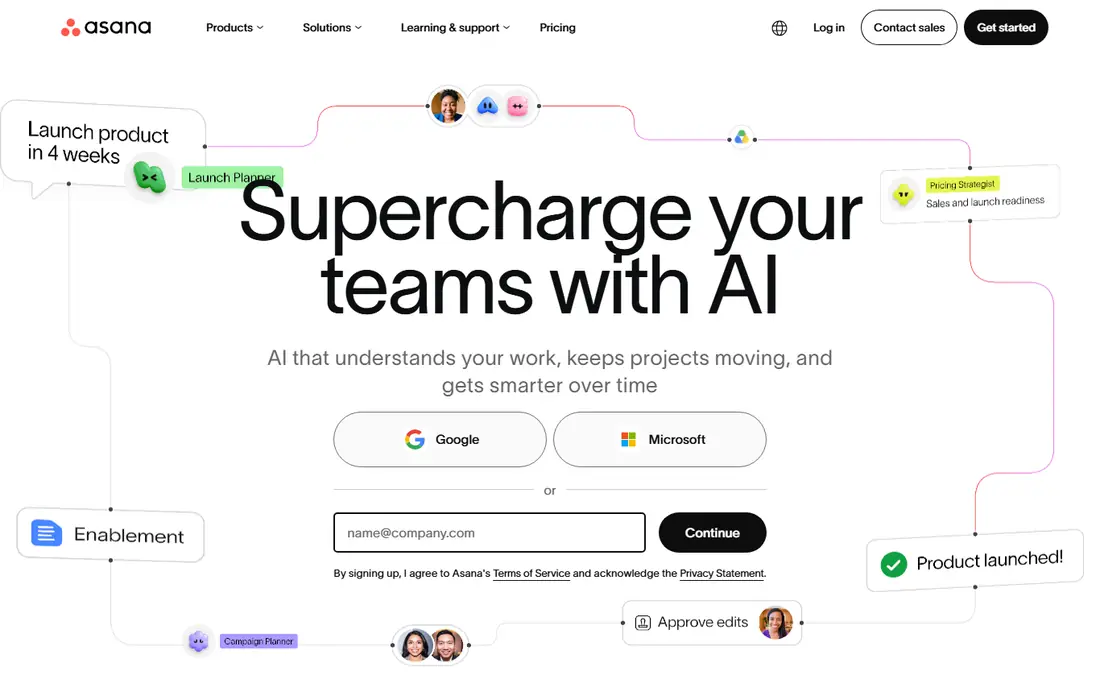
Asana is the safest default when a mixed team wants project management without a steep learning curve. Tasks, projects, timelines, and calendars fit together in an interface most people grasp in an afternoon, and every task carries an owner and a due date, which ends the usual question of who is doing what. Automation rules handle routine routing and notifications once a team outgrows manual triage.
Price is the honest catch. The free plan covers small teams, but Starter at $10.99 per user per month billed annually is where timelines and dashboards arrive, and portfolios sit higher still. For cross-functional teams that need everyone aligned on goals and deadlines, Asana remains a strong pick, but budget it per head, not per project.
- Clear tasks, timelines, and calendars
- Portfolios and goals on higher tiers
- Strong automation rules
- Per-user cost adds up
- Portfolios need higher tiers
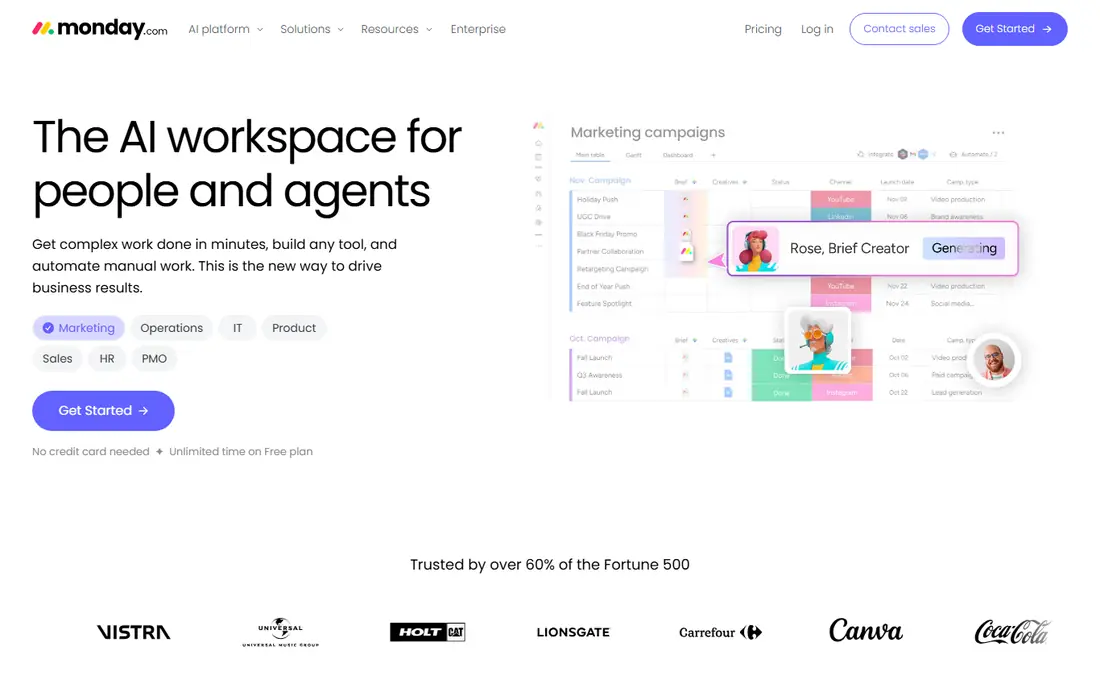
monday.com wins on approachability. Boards are visual and readable by people who have never used project software, which is why marketing, HR, and operations teams adopt it faster than more technical tools. Templates for campaign tracking, hiring pipelines, and content calendars mean most teams start from something close to what they need, then adjust columns and automations to fit.
Watch the seat rules. Paid plans start near $9 per user per month billed annually but often require a minimum seat count, so a tiny team pays for seats it does not use. Advanced features and AI add-ons can also raise the bill. For visual teams that want fast rollout and broad adoption, monday.com is still one of the easiest tools to roll out well.
- Colour-coded visual boards
- Many templates
- No-code automations
- Seat minimums on paid plans
- Costs rise with add-ons
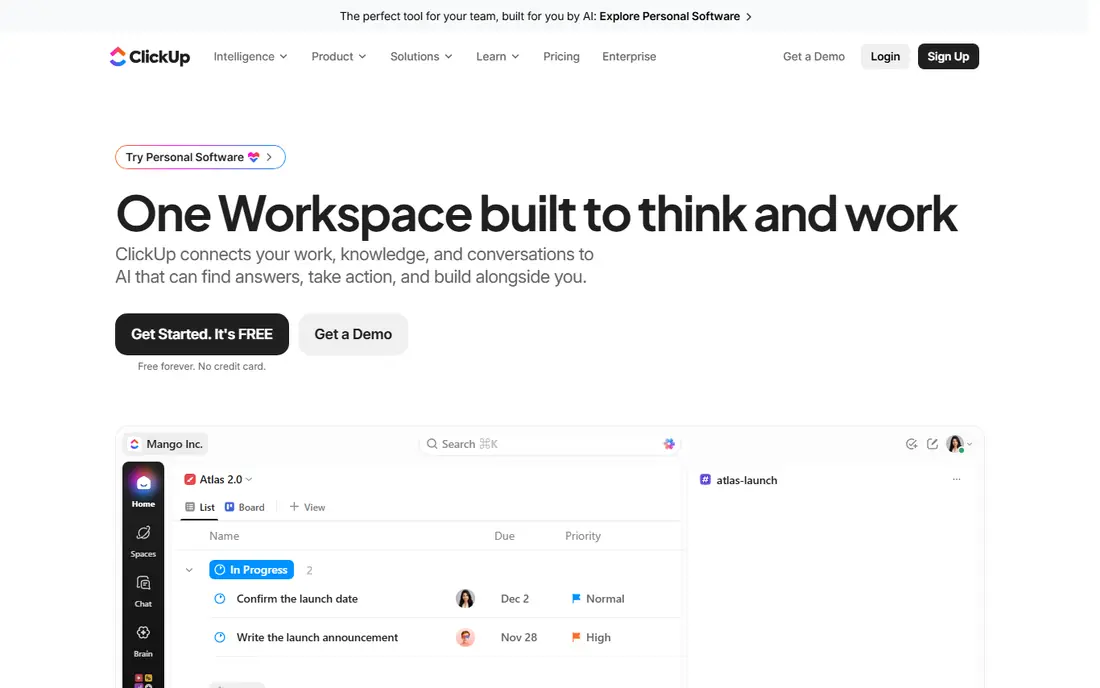
ClickUp offers the most features per dollar in this list. Tasks, docs, whiteboards, goals, and chat live in one workspace, and Unlimited starts near $7 per user per month billed annually, below most rivals with a similar feature set. The free plan is generous enough for a small team to run real work before paying anything.
Depth is also the drawback. ClickUp can feel sprawling at first, and a team that imports every feature at once will spend weeks configuring instead of working. Start with one project, a few custom fields, and a single automation, then expand. Teams willing to invest that setup time get a single login for work that otherwise spans three or four tools.
- Docs, whiteboards, and chat in one product
- Generous free plan
- Deep customisation
- Setup takes time
- Depth can overwhelm new users
Trello is the fastest tool here to adopt. A board, a few lists, and cards that move from left to right cover a surprising share of real project work, from content pipelines to hiring to event planning. Standard starts near $5 per user per month billed annually, and the free plan suits very small teams or personal projects.
Complex work exposes its limits. Dependencies, workload views, and portfolio reporting are thinner than on Asana or monday.com, and large programmes need workarounds or a second tool. For a small team whose work genuinely fits on boards, that simplicity is a strength, not a weakness. Graduate to a fuller tool only when board limits start slowing real work.
- Fastest to learn
- Simple kanban boards
- Low starting price
- Limited reporting and timelines on lower tiers
- Weak for complex dependencies
Jira is the standard for software teams running sprints, releases, and backlogs. Scrum and kanban boards, issue types, workflows, and release tracking are built for development work rather than bolted on, and the Atlassian marketplace adds testing, planning, and reporting extensions. The free plan covers up to ten users, which suits a small product team starting out.
Non-developers often find Jira heavy. Terminology, permissions, and workflow configuration reward an administrator who knows the product, and a marketing team dropped into a developer-configured Jira project may struggle. For a product and engineering organisation, though, Jira remains the tool that matches how software work actually flows.
- Scrum and kanban built in
- Strong issue history
- Large marketplace
- Feels heavy for non-developers
- Configuration takes skill
Wrike suits marketing and creative operations teams that handle high volumes of work with review cycles. Proofing lets reviewers comment directly on assets, approvals route work without email chains, and resource views show who is overloaded before deadlines slip. Workflows are configurable enough to mirror a real intake, review, and publish process.
New teams should allow time to learn it. Wrike rewards setup effort with a system that matches complex operations, but a team that wants a board in an afternoon may find it heavier than Trello or monday.com. For creative teams drowning in review rounds and asset versions, that structure pays for itself quickly.
- Proofing and approvals
- Resource views
- Configurable workflows
- Learning curve for new teams
- Some features need higher tiers
Zoho Projects is the budget pick, with paid plans starting near $4 per user per month billed annually. Gantt charts, milestones, timesheets, task automation, and document sharing cover core project work, and teams already using Zoho CRM, Books, or Mail gain from shared logins and data. The free plan suits tiny teams testing the waters.
Polish and integration breadth trail Asana and monday.com, and some teams will miss a specific third-party connection. For a cost-conscious team, especially one already in the Zoho ecosystem, those gaps rarely outweigh the price advantage. Zoho Projects proves that a capable project tool does not need a double-digit monthly seat price.
- Lowest entry price here
- Gantt charts and timesheets
- Zoho ecosystem links
- Interface is less polished
- Fewer third-party integrations than leaders
Smartsheet suits operations and programme teams that think in rows and columns. The grid interface feels familiar to spreadsheet users, while Gantt views, card views, dashboards, and portfolio reporting add project structure on top. Teams that plan budgets, track compliance tasks, or manage large programmes often adopt Smartsheet faster than a board tool, because the work already lives in sheets.
There is no free plan, only a trial, and paid plans start near $9 per user per month billed annually. Day-to-day collaboration feels a little more formal than on Asana or monday.com, which suits reporting-heavy teams more than fast-moving creative teams. For spreadsheet-native planning at scale, Smartsheet remains a strong and distinct choice.
- Familiar grid interface
- Strong reporting and dashboards
- Portfolio features
- No free plan, only a trial
- Collaboration feels less fluid than board tools
How we picked these
We compared official pricing pages, feature documentation, and public reviews for project management tools. We kept only tools that exist and work in October 2026, that cover tasks, deadlines, and team collaboration, and that publish enough pricing detail to judge fairly. Where pricing varies by billing period, we used the annual billed figure and said so in the product text.
What to check before you choose
Start with one real project, not a feature checklist. Map its tasks, owners, deadlines, and approvals in each shortlisted tool, and watch how long updates take. Check who needs a paid seat and who can work as a free viewer or guest, since that split decides the real monthly cost. Test reporting early, because a tool that tracks work well but reports it poorly will frustrate managers.
Look at automation and integration limits on the tier you will actually buy, not the top tier on the pricing page. Confirm data export, so you can leave with your project history intact. Finally, give the team a two-week trial on live work and ask for honest feedback. Adoption after the trial tells you more than any demo ever will.
Frequently asked questions
What is the best project management software for most teams?
Asana is the safest all-round pick for mixed teams, monday.com suits visual teams, and ClickUp offers the most features per dollar. Trello fits simple board work, while Jira fits software teams. The best choice depends on team size, work style, and how much structure the work truly needs.
Is there free project management software?
Yes. Asana, monday.com, ClickUp, Trello, Jira, Wrike, and Zoho Projects all offer free plans with limits on users, projects, or features. Free plans suit small teams and trials well. Growing teams usually upgrade within a few months for timelines, automation, and reporting.
How much does project management software cost?
Entry paid tiers in this list run from $4 to $10.99 per user per month billed annually, before seat minimums and add-ons. A ten-person team typically pays $40 to $110 per month on entry tiers. Count paid seats carefully, including part-time staff and clients who need more than viewer access.
Should a small team use Trello or Asana?
Use Trello if work fits on kanban boards and you value simplicity and low cost. Use Asana if you need timelines, dependencies, workload views, and automation for cross-team work. Many teams start on Trello and move to Asana as projects grow more complex.
Can project software replace email and chat?
It can replace much of the status chasing that fills inboxes, since tasks, comments, and updates live in one place. It does not replace real-time chat for quick questions or video calls for complex decisions. The best setup pairs a project tool with chat, so each conversation happens where it fits best.
Sources
See where you really rank - block by block
ProMapRanker scans Google Maps across a grid of your service area. Simple monthly plans from $19, white-label on every plan.
Start freeKeep reading
 what’s the best risk software for enterprises
What Is the Best Risk Software for Enterprises in 2026
We compared what’s the best risk software for enterprises on risk registers, controls, third-party risk, and reporting, with pricing notes for large teams.
Read → what's the best pam software for enterprises
What is the Best PAM Software for Enterprises in 2026
Find what's the best pam software for enterprises, with vaulting, session recording, just in time access and pricing compared for large enterprise IT teams.
Read → what’s the best grc software
What Is the Best GRC Software in 2026
We compared what’s the best grc software on risk, compliance, audit and vendor risk, so teams can pick a platform that fits their frameworks and budget.
Read →