 ProMapRanker
Best Software for Managing Notifications in 2026

Key takeaways
- Firebase Cloud Messaging is free for raw push delivery, but you must build preferences, batching and an inbox yourself.
- Courier, Knock and Novu separate message logic from delivery providers, which makes it easier to change providers later.
- OneSignal and Pushwoosh suit marketing and lifecycle push, while MagicBell suits a prebuilt in-app notification centre.
- Pricing is often charged by messages, users or deliveries, so compare plans on your real monthly volume, not on a headline rate.
Quick comparison
| Pick | Great for | Pricing starts at | Free tier | |
|---|---|---|---|---|
 OneSignal | Push, email and in-app at scale | Free | Yes | Visit |
 Courier | Orchestrating messages across providers | Free | Yes | Visit |
 Knock | Cross-channel workflows and preferences | Free | Yes | Visit |
 Novu | Open source notification infrastructure | Free | Yes | Visit |
 Pusher Beams | Developer-friendly push delivery | See website | Yes | Visit |
 Firebase Cloud Messaging | Free raw push for apps | Free | Yes | Visit |
 MagicBell | Prebuilt notification inbox | Free | Yes | Visit |
 Pushwoosh | Omnichannel lifecycle campaigns | Free | Yes | Visit |
The best software for managing notifications
We compared official feature pages, pricing pages and public reviews to find tools that manage push, email, SMS and in-app messages from one workflow. Senders should only message people who have consented, and every message should offer a clear opt-out or preference control, because notification permission is easy to lose and hard to win back.
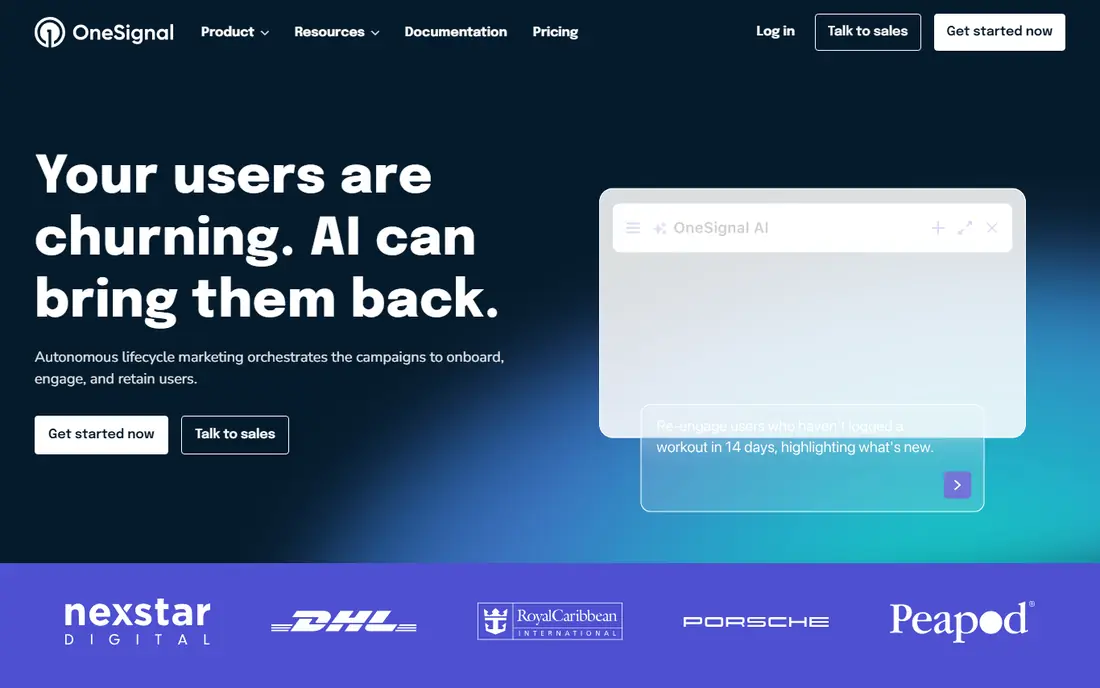
OneSignal is the most approachable starting point for teams that need push, in-app messages, email and SMS without building delivery infrastructure. Its free tier covers a useful volume for small apps, and segmentation and journey tools let product and marketing teams send targeted messages rather than blasts to everyone. The dashboard and SDKs are well documented, which shortens the time from setup to a first live campaign.
The catch is how paid pricing scales. Growth plans are charged in part by monthly active users, so a fast-growing app can see costs rise even if message volume stays flat. Teams should model cost at several user counts, and check which features, such as advanced journeys and analytics, require a higher plan. For many small and mid-sized apps, though, OneSignal remains the simplest path to reliable push.
- Generous free tier
- Segmentation and journeys
- Mobile and web push
- Paid pricing is based on monthly active users
- Advanced features sit on higher plans
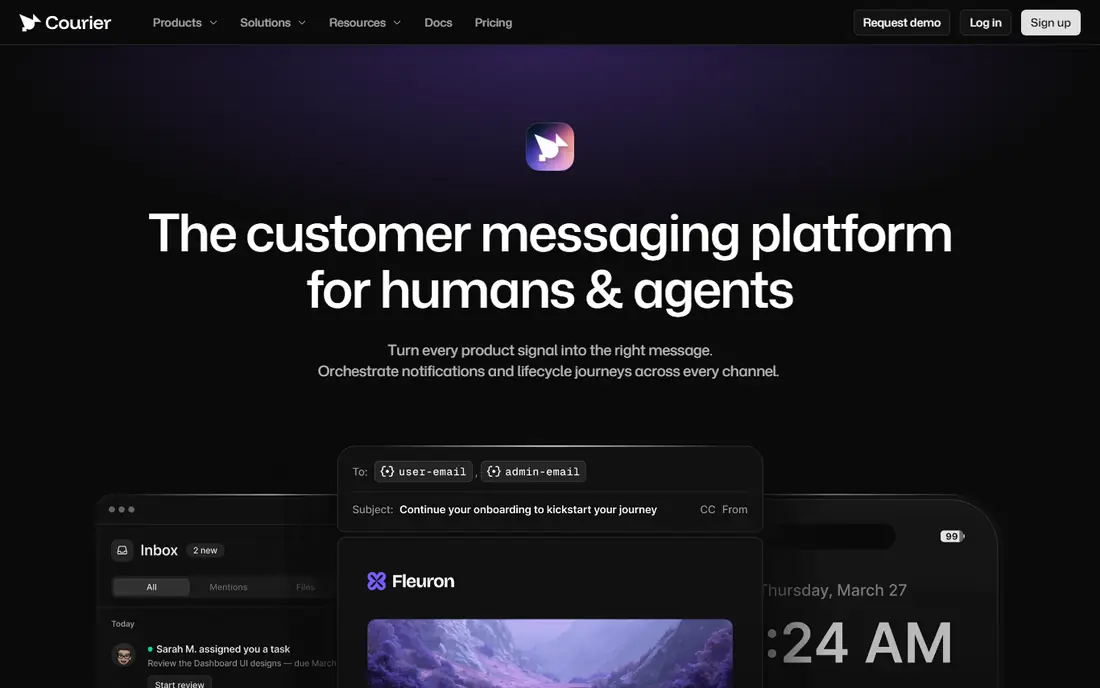
Courier sits between your product and your delivery providers, so one API can send email, push, SMS, chat and in-app messages. Templates, branding and routing live in one place, which helps a team change an email provider or add a new channel without rewriting every notification call. The developer tier includes 10,000 sends per month free, and paid use is charged per send, which suits teams with uneven volume.
The honest limit is that Courier orchestrates delivery rather than replacing providers entirely, so you still need provider accounts for the channels you use. That added layer is worth it when message logic is complex or when providers change often, but a tiny app with one push channel may not need it. Test template editing and failure handling during a trial, since those details decide daily usability.
- One API for many channels
- Template management
- Provider routing in code
- You still pay or manage delivery providers
- Pricing is per send beyond the free tier
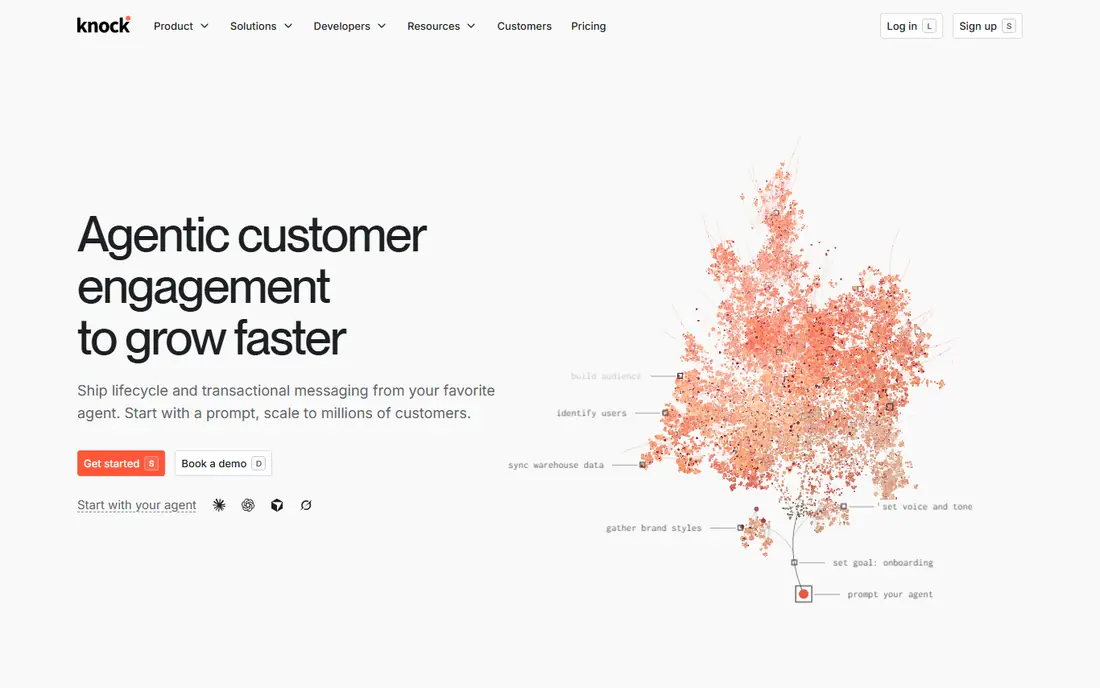
Knock is built for product notifications, where timing, preferences and batching matter as much as delivery. Workflows can combine channels, delay messages, group related updates into digests and respect a user preference for each type of notification. A prebuilt feed component gives your app a notification centre without a custom build, which is a large saving for a small product team.
The price jump is the main drawback. The free developer plan covers 10,000 messages per month, but the Starter plan is $250 per month, which is a step up for a small team. Knock also expects you to connect your own providers for email, push and SMS. If your product sends many notification types and users complain about noise, Knock is still worth that cost, because preference control is its core strength.
- Strong workflow engine
- User preferences and batching
- In-app feed component
- Starter plan is $250 per month
- You bring your own delivery providers
Novu is the open source option in this list, and it suits teams that want control over code, data location and hosting. You can self-host Novu or use its managed cloud, connect many delivery providers and embed an inbox component in your app. The workflow model lets developers define notification steps in code, which fits teams that already treat notifications as part of the product, not as a marketing add-on.
Self-hosting is not free in effort, even when the software itself costs nothing. Updates, monitoring, scaling and provider credentials become your responsibility, and that work should be counted in the total cost. The managed cloud removes that burden and offers a free tier, with paid plans from $30 per month in recent listings. Teams with strict data rules or a strong open source preference will find Novu the most flexible choice here.
- Open source and self-hostable
- Embeddable inbox
- Many provider integrations
- Self-hosting adds operational work
- Managed cloud pricing is usage-based
Pusher Beams handles push delivery for mobile and web apps through a developer-friendly API, and it is a natural fit for teams already using Pusher for realtime features. The sandbox tier covers up to 1,000 subscribers, which is enough to build and test, and paid tiers scale by subscriber count. Push reliability and device token handling are handled for you, which removes a common source of bugs.
Beams is not a full notification orchestration tool. It does not offer the same preference centre, digesting or cross-channel workflow depth as Knock or Courier, so teams with complex notification logic will need another layer. If your need is mainly reliable push, and you value a clean API, Beams is a focused and sensible pick, but check subscriber pricing at your expected scale.
- Simple push API
- Sandbox tier
- Fits teams already using Pusher
- Push-focused, not a full notification platform
- Pricing scales by subscribers
Firebase Cloud Messaging, known as FCM, is the free transport that powers push for a huge share of Android and iOS apps. There is no per-message charge, and it integrates closely with Firebase and Android, which makes it the default choice for teams that already use Google tooling. For raw delivery at scale, it is hard to beat on price, because the price is zero.
The catch is everything around delivery. FCM does not give you a notification inbox, user preferences, digesting, templates or cross-channel orchestration, so your team must build and maintain those parts. That build cost can exceed the price of a managed tool, especially for a small team. FCM is the right pick when you have engineering capacity and want full control, and a managed tool is better when you want those features ready made.
- Free with no per-message cost
- Industry standard transport
- Deep Android integration
- No inbox, preferences or batching built in
- You build the surrounding system
MagicBell gives your app a notification centre quickly, with an inbox, preferences and delivery tracking that would take weeks to build well. Developers can embed the inbox, send across channels and let users control which updates they receive and how often. The Builder plan is free with a limited monthly delivery volume, which is enough to test the experience with real users.
The paid step is steep, with the Startup plan listed at $249 per month, so MagicBell fits teams that value a polished inbox and can justify that cost. It is less suited to a team that only needs simple push, where OneSignal or FCM would be cheaper. Trial the inbox with your own notification types, and check how digests and read states behave before committing.
- Ready-made inbox component
- Preference and digest support
- Clear developer docs
- Paid Startup plan is $249 per month
- Delivery provider setup still needed for some channels
Pushwoosh covers push, email, in-app messages and SMS for lifecycle and marketing campaigns, and its free tier suits small apps with up to 1,000 monthly active users. Segmentation, journeys and personalisation help teams send relevant messages based on behaviour, rather than the same message to every user. The platform also supports web and mobile push, which helps teams that run both a site and an app.
As with OneSignal, the main cost question is how pricing grows with monthly active users, so model several audience sizes before choosing a plan. Pushwoosh is a good middle ground between a raw transport such as FCM and a developer orchestration tool such as Courier, because it adds campaign tools without requiring a large engineering build. Check message limits and channel availability on each plan during a trial.
- Free tier for small audiences
- Push plus email and in-app
- Journey and segmentation tools
- Pricing is based on monthly active users
- Enterprise features need higher plans
How we picked these
We compared official feature pages, pricing pages and public reviews, and we kept only tools that are live in October 2026 and that manage notifications across at least one major channel. We favoured tools with clear free tiers or published pricing, and we noted where a tool is a transport, an orchestrator or a full campaign platform, since those roles are not interchangeable.
What to check before you buy
Start by listing every notification your product sends today, then group them by purpose, urgency and channel. A password reset needs a different path from a weekly digest, and a tool that treats them the same will either spam users or delay urgent messages. Test preference controls, batching, quiet hours and failure retries, because those features decide whether users keep notifications switched on.
Also check consent and data handling before you send anything at scale. Confirm how opt-outs are stored, how quickly they take effect across channels and how user data is handled if you change providers. Ask for a written data processing agreement where needed, and confirm which regions your data passes through. A clear preference centre and a simple unsubscribe path are not extras, they are part of sending notifications responsibly.
Frequently asked questions
What is notification management software?
Notification management software controls how, when and where your product sends push, email, SMS and in-app messages. It handles templates, preferences, batching, routing and delivery tracking, so teams do not need to build that logic into every feature.
Is Firebase Cloud Messaging really free?
Yes, Firebase Cloud Messaging charges no per-message fee for push delivery. You still pay in engineering time for the inbox, preferences, batching and analytics that managed tools include, so free delivery does not mean a free notification system.
How do Courier, Knock and Novu differ?
Courier focuses on orchestrating delivery across providers from one API, Knock focuses on product workflows, preferences and batching, and Novu offers open source infrastructure you can self-host. The right pick depends on whether you value provider flexibility, product workflow depth or code control most.
How can we reduce notification fatigue?
Let users choose which types of messages they receive, batch low-priority updates into digests and set quiet hours. Review message volume by type each month, and remove or combine notifications that users rarely open.
Do we need user consent to send push notifications?
Yes, users must opt in to push on their device, and email and SMS have their own consent rules that vary by country. Always offer a clear opt-out, honour it promptly and keep a record of consent for marketing messages.
Sources
See where you really rank - block by block
ProMapRanker scans Google Maps across a grid of your service area. Simple monthly plans from $19, white-label on every plan.
Start freeKeep reading
 what’s the best risk software for enterprises
What Is the Best Risk Software for Enterprises in 2026
We compared what’s the best risk software for enterprises on risk registers, controls, third-party risk, and reporting, with pricing notes for large teams.
Read → what's the best pam software for enterprises
What is the Best PAM Software for Enterprises in 2026
Find what's the best pam software for enterprises, with vaulting, session recording, just in time access and pricing compared for large enterprise IT teams.
Read → what’s the best grc software
What Is the Best GRC Software in 2026
We compared what’s the best grc software on risk, compliance, audit and vendor risk, so teams can pick a platform that fits their frameworks and budget.
Read →