 ProMapRanker
Best Software for Landscape Business in 2026

Key takeaways
- Jobber is our pick for most small yard care teams, with a clear entry price and a full quote to payment flow.
- Yardbook is the only genuinely free starting point here, and it suits solo operators who want scheduling, estimates and invoices without a subscription.
- LMN and Aspire are built for cost based estimating and job costing, so they fit larger design build and commercial operations better than simple scheduling tools.
- Arborgold and SingleOps are the stronger choices for tree care work, with tree inventory and renewal workflows that general tools do not match.
- Quote based tools need a total price for your crew size in writing, since the headline price rarely covers every user, add-on and setup cost.
Quick comparison
| Pick | Great for | Pricing starts at | Free tier | |
|---|---|---|---|---|
 Jobber | Small yard care teams | $29 per month | Free trial (14 days) | Visit |
 Housecall Pro | Booking and review focused teams | $59 per month | Free trial (14 days) | Visit |
 Yardbook | Solo operators starting free | Free | Yes | Visit |
 LMN | Cost based estimating | See website | No | Visit |
 Service Autopilot | Large recurring routes | See website | No | Visit |
 Arborgold | Tree and lawn care firms | See website | No | Visit |
 SingleOps | Green industry firms | See website | No | Visit |
 Aspire | Large commercial contractors | See website | No | Visit |
 Real Green | Franchise and multi crew firms | See website | No | Visit |
The best yard care business software
We compared tools that handle the daily work of a yard care business, from first quote to final payment, and we kept the focus on scheduling, recurring routes, job costing and client communication.
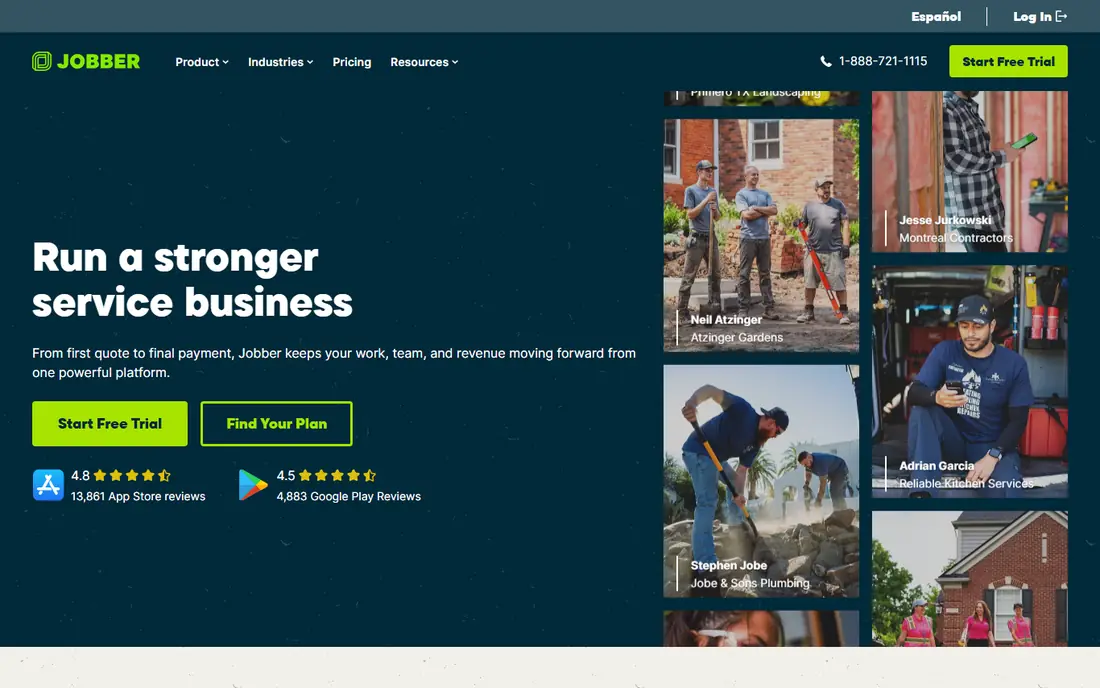
Jobber suits a small crew that wants one tidy system for quotes, scheduling, invoices and payments. Clients can approve quotes and pay through a client hub, which cuts down on phone tag and paper invoices. Online booking also helps fill gaps in the week without extra office work.
The catch is user pricing. The entry plan is priced for one user, so a growing crew needs to price the next tier before hiring. For a solo operator or a two person team, that trade is still fair, and Jobber is our pick for most people starting out.
- Clear quote to payment flow
- Online booking and client hub
- Route tools on higher plans
- Entry plan covers one user
- Costs rise as the team grows
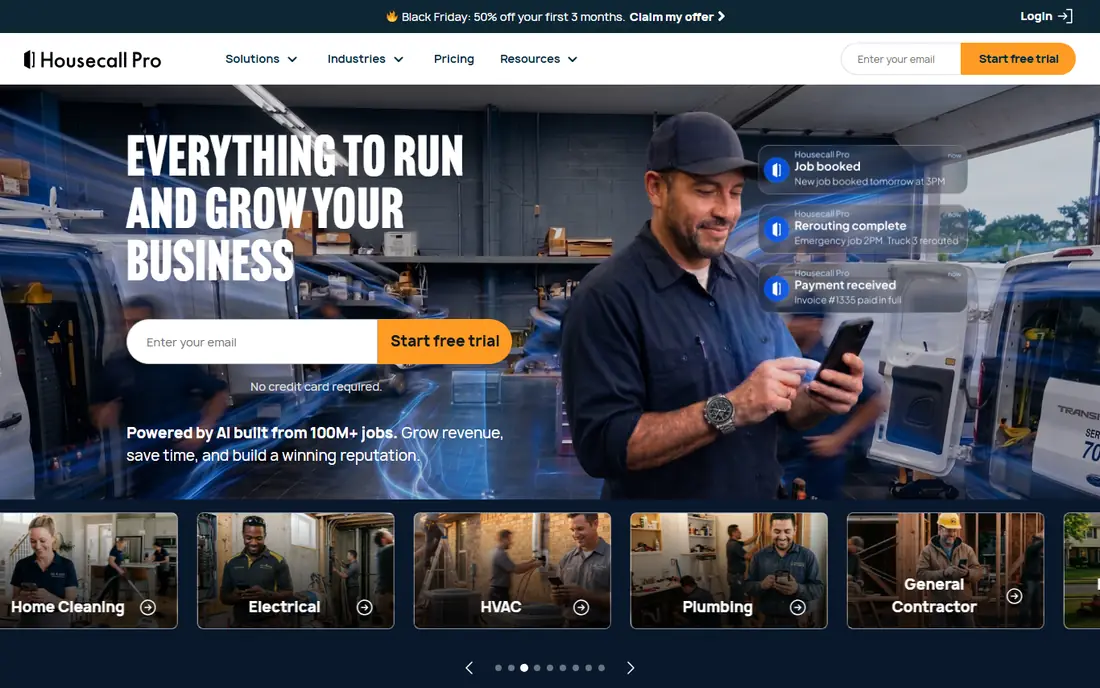
Housecall Pro puts customer booking and reputation work near the front of the job. Teams that win work through online booking and reviews will like how those tools sit beside scheduling, quotes and payments. Dispatch tools and a price book help keep field work consistent across technicians.
The entry price is higher than Jobber, and the step to a multi user plan is a real jump. That makes Housecall Pro a better fit when booking volume and review growth are central to the plan, rather than when price alone decides the choice.
- Online booking
- Review management
- Dispatch and payment tools
- Higher entry price than Jobber
- Multi user plans cost more
Yardbook is the honest free option in this group. The free plan covers customers, jobs, scheduling, estimates, invoices, routing and lot measurement, which is enough for many solo operators. It replaces a notebook and a spreadsheet without asking for a card first.
The limits show up as the business grows. QuickBooks sync, a branded portal, bulk messaging and GPS tracking need paid plans, and the free plan carries ads and a payment processing fee on top of card fees. Start here if cash is tight, and move on when those limits start to cost time.
- Free core plan
- Scheduling, estimates and invoices included
- Lot measurement tools
- Free plan shows ads
- Advanced tools sit on paid tiers
LMN is built for firms that need to know what a job really costs before they price it. Budgets draw on labor, equipment, materials and overhead, so quotes can be set to hit a target margin rather than guessed from last year. Crew time tracking and profitability reports then show which jobs earned money and which did not.
That depth comes with a heavier setup. LMN fits design build and larger maintenance firms better than a solo operator who only needs scheduling and invoices. Ask for implementation time and total cost during a demo, since both matter as much as the monthly fee.
- Budgeting and job costing built in
- Crew time tracking
- Profitability reporting
- Quote based pricing
- Setup takes more effort than simple tools
Service Autopilot is made for firms with many recurring stops each week. Route tools, automated billing and job costing help a large lawn care operation run on a tight schedule with less manual chasing. Reporting also helps managers spot routes and crews that need attention.
Small firms may find the platform and the price more than they need, and full pricing sits behind a sales conversation. It earns its place here for route heavy operations, where automation saves real hours every week.
- Strong route automation
- Recurring billing
- Job costing and reporting
- Pricing is not fully public
- Can be more than small firms need
Arborgold has served tree, lawn and plant health care firms for many years, and that focus shows in its workflows. Estimating, scheduling, equipment tracking and a customer portal cover the full job cycle, while tree specific tools help with inventory and renewals. That detail matters when tree work sits beside regular maintenance.
A general mowing crew may not use the tree features enough to justify the price, which is quote based. For tree care led firms, though, Arborgold is a strong shortlist pick because the workflows match the work.
- Tree care workflows
- Estimating and scheduling
- Customer portal
- Quote based pricing
- General yard firms may not need tree tools
SingleOps is built for arborists and green industry firms that need quick, professional proposals and clear crew work orders. Tree inventory, time based scheduling and routing, and automated client follow ups keep field and office work in step. Proposals with upsell options also help firms present extra work cleanly.
Pricing is quote based, so a demo and a written quote are needed before comparing it with simpler tools. Firms that sell tree work and recurring care together will get the most from it.
- Tree inventory
- Fast proposals
- Crew work orders and routing
- Quote based pricing
- Setup and onboarding take time
Aspire is aimed at larger commercial contractors with complex operations. Job costing, operational reporting and fleet tools help managers track margins across many crews and contracts. It is the kind of system that pays off when the business already has structure and needs better visibility, not just a calendar.
Small firms should look elsewhere. Aspire needs a demo, a structured setup and a budget that fits an enterprise tool. For large contractors, that depth is the point.
- Job costing and reporting depth
- Fleet tools
- Enterprise scale reporting
- Quote based pricing
- Too large for small firms
Real Green serves green industry firms, including franchises, with CRM, scheduling, routing and marketing automation in one system. The customer portal and marketing tools help larger firms keep clients informed and win repeat work. Multi crew scheduling also suits firms running several routes at once.
Pricing is by quote, and the platform fits larger operations better than a solo operator. Firms with franchise or multi location needs should put it on the shortlist beside Aspire and Service Autopilot.
- CRM and customer portal
- Scheduling and routing
- Marketing tools
- Pricing by quote
- Setup suits larger firms
How we picked these
We compared official feature pages, pricing pages and app store listings, plus public reviews, and we kept only tools that are live and that handle yard care work in a direct way. We favored tools with scheduling, quotes, invoices and payments in one place, and we added specialist tools for tree care and cost based estimating where general tools fall short. We did not claim hands-on testing, and we used See website where a vendor does not publish a firm starting price.
What to check before you buy
Start with the work you do every week, not the feature list. A mowing route business needs recurring scheduling, route order and fast invoicing. A design build firm needs estimating from real costs, change orders and job costing. A tree care firm needs inventory, proposals and renewal tracking. Match the tool to that weekly pattern first, then check the rest.
Price the whole team, not one seat. Ask how much each extra user costs, which features are add-ons, and what setup or training costs apply. A low entry price can turn into a high bill once three crew members need access, and a quote based tool can hide that cost until late in the sales process. Get the total in writing.
Test the field app with a real crew member before signing. Crews work in sun, rain and low signal areas, so the mobile app needs to be quick for job notes, photos and time entry. If the office loves a tool but the crew avoids it, the data will stay incomplete and the reports will mislead you.
Frequently asked questions
What is the best software for a small yard care business?
Jobber is our pick for most small teams because it covers quotes, scheduling, invoices and payments at a clear entry price. Yardbook is the better starting point if the budget is zero and the team is solo. Choose based on crew size and whether you need advanced costing.
Is there free software for a yard care business?
Yes. Yardbook offers a free core plan with scheduling, estimates, invoices and routing. The free plan shows ads and lacks some advanced tools, so growing firms often move to a paid plan later. It is still a useful way to test whether software fits your routine.
What software is best for tree care companies?
Arborgold and SingleOps are the strongest tree care choices here, with tree inventory, specialist proposals and renewal workflows. General tools can schedule tree jobs, but they lack the tree specific detail these two provide. Price both before deciding, since both are quote based.
How much does yard care business software cost?
Entry prices run from free with Yardbook to $29 per month with Jobber and $59 per month with Housecall Pro on annual billing. Larger and specialist tools are quote based and can cost several hundred dollars per month for a team. Always price the full crew, not one user.
Do these tools handle recurring routes and billing?
Yes, most tools here handle recurring jobs and invoicing, and Service Autopilot is the strongest for large recurring routes. Check how route order, skipped visits and seasonal pauses work in a trial, since those details decide whether a tool fits a route business.
Sources
See where you really rank - block by block
ProMapRanker scans Google Maps across a grid of your service area. Simple monthly plans from $19, white-label on every plan.
Start freeKeep reading
 zscaler alternatives
Best Zscaler Alternatives in 2026
Looking for zscaler alternatives? We compare 9 SASE and zero trust platforms on architecture, data protection, pricing, and fit for your network and team.
Read → zapier alternatives free
Best Zapier Alternatives Free in 2026
Nine automation tools for zapier alternatives free in 2026, all with genuinely free tiers, plus free plan limits, starting prices and upgrade paths explained.
Read → which platform is best for online reputation
Which Platform Is Best for Online Reputation in 2026
Wondering which platform is best for online reputation? We compare 8 review, listing, and response tools for small and multi-location businesses and agencies.
Read →