 ProMapRanker
Best Software for Interactive Presentation in 2026

Key takeaways
- Mentimeter and AhaSlides cover the widest range of live activities for regular presenters, with AhaSlides usually costing less at entry level.
- Slido suits conferences and town halls where moderated questions matter more than slide design.
- Prezi and Genially suit presenters who build the deck itself around interaction, rather than adding polls to an existing deck.
- Free plans are useful for small sessions, but participant caps and monthly limits decide whether a free plan works for you.
- Poll Everywhere and Wooclap suit presenters who want to add interaction to PowerPoint or Google Slides they already own.
Quick comparison
| Pick | Great for | Pricing starts at | Free tier | |
|---|---|---|---|---|
 Mentimeter | Live polls at scale | See website | Yes | Visit |
 Slido | Conference Q and A | See website | Yes | Visit |
 AhaSlides | Affordable all-round interaction | $7.95 per month | Yes | Visit |
 Prezi | Non-linear storytelling | See website | Yes | Visit |
 Genially | Interactive visual decks | See website | Yes | Visit |
 Poll Everywhere | Polls inside existing decks | $10 per month | Yes | Visit |
 Wooclap | Classroom interaction | See website | Yes | Visit |
 Nearpod | Interactive lessons | See website | Yes | Visit |
 Pear Deck | Slides with student responses | See website | Yes | Visit |
 Vevox | PowerPoint-based polling | See website | Yes | Visit |
The best software for interactive presentation
Interactive presentation software turns an audience from listeners into participants. The tools below add live polls, quizzes, questions and word clouds to talks, lessons and meetings, so you can check understanding and keep attention in the room.
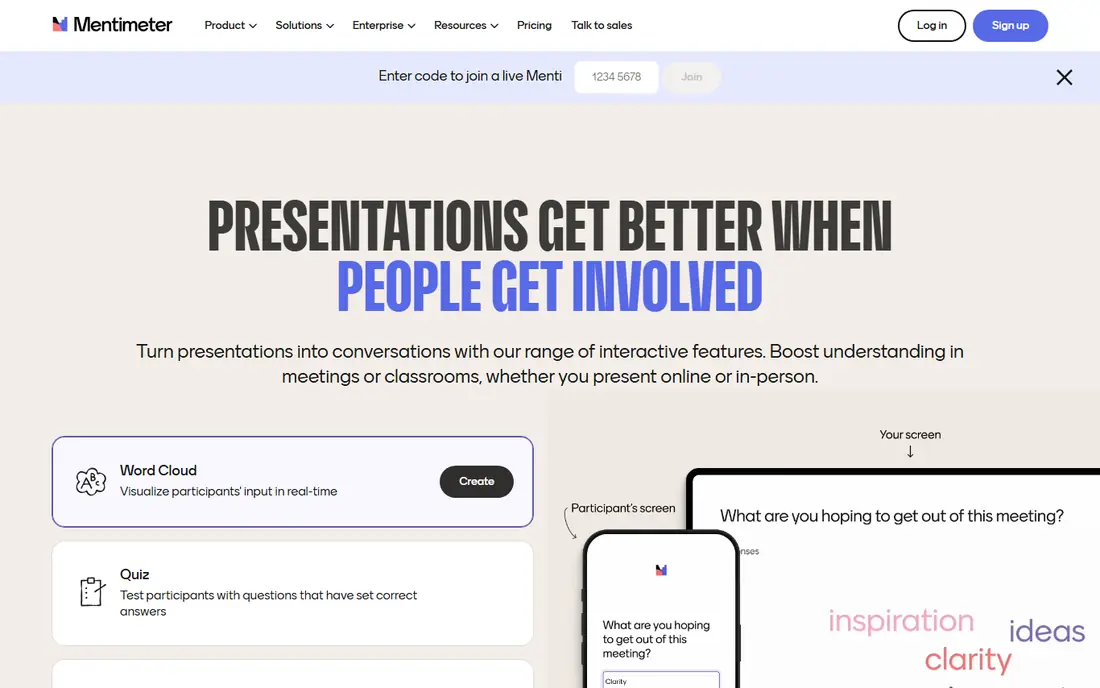
Mentimeter is the tool most presenters try first, and its range explains why. Polls, word clouds, quizzes, rankings and open questions all sit in one deck, and results appear live in clean charts. Audiences join by link or code on a phone, with no app install needed for most sessions.
The free plan is the main limit. It caps live participants per month, so a presenter running several sessions can run out quickly. Paid plans also tend to be billed yearly, which suits regular presenters more than one-off speakers. For weekly talks and training, Mentimeter remains a dependable default.
- Many question types
- Polished results visuals
- Works from a browser
- Free plan caps participants per month
- Paid plans are billed yearly on most tiers
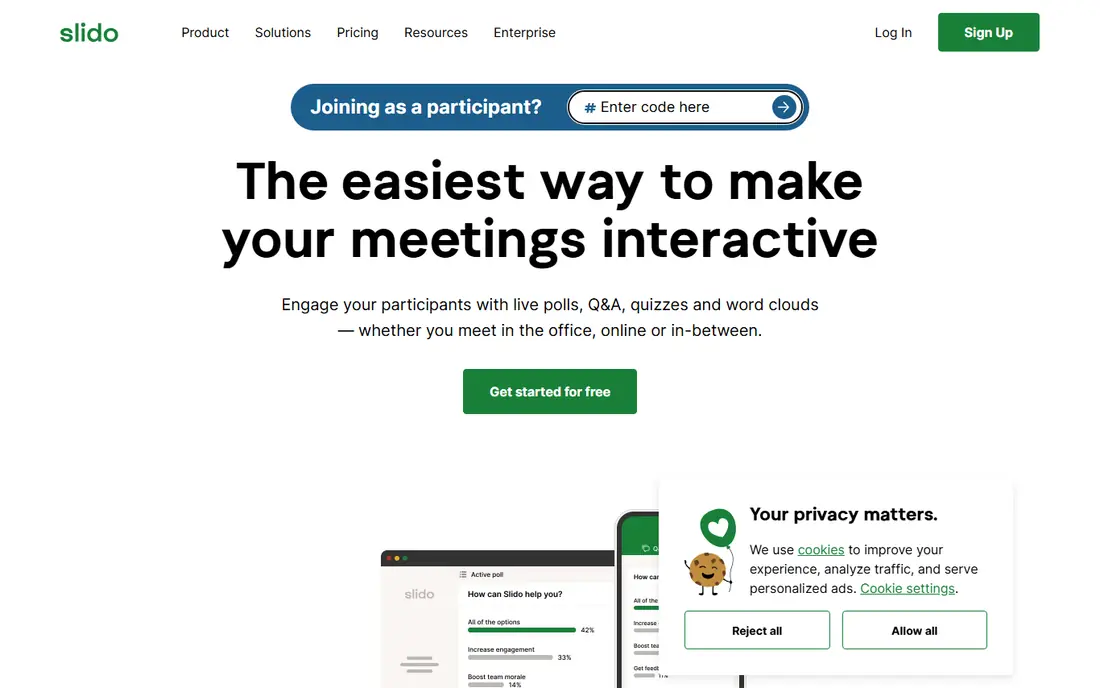
Slido, owned by Cisco, is built around audience questions. People submit questions, others vote them up, and the most popular questions rise to the top. That flow suits town halls, conferences and large meetings where the agenda should follow what the room actually wants to discuss.
Polls and quizzes are available too, but Slido feels strongest when questions drive the session. The free plan limits how many polls run per event, and approving questions before they appear needs a paid plan. For event organisers, those paid controls are often worth the cost for moderation and order.
- Strong moderated Q and A
- Audience voting on questions
- Integrations with meeting tools
- Free plan limits polls per event
- Question approval is a paid feature
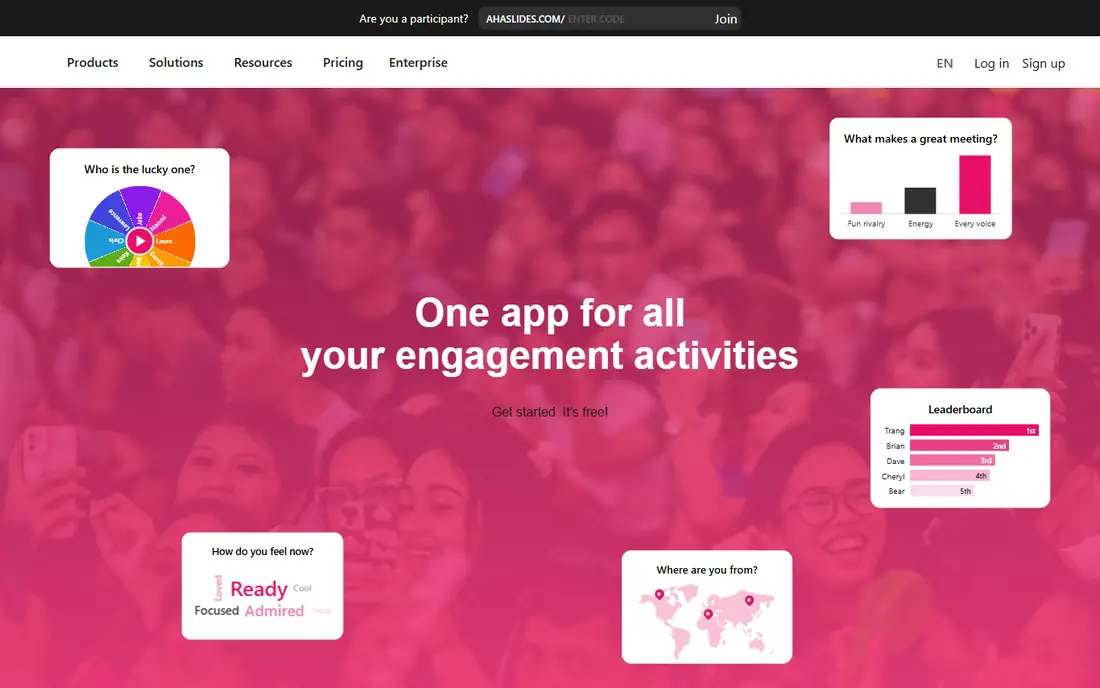
AhaSlides feels close to Mentimeter at a lower price. It covers polls, quizzes, word clouds, brainstorming, Q and A and a spinner wheel, with leaderboards for quiz sessions. Monthly billing is available on entry plans, which helps presenters who do not want a yearly commitment for occasional use.
The free plan allows up to 50 participants per session, but limits the number of quiz and poll slides in a presentation. Presenters who run larger or longer sessions will need a paid plan. For trainers and teachers on a budget, AhaSlides offers the widest activity range for the price.
- Low entry price
- Many activity types including spinner wheel
- Monthly billing available
- Free plan limits quiz and poll slides
- Design polish trails Mentimeter slightly
Prezi builds presentations on a zooming canvas rather than a linear slide stack. A presenter can move from an overview to a detail and back, which suits stories, pitches and lessons where structure matters. The video mode also lets a presenter appear beside the content for remote talks.
Prezi is not primarily a polling tool. Live interaction features exist, but dedicated tools such as Mentimeter and Slido offer deeper polls and Q and A. Choose Prezi when the shape of the story matters most, and pair it with a polling tool if live voting is central to the session.
- Zooming, non-linear canvas
- Strong visual storytelling
- Video presentation mode
- Takes time to learn well
- Live polling is thinner than dedicated polling tools
Genially lets presenters build decks, infographics and interactive images with clickable areas, pop-ups and layered content. A learner can click a part of a diagram to reveal detail, which suits training, onboarding and school lessons. Templates cover presentations, games, escape rooms and interactive images.
Complex creations take time to build well, and the most useful interactive features sit on paid plans. Genially suits visual presenters and educators who want the deck itself to be explorable, rather than a set of slides with a poll added at the end.
- Rich interactive templates
- Clickable hotspots and layers
- Strong visual design options
- Learning curve for complex creations
- Some advanced features need paid plans
Poll Everywhere layers live polls onto decks you already own. It works inside PowerPoint, Google Slides and Keynote, so a presenter does not need to rebuild a talk to add interaction. Audiences can answer by web or text message, which helps rooms with mixed devices.
The free plan allows unlimited questions but caps the audience, so larger sessions need a paid plan. Reporting and team features also sit higher up the range. Poll Everywhere suits corporate and university presenters who want interaction without abandoning their existing slide files.
- Works inside PowerPoint, Google Slides and Keynote
- SMS responses possible
- Unlimited questions on free plan
- Free plan caps audience size
- Reporting depth needs paid plans
Wooclap covers polls, quizzes, word clouds, matching, image labelling and surveys in one platform. A message wall lets students ask questions and react, and teachers can run live or self-paced activities. It integrates with common slide tools and learning systems, which helps in schools and universities.
The free plan limits the number of questions per month, so regular classroom use usually needs a paid education plan. The range of question types also means a first session takes some setup time. Wooclap suits educators who want variety and student feedback in every lesson, not just an occasional poll.
- Many question types
- Message wall with moderation
- Works with existing slides
- Free plan limits questions per month
- Interface takes a session to learn
Nearpod turns lessons into interactive sessions with polls, quizzes, collaborative boards, videos and virtual field trips. Teachers can run a live lesson or assign a student-paced version, and the content library offers ready-made lessons by subject. That library saves preparation time for busy teachers.
Nearpod is built mainly for K-12 and higher education, so corporate trainers may find its framing school-focused. Paid plans add more storage, lesson features and reporting. For classroom teaching, Nearpod offers a fuller lesson package than a polling tool alone.
- Large lesson library
- Polls, quizzes and virtual field trips
- Student-paced modes
- Built mainly for schools
- Business use feels secondary
Pear Deck adds interactive slides to Google Slides and PowerPoint. Teachers can insert polls, drawing prompts, text responses and draggable answers, then watch student responses live on a dashboard. That design suits lessons where every student should answer, not just the confident few.
Pear Deck is education-focused, so conference organisers and corporate trainers will find fewer event tools than in Slido or Mentimeter. For teachers already using Google Slides or PowerPoint, Pear Deck adds interaction with the least change to existing lesson files.
- Works inside Google Slides and PowerPoint
- Drawing and text responses
- Teacher dashboard
- Focused on education
- Fewer event features than Slido or Mentimeter
Vevox adds live polling, Q and A, surveys and word clouds to PowerPoint, with a web option for other setups. Its free plan covers up to 100 participants, which is generous for small training sessions and team meetings. Anonymous responses help in sensitive topics such as feedback and staff surveys.
The design range is narrower than Genially or Prezi, since Vevox focuses on interaction rather than slide creation. Paid plans add larger audiences, branding and deeper reporting. Vevox suits trainers and meeting leads who live in PowerPoint and want polling without rebuilding their decks.
- PowerPoint add-in
- Free plan for up to 100 participants
- Anonymous responses
- Design range is narrower
- Advanced analytics need paid plans
How we picked these
We compared official pricing pages, question types, participant limits and integrations for tools that add live interaction to presentations. We favoured tools with a current free plan or trial, a clear way for audiences to join by phone, and a realistic use case in classrooms, meetings or events. We left out pure slide builders with no live audience features and pure quiz apps with no presentation mode. We compared feature pages, pricing and public reviews rather than claiming hands-on testing.
How to choose the right tool
Start with audience size and frequency. A teacher running daily lessons needs a free or education plan with a workable monthly limit, while a conference organiser needs moderation, large audiences and reliable Q and A. Check the free plan cap in participants per session and per month, since those two limits behave very differently.
Next, decide whether you build a new deck or add to an old one. Poll Everywhere, Vevox and Pear Deck layer onto PowerPoint or Google Slides, while Mentimeter, AhaSlides and Prezi expect you to build inside their own editor. Rebuilding a long deck takes time, so the layering tools often win for existing talks.
Finally, test a real session before a big event. Run a short poll with colleagues, check how results look on screen, and confirm that joining by phone works on your venue network. A tool that looks good in a demo can still fail if joining is slow or results are hard to read from the back of a room.
Frequently asked questions
What is the best software for interactive presentation for beginners?
AhaSlides and Mentimeter are the easiest starting points, with templates, browser-based editing and phone joining for audiences. AhaSlides costs less at entry level, while Mentimeter feels slightly more polished. Both offer free plans for small sessions, so try a short session on each before paying.
Which tool is best for large conferences?
Slido suits large conferences because moderated Q and A and audience voting keep questions orderly at scale. Mentimeter also handles large audiences on paid plans. For a conference, moderation, audience size and integration with the event platform matter more than slide design.
Can I add polls to PowerPoint without rebuilding my deck?
Yes. Poll Everywhere, Vevox and Pear Deck add polls inside PowerPoint, and Poll Everywhere also works with Google Slides and Keynote. That lets you keep an existing deck and add live questions where they help most, rather than rebuilding the whole talk.
Are free interactive presentation tools enough for a classroom?
For small classes, yes. Mentimeter, AhaSlides, Wooclap and Vevox all offer free plans with participant limits that cover a single class. For daily use across many classes, a paid education plan usually becomes necessary once monthly question or participant limits are reached.
What is the difference between Mentimeter and Slido?
Mentimeter focuses on a wide range of live polls, quizzes and word clouds inside a presentation. Slido focuses on moderated Q and A and audience voting, which suits meetings and conferences. Many teams use Mentimeter for training and Slido for large events, since the two strengths differ.
Sources
See where you really rank - block by block
ProMapRanker scans Google Maps across a grid of your service area. Simple monthly plans from $19, white-label on every plan.
Start freeKeep reading
 zscaler alternatives
Best Zscaler Alternatives in 2026
Looking for zscaler alternatives? We compare 9 SASE and zero trust platforms on architecture, data protection, pricing, and fit for your network and team.
Read → zapier alternatives free
Best Zapier Alternatives Free in 2026
Nine automation tools for zapier alternatives free in 2026, all with genuinely free tiers, plus free plan limits, starting prices and upgrade paths explained.
Read → which platform is best for online reputation
Which Platform Is Best for Online Reputation in 2026
Wondering which platform is best for online reputation? We compare 8 review, listing, and response tools for small and multi-location businesses and agencies.
Read →