 ProMapRanker
Best Software for Handyman Business in 2026

Key takeaways
- Jobber and Housecall Pro are the most practical starting points for solo handymen and small crews, with published pricing and fast setup.
- ServiceTitan suits larger multi-crew operations, but its quote-based price and onboarding make it heavy for a small shop.
- Workiz offers a free Lite plan for up to two users, which is the cheapest way to start with scheduling and invoicing.
- Estimating, scheduling, invoicing, and customer reminders matter more than extra marketing features in the first year.
Quick comparison
| Pick | Great for | Pricing starts at | Free tier | |
|---|---|---|---|---|
 Jobber | Solo operators and small crews | $29 per month | Free trial | Visit |
 Housecall Pro | Small crews with marketing | $59 per month | Free trial | Visit |
 ServiceTitan | Large multi-crew operations | See website | No | Visit |
 Workiz | Two-person teams starting free | Free | Yes | Visit |
 Service Fusion | Flat pricing for mid-size teams | See website | No | Visit |
 FieldPulse | Simple fast scheduling | See website | Free trial | Visit |
 Thryv | Business management plus marketing | See website | Free trial | Visit |
 Kickserv | Small service teams | See website | Free trial | Visit |
 FieldEdge | Growing trade crews | See website | Free trial | Visit |
The best software for handyman business
Handyman software should handle the daily loop: take a call, book a job, send a quote, do the work, and get paid. The tools below differ in crew size, pricing model, and how much marketing they bundle in.
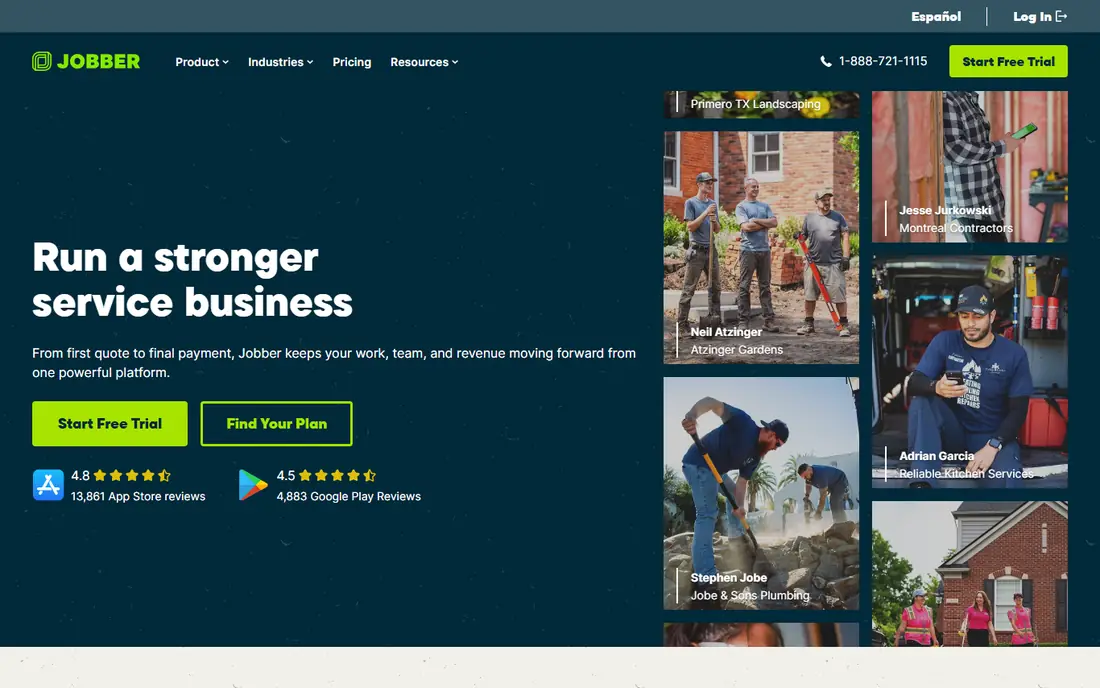
Jobber is our pick for most small handyman businesses. Scheduling is drag-and-drop, quotes turn into jobs and then invoices without retyping customer details, and automated reminders cut no-shows. The mobile app lets a tech see the day schedule, navigate to a job, and update job status from the field.
Pricing scales with team size, so a solo operator pays far less than a 15-person crew. Advanced features, such as route optimisation and deeper reporting, sit on higher tiers. If you run a solo operation or a small crew and want software you can learn in days, Jobber is the safest starting point in this list.
- Clear scheduling and quoting
- Customer reminders
- QuickBooks integration
- Higher tiers needed for advanced routing and reporting
- Per-user costs rise with crew size
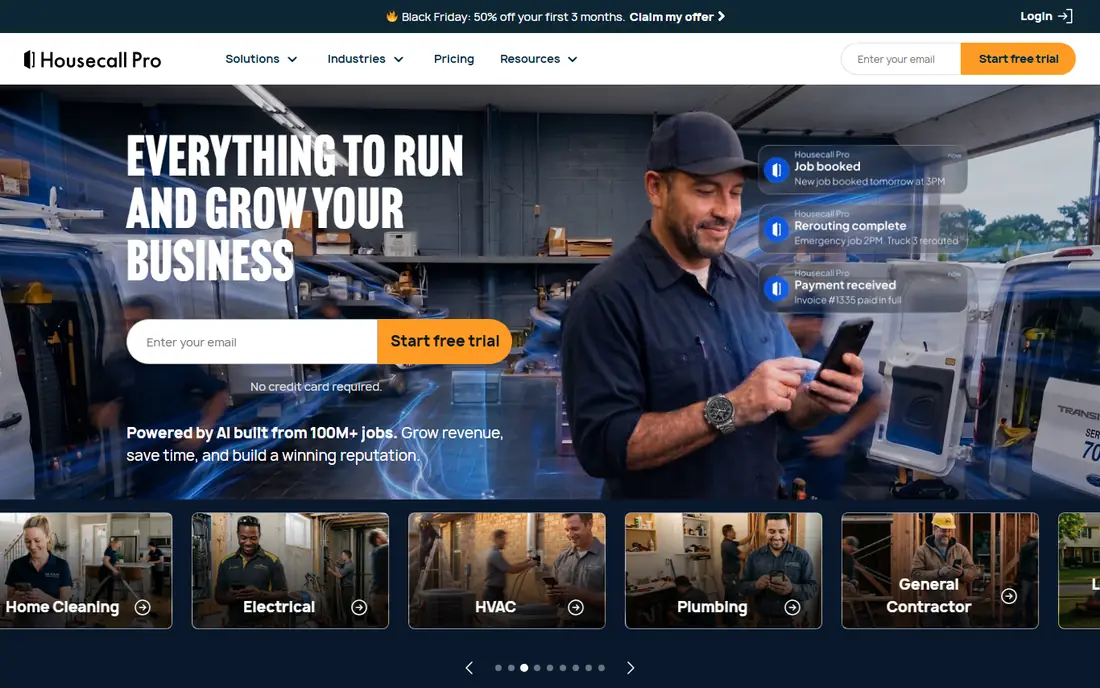
Housecall Pro suits handymen who want booking, dispatch, and follow-up in one app. Customers can book online, techs get job details on mobile, and automated texts and review requests help win repeat work. The dispatch board is clear enough for a small office to run without a dedicated dispatcher.
Costs add up when you add users and marketing add-ons, so compare the plan that matches your crew size, not just the headline price. For a crew that relies on reviews and repeat customers, the built-in follow-up tools are a real advantage over plainer scheduling tools. For a solo operator on a tight budget, Jobber or Workiz may cost less.
- Strong mobile app
- Built-in review and follow-up tools
- Online booking and dispatch
- Price rises with users and add-ons
- Some marketing features cost extra
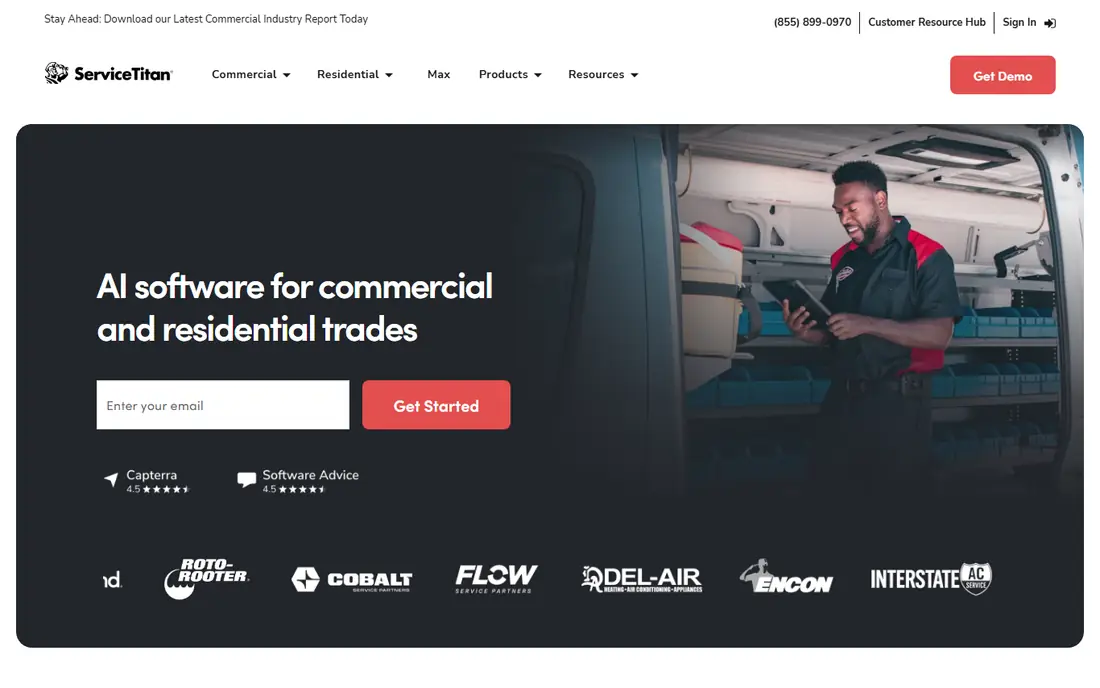
ServiceTitan is built for larger trades businesses with many technicians, dispatchers, and office staff. Its dispatch board, pricebook control, and reporting depth go well beyond what a small handyman crew needs. Call tracking, marketing tools, and service agreement management also suit companies that run campaigns at scale.
The drawbacks are price and setup. Pricing is quote-based and commonly runs far higher per technician than Jobber or Housecall Pro, and onboarding can take weeks. A five-person handyman crew will likely find it overkill. A larger operation with ten or more techs, multiple crews, and a dedicated office team is where ServiceTitan earns its cost.
- Deep dispatch, pricebook, and reporting
- Marketing and call tracking
- Strong for large trades
- Quote-based pricing
- Long onboarding
- Too much software for a small shop
Workiz is the cheapest way to start, thanks to a free Lite plan for up to two users. That covers scheduling, invoicing, and online booking for a solo handyman or a two-person team without a monthly bill. Setup is quick, and the interface is straightforward for owners who do not want a long training period.
Free limits apply, so a growing crew will need a paid tier for more users and automation. Paid plans add features such as advanced dispatch and marketing tools, but the core job management remains simple. If you are starting out and want to test field service software without paying, Workiz is the best first step.
- Free Lite plan for up to two users
- Scheduling, invoicing, and online booking
- Easy setup
- Free plan has limits
- Advanced automation needs paid tiers
Service Fusion appeals to mid-size crews where per-user pricing gets expensive. Its tiers price by plan rather than by each technician, so adding staff does not automatically raise the bill in the same way. Dispatch, scheduling, invoicing, and customer management cover the core handyman workflow.
Pricing is not published as a simple starting figure, so you need a quote to compare it fairly. The interface also feels less modern than Jobber or Housecall Pro. For a crew of eight or more, flat pricing can save real money over a year. For a solo operator, a cheaper per-user plan will usually win.
- Flat per-plan pricing with unlimited users on tiers
- Dispatch and invoicing
- GPS tracking options
- No published starting price
- Interface is less modern than Jobber
FieldPulse focuses on getting a small service business running quickly. Scheduling, estimates, invoices, and customer records sit in one place, and the mobile app gives techs job details and payment options in the field. Owners who want software without a long implementation will like the pace.
Marketing features are thinner than Housecall Pro, so teams that rely heavily on campaigns and review automation may need another tool for that job. Pricing also needs checking on the current plans. If simple, fast job management is the priority, FieldPulse is a solid, low-friction choice.
- Fast setup
- Scheduling, estimates, and invoicing
- Mobile app for field teams
- Fewer marketing extras than Housecall Pro
- Pricing needs a quote or plan check
Thryv is a wider business management platform, not just a dispatch tool. It combines a CRM, scheduling, payments, reviews, and marketing campaigns, with a central inbox for customer messages. That breadth suits a handyman who also wants help with online presence, reviews, and repeat customer contact.
The trade-off is focus. Dispatch and field features are good, but a pure field service tool may offer deeper routing or pricebook control. Pricing also varies with plan and add-ons. If you want one system for customers, marketing, and jobs, Thryv is worth a trial. If dispatch depth is the main need, compare Jobber first.
- CRM plus scheduling and payments
- Review and campaign tools
- Central customer inbox
- Broader than pure field service software
- Price varies by plan and add-ons
Kickserv is a straightforward option for small service teams that want scheduling, estimates, and invoicing without a large platform. QuickBooks integration helps with accounting, and mobile access lets techs view jobs and update status. The learning curve is short, which matters when a crew is busy in the field.
It does not match Jobber or Housecall Pro on integrations or marketing features, so check whether your must-have tools connect before committing. For a small handyman business that values simplicity over breadth, Kickserv keeps the daily workflow clean and affordable to run.
- Simple scheduling and invoicing
- QuickBooks integration
- Mobile access for techs
- Smaller feature set than larger rivals
- Fewer third-party integrations
FieldEdge targets growing trade and service crews that need stronger dispatch and pricebook control than a basic scheduler offers. It supports scheduling, dispatch, quotes, invoices, and customer management, with QuickBooks integration for accounting. Mobile features help techs work in areas with poor signal.
Pricing is quote-based, and setup takes longer than Workiz or FieldPulse. A solo handyman will likely find it heavier than needed. A growing crew that is outgrowing a simple scheduler, and that wants better price control and dispatch, will find FieldEdge a logical next step before ServiceTitan scale.
- Dispatch and pricebook features
- QuickBooks integration
- Mobile app with offline options
- Quote-based pricing
- Setup takes longer than simpler tools
How we picked these
We compared official pricing and product pages, field service features for handymen, and recent comparisons for small service businesses. We favoured tools with scheduling, quoting or estimating, invoicing, and a mobile app, and we included options for solo operators, small crews, and larger teams. Prices marked See website reflect quote-based or tiered pricing that varies with users and add-ons.
How to choose handyman software
Start with crew size and job volume. A solo operator needs scheduling, quotes, invoices, and reminders, not a multi-crew dispatch board. A growing crew needs user permissions, dispatch visibility, and reporting to spot late jobs and unpaid invoices. Do not pay for marketing suites, pricebooks, and call tracking until the core loop works every day.
Next, test the mobile app on a real job. A tech should be able to see the schedule, navigate, add photos or notes, and take payment without calling the office. Also check estimating, since handyman work varies widely. Look for templates, flat-rate items, and easy edits on site, which is why many owners also search for the best handyman estimating software before choosing a full platform. Finally, check payment processing fees separately from the subscription, since those fees can cost more than the software itself over a year.
Frequently asked questions
What is the best software for handyman business owners starting out?
Jobber is our pick for most starters, thanks to clear scheduling and quoting at a published price. Workiz is the cheapest route, with a free plan for up to two users. Try the core loop on a few real jobs before paying for add-ons.
What is the best handyman estimating software?
Estimating is usually a feature inside field service software, rather than a separate product. Jobber, Housecall Pro, FieldPulse, and FieldEdge all offer quotes and estimates that turn into jobs and invoices. Compare template options, flat-rate items, and on-site editing, since handyman jobs vary more than standard trade jobs.
Is ServiceTitan worth it for a small handyman business?
Usually not for a solo operator or a crew under ten. ServiceTitan offers deep dispatch and reporting, but its quote-based price and long onboarding suit larger operations. Small crews get most of what they need from Jobber, Housecall Pro, or Workiz at a far lower cost.
Should a handyman use free software?
Free software can work for a solo operator or a two-person team, especially Workiz Lite. Free plans have limits on users and features, so check whether scheduling, invoicing, and reminders are included. Move to a paid plan when job volume, crew size, or payment needs outgrow the free tier.
What features matter most in handyman software?
Scheduling, quoting, invoicing, customer reminders, and a usable mobile app matter most. Payment processing, QuickBooks integration, and review requests help next. Marketing suites and advanced reporting matter later, once the core job loop runs smoothly every day.
Sources
See where you really rank - block by block
ProMapRanker scans Google Maps across a grid of your service area. Simple monthly plans from $19, white-label on every plan.
Start freeKeep reading
 zscaler alternatives
Best Zscaler Alternatives in 2026
Looking for zscaler alternatives? We compare 9 SASE and zero trust platforms on architecture, data protection, pricing, and fit for your network and team.
Read → zapier alternatives free
Best Zapier Alternatives Free in 2026
Nine automation tools for zapier alternatives free in 2026, all with genuinely free tiers, plus free plan limits, starting prices and upgrade paths explained.
Read → which platform is best for online reputation
Which Platform Is Best for Online Reputation in 2026
Wondering which platform is best for online reputation? We compare 8 review, listing, and response tools for small and multi-location businesses and agencies.
Read →