 ProMapRanker
Best Software for Electrical Contractors in 2026

Key takeaways
- Jobber and Housecall Pro suit small electrical crews that want a fast start and clear monthly costs.
- ServiceTitan and FieldEdge suit larger operations that need deeper dispatch, reporting, and marketing tools.
- Service Fusion stands out for flat pricing with unlimited users, which helps growing teams control costs.
- Check whether pricing is per user, per technician, or flat before you sign, since the same headline price can mean very different monthly bills.
Quick comparison
| Pick | Great for | Pricing starts at | Free tier | |
|---|---|---|---|---|
 Jobber | Small electrical crews | $39 per month | Free trial | Visit |
 Housecall Pro | Owner-operators and small teams | $59 per month | Free trial | Visit |
 ServiceTitan | Large multi-crew operations | See website | No | Visit |
 FieldEdge | Dispatch-heavy service teams | See website | No | Visit |
 simPRO | Larger contractors with inventory needs | See website | No | Visit |
 Workiz | Teams that want a built-in phone system | See website | Free trial | Visit |
 Service Fusion | Growing teams that want flat pricing | $208 per month | Free trial | Visit |
 Kickserv | Small shops that want simple job tracking | $60 per month | Free trial | Visit |
 FieldPulse | Small to mid-size field teams | See website | Free trial | Visit |
The best software for electrical contractors
Electrical work has its own rhythm: quotes that turn into jobs, parts that need tracking, techs in the field, and invoices that should go out the same day. The tools below cover that full cycle, and we compared them on scheduling, quoting, invoicing, mobile access, and pricing.
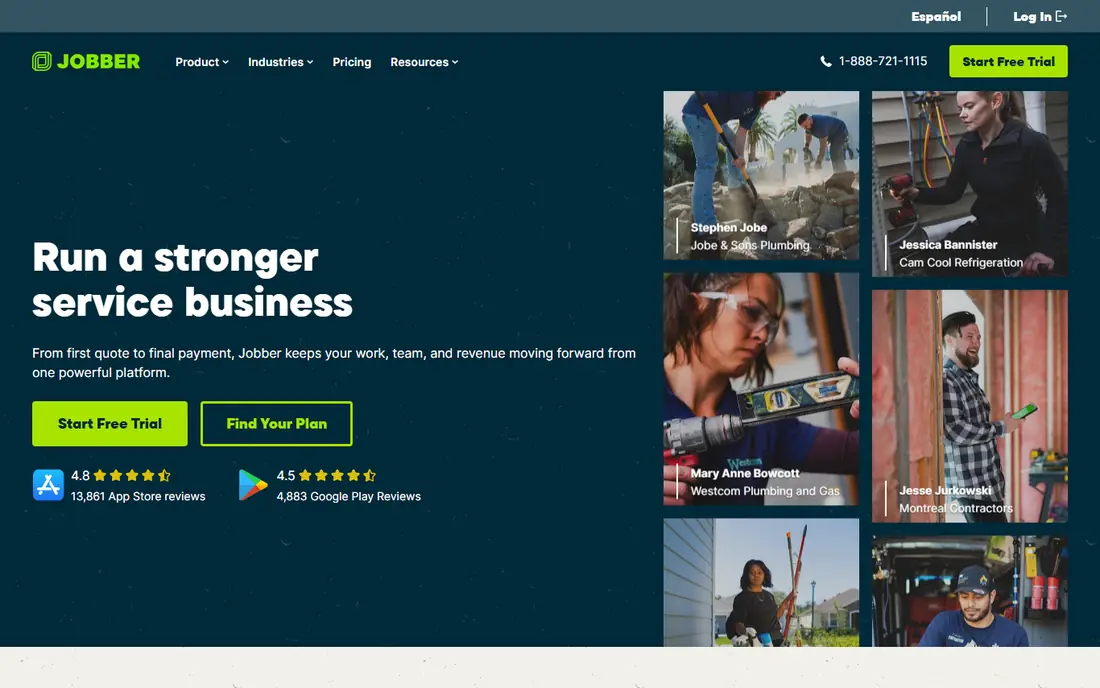
Jobber is a good first system for an electrical contractor who still runs much of the business from a phone and a spreadsheet. Scheduling uses a drag-and-drop calendar, quotes can be sent and approved online, and invoices follow the same customer record, so less work gets retyped. The mobile app gives techs job details, notes, and customer history on site, which cuts down on calls back to the office.
The trade-off is depth. Larger firms may outgrow its reporting and dispatch features, and it does not try to be a full marketing platform. For a crew of one to about fifteen people, though, that simplicity is the point. You can set it up quickly, train a new tech in an afternoon, and keep billing moving without hiring someone just to run the software.
- Easy to learn
- Clear quoting and invoicing
- Client hub for approvals and payments
- Reporting is basic on lower tiers
- Marketing tools are limited
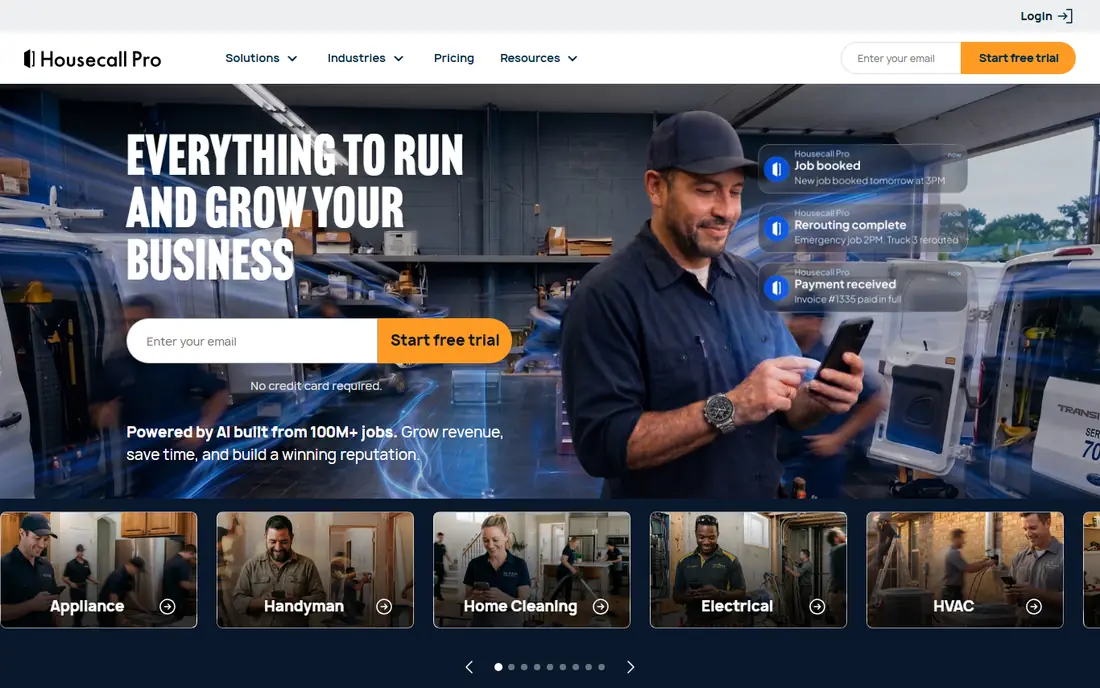
Housecall Pro covers the daily work of a small electrical business in one place: scheduling, dispatch, estimates, invoicing, payments, and customer messages. Online booking lets customers request work without a phone call, and automated reminders reduce missed appointments. Higher tiers add sales proposal tools and marketing features, so a growing shop can add polish without switching systems right away.
It is not the cheapest option once you add seats, and firms with complex inventory or multi-location reporting may want a heavier platform. For solo electricians and small crews, the balance of ease and features is hard to beat. The interface is plain enough that office staff and field techs tend to adopt it without much training.
- Friendly scheduling and dispatch
- Online booking
- Review and marketing tools on higher tiers
- Inventory features are thinner than enterprise tools
- Costs rise with team size

ServiceTitan is built for electrical companies with many technicians, multiple locations, or a strong focus on sales and marketing performance. It ties dispatch, CRM, estimates, invoicing, and marketing together, so managers can see which campaigns bring in booked jobs and which techs convert estimates most often. That depth is valuable when a business has outgrown simple scheduling tools and needs real operational control.
The catch is cost and complexity. Pricing is quoted per technician and usually requires a longer commitment, and setup takes real time. A two-person shop would pay for far more than it uses. For a larger contractor that will use the reporting, call booking, and marketing tools every day, the investment can make sense, but get a full quote before you judge it on any single price figure.
- Deep dispatch and reporting
- Marketing attribution
- Financing and call tracking options
- Premium pricing
- Longer setup
- More than a small shop needs
FieldEdge focuses on the operational side of field service: scheduling, dispatch, customer management, invoicing, and payments, with a mobile app that techs use in the field. It integrates with QuickBooks Online and Desktop, which matters for electrical contractors who already run their books there. The dispatch view helps office staff assign the right tech to the right job and keep the day moving when schedules change.
Pricing is not published, so you need a demo and a quote to know the real cost. That is normal in this tier, but it makes comparison slower. FieldEdge suits mid-size electrical firms that want a serious dispatch tool without necessarily buying the full marketing stack that comes with the largest platforms.
- Strong dispatch board
- QuickBooks integration
- Mobile app for field techs
- No published pricing
- Setup can take weeks
simPRO is aimed at trade contractors that run larger or more complex jobs, including project work alongside service calls. It handles quoting, job management, scheduling, inventory, and invoicing in one system, and it can track costs against a job so managers see margins before the month ends. That is a real advantage for electrical contractors who stock parts, run vans, and manage supplier orders.
The platform is heavier than a simple scheduling app, and pricing is quoted rather than published. Small shops may find the setup and training more than they need. For a contractor moving from service calls into larger commercial projects, simPRO gives the job-costing and inventory control that lighter tools leave out.
- Job costing and inventory tracking
- Quoting and project workflows
- Multi-office support
- Quote-based pricing
- Learning curve for smaller teams
Workiz combines scheduling, invoicing, payments, and customer management with a built-in phone system, which is its clearest selling point for electrical contractors. Calls can be logged, routed, and recorded, and an online booking widget lets customers book from a website. Inventory tracking helps teams that carry stock across vans and a warehouse, and the service chatbot can capture inbound inquiries outside office hours.
Some users report that the mobile app and some integrations feel less polished than the desktop experience, so test it with your own techs during the trial. Workiz fits small to mid-size crews that want phone and scheduling in one bill and do not want to bolt on a separate phone service.
- Built-in phone system with call recording
- Online booking widget
- Inventory tools
- Mobile app can feel uneven
- Pricing varies by team size and features
Service Fusion charges a flat monthly rate with unlimited users, which changes the maths for a growing electrical firm. Adding a tech does not automatically add a seat fee, so costs stay predictable as the crew grows. It covers scheduling, dispatch, estimates, invoicing, payments, and customer management, plus GPS fleet tracking on the plans that include it.
Lower tiers leave some features, such as job costing and the customer portal, as add-ons, so read the plan table closely before choosing. The interface is functional rather than beautiful, and it rewards a proper setup. For a team that expects to hire through the year, flat pricing alone can justify a closer look.
- Unlimited users on paid plans
- GPS fleet tracking
- Tiered estimates
- Some features are add-ons on lower tiers
- Interface takes time to learn
Kickserv keeps field service software close to its basics: customers, jobs, scheduling, estimates, invoices, and payments, with custom reporting for shops that want their own views. It integrates with QuickBooks and Xero, so invoices and payments can flow into the books without double entry. The Start tier covers five users, which suits a small electrical crew at a modest price.
It does not offer inventory management, so contractors who track parts closely will need another method. Reporting is also less deep than enterprise platforms. If your main need is a clean, affordable system that techs will actually use, Kickserv is a sensible shortlist pick, and its simplicity is a feature rather than a gap for many small firms.
- Simple to learn
- Custom reports
- QuickBooks and Xero integrations
- No inventory management
- Reporting depth is limited
FieldPulse is built around field teams: techs get job details, estimates, and invoicing on mobile, while office staff manage customers and schedules from the desktop. It separates full-access seats from limited field seats in its quotes, which can keep costs down when most of the team only needs field tools. That seat structure is worth asking about in detail, since it affects the final quote.
Pricing is not published, so the trial and a written quote are the only reliable way to compare it. FieldPulse suits electrical contractors that want a field-first tool without paying full office seats for every technician, and it is a good option to test alongside Jobber and Housecall Pro before deciding.
- Field-friendly mobile tools
- Estimates and invoicing
- Separate field and office seats
- Pricing is quote-based
- Feature depth varies by seat type
How we picked these
We compared official feature pages, pricing pages, and public reviews for field service platforms used by electrical contractors, and we kept only tools that are live, cover scheduling plus quoting and invoicing, and fit electrical work rather than generic project management. Prices shown come from vendor pages or recent pricing guides where vendors do not publish prices, and we wrote See website where a price could not be verified. We did not claim hands-on testing, and we left out tools that are no longer maintained.
What to check before you buy
Start with how your team actually works. Count office users and field techs separately, since some vendors charge per technician and others charge a flat rate or separate field seats. Then list the jobs you do most: service calls, panel upgrades, or larger commercial projects. A simple scheduler covers service calls well, while project work needs job costing and inventory.
Test the mobile app with a real tech, not just in the office. Check how quotes are approved, how parts are recorded, and how payments reach your accounting system. Ask for the full quote in writing, including add-ons, texting fees, payment processing, and any setup charge. A short trial with live jobs tells you more than a demo, and it shows whether techs will use the tool when the day gets busy.
Frequently asked questions
What is the best software for electricians?
For most small crews, Jobber or Housecall Pro are the safest starting points because they are easy to learn and cover scheduling, quoting, and invoicing. Larger firms usually need ServiceTitan, FieldEdge, or simPRO for deeper dispatch, reporting, or inventory control.
What is the best electrical contractor software for a small business?
A small business should pick a tool with clear monthly pricing, a mobile app techs like, and QuickBooks or Xero integration if the books already run there. Kickserv and Jobber are strong low-cost options, while Service Fusion can be cheaper over time if the team keeps growing.
Do I need separate software for estimating and invoicing?
Most tools on this list include both, so a separate estimating tool is usually unnecessary. Check that estimates convert to jobs and invoices without retyping, and that approved estimates keep their pricing and line items intact.
How much does electrical contractor software cost?
Small crews often pay from about $39 to $60 per month for entry tiers, while flat-rate and enterprise tools range from about $208 per month to quoted per-technician pricing. Add-ons, payment fees, and texting can raise the total, so ask for a complete quote.
Can these tools handle dispatch for multiple technicians?
Yes, all of the tools here offer scheduling and dispatch, but depth varies. FieldEdge and ServiceTitan offer the most control for large dispatch boards, while Jobber and Kickserv suit smaller teams with simpler daily schedules.
Sources
- https://getjobber.com
- https://www.housecallpro.com
- https://www.servicetitan.com
- https://fieldedge.com
- https://www.simprogroup.com
- https://www.workiz.com
- https://www.servicefusion.com
- https://www.kickserv.com
- https://fieldpulse.com
- https://www.fieldservicepicker.com/field-service-software-pricing
- https://fieldservicepro.io/blog/field-service-software-pricing-guide/
See where you really rank - block by block
ProMapRanker scans Google Maps across a grid of your service area. Simple monthly plans from $19, white-label on every plan.
Start freeKeep reading
 outreach alternatives
Outreach Alternatives in 2026
Compare outreach alternatives for 2026, from Salesloft and Apollo to HubSpot and Lemlist, with pricing, channels, features, limits, and honest trade-offs.
Read → best web conference tools
Best Web Conference Tools in 2026
Compare the best web conference tools for meetings, webinars and team calls, with current pricing, free plans and honest limits for each option here today.
Read → best voice cloning tools
Best Voice Cloning Tools in 2026
Compare the best voice cloning tools in 2026, from ElevenLabs and Descript to Resemble and Cartesia, with consent rules, pricing, licenses, and limits.
Read →