 ProMapRanker
Best Software for Customizable Data Models in 2026


Teams that want a spreadsheet-like relational database · Pricing starts at: $20 per user per month
Key takeaways
- Airtable suits teams that want a spreadsheet-like database, while Zoho Creator suits workflow-heavy apps with approval logic.
- Knack and Tadabase use flat, per-account pricing, which helps when many people need access without per-user fees.
- Custom fields, linked records, formulas, and permissions are the core tests for any customizable data model.
- Per-user pricing can grow fast, so count editors, viewers, and outside users before you compare monthly totals.
- AppSheet suits Google Workspace teams, while Caspio suits larger database apps that need stronger access controls.
Quick comparison
| Pick | Great for | Pricing starts at | Free tier | |
|---|---|---|---|---|
| Airtable | Teams that want a spreadsheet-like relational database | $20 per user per month | Yes | Visit |
 Zoho Creator | Workflow-heavy apps with approvals and logic | $12 per user per month | Yes | Visit |
 Knack | Teams that want flat pricing and many users | $59 per month | Free trial | Visit |
 Caspio | Larger database apps that need access controls | See website | Free trial | Visit |
 Tadabase | Custom internal tools with flat pricing | $50 per month | Free trial | Visit |
 Baserow | Teams that want an open-source database option | See website | Yes | Visit |
 Coda | Teams that want docs and databases in one place | See website | Yes | Visit |
 Smartsheet | Teams that manage work in grid and card views | $9 per user per month | Free trial | Visit |
 Google AppSheet | Google Workspace teams that need mobile data apps | $5 per user per month | Yes | Visit |
The best software for customizable data models
We compared nine tools that let teams design their own tables, fields, relationships, and views, with a focus on model flexibility, permissions, and pricing shape.
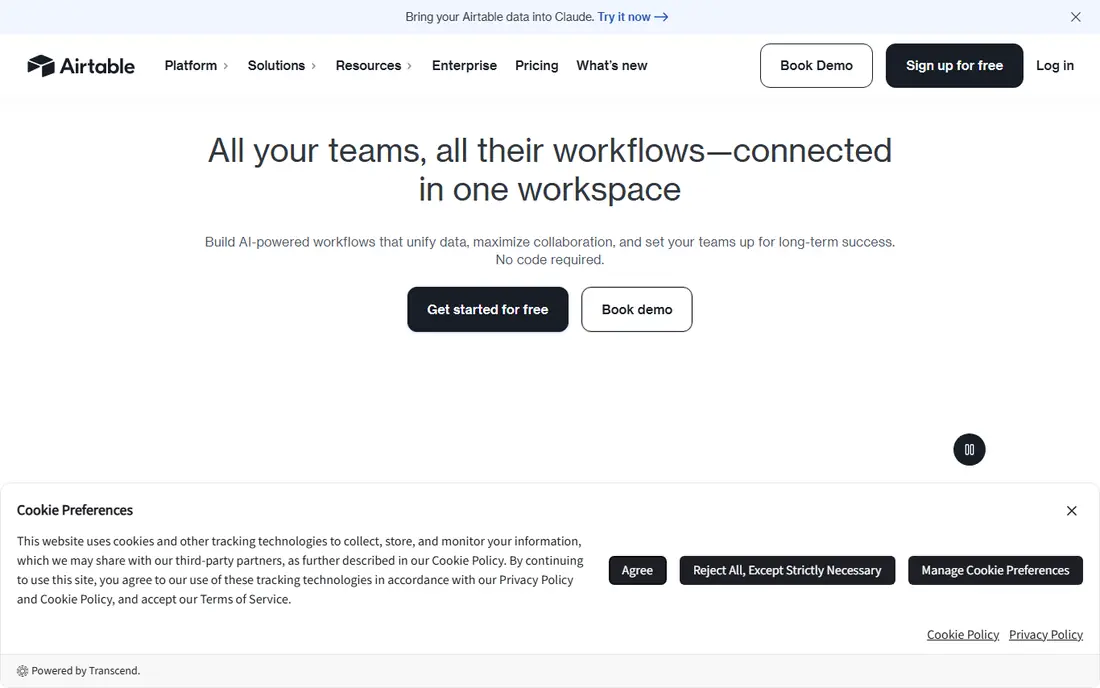
Airtable is a strong option in this list. Airtable pairs a familiar spreadsheet view with linked records, formulas, and multiple views for the same data. Its Interfaces tool lets a team build dashboards and forms on top of a base without a separate app builder.
In our view, the main trade-off is this: per-user pricing adds up quickly for larger teams, and fine-grained outside access is harder to arrange than in portal-first tools. That matters most when your volume, team size, or budget changes, so test the setup you will use every week before you commit.
- Linked records and multiple views
- Interfaces for dashboards and forms
- Automations and integrations
- Per-user cost grows with team size
- Outside user access can be hard to set up
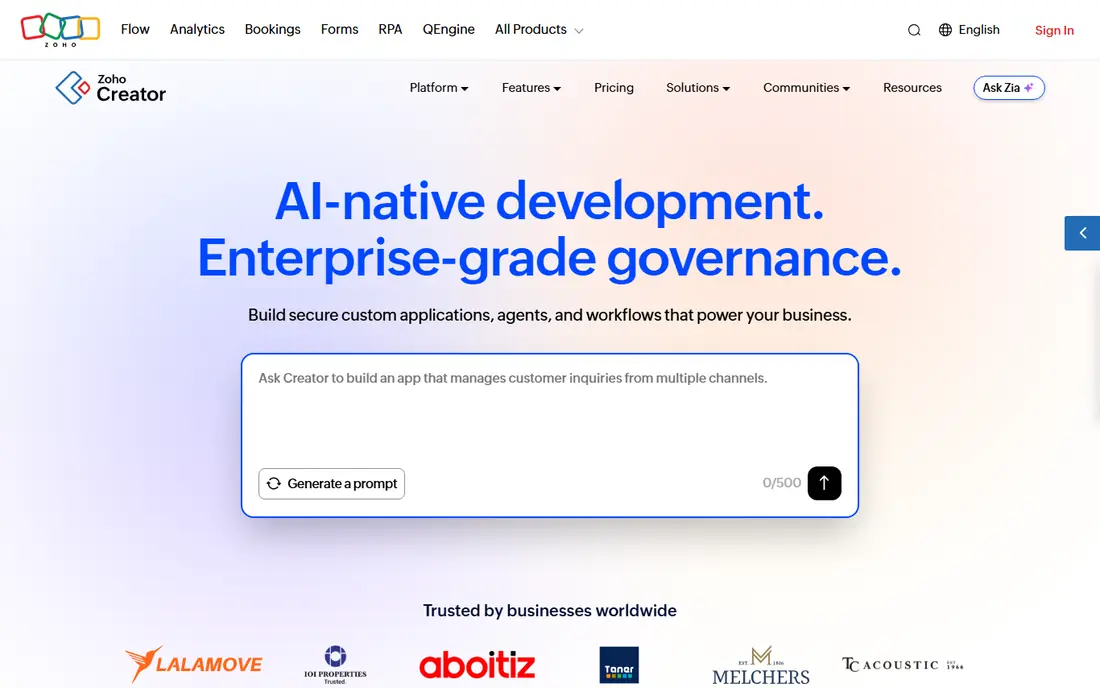
For many buyers, Zoho Creator is a practical place to start. Zoho Creator lets teams design custom apps with forms, workflows, and approval steps, plus scripting for more complex logic. Its links to other Zoho apps help when a custom database must sit beside CRM, mail, or accounting tools.
The honest catch is the entry plan allows only one app in some comparisons, so teams that need several apps should price the next tier. Before you sign up, run one real task through it and check the result against your current process.
- Visual app and form builder
- Workflow and approval logic
- Mobile apps with offline forms
- Standard plan limits app count
- Per-user cost grows with team size

Knack takes a different approach in this category. Knack builds database apps with a visual builder and flat monthly pricing, rather than charging per user. That pricing shape helps when a database must serve many staff, clients, or members without a rising per-seat bill.
We would weigh this point carefully: it is less suited to highly complex applications than developer-led platforms, so test any heavy logic during a trial. A short trial with your own data tells you more than a feature page, so use it before you move a whole workflow across.
- Drag-and-drop app builder
- Unlimited end users on paid plans
- Forms, views, and scheduled tasks
- Less suited to highly complex apps
- Some users report form rule quirks
Caspio deserves a close look before you decide. Caspio supports data-driven web apps with forms, reports, and role-based access, and it can work with SQL data sources. Its access controls and scale suit larger internal or client-facing apps where permissions matter.
In our view, the main trade-off is this: its entry cost is high for a small team, so it fits better once a database app is central to daily work. That matters most when your volume, team size, or budget changes, so test the setup you will use every week before you commit.
- Visual app builder with SQL support
- Role-based access
- Unlimited users in comparisons
- Entry cost is high for small teams
- Learning curve for advanced features
Tadabase is a strong option in this list. Tadabase builds internal tools with custom tables, workflows, and granular permissions, priced per account rather than per user. Its audit logs and access controls appeal to teams that need a clear record of who changed a record.
The honest catch is its ecosystem is smaller than Airtable or Zoho, so check integrations for the tools you already use. Before you sign up, run one real task through it and check the result against your current process.
- Visual builder with workflows
- Granular user control
- Audit logs and compliance options
- Smaller ecosystem than Airtable
- Pricing varies by plan and features
For many buyers, Baserow is a practical place to start. Baserow offers an open-source database with a spreadsheet-like interface, which teams can host themselves or use in the cloud. Its field types, views, and API make it a practical choice for teams that want control over where data lives.
We would weigh this point carefully: self-hosting adds maintenance work, so teams without technical support should compare the cloud plan first. A short trial with your own data tells you more than a feature page, so use it before you move a whole workflow across.
- Open-source, self-hostable database
- Spreadsheet-like views
- API and integrations
- Self-hosting needs technical care
- Some advanced features sit on paid plans
Coda takes a different approach in this category. Coda blends documents with tables, so a data model can live beside notes, tasks, and project pages. Its formulas, buttons, and automations let a team build a working internal tool without leaving a doc.
In our view, the main trade-off is this: it can feel broad for a pure database job, and plan limits need a check when a doc grows to many rows or editors. That matters most when your volume, team size, or budget changes, so test the setup you will use every week before you commit.
- Flexible docs with tables and views
- Formulas and automations
- Packs for integrations
- Pricing and limits vary by plan
- Can feel broad for a pure database job
Smartsheet deserves a close look before you decide. Smartsheet models work data in grids and cards, with views for timelines, calendars, and reports. Its automations and approval flows suit teams that track projects, requests, and deadlines in one shared sheet.
The honest catch is it has no free plan in the comparisons we read, and per-user pricing means a large viewer group still needs a cost check. Before you sign up, run one real task through it and check the result against your current process.
- Grid, card, Gantt, and calendar views
- Automations and approvals
- Reporting dashboards
- No free plan in comparisons
- Per-user cost grows with team size
Google AppSheet is a strong option in this list. AppSheet turns sheets or databases into mobile and web apps with forms, views, and workflow rules. Its offline access helps field teams that collect data where signal is weak, with sync when they return online.
We would weigh this point carefully: its strongest fit is inside Google Workspace, so teams on other platforms should test its data sources and governance options first. A short trial with your own data tells you more than a feature page, so use it before you move a whole workflow across.
- App builder from sheets and databases
- Offline mobile access
- Workflow and automation rules
- Governance and advanced features vary by plan
- Best inside Google Workspace
How we picked these
We compared official product pages, pricing pages, and recent custom-database comparisons. We kept only tools that are still offered in October 2026 and that let users define custom tables, fields, and relationships, rather than fixed templates alone. We used See website where a vendor does not publish a clear starting price. We did not claim hands-on testing, and we weighed model flexibility, permissions, and pricing shape more than marketing claims.
What to test in a customizable data model before you commit
Build one real model, not a demo table. Create the tables, linked records, and fields you actually use, then add a form, a filtered view, and a permission rule for each role. Check how formulas handle empty values, how imports handle duplicates, and how exports look when you need the data elsewhere. Count every person who will edit, view, or submit data, and price that full group, since per-user and flat models can reverse in cost at different team sizes. Finally, check backup and export options, so a custom model does not become a trap if you later switch tools.
Frequently asked questions
What does a customizable data model mean?
It means you can define your own tables, fields, field types, links between records, formulas, and views, rather than using only a fixed template. Good tools also let you set permissions and automations on top of that model.
Is Airtable a real database?
Airtable works like a relational database with a spreadsheet interface, linked records, and views, and it suits many team databases. For very large or customer-facing apps, a dedicated database or app platform may handle scale and access better.
How much does custom database software cost?
It depends on pricing shape. Per-user tools start from about 5 dollars to 20 dollars per user per month in this list, while flat tools start from about 50 dollars to 59 dollars per month for an account. Count all users before comparing totals.
Can non-technical teams build a data model?
Yes, for common cases. Visual builders in Airtable, Knack, and Zoho Creator cover tables, forms, and simple logic. Complex rules, integrations, or large migrations still benefit from technical help.
Should I self-host a database tool?
Self-hosting with Baserow gives more control over data and hosting, but it adds updates, backups, and security work. Cloud plans suit teams that want the vendor to handle that work.
Sources
See where you really rank - block by block
ProMapRanker scans Google Maps across a grid of your service area. Simple monthly plans from $19, white-label on every plan.
Start freeKeep reading
 worlds best local seo company
8 Worlds Best Local SEO Companies for Map Pack Growth in 2026
Compare the worlds best local seo company options for Google Business Profile work, citations, reviews, and multi-location rankings and reporting in 2026.
Read → world's best web hosting company
World's Best Web Hosting Company in 2026
Searching for the world's best web hosting company? We compared 10 hosts on price, renewal rates, speed, and support to help you choose well today in 2026.
Read → who's got the best nanny tax services
Who's Got the Best Nanny Tax Services in 2026
We answer who's got the best nanny tax services, comparing full filing, back taxes, software, and pricing so families can handle nanny taxes correctly.
Read →