 ProMapRanker
Best Software for Automating Candidate Nurturing in 2026

Key takeaways
- Candidate nurturing works best when messages are timed, relevant, and easy to stop, rather than frequent and generic.
- Enterprise talent CRM tools suit long pipelines, while smaller tools suit teams that hire in bursts and need a faster setup.
- Candidate data needs clear consent, retention limits, and opt-out handling, because a nurture sequence is still personal data processing.
- Automation never guarantees a hire, and it should support recruiter judgement, not replace the conversation that closes a role.
Quick comparison
| Pick | Great for | Pricing starts at | Free tier | |
|---|---|---|---|---|
 Gem | Sourcing and nurture sequences | See website | No | Visit |
 Beamery | Enterprise talent pipelines | See website | No | Visit |
 Avature | Highly configurable enterprise CRM | See website | No | Visit |
 Phenom | Career site and talent experience | See website | No | Visit |
 SmartRecruiters | Global enterprise hiring | See website | No | Visit |
 iCIMS | Large talent acquisition teams | See website | No | Visit |
 Manatal | Small teams on a budget | $15 per user per month | Free trial | Visit |
 Zoho Recruit | Small teams inside Zoho | See website | Free trial | Visit |
The best software for automating candidate nurturing
We compared talent CRM and recruiting platforms that offer nurture campaigns, talent pools, and automated follow-up, and we checked vendor pricing and product pages. Each tool below handles the long gap between first contact and a suitable opening differently.
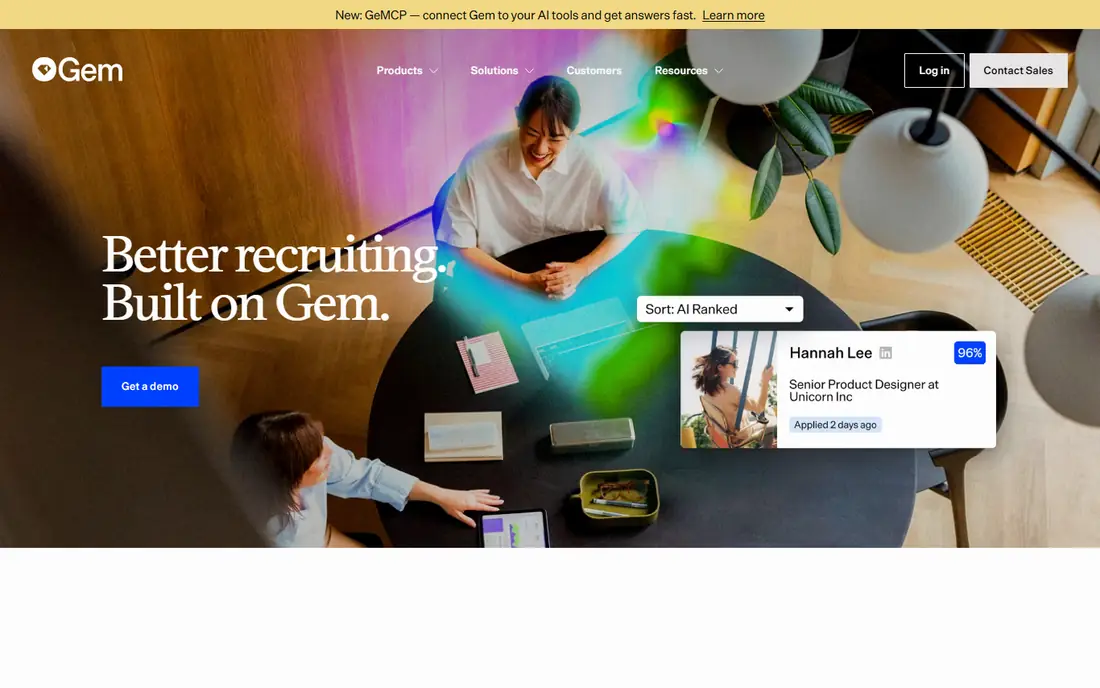
Gem is built around the idea that a pipeline is an asset, not a list of old applications. Recruiters can build talent pools, run multi-step sequences, and see which messages get replies, which stages stall, and which sources produce interviews. That feedback loop helps a team improve its outreach instead of sending the same message to every candidate.
The drawback is fit and price transparency. Gem suits teams that source actively and hire steadily, and its main plans are quoted by headcount or company size, with published staffing and startup entry points. A team that hires only a few times a year may find a simpler CRM enough, and should ask for a clear quote before committing.
- Email and messaging sequences tied to pipeline stages
- Analytics on outreach and response
- ATS integrations
- Pricing is largely quote-based
- Best value needs an active outbound programme
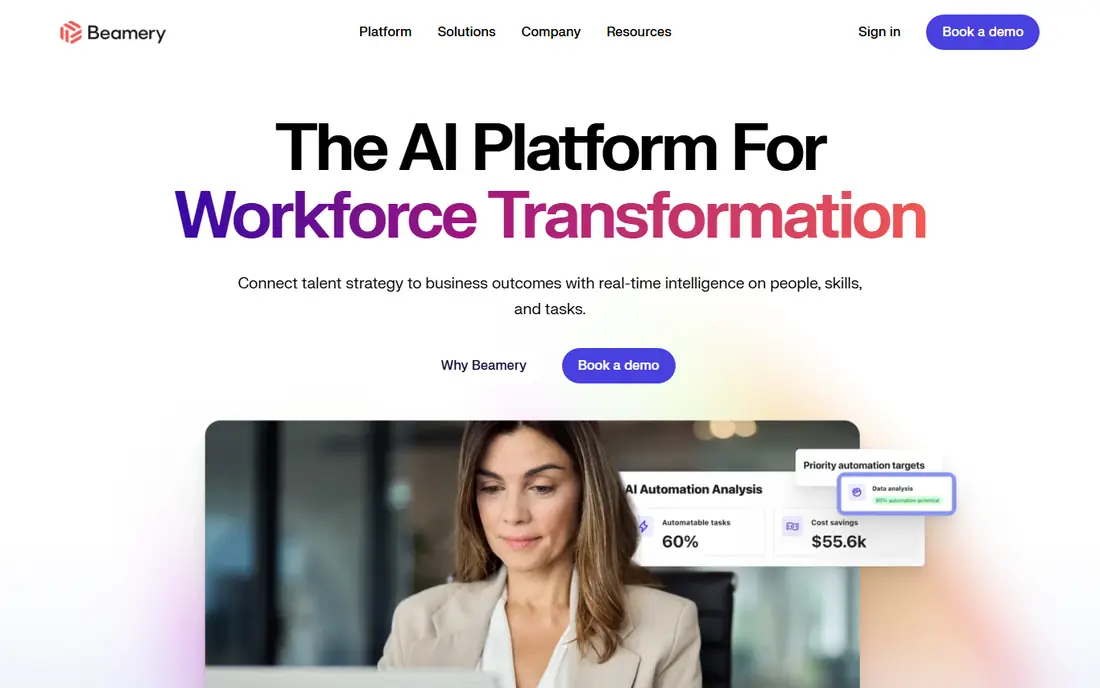
Beamery treats recruiting as a long-term programme, with talent pools that can be segmented, nurtured, and re-engaged over months or years. Campaigns can be tied to skills, locations, and hiring plans, which helps a large employer keep warm candidates for future roles rather than starting from zero each time. Reporting also helps leaders see pipeline health across regions and functions.
That depth comes with enterprise cost and setup time. Beamery is quote-based, and a deployment usually needs data work, integrations, and training before it pays off. It fits a large hiring organisation with a continuous pipeline, not a small team that needs a nurture tool this week.
- Talent pools and lifecycle campaigns at scale
- Skills data for matching
- Strong reporting for large teams
- Enterprise pricing and implementation
- More system than a small team needs
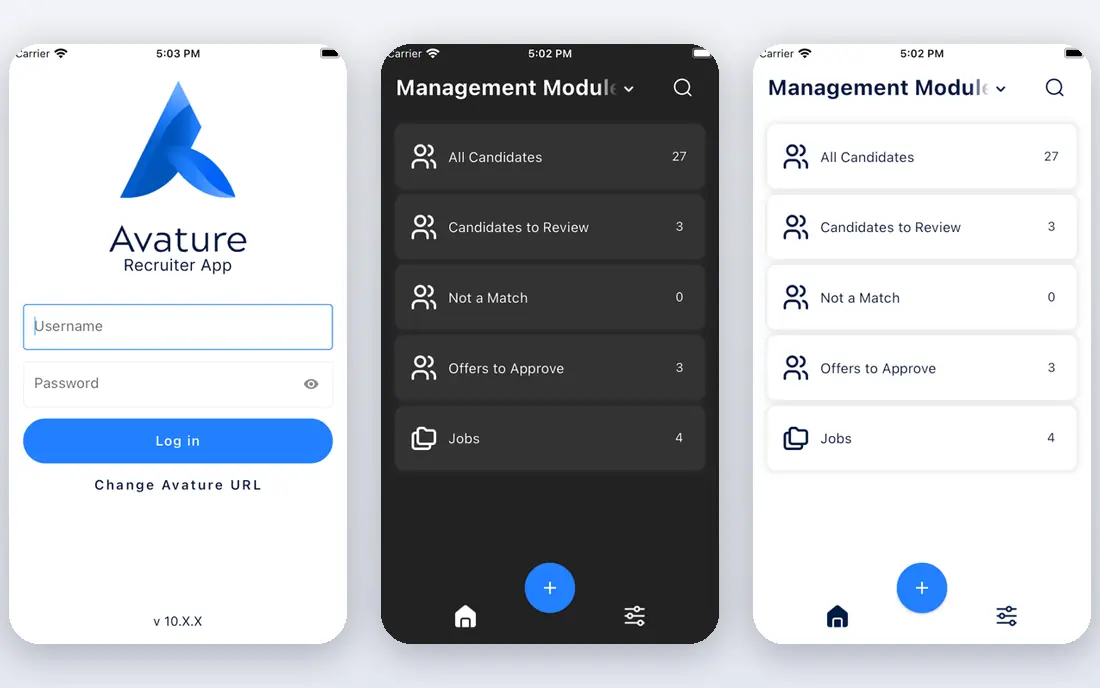
Avature is the choice for enterprises whose hiring process does not fit a standard template. Its low-code workflows let a team design its own candidate journeys, forms, approvals, and nurture steps, and its CRM can hold talent pools for many regions and business units. That flexibility is valuable when compliance, language, and local process all vary.
Flexibility is also the cost. A highly configurable system needs decisions, testing, and governance, or it becomes hard to maintain. Avature is sold on a custom quote, so a buyer should agree the scope, timeline, and support model early, and test a realistic workflow before signing a long contract.
- Deep configurability for unique workflows
- Strong enterprise CRM and automation
- Global hiring support
- Quote-based pricing
- Configuration can be slow without specialist help
Phenom connects nurturing to the candidate experience, starting with the career site. A visitor can receive job recommendations based on skills and interests, join a talent community, and then receive relevant updates rather than generic newsletters. That relevance matters, because a candidate who asked about one kind of role should not receive campaigns for unrelated roles.
The platform is enterprise-focused, so pricing is quoted and implementation covers more than nurture alone. A large employer that measures career site conversion will get the most from it. A smaller team should check whether the career site and automation pieces can be bought in a scope that matches its hiring volume.
- Personalised career site and job matching
- Automated campaigns tied to candidate interests
- Employee referral tools
- Enterprise focus and quote-based pricing
- Full value needs the wider talent platform
SmartRecruiters suits global teams that need consistent hiring across countries, languages, and business units. Its talent acquisition suite covers sourcing, applicant tracking, CRM, and nurture campaigns, with integrations for assessment, background checks, and HR systems. That breadth helps a large team keep one process while local teams still work in their own markets.
For a small team, that breadth can feel heavy. Pricing is enterprise and quote-based, and a deployment needs planning around data, permissions, and integrations. It earns its place for organisations that hire at scale across regions, rather than for a team running a handful of roles.
- Global hiring workflows and integrations
- Talent CRM and campaign tools
- Marketplace of partner tools
- Quote-based enterprise pricing
- Setup can be heavy for a small team
iCIMS is a long-established talent acquisition platform, and its CRM and recruitment marketing tools help large teams keep candidates warm between roles. Campaigns can be segmented by skill, location, and past application, and the system can track engagement through to application and hire. That history helps recruiters focus on candidates who have already shown interest.
The trade-off is scope and price. iCIMS is sold by quote, and its full suite covers far more than nurture alone. A large team that wants one vendor for attraction, application, and onboarding will value that. A team that only needs nurture should compare the cost against a lighter CRM or an add-on to its existing applicant tracking system.
- Proven enterprise talent acquisition cloud
- CRM, marketing, and automation
- Broad integration options
- Quote-based pricing
- The full suite can be more than a small team needs
Manatal gives a small recruiting team a candidate database, pipelines, and basic automation at a price that is easy to justify. It suits agencies and small in-house teams that need to organise candidates, track stages, and send follow-ups without an enterprise contract. Setup is faster than the enterprise tools on this list, which matters when hiring cannot wait for a long project.
The limit is depth. Its nurture and campaign features are useful, but they do not match the segmentation, lifecycle analytics, and enterprise integrations of Beamery or Avature. A team that grows into high-volume, multi-region hiring may outgrow it, but for a small team, it is a sensible starting point with a clear price.
- Low published starting price
- Candidate database and pipeline tools
- Simple setup for small teams
- Nurture automation is lighter than enterprise CRM tools
- Advanced reporting needs higher tiers
Zoho Recruit fits a small team that already uses Zoho tools, because candidates, emails, and reports can sit near the rest of the business systems. It offers pipelines, resume parsing, interview scheduling, and automation rules that can keep a candidate moving through the process. For a team hiring steadily but not at enterprise scale, that coverage is enough.
The honest limit is nurture depth. It handles follow-up and status updates well, but it is not a dedicated enterprise talent CRM with long-horizon lifecycle campaigns. Teams should check the current plan prices and trial terms on the vendor page, and test whether its automation covers the exact sequences they run most often.
- Recruiting pipelines and candidate database
- Automation and email templates
- Fits the wider Zoho suite
- Pricing and plan details need checking on the vendor page
- Enterprise nurture depth is limited
How we picked these
We compared vendor product pages, pricing pages, and feature descriptions for tools that offer talent pools, campaigns, or automated candidate follow-up, and we kept only tools that are live in October 2026. We favoured a mix of enterprise and small-team options, and we wrote See website where pricing is quote-based rather than inventing a figure. We also checked that each tool can handle opt-out and consent handling as part of its messaging workflow.
Choosing the right candidate nurturing tool
Start with the hiring pattern, not the feature list. A team that hires the same roles every month needs talent pools and repeatable campaigns, while a team that hires in bursts needs fast setup and simple follow-up. Map the candidate journey from first contact to application, and check that the tool can send the right message at each stage without manual chasing.
Next, agree the data rules before the first campaign runs. Record how consent was given, what messages a candidate agreed to receive, how long you will keep their data, and how they can opt out or ask for deletion. Make opt-out easy in every message, and keep a suppression list so an opted-out candidate is never added to a new sequence by accident.
Finally, test messages with real candidates and real recruiters. Check reply rates, unsubscribe rates, and whether nurture actually leads to applications for suitable roles, rather than just opens. Automation should never promise a job, a salary, or an outcome, and every automated message should make clear who it is from and how to reply to a person.
Frequently asked questions
Does candidate nurturing software guarantee hires?
No. Nurturing keeps suitable candidates engaged and informed, but it cannot guarantee that a candidate will apply, interview, or accept a role. Hiring still depends on the role, the pay, the location, the timing, and the candidate's own plans. Use nurturing to improve the odds, not to promise an outcome.
What candidate data can I use for nurturing?
Use only data you have a lawful basis to hold and use for that purpose, and only for the messages the candidate agreed to receive. Keep a record of consent or another lawful basis, limit the fields you store, and do not add candidates from scraped lists or purchased data without a clear legal basis and a way to opt out.
How often should nurture messages go out?
Less often than most teams think, and only when the message is relevant. A short update about a suitable role, an event, or useful content is better than a weekly generic newsletter. Watch unsubscribe and complaint rates, and pause a sequence for a candidate who has not engaged for a long time.
Should I keep candidates who never reply?
Not forever. Set a retention limit, review inactive records regularly, and delete or anonymise data that no longer has a purpose. A smaller, engaged talent pool performs better than a large list of people who never asked to hear from you again.
Can a small team use an enterprise talent CRM?
It can, but the cost and setup time often outweigh the benefit. A small team usually does better with a lighter CRM or an add-on to its applicant tracking system, and moves to an enterprise platform when hiring volume, regions, or compliance needs justify it. Trial the workflow with real roles before signing.
Sources
See where you really rank - block by block
ProMapRanker scans Google Maps across a grid of your service area. Simple monthly plans from $19, white-label on every plan.
Start freeKeep reading
 what’s the best risk software for enterprises
What Is the Best Risk Software for Enterprises in 2026
We compared what’s the best risk software for enterprises on risk registers, controls, third-party risk, and reporting, with pricing notes for large teams.
Read → what's the best pam software for enterprises
What is the Best PAM Software for Enterprises in 2026
Find what's the best pam software for enterprises, with vaulting, session recording, just in time access and pricing compared for large enterprise IT teams.
Read → what’s the best grc software
What Is the Best GRC Software in 2026
We compared what’s the best grc software on risk, compliance, audit and vendor risk, so teams can pick a platform that fits their frameworks and budget.
Read →