 ProMapRanker
Best Software for AI Mode in 2026


Free AI performance data for your own site · Pricing starts at: Free
Key takeaways
- Google AI Mode and AI Overviews draw on the same search index as classic results, so strong SEO basics still matter most.
- The useful new tools track whether a brand is cited in AI answers, which classic rank trackers alone do not show.
- Google Search Console is the free starting point, because it now reports generative AI performance for verified sites.
- No tool can promise a citation or a top AI answer, and claims that promise one should be treated with care.
Quick comparison
| Pick | Great for | Pricing starts at | Free tier | |
|---|---|---|---|---|
| Google Search Console | Free AI performance data for your own site | Free | Yes | Visit |
 Semrush | All-in-one SEO plus AI search tracking | $139.95 per month | Yes | Visit |
 Ahrefs | Backlink and content research for citable pages | $29 per month | Yes | Visit |
 Surfer | On-page content optimisation | See website | Free trial | Visit |
 Clearscope | Content relevance and topic coverage | See website | Free trial | Visit |
 Frase | Content briefs and optimisation | See website | Free trial | Visit |
 Profound | Tracking brand answers across AI systems | See website | Free trial | Visit |
 Peec AI | Brand mentions in AI answers | See website | Free trial | Visit |
 seoClarity | Enterprise search and AI visibility | See website | No | Visit |
The best software for AI Mode
AI Mode is Google's conversational search experience for longer, multi-step questions, while AI Overviews give short generated summaries above classic results. The tools below help teams see AI citations, strengthen the pages that AI systems cite, and write clearer answers, without pretending that AI visibility can be bought directly.
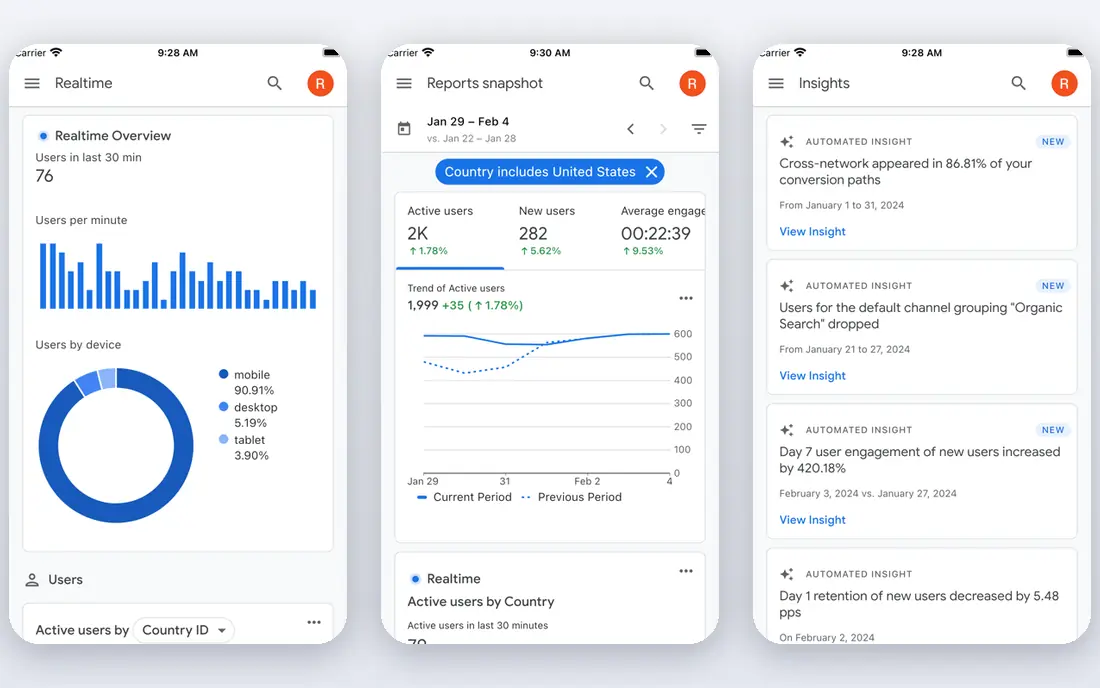
Google Search Console is the first tool to set up, because it is free and it reports on your own verified site. In 2026 Google added a generative AI performance report that breaks out impressions from AI Overviews and AI Mode by page, country, date and device. That makes AI visibility measurable, at least for your own pages, rather than a guess.
The limits matter too. The AI report does not give the same query and click detail as classic search reports, and it says nothing about competitors. Use it to spot which pages AI features surface, then use other tools to understand why competitors appear instead. For a free, official source, it is still the essential baseline.
- Direct data from Google
- Generative AI performance report
- Indexing and query data
- Shows impressions only for AI reports in some views
- No competitor AI tracking
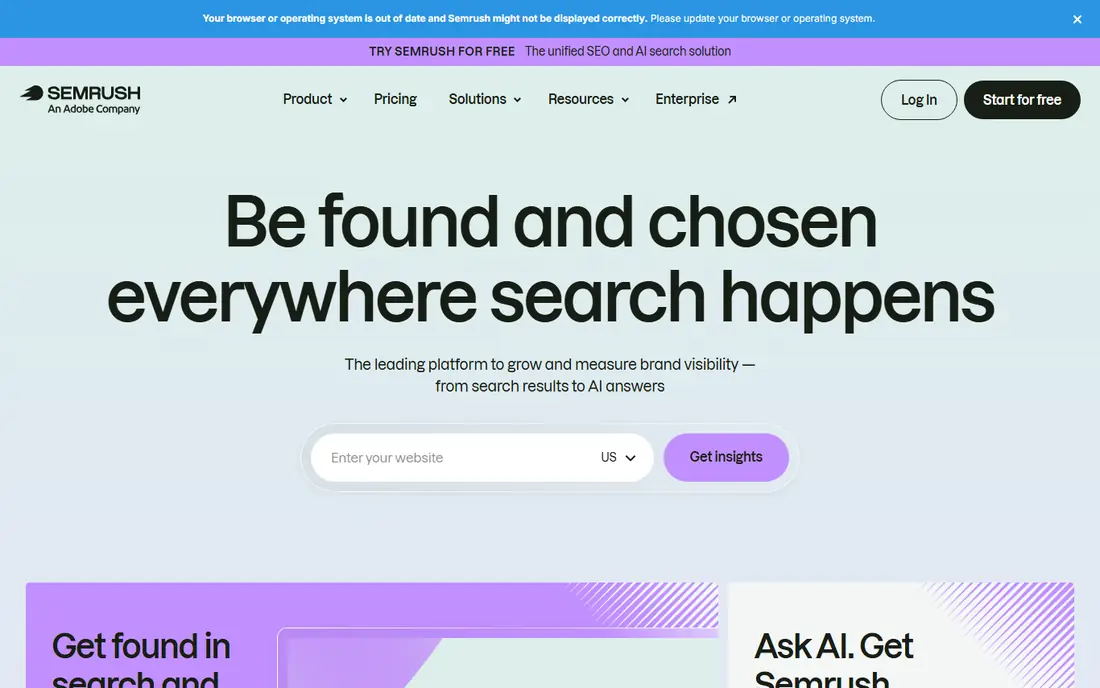
Semrush is the broadest suite in this list, covering keyword research, site audits, rank tracking and competitor research, with AI search tracking added on newer plans. That combination helps a team that wants one subscription for classic SEO and AI visibility, rather than several separate tools. The free account, limited to a small number of reports per day, is enough to test the interface.
The cost is the main drawback. At $139.95 per month for the SEO toolkit, it is a serious spend for a small business, and AI prompt tracking may need a higher plan. Teams should check how many AI prompts and tracked keywords they actually need before choosing a tier.
- Keyword, audit and rank tools in one suite
- AI visibility tracking on higher plans
- Large keyword database
- Full price is high for small sites
- AI tracking limits depend on plan

Ahrefs helps AI Mode work in an indirect but important way, which is by finding the pages, topics and links that make a site worth citing. Site Audit and Site Explorer in Webmaster Tools are free for verified sites, with crawl credits and limited backlink and keyword views. Paid plans add deeper competitor research and content tools.
It is not primarily an AI answer tracker, so teams that want daily AI citation reports will need a dedicated tool beside it. For research, though, Ahrefs remains one of the strongest ways to see why a competitor page earns links and covers a topic more fully than your own.
- Strong backlink and keyword data
- Webmaster Tools free for verified sites
- Useful content gap tools
- AI-specific tracking is less central than in newer tools
- Paid plans rise quickly
Surfer helps editors shape a page so that it answers a query clearly and covers the terms and subtopics that top pages cover. That clarity matters for AI Mode, because AI systems tend to cite pages with direct answers, clear headings and well-structured sections. The tool gives a content score and suggests terms, headings and structure based on current search results.
The catch is that a high score does not guarantee a citation or a ranking. Editors should use Surfer to improve coverage and readability, then check facts, add original detail and keep the page accurate. Used that way, it is a practical writing aid rather than a shortcut.
- Clear content scores and term guidance
- SERP-based recommendations
- Useful for editors
- Scores are guidance, not a ranking promise
- Pricing varies by plan
Clearscope is similar in purpose to Surfer, with a focus on helping writers cover a topic fully. It analyses top pages for a query, lists relevant terms and grades a draft for coverage, so an editor can see gaps before publishing. That is useful for AI Mode pages, where a thin answer is less likely to be cited than a complete, well-sourced one.
It is not an all-in-one SEO suite, and it does not track AI citations by itself. Teams should pair it with Search Console for performance and a rank or AI tracker for visibility. For content teams that publish regularly, the writing guidance alone can justify it.
- Term and coverage guidance for writers
- Clean reports
- Good for editorial teams
- Quote-based or higher pricing for larger use
- No rank tracking focus
Frase helps a writer start with a structured brief, built from top-ranking pages and the questions people ask about a topic. That is a good fit for AI Mode content, because AI answers often draw on pages that handle follow-up questions well, not only the main query. The tool also scores drafts and suggests missing topics.
The risk is over-reliance on generated briefs. A brief is a starting point, and facts, examples and original insight must come from the writer. Teams that edit carefully will get faster, more complete drafts, while teams that publish briefs unchanged will produce thin pages that AI systems have little reason to cite.
- Fast briefs from top results
- Question research
- Optimisation for drafts
- Output needs human editing and fact checks
- AI answer tracking is limited
Profound is one of the newer tools built specifically for AI search, tracking how a brand appears in answers from AI systems and which sources those answers cite. That prompt-level view is the missing piece in classic SEO tools, because a page can rank well and still be absent from an AI answer. Competitor comparisons help teams see who is cited instead.
Pricing and maturity are the drawbacks. Plans are not as simple as a classic SEO starter plan, and the AI tracking market is changing quickly. It suits brands that already have solid SEO and now need to measure AI answers as a separate channel.
- Prompt-level AI answer tracking
- Competitor comparisons
- Citation checks
- Pricing is not a simple starter plan
- New category, so features change fast
Peec AI focuses on a clear question, which is whether AI answers mention your brand, and in what context. Teams can track prompts, compare mentions with competitors and spot when a brand disappears from an answer. That is useful for reputation and for content planning, because a missing mention often points to a missing page or a weak answer.
The limit is prompt choice. Results only reflect the prompts a team tracks, so a narrow prompt set can give a false sense of progress. Teams should track the prompts customers actually ask, including comparisons and best-for questions, not only branded terms.
- Tracks brand mentions across AI platforms
- Simple dashboards
- Competitor views
- Coverage depends on prompts tracked
- Smaller tool, so check data depth
seoClarity suits large sites and agencies that need AI Overview and search visibility tracked at scale, with reporting across many pages and markets. Its data depth helps teams spot which page types appear in AI features and where competitors gain ground. For an enterprise SEO team, that scale is the main reason to choose it.
Small businesses should look elsewhere. Pricing is enterprise-level and the sales process reflects that, so a small site will get more value from Search Console plus a focused AI tracker. For large portfolios, though, seoClarity gives a structured view that smaller tools cannot match.
- Large-scale rank and AI Overview tracking
- Enterprise reporting
- Strong data depth
- Enterprise pricing and sales process
- More than small sites need
How we picked these
We compared official feature and pricing pages, Google Search Central guidance on AI features, and recent AI visibility guides. We favoured tools live in October 2026 that either report AI performance directly or strengthen the pages AI systems cite. We did not claim hands-on testing, and we avoided tools that promise guaranteed AI citations, because Google states that AI Overviews and AI Mode use the same search index as classic results.
What to check before you buy
Start with Search Console, even if you plan to buy another tool. Its generative AI report shows which of your pages already appear in AI features, and that baseline prevents paying for tracking you do not yet need. Fix indexing, page speed and basic content gaps first, because AI tools cannot rescue a page that search engines cannot crawl or understand.
Next, choose prompts carefully for any AI tracker. Track the questions buyers ask, including comparisons, costs and best-for queries, and track competitors on the same prompts. A tracker that only follows your brand name will miss the commercial questions that drive sales.
Finally, write for citation, not for tricks. Put a direct answer near the top of each section, use clear headings, add facts with sources, and keep pages current. Avoid tactics that hide content or repeat keywords, because Google spam policies apply to AI features as well. Measure citations over weeks, not days, since AI answers change as pages are recrawled.
Frequently asked questions
What is the best software for AI Mode?
Google Search Console is the best free starting point, because it reports generative AI performance for your own site. Semrush is the broadest paid suite, while Profound and Peec AI give more focused AI answer tracking. The best mix is usually Search Console plus one AI tracker and one content tool.
Do I need separate software for AI Mode and classic SEO?
No, not at first. Google states that AI Overviews and AI Mode use the same search index and ranking systems as classic search, so classic SEO work still applies. A dedicated AI tracker becomes useful once you want to measure citations and mentions that classic rank tools do not show.
Can software guarantee my site will be cited in AI Mode?
No. No honest tool can promise a citation, because AI answers depend on the query, the available pages and the model response. Tools can show where you appear, what competitors do and which pages need stronger answers, but the citation itself is not for sale.
How do I track AI Mode visibility for free?
Verify your site in Google Search Console and check its generative AI performance report for AI Overview and AI Mode impressions by page. That gives free data for your own site, though it lacks competitor views and full query detail. Add a trial AI tracker if you need competitor comparisons.
What content works best for AI Mode?
Pages with a direct answer early in each section, clear headings, current facts, sources and coverage of follow-up questions tend to be cited more often. Original data, examples and expert detail help more than repeated generic text. Keep pages updated, because stale facts are a common reason for losing a citation.
Sources
See where you really rank - block by block
ProMapRanker scans Google Maps across a grid of your service area. Simple monthly plans from $19, white-label on every plan.
Start freeKeep reading
 zscaler alternatives
Best Zscaler Alternatives in 2026
Looking for zscaler alternatives? We compare 9 SASE and zero trust platforms on architecture, data protection, pricing, and fit for your network and team.
Read → zapier alternatives free
Best Zapier Alternatives Free in 2026
Nine automation tools for zapier alternatives free in 2026, all with genuinely free tiers, plus free plan limits, starting prices and upgrade paths explained.
Read → which platform is best for online reputation
Which Platform Is Best for Online Reputation in 2026
Wondering which platform is best for online reputation? We compare 8 review, listing, and response tools for small and multi-location businesses and agencies.
Read →