 ProMapRanker
Best Software for Accounting Automation and Integrations in 2026


Most US small businesses · Pricing starts at: $38 per month
Key takeaways
- QuickBooks Online and Xero lead for small and mid-size firms that want broad integrations.
- Sage Intacct and NetSuite fit larger firms with multi-entity and close automation needs.
- Zoho Books, FreshBooks, and Wave offer lower-cost routes for small businesses and freelancers.
- BILL and Tipalti specialise in payables, approvals, and payments at scale.
- Automation only helps if bank feeds, rules, and approvals are set up and reviewed regularly.
Quick comparison
| Pick | Great for | Pricing starts at | Free tier | |
|---|---|---|---|---|
| QuickBooks Online | Most US small businesses | $38 per month | Free trial | Visit |
 Xero | Global teams and unlimited users | $27 per month | Free trial | Visit |
 Sage Intacct | Mid-market multi-entity firms | See website | No | Visit |
 Zoho Books | Zoho ecosystem users | Free | Yes | Visit |
 FreshBooks | Service firms and freelancers | $23 per month | Free trial | Visit |
 Wave | Free invoicing and accounting | Free | Yes | Visit |
 BILL | Payables and approvals | $49 per user per month | No | Visit |
 Tipalti | Global mass payments | See website | No | Visit |
 NetSuite | Enterprise ERP accounting | See website | No | Visit |
The best software for accounting automation and integrations
This is general information only, not tax or accounting advice. We compared these tools on bank reconciliation, invoice capture, approvals, payments, integrations, and reporting. Prices are starting points from recent listings; quoted tools need a sales quote for a firm figure.

QuickBooks Online is the default accounting choice for many US small businesses, and its integration list is a major reason. Bank feeds, invoicing, expense capture, payroll add-ons, and hundreds of third-party apps connect to one ledger. Plans start at $38 per month for Simple Start in recent listings, rising to $85 for Essentials and $140 for Plus.
Automation works best when rules are set carefully: bank rules, receipt capture, and recurring invoices cut manual entry, but unreviewed rules can miscategorise transactions. Higher tiers add inventory, project tracking, and advanced reporting. If your accountant already works in QuickBooks, that familiarity alone can save time.
- Broad US accountant support
- Bank feeds
- Many integrations
- Price rises steeply by tier
- Advanced reporting sits on higher plans
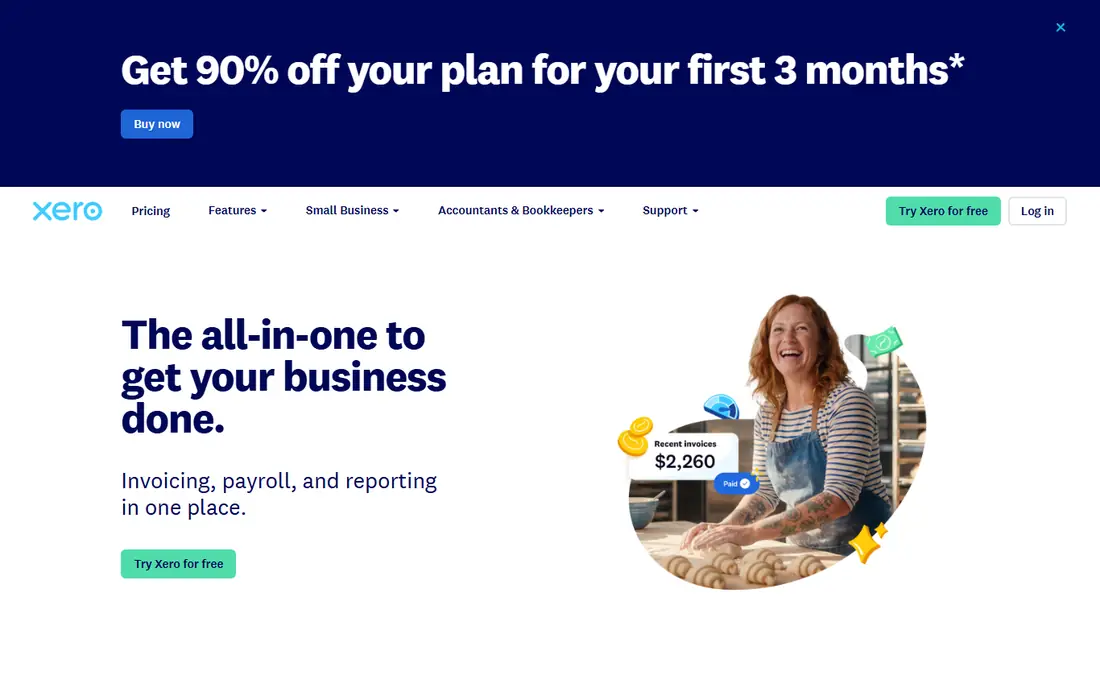
Xero suits firms with global teams or many collaborators, since plans include unlimited users rather than charging per seat. Bank reconciliation, invoicing, expense claims, and reporting cover core accounting, with a large marketplace for payroll, payments, and industry tools. Recent listings put entry pricing at $27 per month for Early, $59 for Growing, and $97 for Established.
US payroll is handled through partners rather than built-in Xero payroll in most cases, so check that setup if payroll matters. Project tracking and multi-currency tools sit on higher tiers. For a distributed team that wants everyone in the same ledger, Xero is strong value.
- Unlimited users on plans
- Strong bank feeds
- Broad app marketplace
- US payroll needs partners
- Some advanced features sit on higher tiers
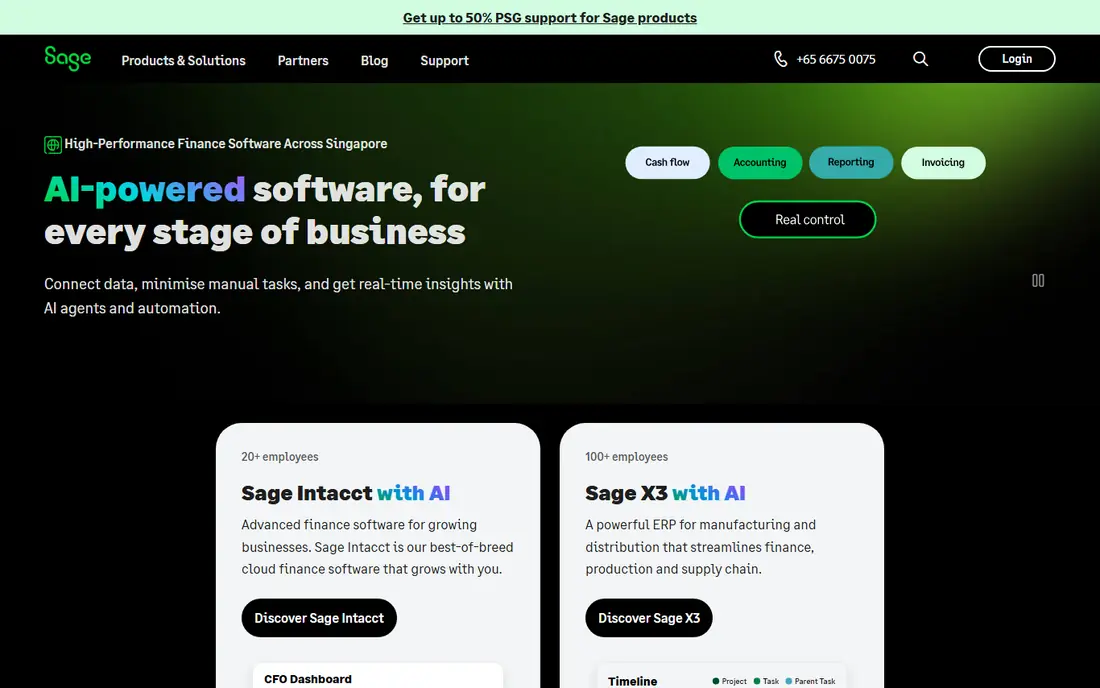
Sage Intacct targets mid-market firms that need multi-entity accounting, dimensional reporting, and a faster close. It automates allocations, consolidations, and approval workflows, and it handles revenue recognition for subscription and service firms. Integrations cover payroll, payments, expenses, and CRM tools.
Pricing is quoted and implementation needs planning, especially for multi-entity setups and historical data. Smaller firms will find it more than they need. For a finance team outgrowing QuickBooks or Xero, Sage Intacct offers controls and reporting depth that justify the step up.
- Multi-entity and dimensional reporting
- Close automation
- Strong controls
- Quote-based pricing
- Implementation takes planning
Zoho Books offers invoicing, expenses, bank reconciliation, and reporting with automation for recurring invoices, payment reminders, and bank rules. A free tier covers small firms with limited revenue, and paid plans start around $20 per month in recent listings. Firms already using Zoho CRM, Inventory, or Projects get smooth data flow across apps.
It is less deep than Sage Intacct or NetSuite for multi-entity work, and US payroll sits outside Books. For a small business inside the Zoho ecosystem, though, the value is clear. Test bank feeds and tax handling for your country before committing, since local features vary.
- Free tier
- Strong automation
- Tight Zoho app links
- Less depth for large firms
- US payroll needs separate tools
FreshBooks is built for service businesses and freelancers that live by invoices, time, and client payments. It automates recurring invoices, payment reminders, and expense capture, with a client portal for approvals and payments. Recent listings put Lite at $23 per month, Plus at $43, and Premium at $70.
Full double-entry depth and advanced reporting are thinner than in QuickBooks or Xero, so larger firms may outgrow it. Accountants should check whether its reports meet their needs. For a service firm that wants invoicing done well with light accounting attached, FreshBooks is a friendly pick.
- Easy invoicing and time tracking
- Client portal
- Expense capture
- Accounting depth is thinner
- Reporting suits smaller firms
Wave offers free accounting, invoicing, and receipt scanning for small businesses, with paid payment processing and payroll add-ons where available. It suits pre-revenue firms, freelancers, and side businesses that need clean books without a monthly subscription. Setup is quick, and the interface stays simple.
Automation and integrations are thinner than in paid rivals, and advanced reporting is limited. Firms that grow into inventory, multi-entity, or complex payroll work will likely move on. As a free starting point, Wave is hard to beat for basic books done properly.
- Free accounting and invoicing
- Easy start
- Payment processing add-ons
- Fewer automation and integration options
- Support is limited on free tier
BILL, formerly Bill.com, automates accounts payable: vendors send invoices to a central inbox, the system captures data, approvals route by policy, and payments go out by ACH, check, or virtual card. Plans start at $49 per user per month for Essentials, $65 for Team, and $89 for Corporate in recent listings, plus payment fees such as $0.59 per ACH.
Automatic two-way sync with QuickBooks or Xero effectively starts at Team, and custom approval rules need Corporate, so price the plan that matches your workflow, not just the entry tier. For firms drowning in supplier invoices, BILL's approval trail and vendor network are the main draw.
- Invoice inbox and approvals
- Vendor network
- QuickBooks, Xero, and NetSuite sync
- Per-user pricing adds up
- Two-way sync starts above entry plan
Tipalti suits upper mid-market and enterprise finance teams paying many suppliers across countries and currencies. It handles supplier onboarding, tax forms, approvals, and mass payments by ACH, wire, and PayPal, with links to NetSuite, Sage Intacct, and QuickBooks. Recent listings describe AP pricing starting with a $99 per month platform fee plus transaction pricing, with a final custom quote.
Smaller firms will find the sales-led process heavy for simple payables. Extraction alone is not the selling point; payments and compliance are. If global supplier payments and tax onboarding consume your team's time, Tipalti is worth a demo.
- Global payments across many countries
- Supplier tax onboarding
- Multi-entity AP
- Custom quote
- No self-serve signup for most firms
NetSuite, from Oracle, is a full cloud ERP that includes financial management alongside inventory, order management, CRM, and HR tools. It suits firms that have outgrown standalone accounting and need one system for operations and finance. Multi-subsidiary accounting, consolidations, and custom reporting support complex structures.
Pricing is quoted, and implementation is measured in months for larger firms, with real consulting cost. Small firms should not start here. For a company that needs ERP depth with accounting at its core, NetSuite is the established enterprise route.
- Full ERP with accounting, inventory, and CRM
- Multi-subsidiary support
- Strong reporting
- Quote-based pricing
- Long and costly implementation
How we picked these
We reviewed vendor pricing pages and recent accounting comparisons, keeping tools that automate at least two of bank reconciliation, invoice capture, approvals, or payments, plus integrations with other business systems. We left out single-purpose receipt scanners and pure payroll tools. Where a vendor does not publish pricing, we used a quote-based starting point.
What to check before you buy
Start with your bank and billing connections, since automation fails when feeds break. Test bank reconciliation with your real accounts, including multi-currency and high-volume months. Check how the tool handles duplicates, split transactions, and corrections, and confirm who reviews automated postings before they hit the ledger.
Next, map approvals and integrations end to end. A payables tool should route by amount, vendor, and department, and sync cleanly to your ledger without manual exports. Ask for a written list of included integrations, API limits, and support terms. A short pilot with one month of real transactions will reveal more than any feature sheet.
Frequently asked questions
What does accounting automation actually automate?
It commonly covers bank feeds, invoice capture, recurring invoices, payment reminders, approvals, and report generation. It reduces manual entry, but it does not remove the need for review and reconciliation.
Do I still need an accountant if I automate?
Yes, for most firms. Automation handles data entry and routine reports, while an accountant handles tax, controls, and judgement calls. This guide is general information only, not tax or accounting advice.
Which tool integrates best with QuickBooks or Xero?
BILL, Tipalti, and many expense and payment tools sync directly with both. Check whether sync is two-way and which plan includes it, since entry plans sometimes limit sync to manual import.
Can automation handle multi-entity accounting?
Sage Intacct and NetSuite are built for it, with consolidations and dimensional reporting. QuickBooks and Xero handle simpler multi-company setups, but they are not a substitute for a true multi-entity system.
How do I avoid errors from automated rules?
Review bank rules monthly, reconcile accounts on schedule, and limit who can approve or override postings. Test new rules on a small batch before applying them broadly.
Sources
See where you really rank - block by block
ProMapRanker scans Google Maps across a grid of your service area. Simple monthly plans from $19, white-label on every plan.
Start freeKeep reading
 worlds best local seo company
8 Worlds Best Local SEO Companies for Map Pack Growth in 2026
Compare the worlds best local seo company options for Google Business Profile work, citations, reviews, and multi-location rankings and reporting in 2026.
Read → world's best web hosting company
World's Best Web Hosting Company in 2026
Searching for the world's best web hosting company? We compared 10 hosts on price, renewal rates, speed, and support to help you choose well today in 2026.
Read → who's got the best nanny tax services
Who's Got the Best Nanny Tax Services in 2026
We answer who's got the best nanny tax services, comparing full filing, back taxes, software, and pricing so families can handle nanny taxes correctly.
Read →