 ProMapRanker
Best Software Documentation Tools for Developers in 2026

Key takeaways
- GitBook is our pick for most mixed teams, with a visual editor, Git sync and a price that scales by site and user.
- ReadMe is the strongest choice for API first products that need an interactive reference with live try it calls.
- Mintlify gives docs as code teams a polished site, but the jump from free to $450 per month is steep.
- Docusaurus is free and open source, and it suits teams with engineering time who want full control over hosting and design.
- Confluence and Notion win when non developers write most of the docs, but neither is a true API reference tool.
Quick comparison
| Pick | Great for | Pricing starts at | Free tier | |
|---|---|---|---|---|
 GitBook | Mixed teams with Git sync | $65 per site per month | Yes | Visit |
 ReadMe | Interactive API portals | $250 per month | Yes | Visit |
 Mintlify | Polished docs as code | $450 per month | Yes | Visit |
 Docusaurus | Open source control | Free | Yes | Visit |
 Confluence | Company wikis tied to Jira | $5.42 per user per month | Yes | Visit |
 Notion | Flexible wikis | $10 per user per month | Yes | Visit |
 Document360 | Governed knowledge bases | See website | Free trial (14 days) | Visit |
 Stoplight | API design and docs | See website | Yes | Visit |
 Fern | Docs plus SDKs from one spec | Free | Yes | Visit |
The best software documentation tools for developers
Good developer docs need clear guides, a usable API reference, search that works, and a workflow writers will actually keep up to date. We compared hosted platforms and open source tools on editing, Git workflow, API reference quality, search and price.
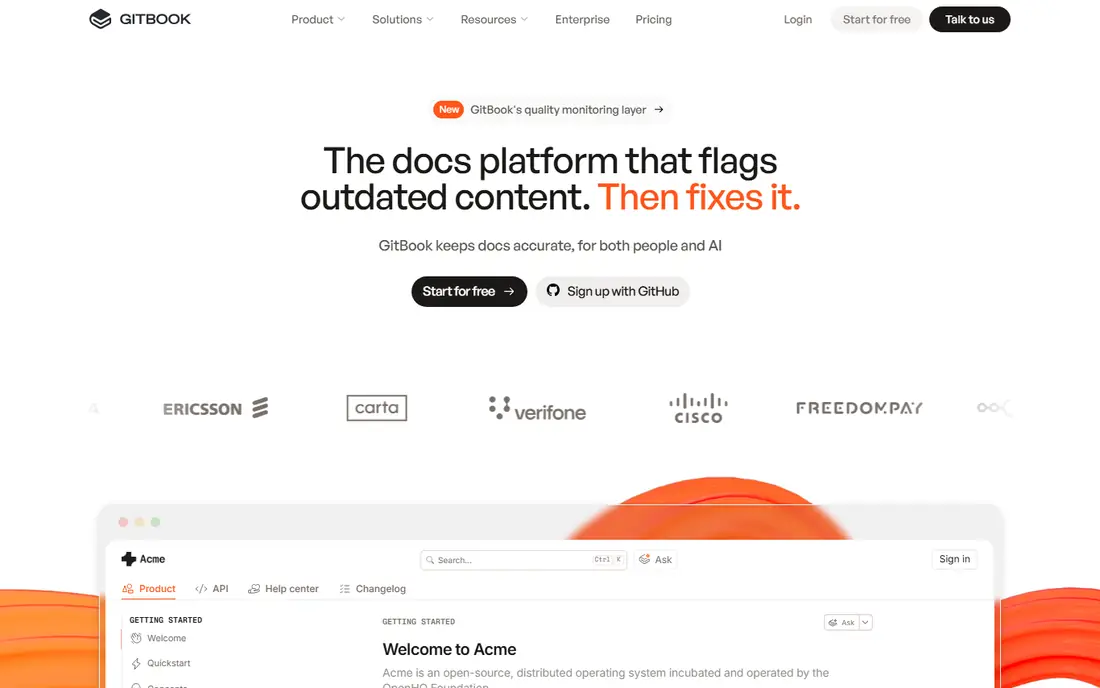
GitBook suits teams where developers and non developers both write docs. The visual editor is easy for product and support writers, while Git sync keeps docs close to code for engineers. Search, versioning and a clean reader experience cover most public and internal docs needs.
The price model needs care. Paid plans charge per site plus per user, so model your real team and site count before comparing sticker prices. For most mixed teams, though, GitBook is our pick because adoption is the hardest part of docs, and GitBook lowers that barrier.
- Visual editor plus Git sync
- Strong search
- Custom domains on paid plans
- Price scales by site and user
- API reference is basic beside ReadMe
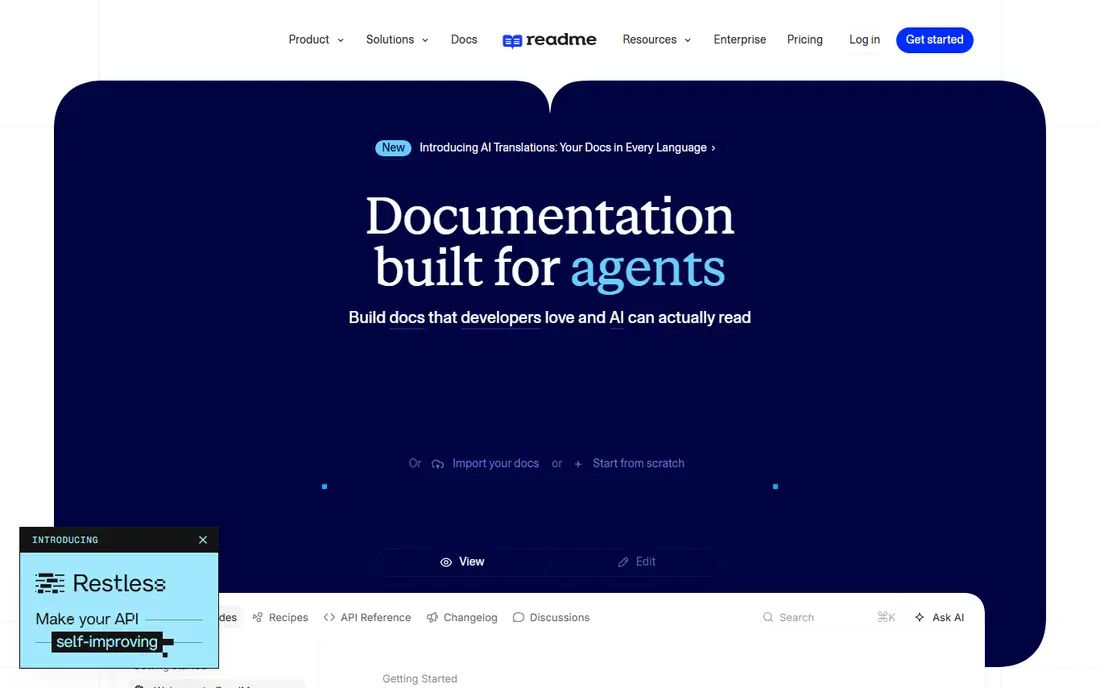
ReadMe is built for API first products. Readers can try endpoints from the docs, see real responses, and move from guide to reference without leaving the portal. That interactive layer is why many API companies choose ReadMe even at a higher price.
The cost is the catch. Paid plans start at $250 per month, and add-ons are billed for the year upfront. If your product is an API and developer adoption drives revenue, that cost is easier to justify than for an internal wiki.
- Live try it API calls
- Strong API reference
- Guides plus reference in one portal
- High entry price
- Every teammate on self serve plans is an admin
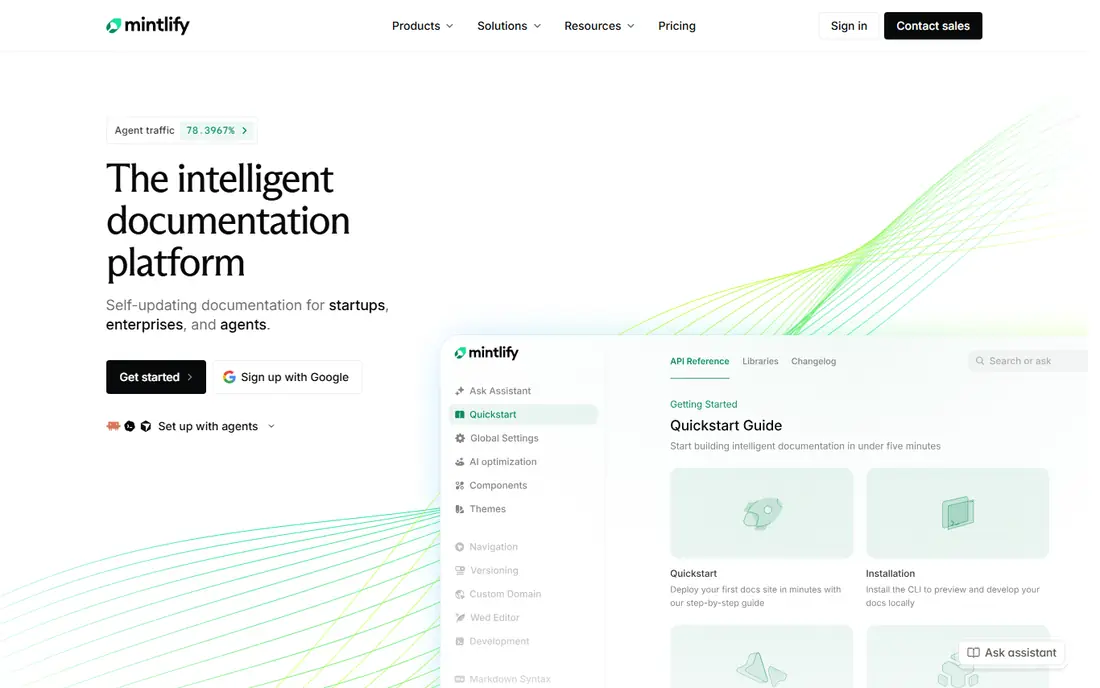
Mintlify appeals to docs as code teams that want a site that looks designed without building a frontend. Writers work in Markdown, connect a repo, and deploy on push. The result is clean, fast and easy to keep current beside code.
The pricing jump is the main warning. The free plan covers a limited setup, while Pro at $450 per month is a large step for a small team. Mintlify is still worth it when design polish and a Git workflow matter most, but price it against GitBook first.
- Polished design from Markdown
- Git based workflow
- AI writing help on paid plans
- Steep jump from free to paid
- AI features add cost and limits
Docusaurus, from Meta, is the free choice for engineering led teams. It builds docs sites from Markdown, supports versioning and search, and lets you host anywhere. For open source projects and teams with frontend skill, that control is a real advantage.
The trade is ownership. There is no hosted editor or managed service to lean on, so hosting, updates and analytics fall to your team. Non developers may also struggle beside a visual editor tool such as GitBook.
- Free and open source
- Full control over hosting and design
- Large plugin ecosystem
- You own hosting and maintenance
- No hosted editor for non developers
Confluence wins for internal docs inside Atlassian shops. Pages link to Jira work, permissions match team structure, and templates help teams start fast. The entry price is also low, which makes it easy to roll out across a company.
It is not the right tool for a public API reference. OpenAPI rendering and interactive calls are weaker than ReadMe, Mintlify or Stoplight. Use Confluence for internal knowledge, and pair it with a dedicated API tool when you need both.
- Deep Jira integration
- Templates and permissions
- Low entry price
- Not a true API reference tool
- Search and design feel dated to some teams
Notion is the wiki that non developers actually maintain. Pages, databases and templates make it easy to build guides, runbooks and internal notes without learning a docs platform. For a small team, docs plus tasks in one place is a genuine advantage.
The limits appear with public developer docs. API reference support is thin, and custom domains and reader analytics are not its strengths. Notion fits internal docs and early stage products, not API led portals.
- Easy for non developers
- Docs plus tasks in one place
- Flexible page structure
- Not built for API reference
- Public docs options are limited
Document360 suits large teams that need publishing control. Approval workflows, versioning and category structure help support and product teams keep a large knowledge base accurate. Search and analytics also help teams find gaps in coverage.
Pricing is quote based, which makes quick comparison harder, and the platform feels heavier than GitBook for a small docs site. Choose it when governance and scale matter more than speed of setup.
- Approval workflows
- Version control
- Strong knowledge base structure
- Pricing is quote based
- Heavier than a simple docs site
Stoplight starts from API design, not just docs. Teams design an OpenAPI spec, test it with mock servers, and publish hosted docs from the same source. That keeps docs and spec in step, which cuts drift between code and docs.
General narrative guides are less of a strength than in GitBook or Mintlify, so teams with long tutorials may need a second tool. For API led teams that design before they code, Stoplight is a strong fit.
- API design plus hosted docs
- OpenAPI first workflow
- Mock servers for testing
- Narrower for general guides
- Pricing needs a check on the vendor page
Fern generates docs and client SDKs from one API definition, so TypeScript, Python, Go and Java clients stay consistent with the reference. That single source approach saves time for API teams that ship SDKs, and the reference output is clean and modern.
The workflow is schema first and CLI led, which takes learning for teams used to a visual editor. It is also weaker for general guides than GitBook. Fern fits API teams that ship SDKs and want docs and clients from the same spec.
- SDK generation from one spec
- Clean API reference
- Free CLI option
- Schema first workflow takes learning
- Weaker for general narrative docs
How we picked these
We compared official pricing pages, product docs and public reviews, and we kept only tools that are live in October 2026 and that serve developer docs in a direct way. We checked editing workflow, Git support, API reference quality, search, permissions and price, and we used See website where pricing is quote based. We did not claim hands-on testing.
How to choose for your team
Start with who writes the docs. If developers write in Git, Mintlify, Docusaurus or Fern will feel natural. If product, support and developers all write, GitBook or Notion will get more contributions. The best docs tool is the one writers keep using, since stale docs help no one.
Next, check the API reference need. If your product is an API, ReadMe, Stoplight or Fern should lead the shortlist, because interactive calls and SDKs matter more than a pretty guide page. If you only need guides and internal notes, Confluence or Notion will cost less and cover the work.
Finally, model the real price. Count sites, editors and readers that need paid features, and check custom domain, analytics and AI limits. A free plan that lacks a custom domain may force a paid jump sooner than expected, so test the free tier with a real docs set before buying.
Frequently asked questions
What is the best developer documentation tool?
GitBook is our pick for most mixed teams, ReadMe is best for interactive API portals, and Mintlify is best for polished docs as code sites. Docusaurus is the best free open source choice. The right pick depends on who writes, whether you ship an API, and your budget.
What is the best documentation tool for API reference?
ReadMe leads for interactive reference with live try it calls, while Stoplight and Fern are strong for OpenAPI first teams. Mintlify also renders clean API reference from Markdown. Confluence and Notion are not true API reference tools.
Is there a free developer documentation tool?
Yes. Docusaurus is free and open source, GitBook, ReadMe, Mintlify and Notion offer free plans, and Fern offers a free CLI. Free plans often limit sites, users or custom domains, so check those limits before launch.
How much do developer documentation tools cost?
Paid starts range from $5.42 per user per month for Confluence and $10 per user per month for Notion, to $65 per site per month for GitBook, $250 per month for ReadMe, and $450 per month for Mintlify Pro. Document360 is quote based. Model your team size before comparing.
Should docs live in Git or in a visual editor?
Docs in Git suit developer teams and keep docs close to code changes. A visual editor suits mixed teams where non developers write often. GitBook offers both, which is why it works well for mixed teams.
Sources
See where you really rank - block by block
ProMapRanker scans Google Maps across a grid of your service area. Simple monthly plans from $19, white-label on every plan.
Start freeKeep reading
 zscaler alternatives
Best Zscaler Alternatives in 2026
Looking for zscaler alternatives? We compare 9 SASE and zero trust platforms on architecture, data protection, pricing, and fit for your network and team.
Read → zapier alternatives free
Best Zapier Alternatives Free in 2026
Nine automation tools for zapier alternatives free in 2026, all with genuinely free tiers, plus free plan limits, starting prices and upgrade paths explained.
Read → which platform is best for online reputation
Which Platform Is Best for Online Reputation in 2026
Wondering which platform is best for online reputation? We compare 8 review, listing, and response tools for small and multi-location businesses and agencies.
Read →