 ProMapRanker
Best Softphone Apps in 2026: 9 Apps Compared


Large business communications · Pricing starts at: $20 per user per month
Key takeaways
- RingCentral and Zoom Phone are the safest all-round business picks, with calling, video, messaging, and admin controls in one system.
- Zoiper and Linphone are the best choices when you already have a SIP provider and just need a flexible calling app.
- Dialpad and Nextiva suit sales and support teams that want AI summaries, CRM links, and call routing without a complex setup.
- A softphone still needs a VoIP service or PBX behind it in most cases, so check provider compatibility before you buy an app alone.
Quick comparison
| Pick | Great for | Pricing starts at | Free tier | |
|---|---|---|---|---|
| RingCentral | Large business communications | $20 per user per month | No | Visit |
 Zoom Phone | Teams already using Zoom | See website | No | Visit |
 Dialpad | AI-powered sales and support | See website | No | Visit |
 Nextiva | Small business collaboration | See website | No | Visit |
 Zoiper | Flexible SIP calling | Free | Yes | Visit |
 Linphone | Open source SIP calling | Free | Yes | Visit |
 Bria | Custom SIP and VoIP setups | See website | No | Visit |
 3CX | Teams using the 3CX system | See website | Yes | Visit |
 Google Voice | Google Workspace users | $10 per user per month | No | Visit |
The best softphone apps
A softphone turns a computer or phone into a business phone, using internet calling instead of a desk handset. We compared official feature pages, pricing pages, and SIP compatibility for each option below, and we focused on call quality, device support, CRM links, and how much admin work each system needs.
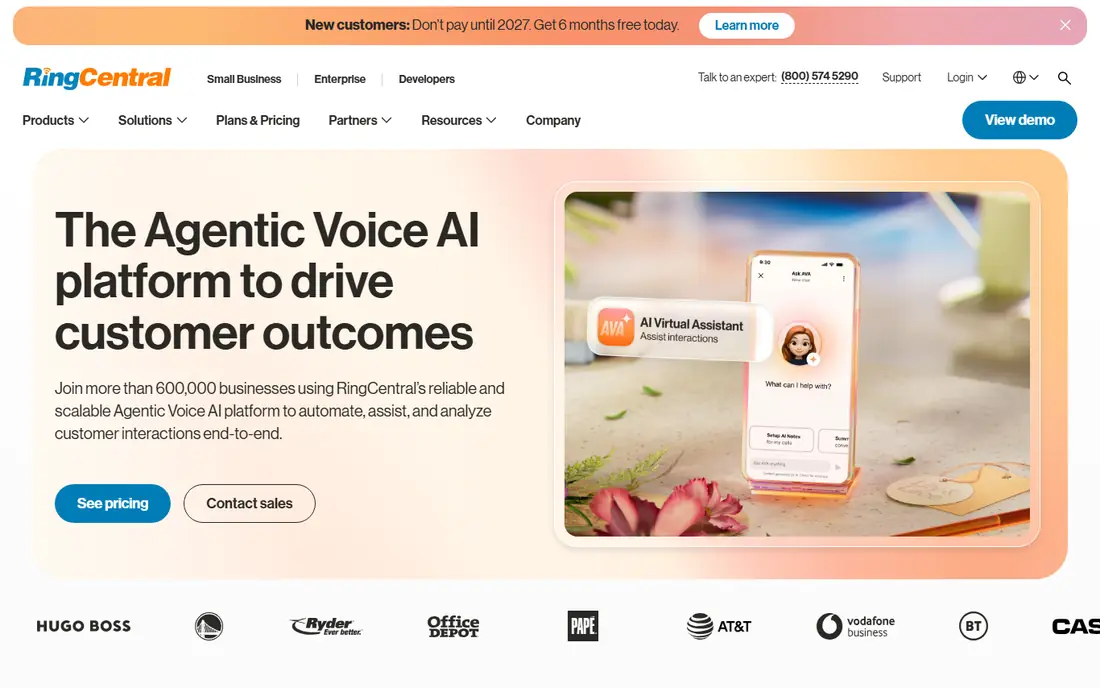
RingCentral, sold as RingEX in many plans, is the most complete business phone system on this list. Teams get voice calls, video meetings, team messaging, and call routing in one app, with links to tools like Salesforce and HubSpot. That breadth matters for larger teams that want one vendor for communications, rather than separate apps for calls and meetings.
The cost and setup are the trade-offs. Entry pricing near $20 per user per month is higher than a bare SIP app, and admins should plan time to set up routing, queues, and permissions. For a growing business that needs scale, analytics, and support, that investment pays off. For a solo user with one SIP account, it is more system than needed.
- Calling, video, and messaging in one app
- Large integration library
- Strong admin and analytics controls
- Higher starting price than simpler softphones
- Full feature set takes time to configure
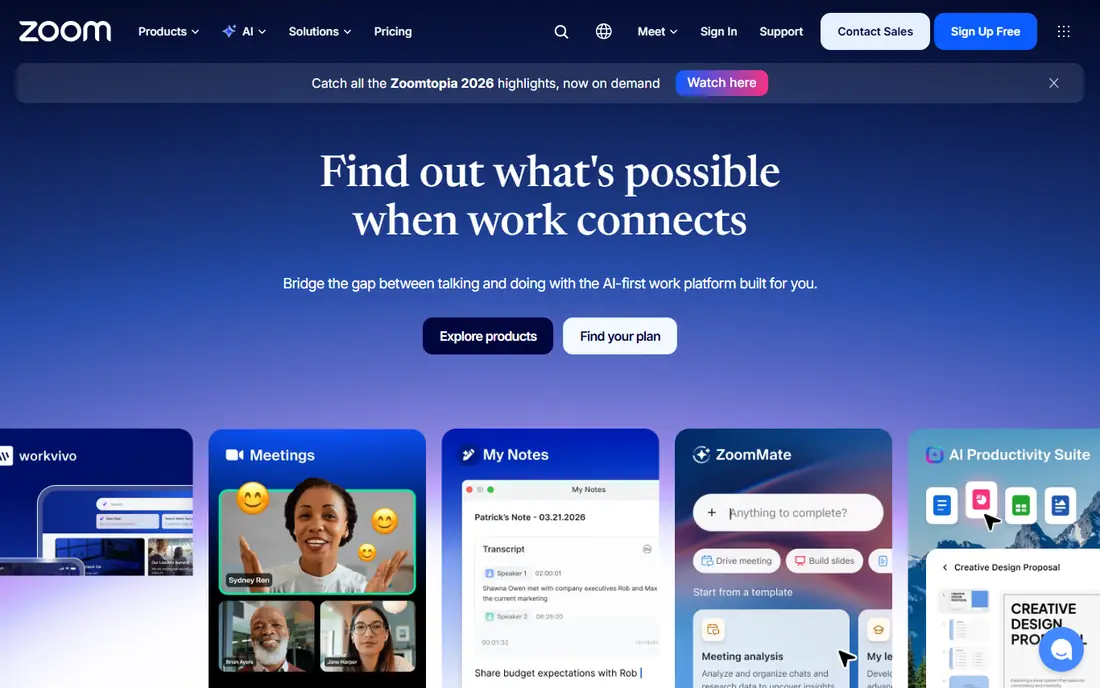
Zoom Phone makes sense first for teams that already meet on Zoom. Staff already know the app, admins already manage Zoom accounts, and adding phone service keeps calls, meetings, and chat in one place. Call quality is generally strong, and domestic calling allowances on many plans suit small businesses with high call volume.
The limit is fit outside Zoom. If your team does not use Zoom meetings, you are buying into an ecosystem for phone service alone, and other vendors may offer a better standalone deal. For Zoom shops, though, the low learning curve and simple admin are hard to beat.
- Familiar Zoom interface
- Unlimited domestic calling on many plans
- Easy add-on for existing Zoom users
- Best value depends on Zoom adoption
- Some advanced contact center features cost extra

Dialpad stands out for teams that live on calls all day. Its AI features can summarize calls, surface action items, and transcribe conversations, which helps sales managers coach staff and support teams follow up faster. The interface is clean, and integrations with common CRMs keep call logs tied to customer records.
The catch is tiering. The most useful AI and analytics features are not always on the entry plan, so teams should compare the exact plan they would buy. Dialpad is a strong pick for sales and support teams that want smarter calls, not just cheaper calls. Teams that only need basic SIP dialing can save money elsewhere.
- AI call summaries and transcripts
- CRM integrations
- Modern interface for sales and support teams
- Pricing varies by plan and add-ons
- Some AI features sit in higher tiers
Nextiva is a good middle ground for small businesses that want a real phone system without enterprise complexity. You get business calling, team messaging, and video in one app, plus tools for customer management and support. Setup is guided, and support is a selling point for owners who do not have an IT team.
The trade-off is that advanced contact center features, analytics, and integrations grow with plan tier. A small team with simple call routing will be happy on an entry plan. A larger support team with queues, wallboards, and deep reporting should check the higher tiers and total per-user cost before committing.
- Voice, video, and messaging for small teams
- CRM and helpdesk links
- US-based support on many plans
- Feature depth varies by tier
- Larger contact center needs may need a higher plan
Zoiper is the classic SIP softphone: an app that connects to your own VoIP provider or PBX, rather than a full phone service by itself. That flexibility is its strength. You can use it with many providers, move between devices, and keep costs low if you already pay for SIP service. The free version covers basic calling for many users.
The limit is that Zoiper alone does not give you a phone number or call routing. You need a provider behind it, and business features like provisioning and advanced call handling sit in paid versions. For technical users and teams with an existing PBX, Zoiper is an excellent, low-cost front end.
- Free version for basic SIP calls
- Works with many SIP providers and PBX systems
- Apps for desktop and mobile
- Free version has limits
- You still need a SIP provider
- Business features need a paid version
Linphone is the open source pick for teams that want control and standards compliance. It supports SIP, voice and video calls, and messaging, with encryption options for privacy-conscious organizations. Because the code is open, it suits universities, nonprofits, and technical teams that want to audit or self-host parts of their setup.
The downside is polish and support. The interface is functional rather than slick, and free users rely on community help rather than a vendor support desk. For a team that values open standards and low cost over a polished sales interface, Linphone is a strong choice. For a non-technical small business, a managed service will be easier.
- Open source and SIP compliant
- Encryption options
- Apps for desktop and mobile
- Interface is plainer than commercial rivals
- Support is community-based for the free version
Bria, from CounterPath, is built for SIP users who need more than a basic dialer. It supports multiple accounts, HD voice and video, messaging, and detailed call settings, which helps consultants, remote workers, and teams with custom PBX setups. It runs on desktop and mobile, so one account can follow a user across devices.
The cost and learning curve are the trade-offs. Bria is a paid app, and configuring it with a custom provider takes SIP knowledge that a managed phone service hides. For users who already understand SIP and want a powerful, provider-neutral softphone, Bria is one of the best options. For beginners, a bundled service like RingCentral or Google Voice is simpler.
- Strong SIP customization
- HD voice and video
- Works with many PBX and VoIP providers
- Paid product with per-user pricing
- Setup needs SIP knowledge for custom providers
3CX is both a phone system and a softphone, and its apps shine when used together. Teams get web and mobile calling, video, chat, and call queues, with CRM integrations that pop customer records on incoming calls. A free tier for small setups makes it easy to test before paying for larger capacity.
The catch is scope. If you do not run 3CX as your phone system, the softphone alone is less compelling than Zoiper or Linphone. Self-hosting 3CX also needs admin time for updates and security. For teams already on 3CX, or teams that want a self-hosted phone system with strong apps, it is a very good fit.
- Free tier for small setups in vendor listings
- Web, desktop, and mobile apps
- Call queues and CRM links
- Best value comes inside the 3CX system
- Self-hosting needs admin time
Google Voice is the simplest business phone option for Google Workspace teams. Users get a business number, voicemail transcription, and calling from Gmail, a browser, or a mobile app, without learning a new phone system. Admins manage numbers inside Workspace, which keeps onboarding short.
The limits are geography and depth. Google Voice is US-focused for business plans, and it lacks some advanced contact center tools found in RingCentral or Dialpad. For a small US team that already lives in Workspace and wants a clean, low-cost phone number, Google Voice is an easy win. For global or high-volume support teams, a dedicated phone platform fits better.
- Simple setup inside Google Workspace
- US and Canada calling on many plans
- Familiar Google interface
- US-focused availability
- Fewer advanced contact center features than dedicated rivals
How we picked these
We compared official feature pages, pricing pages, and SIP compatibility notes for each vendor, and we checked that each app still offers voice calling over the internet in October 2026. We favored a mix of full phone systems and provider-neutral SIP apps, so readers can choose based on whether they need a complete service or just a calling app for an existing provider.
What to check before you choose
First, decide whether you need a full phone service or just a SIP app. Full services include numbers and routing, while SIP apps need a provider behind them. Next, check device support, headset compatibility, and call quality on your actual internet connection, using a trial where possible. Finally, check number porting, emergency calling rules in your area, and CRM links you actually use, rather than a long integration list you will never open.
Frequently asked questions
What is the best softphone app?
RingCentral is the best all-round business pick, Zoom Phone is best for Zoom teams, and Zoiper is best for flexible SIP calling. The right app depends on whether you need a full phone service or just a calling app for an existing provider.
What is the best softphone software for small business?
Nextiva and Google Voice suit many small businesses, with simple setup and clear per-user pricing. Nextiva offers more collaboration tools, while Google Voice is simpler and cheaper for Workspace users in the US.
Is there a free softphone app?
Yes. Zoiper and Linphone both offer free versions for basic SIP calling, and 3CX offers a free tier for small setups. Free apps still need a SIP provider or phone system behind them in most cases, so check provider costs too.
Do I need a VoIP provider to use a softphone?
In most cases, yes, unless the softphone is part of a full phone service like RingCentral, Zoom Phone, or Google Voice. Standalone SIP apps like Zoiper, Linphone, and Bria connect to a provider or PBX that handles numbers and call routing.
Which softphone works with any SIP provider?
Zoiper, Linphone, and Bria are designed to work with many SIP providers and PBX systems. Check codec support, TLS and SRTP encryption options, and provisioning for your provider before you commit to one app for a whole team.
Sources
See where you really rank - block by block
ProMapRanker scans Google Maps across a grid of your service area. Simple monthly plans from $19, white-label on every plan.
Start freeKeep reading
 zscaler alternatives
Best Zscaler Alternatives in 2026
Looking for zscaler alternatives? We compare 9 SASE and zero trust platforms on architecture, data protection, pricing, and fit for your network and team.
Read → zapier alternatives free
Best Zapier Alternatives Free in 2026
Nine automation tools for zapier alternatives free in 2026, all with genuinely free tiers, plus free plan limits, starting prices and upgrade paths explained.
Read → which platform is best for online reputation
Which Platform Is Best for Online Reputation in 2026
Wondering which platform is best for online reputation? We compare 8 review, listing, and response tools for small and multi-location businesses and agencies.
Read →